Skip to content
View in the app

A better way to browse. Learn more.

Ultimate Subaru Message Board

A full-screen app on your home screen with push notifications, badges and more.

To install this app on iOS and iPadOS
  1. Tap the Share icon in Safari
  2. Scroll the menu and tap Add to Home Screen.
  3. Tap Add in the top-right corner.
To install this app on Android
  1. Tap the 3-dot menu (⋮) in the top-right corner of the browser.
  2. Tap Add to Home screen or Install app.
  3. Confirm by tapping Install.

Xxchuncexx

Members
  • Joined

  • Last visited

  1. Those are the only 2 caps I have. I do have an NOS clutch and NOS ring gear. I'll send you a showrt list of things I pulled out. Maybe you can help ID a few.
  2. Yes, I'm planning to sell them all.
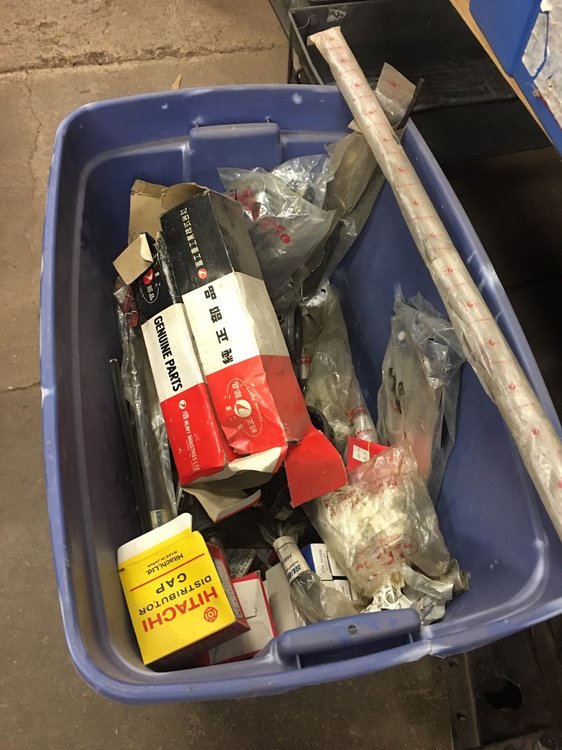
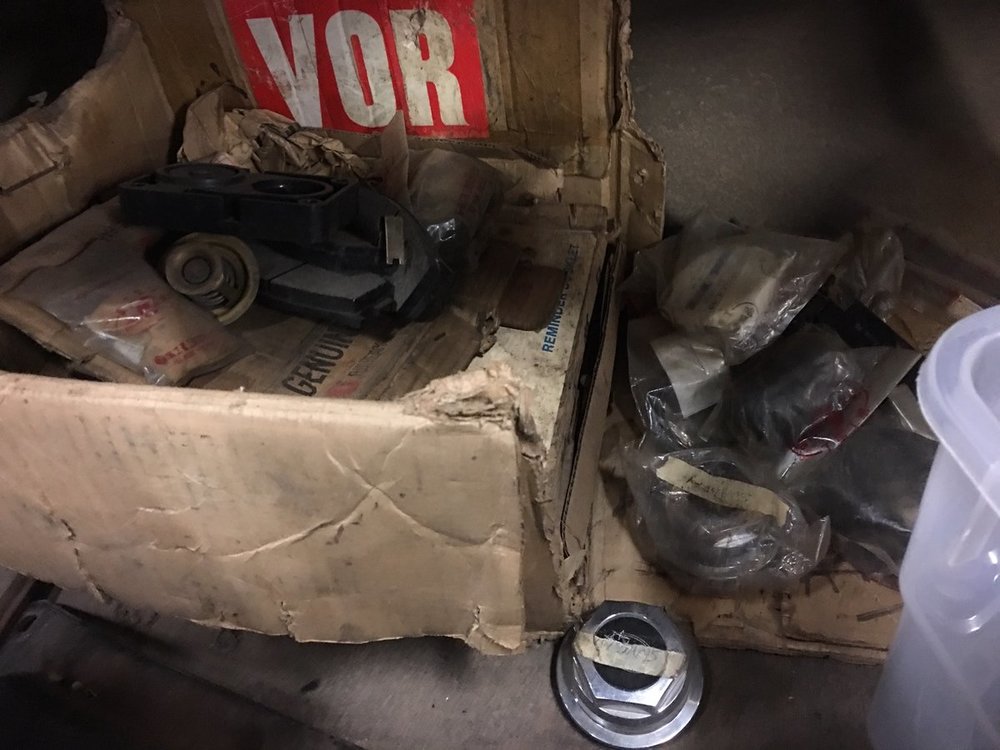
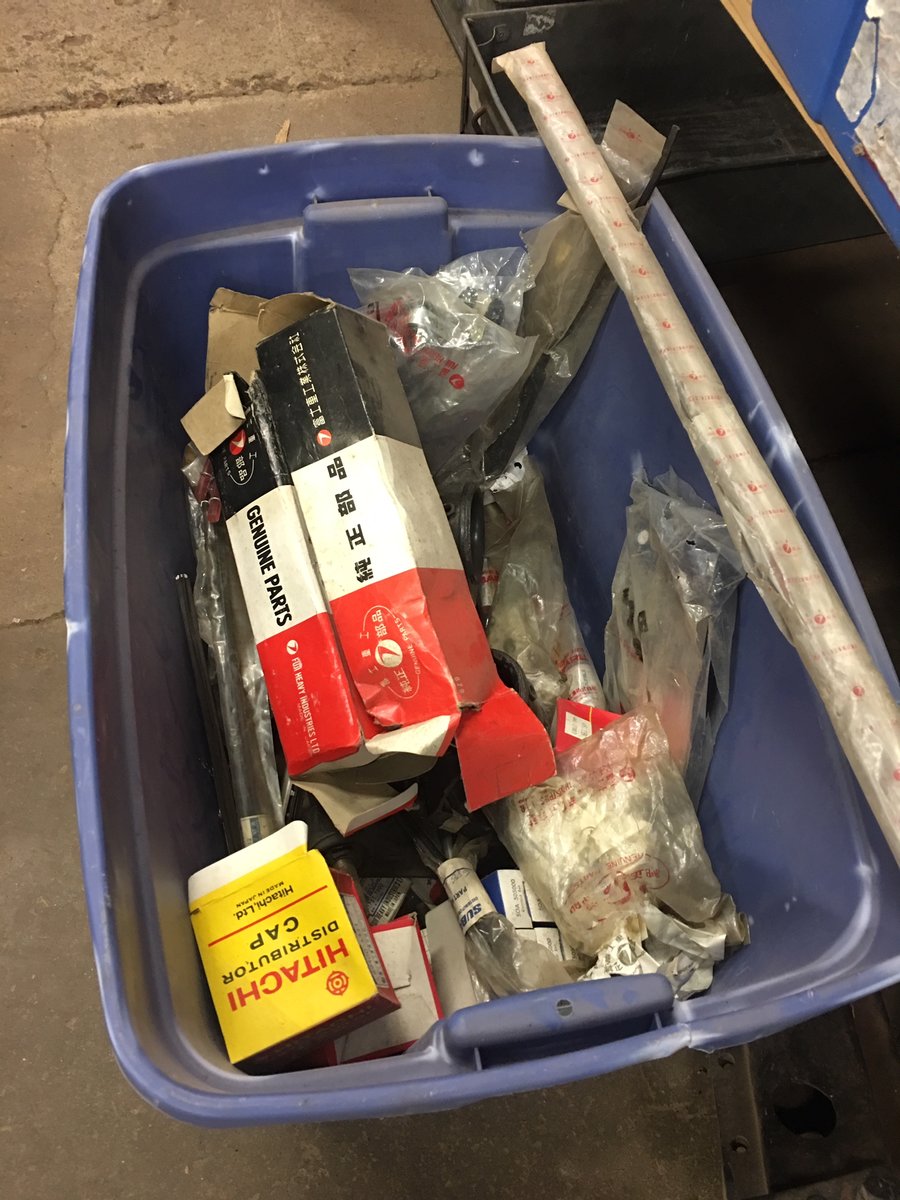
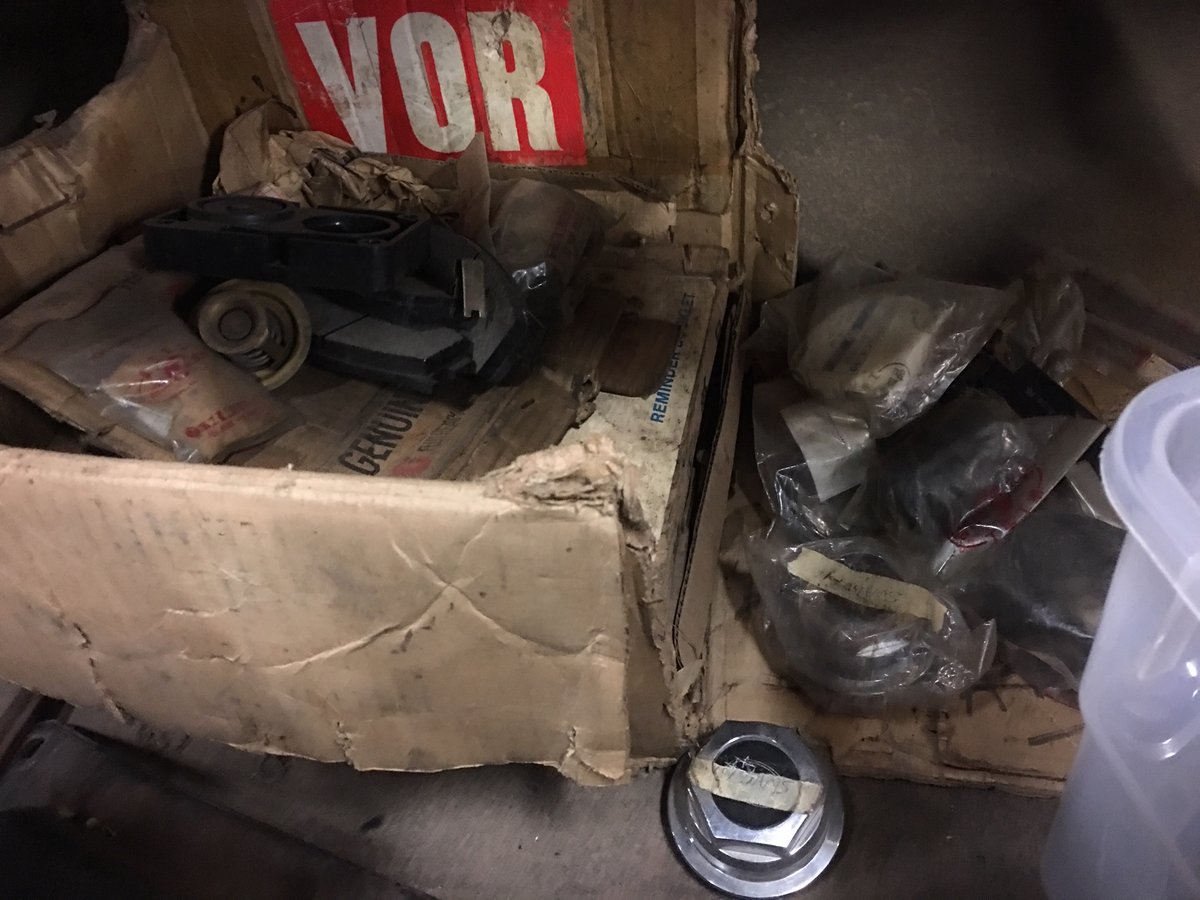
  3. Hello, I have 2 bins full of NOS Subie parts I think are from the late 60-s through early 80's, but finding info online as to what they fit is nearly impossible. I have suspension parts, switches, etc etc. Does anyone know when I can look these parts up?
Account

Navigation

Search

Search

Configure browser push notifications

Chrome (Android)
  1. Tap the lock icon next to the address bar.
  2. Tap Permissions → Notifications.
  3. Adjust your preference.
Chrome (Desktop)
  1. Click the padlock icon in the address bar.
  2. Select Site settings.
  3. Find Notifications and adjust your preference.