Skip to content
View in the app

A better way to browse. Learn more.

Ultimate Subaru Message Board

A full-screen app on your home screen with push notifications, badges and more.

To install this app on iOS and iPadOS
  1. Tap the Share icon in Safari
  2. Scroll the menu and tap Add to Home Screen.
  3. Tap Add in the top-right corner.
To install this app on Android
  1. Tap the 3-dot menu (⋮) in the top-right corner of the browser.
  2. Tap Add to Home screen or Install app.
  3. Confirm by tapping Install.

Joshua2585

Members
  • Joined

  • Last visited

Everything posted by Joshua2585

  1. Yes! It is my first one. Also, you're right... coming from a BMW, I've been incredibly spoiled. So far I absolutely love the Subaru though. The maintenance/reliability was one of the biggest reasons for making the switch. Hopefully I won't need to be seeking any mechanical help or advice for some time. I was also able to get the Legacy (premium trim) for $19,900... it only had 700 miles. The deal was entirely too sweet to pass up. Thanks for the welcome!
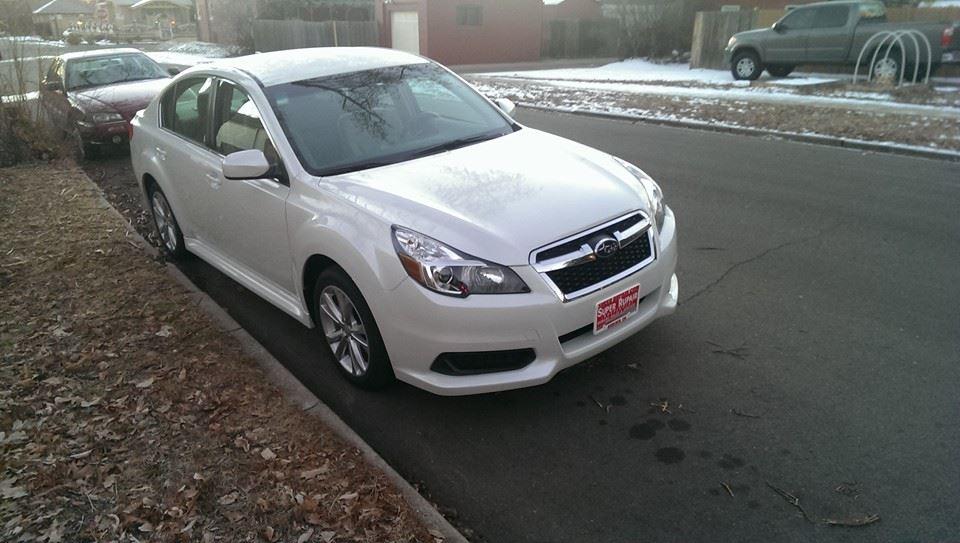
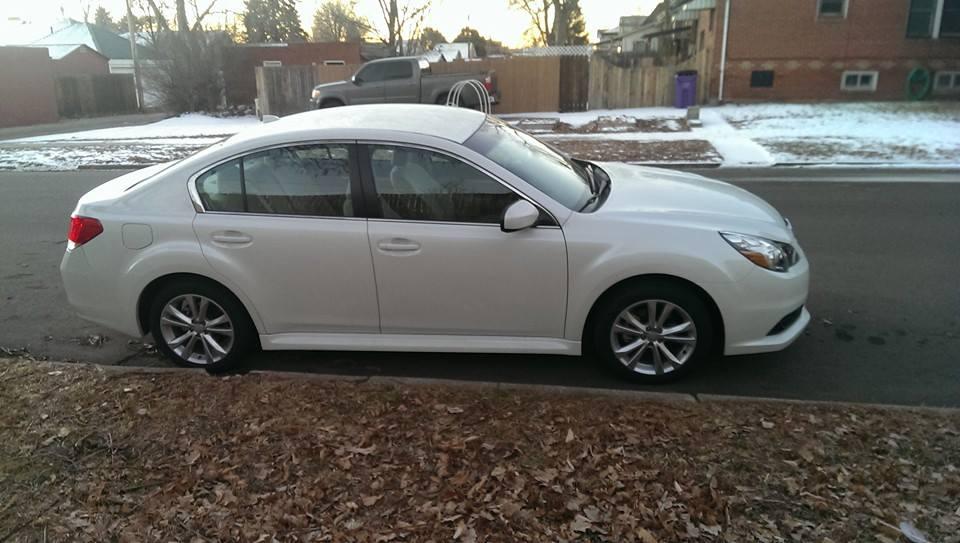
  2. Figured I'd find a good general Subaru forum. Traded in my BMW 528i for a Subaru Legacy last week. Loving it so far! I live in Denver Colorado
Account

Navigation

Search

Search

Configure browser push notifications

Chrome (Android)
  1. Tap the lock icon next to the address bar.
  2. Tap Permissions → Notifications.
  3. Adjust your preference.
Chrome (Desktop)
  1. Click the padlock icon in the address bar.
  2. Select Site settings.
  3. Find Notifications and adjust your preference.