Skip to content
View in the app

A better way to browse. Learn more.

Ultimate Subaru Message Board

A full-screen app on your home screen with push notifications, badges and more.

To install this app on iOS and iPadOS
  1. Tap the Share icon in Safari
  2. Scroll the menu and tap Add to Home Screen.
  3. Tap Add in the top-right corner.
To install this app on Android
  1. Tap the 3-dot menu (⋮) in the top-right corner of the browser.
  2. Tap Add to Home screen or Install app.
  3. Confirm by tapping Install.

Surfrod

Members
  • Joined

  • Last visited

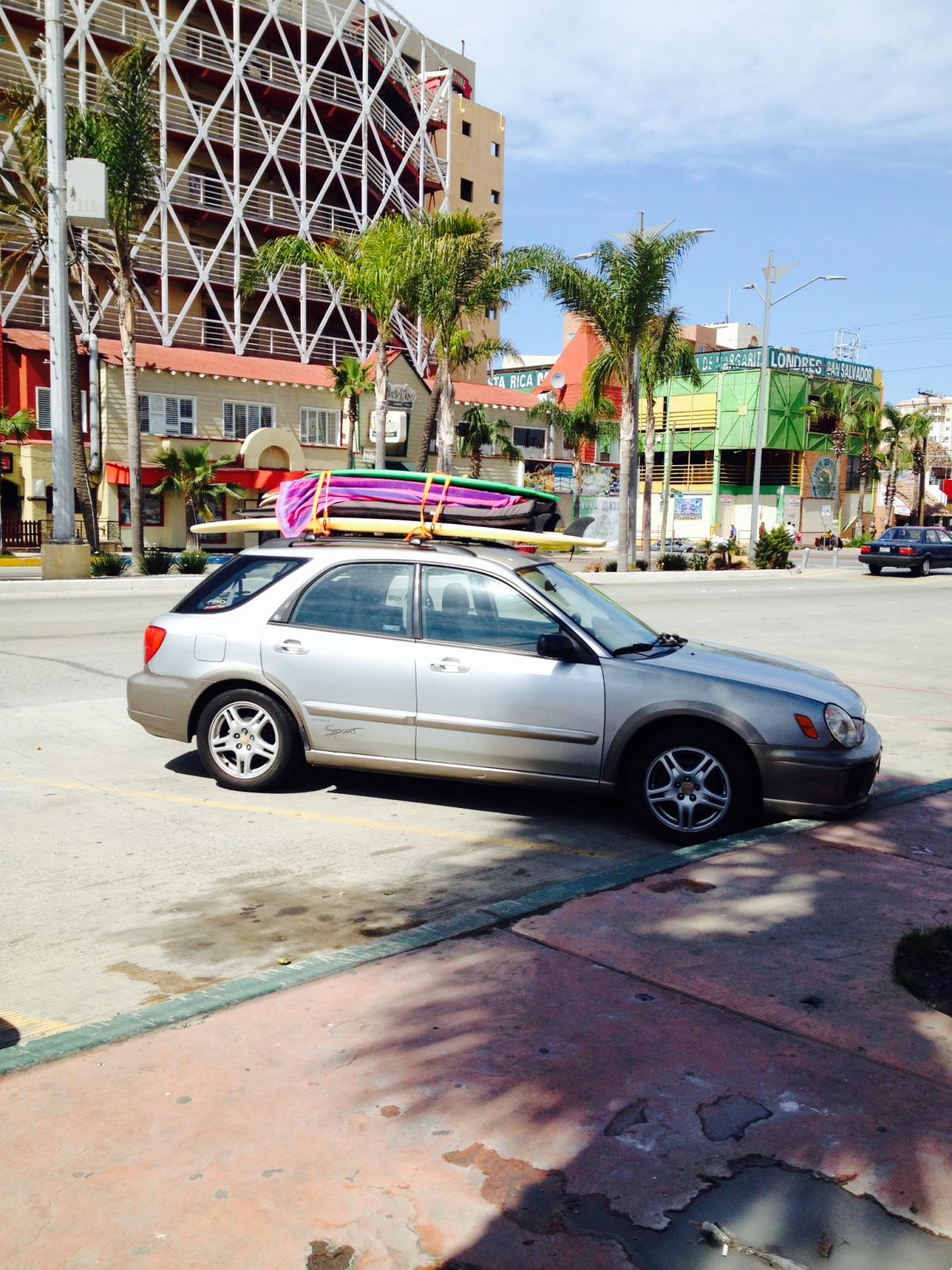
  1. HI guys and gals! I picked up my first Scooby, 2nd hand about six months ago. 03 Impreza OBS. Gasket, timing belt, new brakes, ball joints, end links, brakes all freshly done and took my first road trip to Mexico a couple weeks ago. No issues, great time, scoob worked well. I still need to replace the struts and Ac isnt working so coming back over the border was a bit uncomfortable. Anyway, I am toying with lifting it with Forester Struts and get bigger tires and a new paint job.
Account

Navigation

Search

Search

Configure browser push notifications

Chrome (Android)
  1. Tap the lock icon next to the address bar.
  2. Tap Permissions → Notifications.
  3. Adjust your preference.
Chrome (Desktop)
  1. Click the padlock icon in the address bar.
  2. Select Site settings.
  3. Find Notifications and adjust your preference.