Skip to content
View in the app

A better way to browse. Learn more.

Ultimate Subaru Message Board

A full-screen app on your home screen with push notifications, badges and more.

To install this app on iOS and iPadOS
  1. Tap the Share icon in Safari
  2. Scroll the menu and tap Add to Home Screen.
  3. Tap Add in the top-right corner.
To install this app on Android
  1. Tap the 3-dot menu (⋮) in the top-right corner of the browser.
  2. Tap Add to Home screen or Install app.
  3. Confirm by tapping Install.

amusa

Members
  • Joined

  • Last visited

Everything posted by amusa

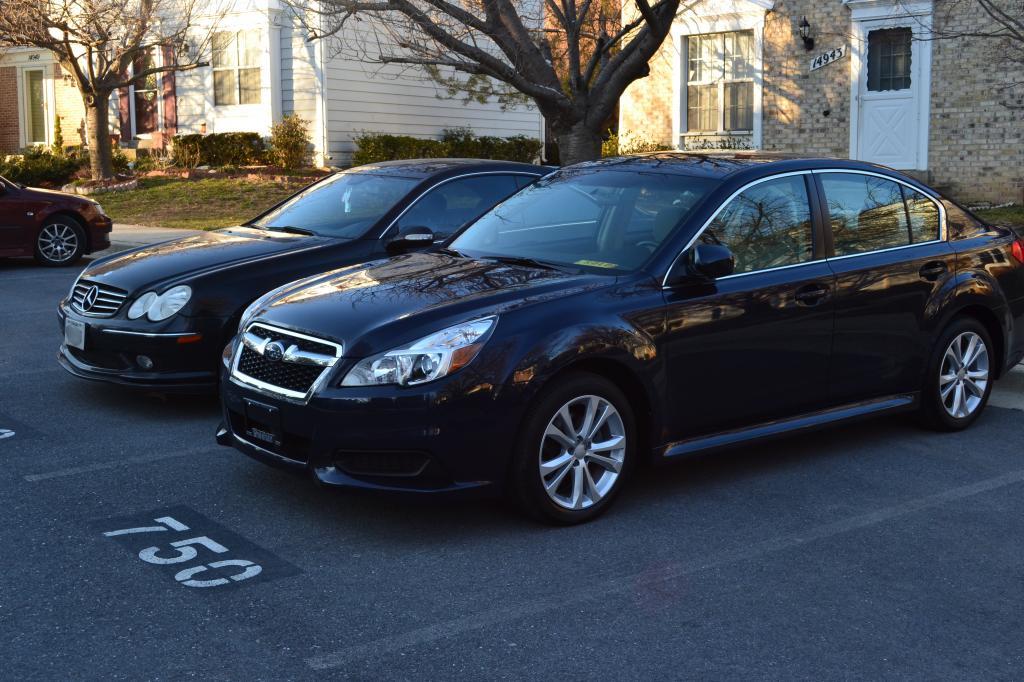
  1. Picked up a 2013 Legacy 2.5i Premium for my wife. That I purchase down in Southern Florida. I already did fresh oil change, brake fluid change, LED rear tag, trunk, front city, 55W HID, 3M window tint, factory fog lights on order and then rear factory spoiler will be next in line. I'm planing to put in the factory remote starter before winter. Waiting for my state plates to arrive. In the mean time we are driving with Florida 30 days temp tag.
Account

Navigation

Search

Search

Configure browser push notifications

Chrome (Android)
  1. Tap the lock icon next to the address bar.
  2. Tap Permissions → Notifications.
  3. Adjust your preference.
Chrome (Desktop)
  1. Click the padlock icon in the address bar.
  2. Select Site settings.
  3. Find Notifications and adjust your preference.