NeWt
Members
-
Joined
-
Last visited
Everything posted by NeWt
-
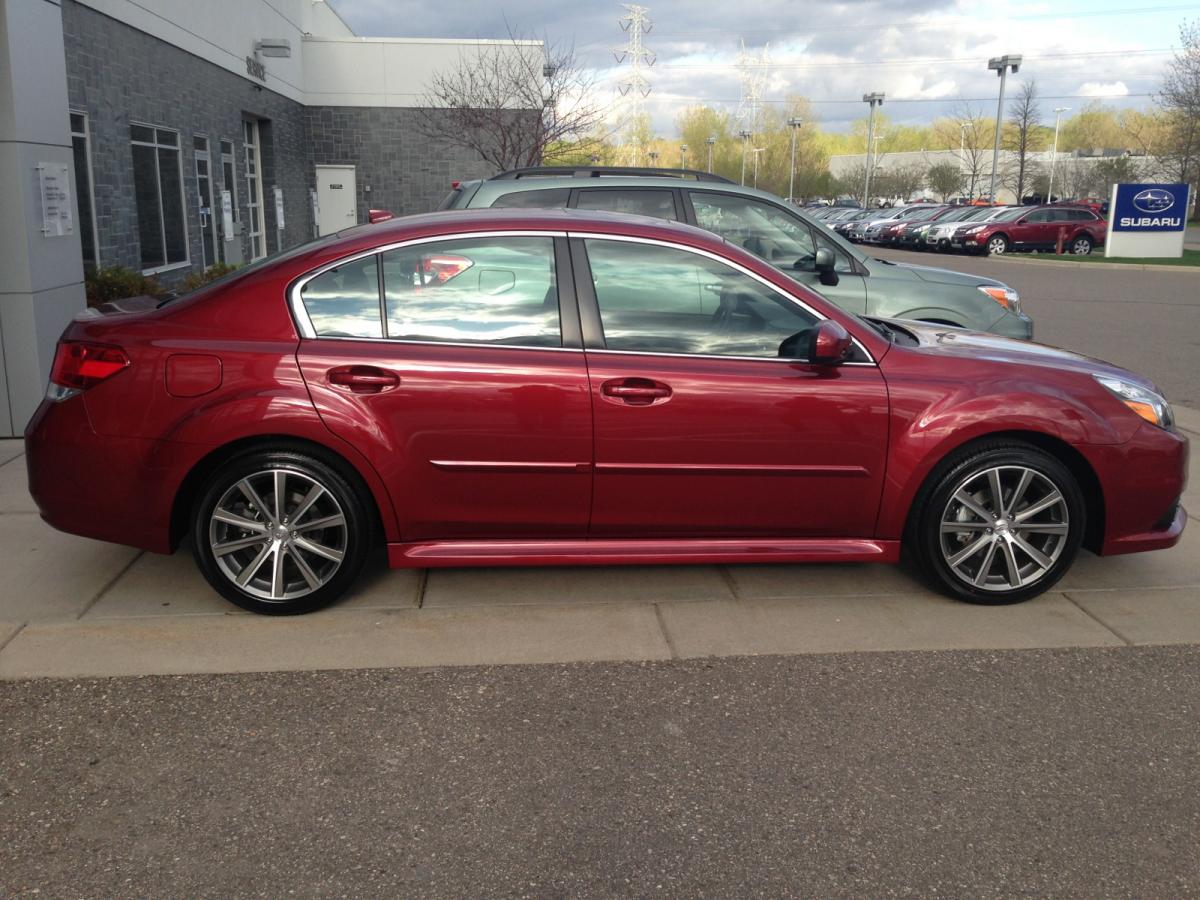
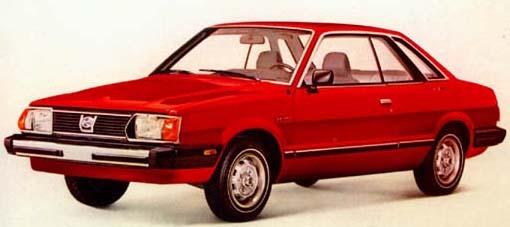
I've lurked here periodically because my first car was a 1981 Subaru GL. It was an unstoppable FWD. I wish I still had it...but alas...I was young and dumb and poor, so I sold it....for $120. Ok...REALLY young and REALLY dumb and REALLY poor. Last May I purchased a brand new 2014 Subaru Legacy Sport 2.5i. I just passed the 11k mile mark recently and I couldn't be happier with the car itself. Not to mention the wifey loves it too. We have mini arguments on who gets to drive it on snowy days. Our other vehicle is a 2008 Chevy Trailblazer with big ol' all terrain tires on it, so I usually concede the argument as that is just as fun if the snow is deep enough. I am interested in performing mods and other things to the car as time progresses and the factory warranty wears out. I know that we can't do much performance-wise with the 2.5i in the NA configuration...but I do like to do what I can to make the car run better, longer and more efficiently when possible. Oh...and to make it look cooler too. Here is a pic of what my first Subaru looked like (However, mine was a four door) Here is a pic of my new Subaru just before I drove it off the lot Looking forward to any help I can get on this site. Thanks in advance! (I'm also a member of some Trailblazer forums: GMTNation and OffRoadTB)