Skip to content
View in the app

A better way to browse. Learn more.

Ultimate Subaru Message Board

A full-screen app on your home screen with push notifications, badges and more.

To install this app on iOS and iPadOS
  1. Tap the Share icon in Safari
  2. Scroll the menu and tap Add to Home Screen.
  3. Tap Add in the top-right corner.
To install this app on Android
  1. Tap the 3-dot menu (⋮) in the top-right corner of the browser.
  2. Tap Add to Home screen or Install app.
  3. Confirm by tapping Install.

ra64mike

Members
  • Joined

  • Last visited

Everything posted by ra64mike

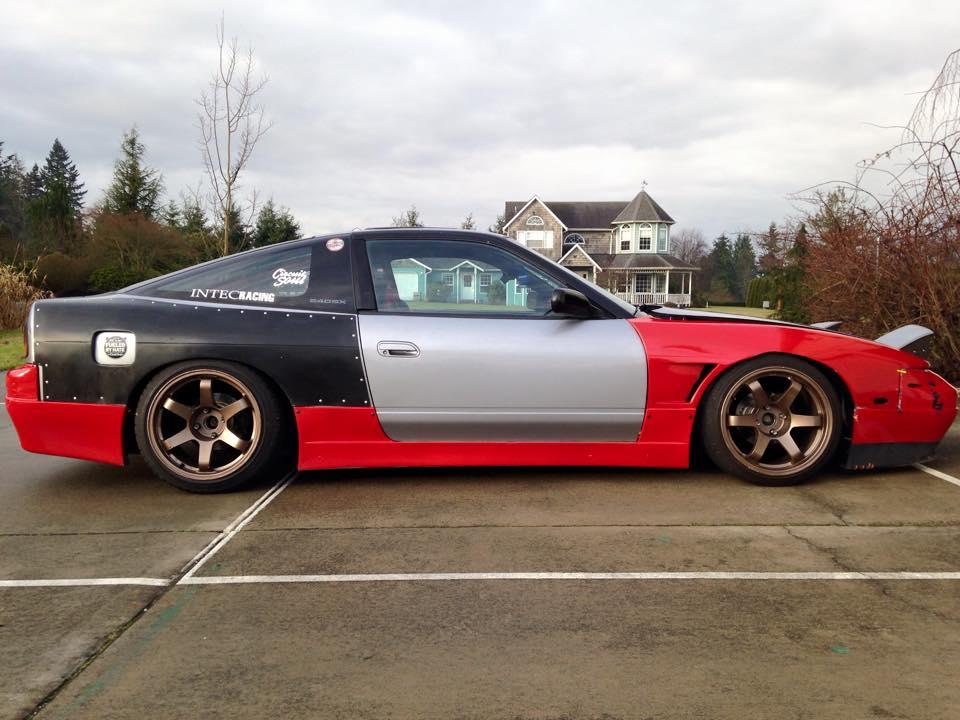
  1. hey everyone. just got my first subaru. 1991 loyale 5 speed wagon, my dad actually gave it to me and hes had it for over 10 years. Im mostly into nissan s chassis (240sx) but ive always liked the loyales and wanted to own one. hopefully i can pick some of your brians for info! heres a picture of the loyale.. and my s13
Account

Navigation

Search

Search

Configure browser push notifications

Chrome (Android)
  1. Tap the lock icon next to the address bar.
  2. Tap Permissions → Notifications.
  3. Adjust your preference.
Chrome (Desktop)
  1. Click the padlock icon in the address bar.
  2. Select Site settings.
  3. Find Notifications and adjust your preference.