Skip to content
View in the app

A better way to browse. Learn more.

Ultimate Subaru Message Board

A full-screen app on your home screen with push notifications, badges and more.

To install this app on iOS and iPadOS
  1. Tap the Share icon in Safari
  2. Scroll the menu and tap Add to Home Screen.
  3. Tap Add in the top-right corner.
To install this app on Android
  1. Tap the 3-dot menu (⋮) in the top-right corner of the browser.
  2. Tap Add to Home screen or Install app.
  3. Confirm by tapping Install.

givelove4

Members
  • Joined

  • Last visited

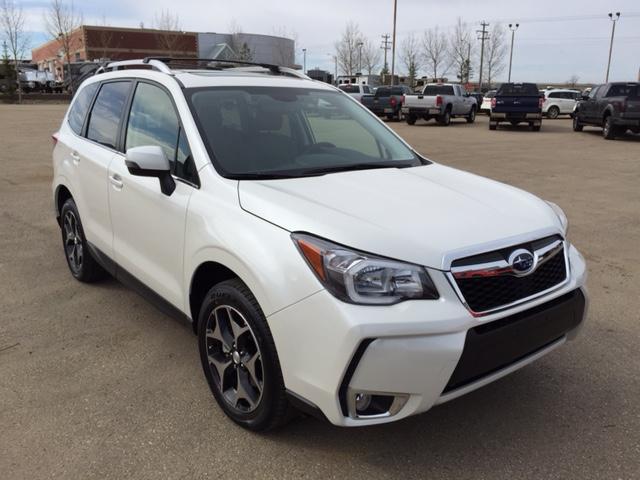
  1. Greetings from Edmonton, AB, I stumbled upon this site searching for information on the Forester standard tinting, and boy am I sure happy I did. I just recently coveted my first Subaru, a 2015 Forester XT. It was the only one I test drove when looking for a new vehicle and I fell in love instantly. I had to wait eight long months before I could buy it though. Feeling pretty fancy in my Forester
  2. I went from an 01 Grand Cherokee Laredo to a brand new Forester at the end of April. This is my first Subaru

Account

Navigation

Search

Search

Configure browser push notifications

Chrome (Android)
  1. Tap the lock icon next to the address bar.
  2. Tap Permissions → Notifications.
  3. Adjust your preference.
Chrome (Desktop)
  1. Click the padlock icon in the address bar.
  2. Select Site settings.
  3. Find Notifications and adjust your preference.