Skip to content
View in the app

A better way to browse. Learn more.

Ultimate Subaru Message Board

A full-screen app on your home screen with push notifications, badges and more.

To install this app on iOS and iPadOS
  1. Tap the Share icon in Safari
  2. Scroll the menu and tap Add to Home Screen.
  3. Tap Add in the top-right corner.
To install this app on Android
  1. Tap the 3-dot menu (⋮) in the top-right corner of the browser.
  2. Tap Add to Home screen or Install app.
  3. Confirm by tapping Install.

stickfigure

Members
  • Joined

  • Last visited

Everything posted by stickfigure

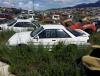
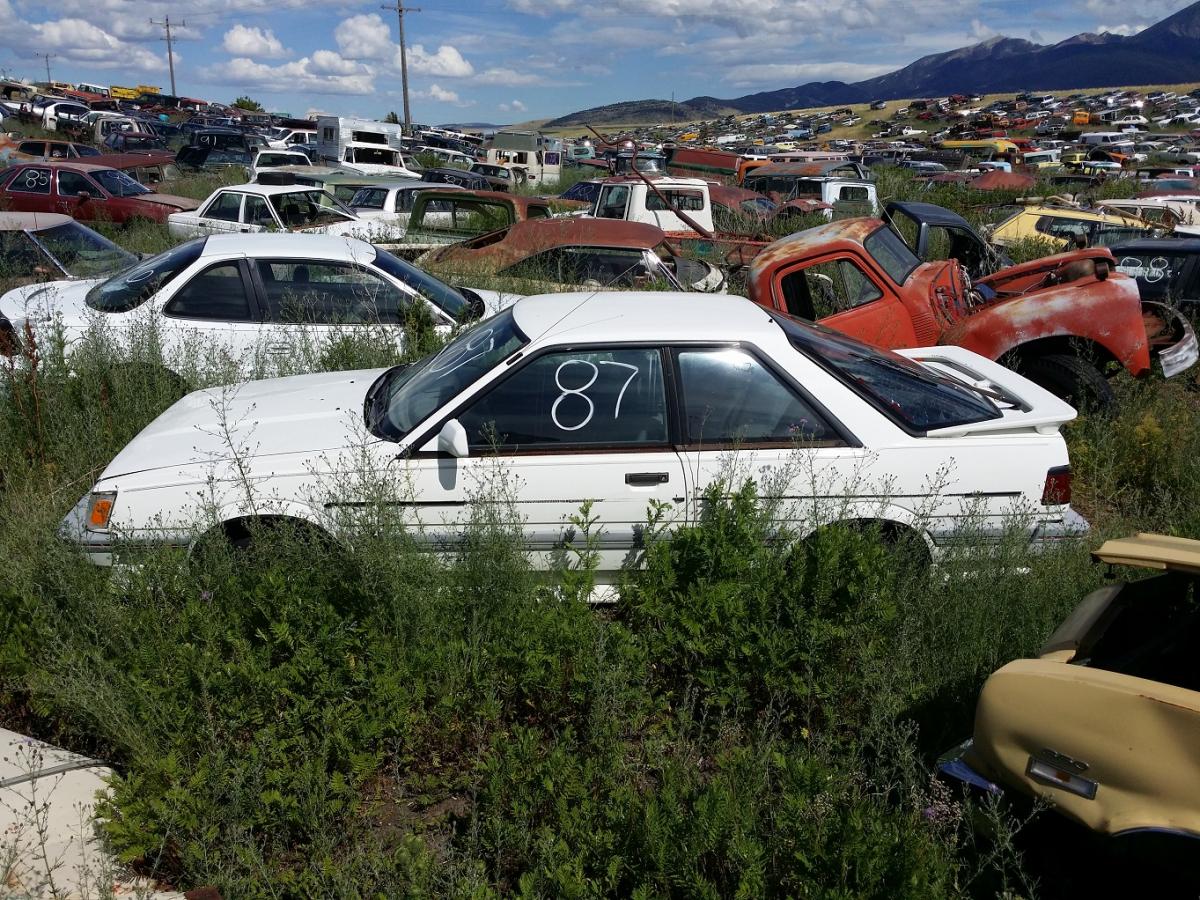
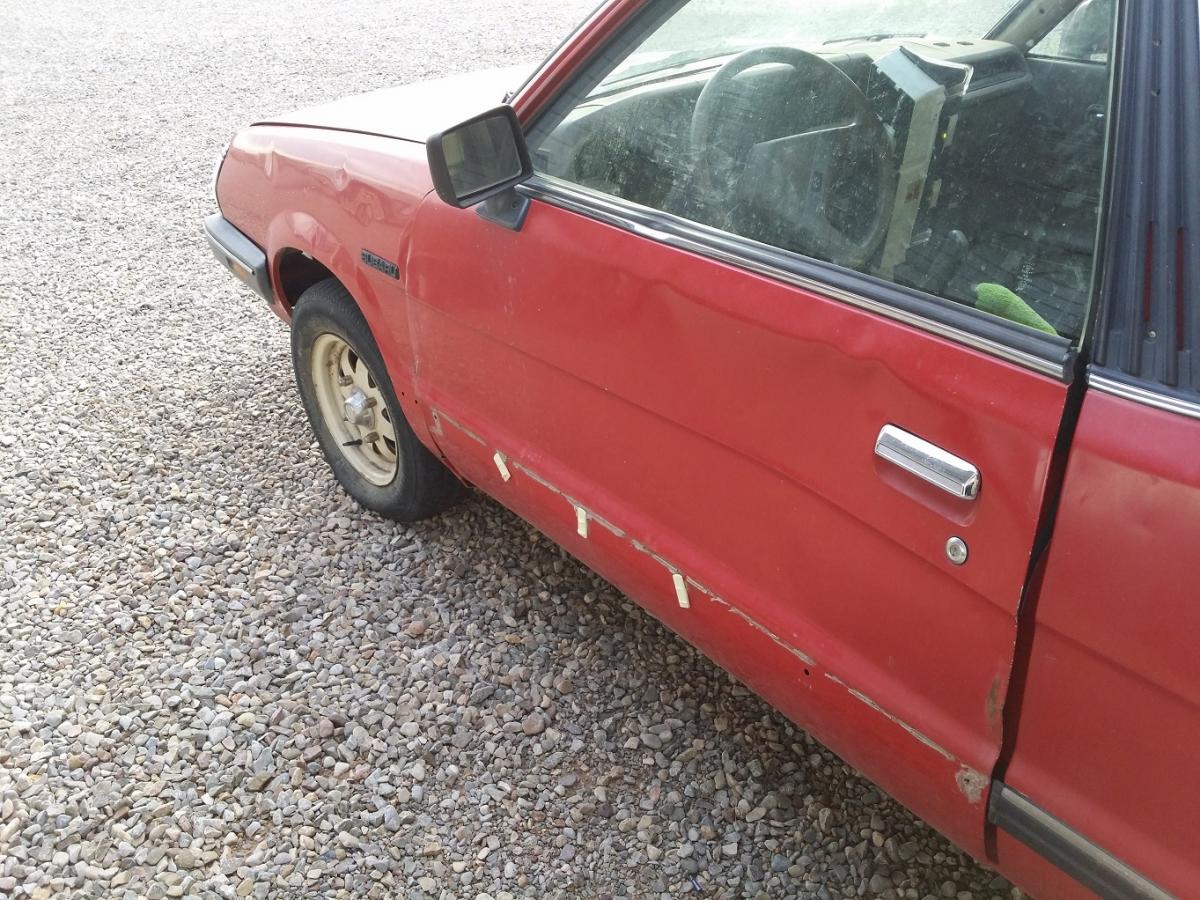
  1. I found the 87 Coupe in this junkyard last Summer, not a dent on it from as far as I can tell. The guy said this dude dropped it off, it was still running, he just drove it in an parked it. As you can tell on my BRAT the door is squashed, this pic doesn't quite do the damage justice, it's pretty taco'd, maybe, maybe it's salvageable but it would take a body man with way more skills than me to straighten it.
  2. Hi, I'm new looking for parts at the moment. Long time Subaru owner here. I have 2 projects at the moment that I am working on. 1985 BRAT and a 1987 GL Turbo Coupe. At some point I will be offering up some parts off of two other junkers/ parts cars but that is still in the works. I need a drivers side door for the BRAT!!!
Account

Navigation

Search

Search

Configure browser push notifications

Chrome (Android)
  1. Tap the lock icon next to the address bar.
  2. Tap Permissions → Notifications.
  3. Adjust your preference.
Chrome (Desktop)
  1. Click the padlock icon in the address bar.
  2. Select Site settings.
  3. Find Notifications and adjust your preference.