Skip to content
View in the app

A better way to browse. Learn more.

Ultimate Subaru Message Board

A full-screen app on your home screen with push notifications, badges and more.

To install this app on iOS and iPadOS
  1. Tap the Share icon in Safari
  2. Scroll the menu and tap Add to Home Screen.
  3. Tap Add in the top-right corner.
To install this app on Android
  1. Tap the 3-dot menu (⋮) in the top-right corner of the browser.
  2. Tap Add to Home screen or Install app.
  3. Confirm by tapping Install.

Vincentmb615

Members
  • Joined

  • Last visited

Everything posted by Vincentmb615

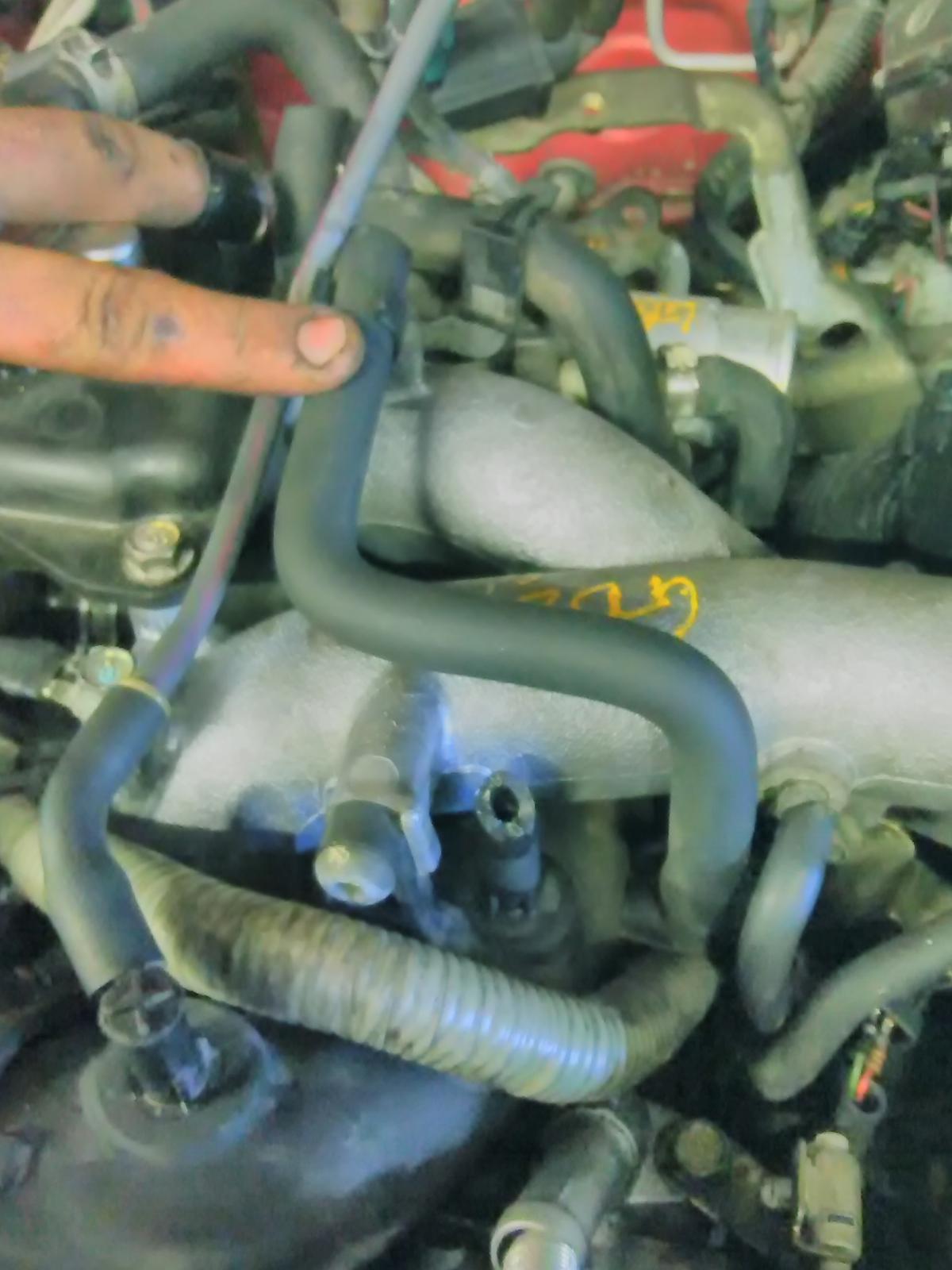
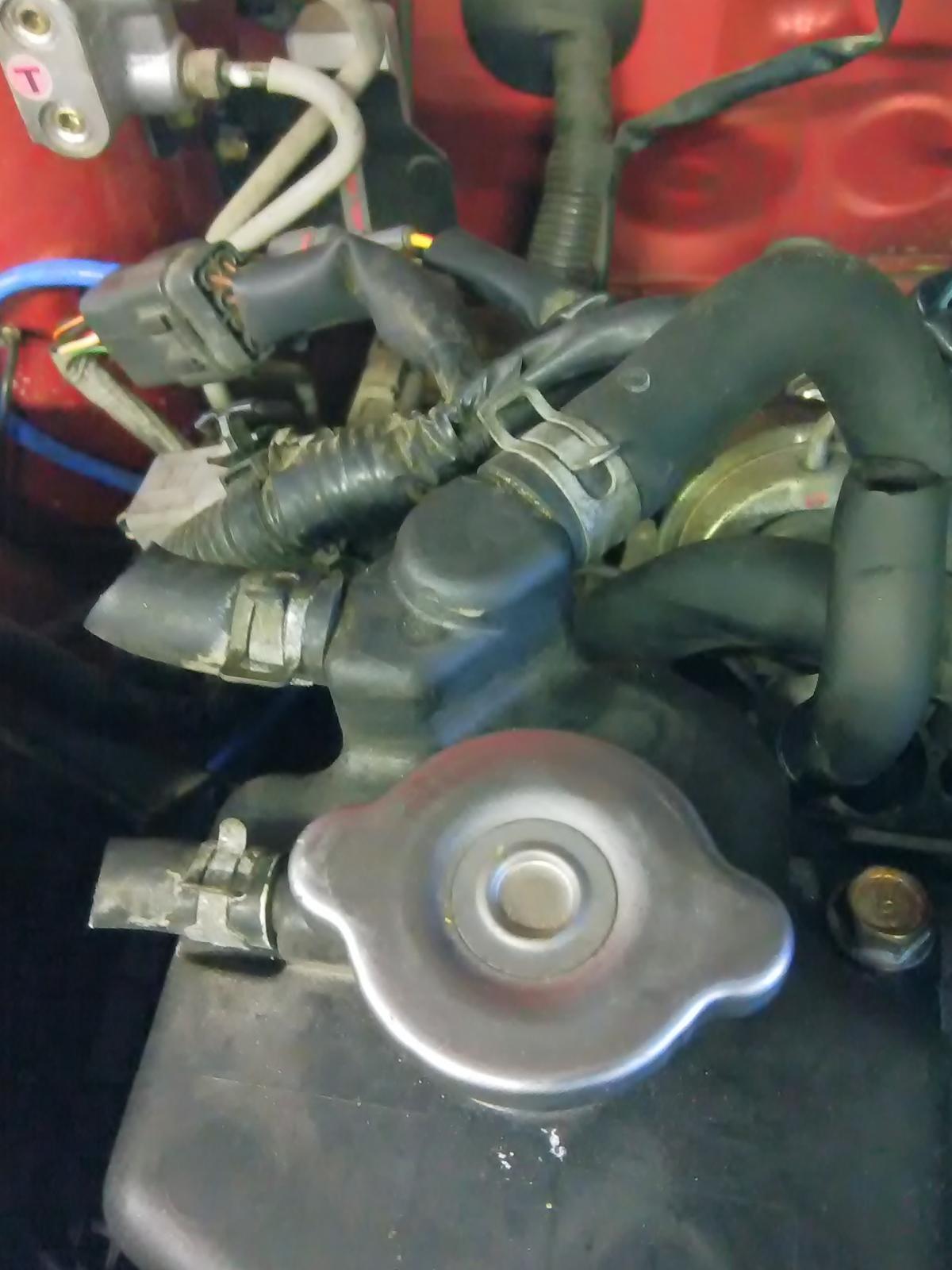
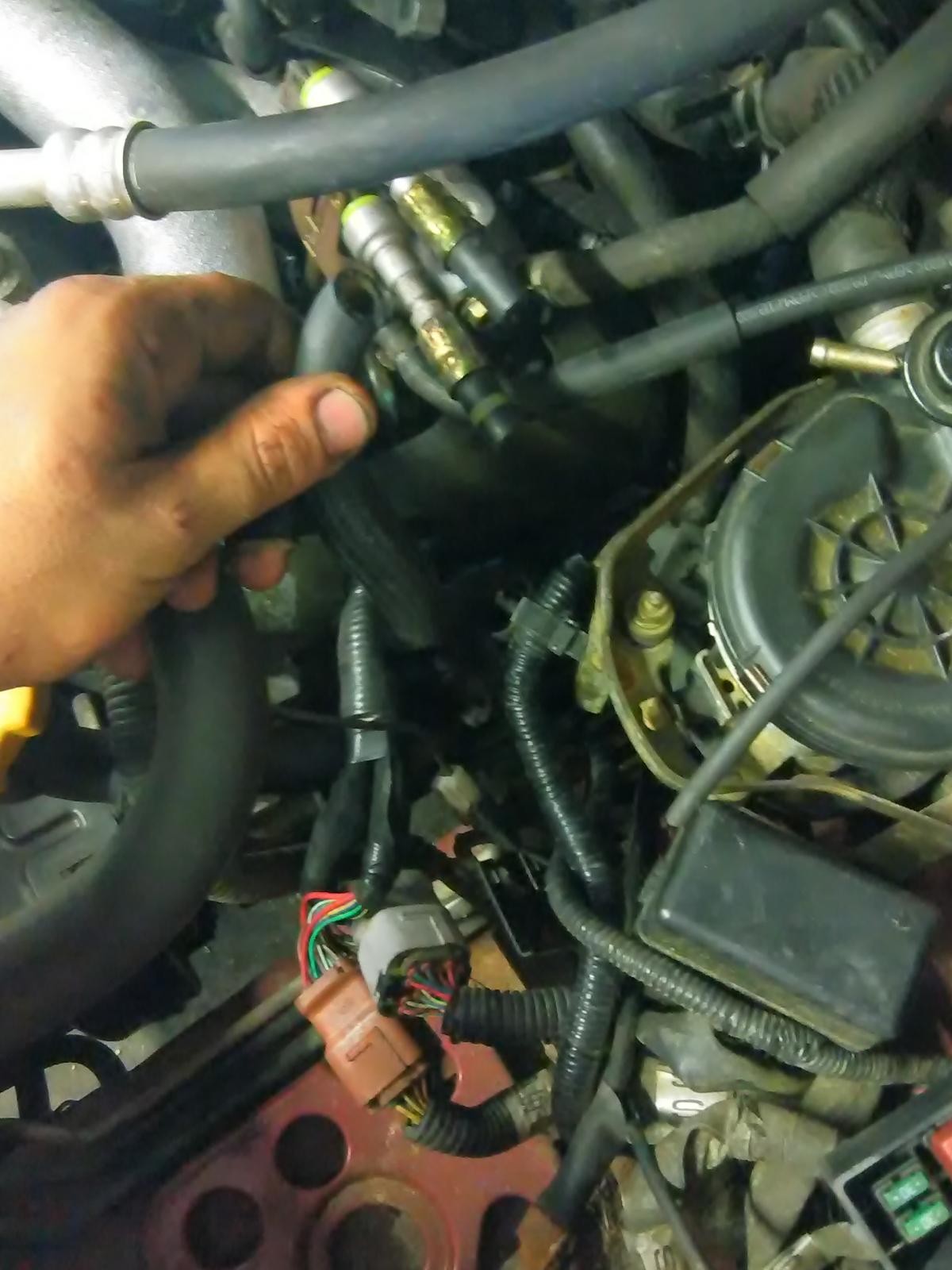
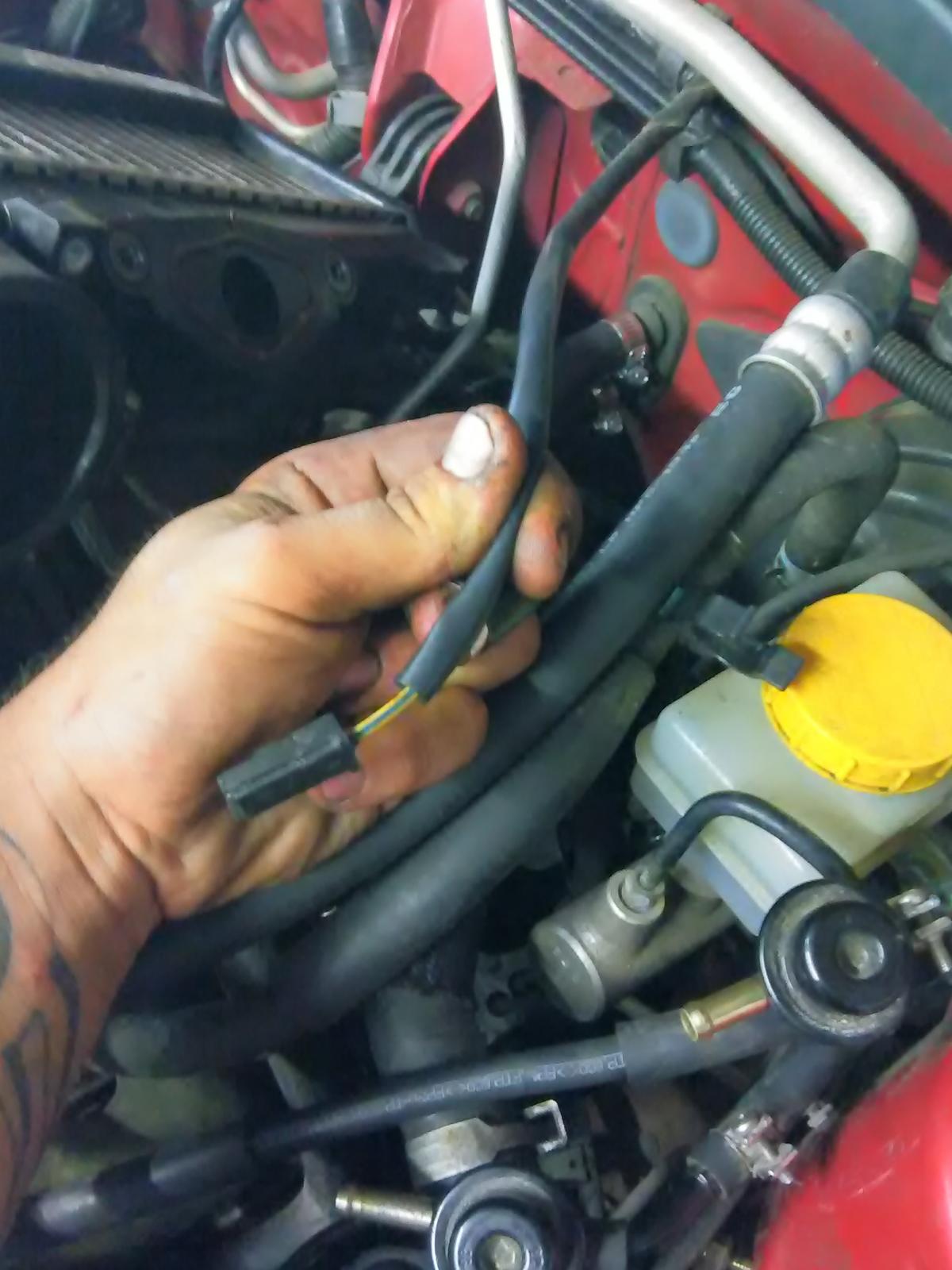
  1. I don't have the intake from the original engine, unfortunately it came from another Forrester according to eBay it's supposed to be a direct fit but I can't seem to find out were the hoses go I'm hoping someone has a car with a 2.5 xt that can pop the hood and locate were they go
  2. So I bought a 06 2.5 turbo and I love it but it came with a engine that was knocking, it was impossible to find parts so I settled on a used one from a 2005 and I have a few hoses I can't find were they go to complete my transplant there's one off the intake and two that are coolant related and a single plug from the fire wall anybody have any idea ? Please help!
Account

Navigation

Search

Search

Configure browser push notifications

Chrome (Android)
  1. Tap the lock icon next to the address bar.
  2. Tap Permissions → Notifications.
  3. Adjust your preference.
Chrome (Desktop)
  1. Click the padlock icon in the address bar.
  2. Select Site settings.
  3. Find Notifications and adjust your preference.