CanadianBacon
Members
-
Joined
-
Last visited
Everything posted by CanadianBacon
-
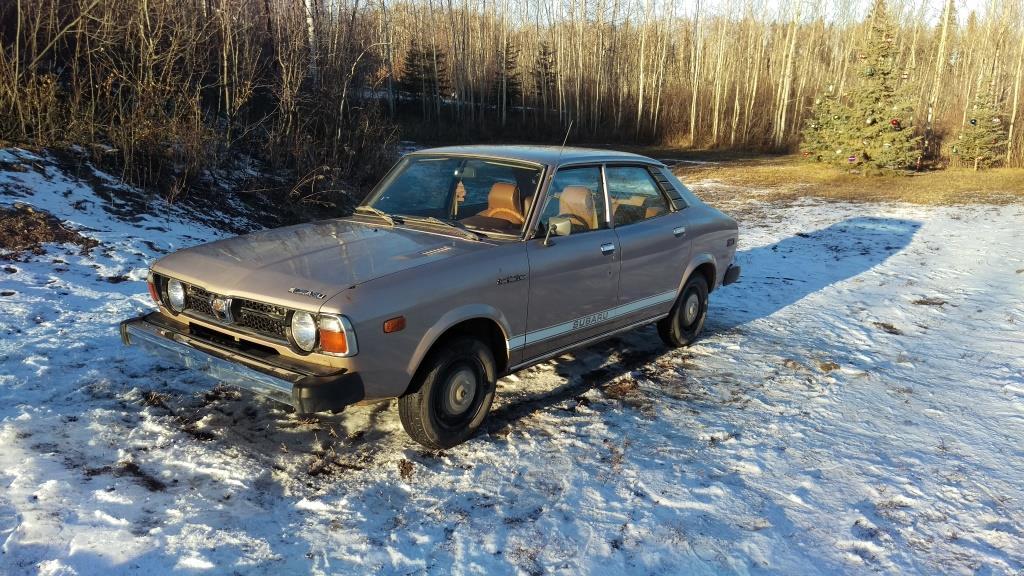
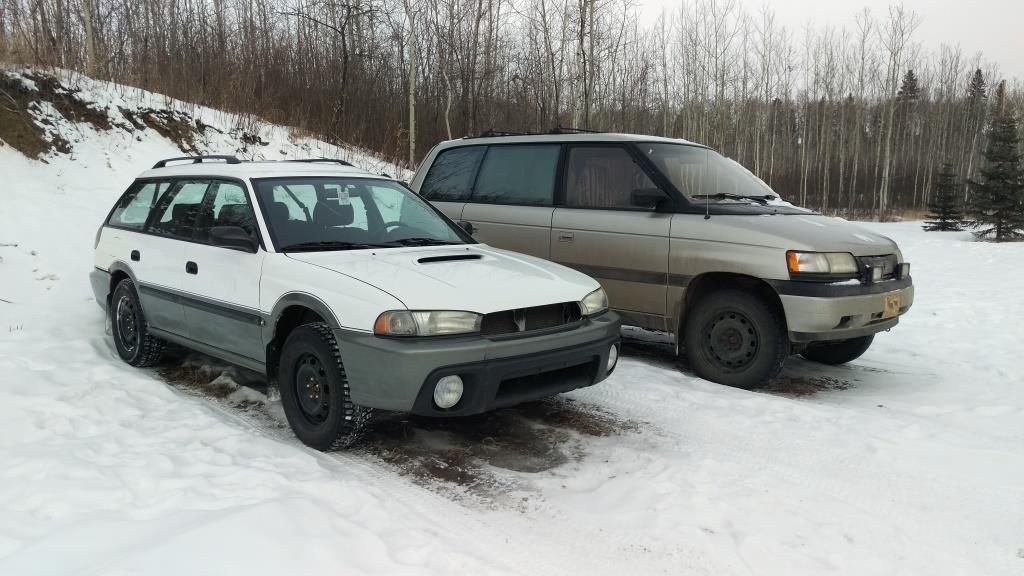
Greetings to all from Canada. I have been a religious lurker around these parts for quite some time now, and have finally caved and created an account. I hope to hang around here and jump into the Subaru fueled shenanigans. Maybe even meet some fellow enthusiasts in my area (Edmonton Alberta). I am a 20 year old kid with an unsettling fondness for the earlier generations. Not that that fondness has stopped me from acquiring some newer metal. The car sickness has bit me hard. Not buying cars is the problem. If only there were more pre-Legacy Subaru's in the area... Now onto the cars. The newest in the stable is my 1978 Subaru DL FWD Automatic. I hope to be writing about this car here soon. Others include a 1998 Subaru Outback which has seen better days, and a deer (luckily it hurt the car more than the deer, he walked away fine) and the unicorn of a 1990 Mazda MPV with the 3.0L V6, 5 speed, and a low range transfer case (yes, in a mini-van). There are a few more shameless displays of rust which I will save your eyes from... for now. Can't wait to start participating.