phaught
Members
-
Joined
-
Last visited
Everything posted by phaught
-
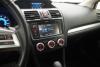
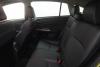
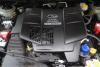
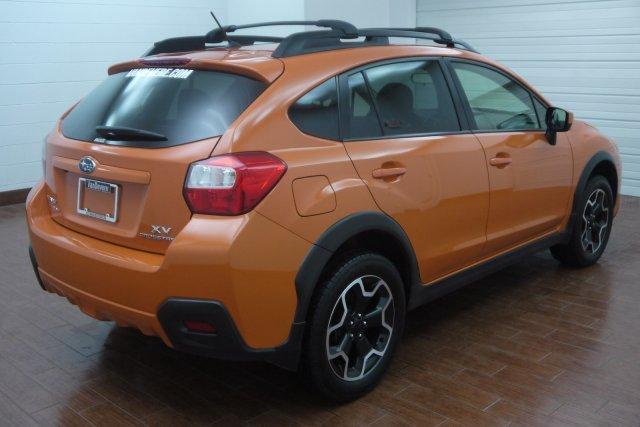
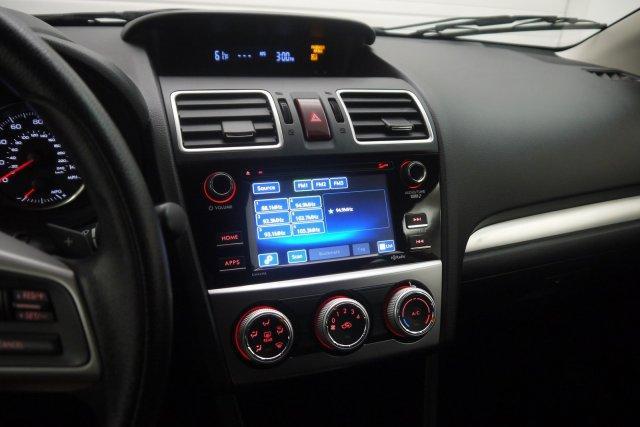
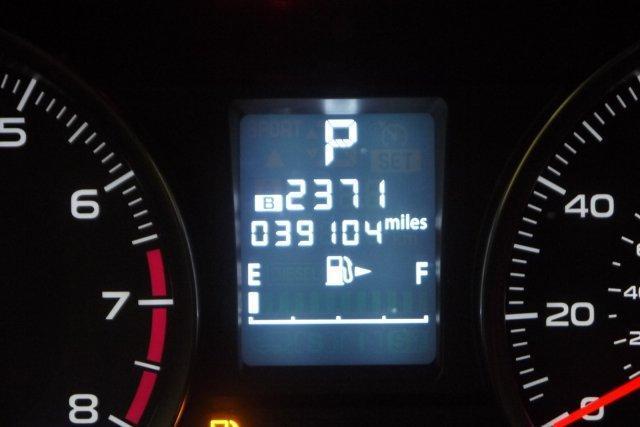
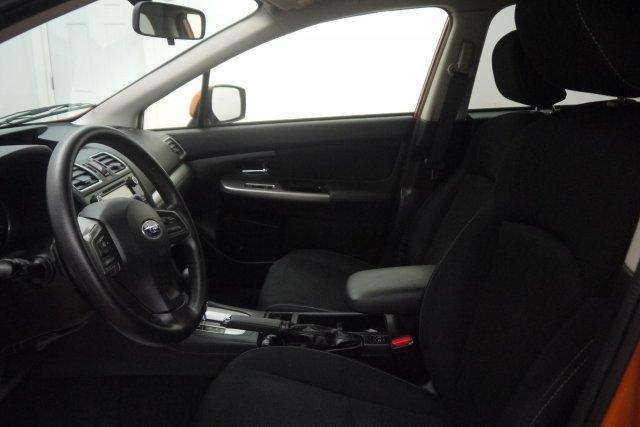
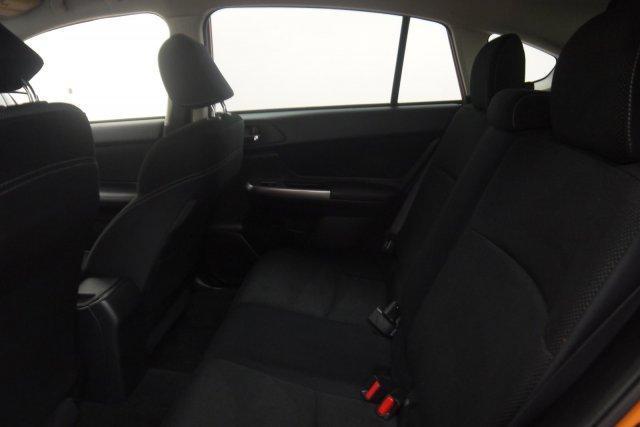
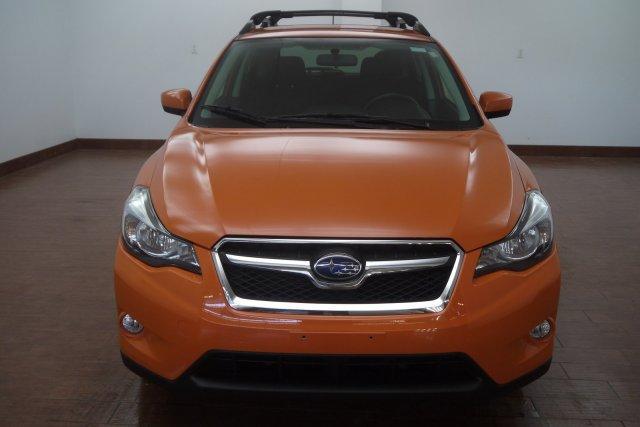
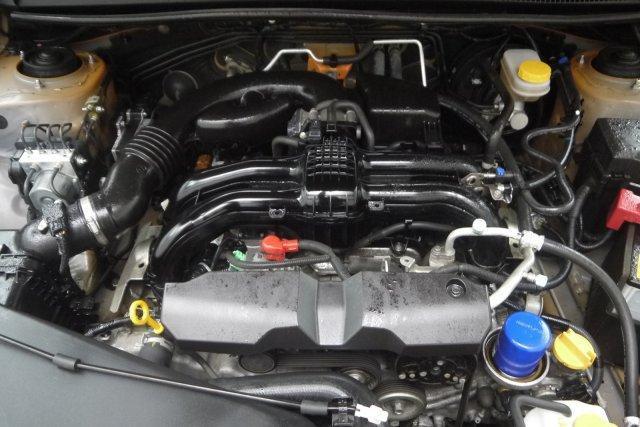
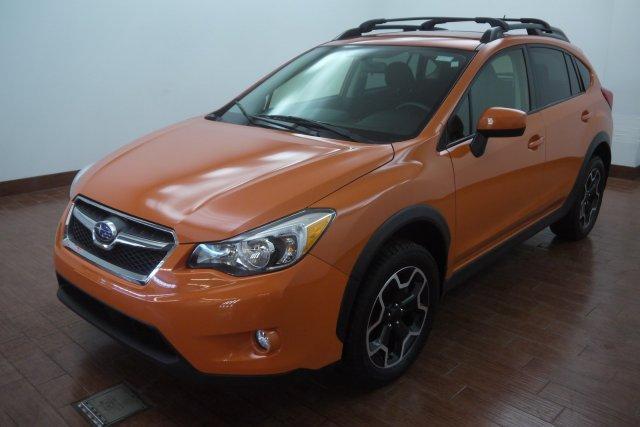
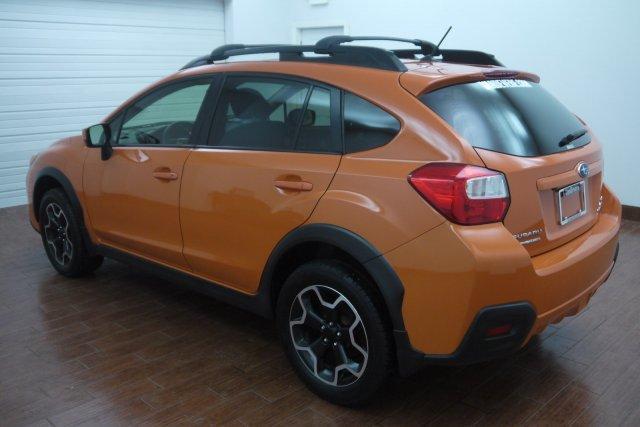
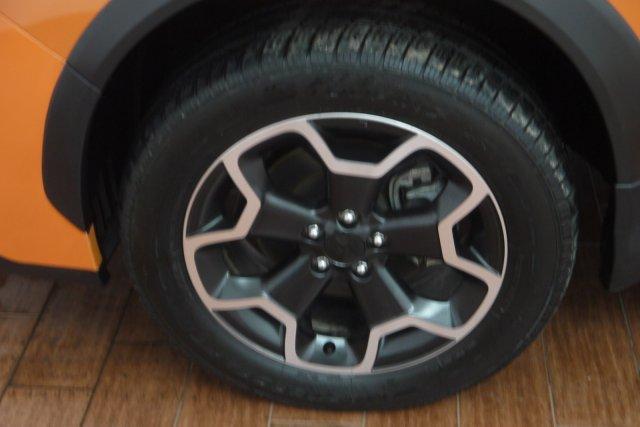
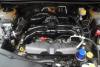
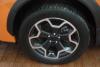
ay y'all just started at this dealership in Ohio and we have a few epic Subarus so I thought I would pass it the info on so they fall in the right hands who will appreciate them. second, is a '15 Subaru XV Crosstrek 2.0i Premium CVT for sale with the Tangerine Orange exterior and black interior. has automatic transmission with only 39,090 miles 13 service records recorded, one-owner, clean carfax comes with a warranty that covers the vehicle's main components as long as you own and maintain the vehicle. covers 100% of parts and 100% of labor with no deductible. price is $21,564 let me know if you would like any more info or pictures, text or call Paul at 440-832-0665 thanks god bless






-
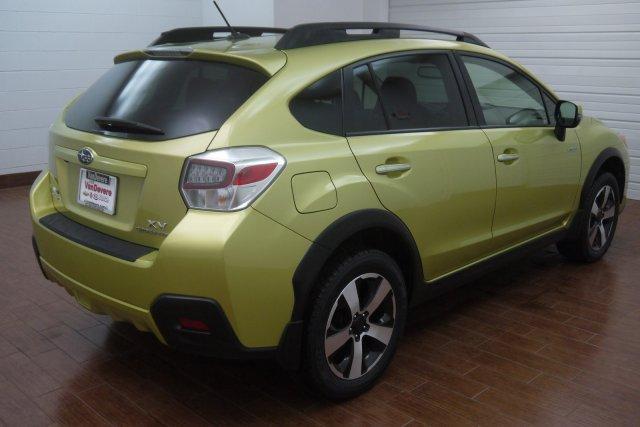
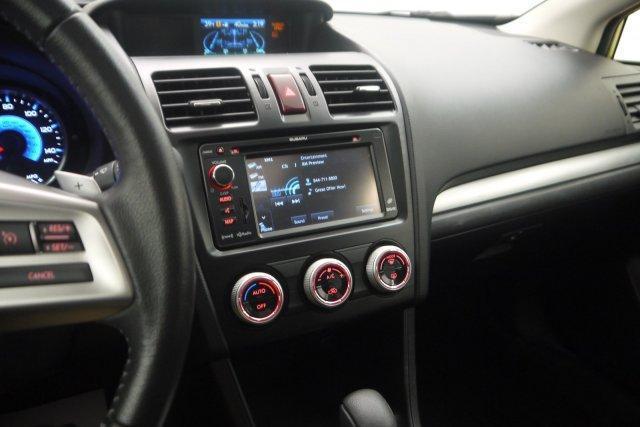
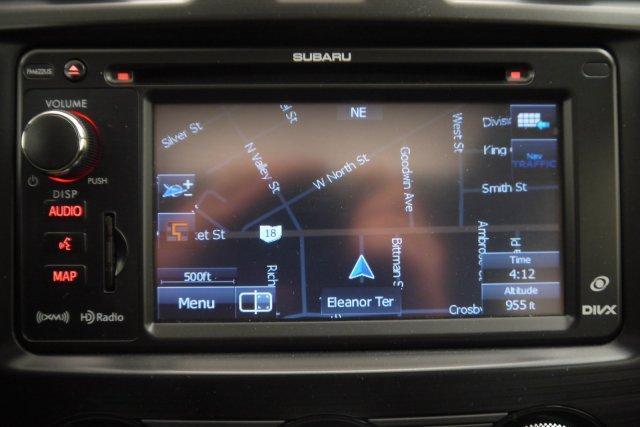
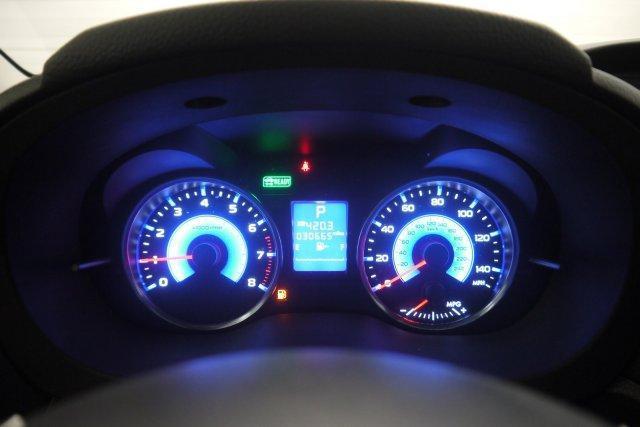
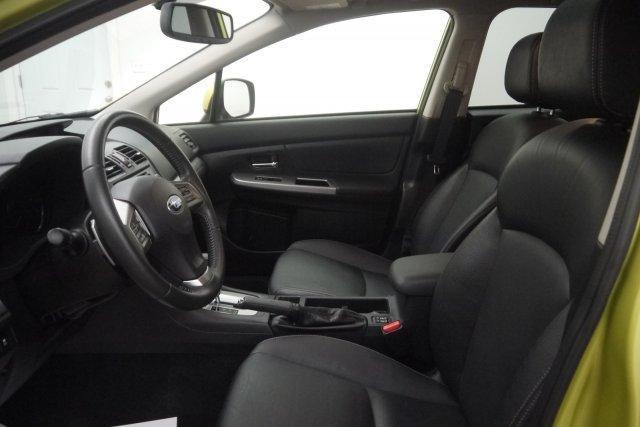
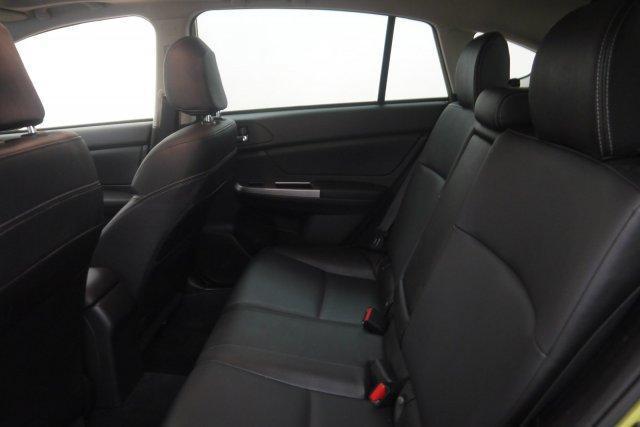
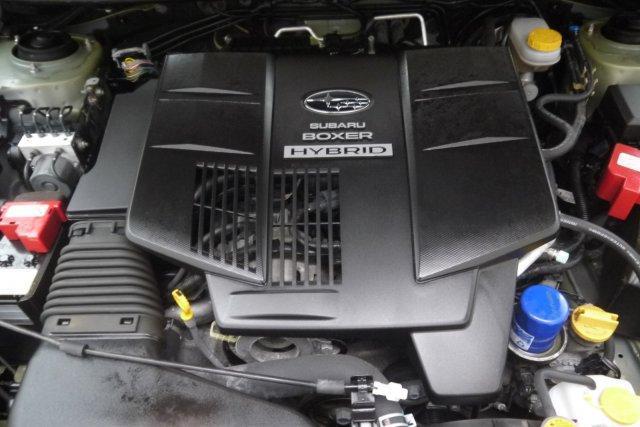
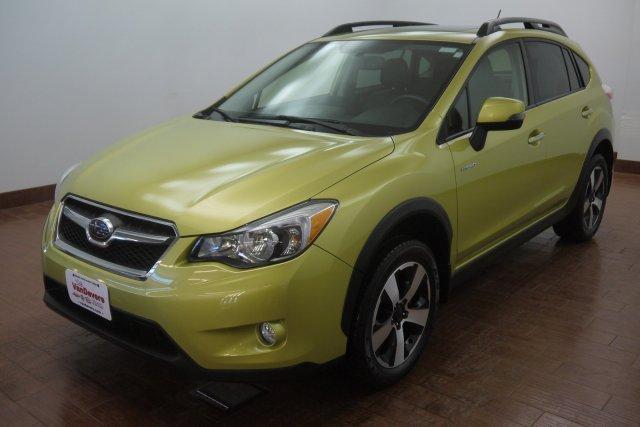
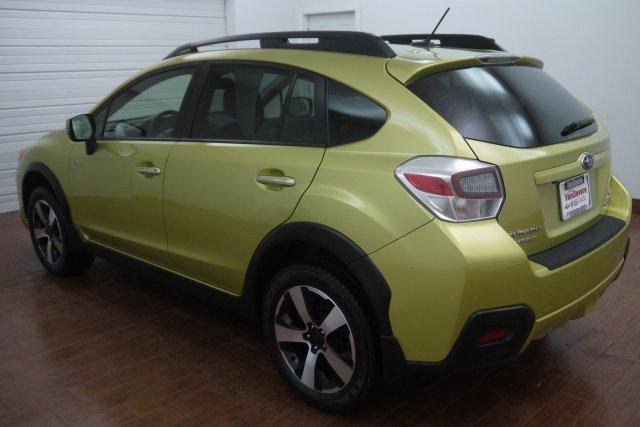
ay y'all just started at this dealership in Ohio and we have a few epic Subarus so I thought I would pass it the info on so they fall in the right hands who will appreciate them. first, is a '14 Subaru XV Crosstrek Hybrid 2.0i Touring for sale with green exterior and black interior. has automatic transmission with only 30,641 miles fully serviced, one-owner, clean carfax comes with a warranty that covers the vehicle's main components as long as you own and maintain the vehicle. covers 100% of parts and 100% of labor with no deductible. price is $20,481 let me know if you would like any more info or pictures, text or call Paul at 440-832-0665 thanks god bless