RpmTim
Members
-
Joined
-
Last visited
-
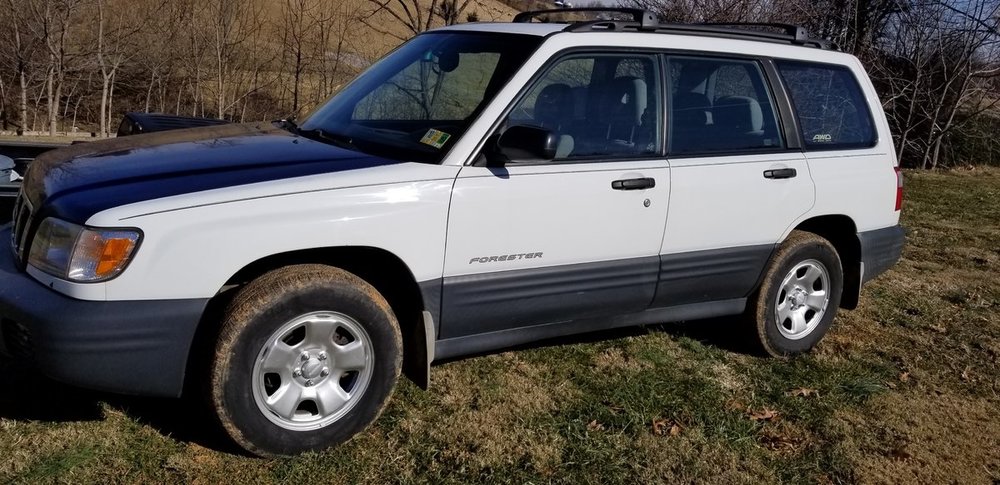
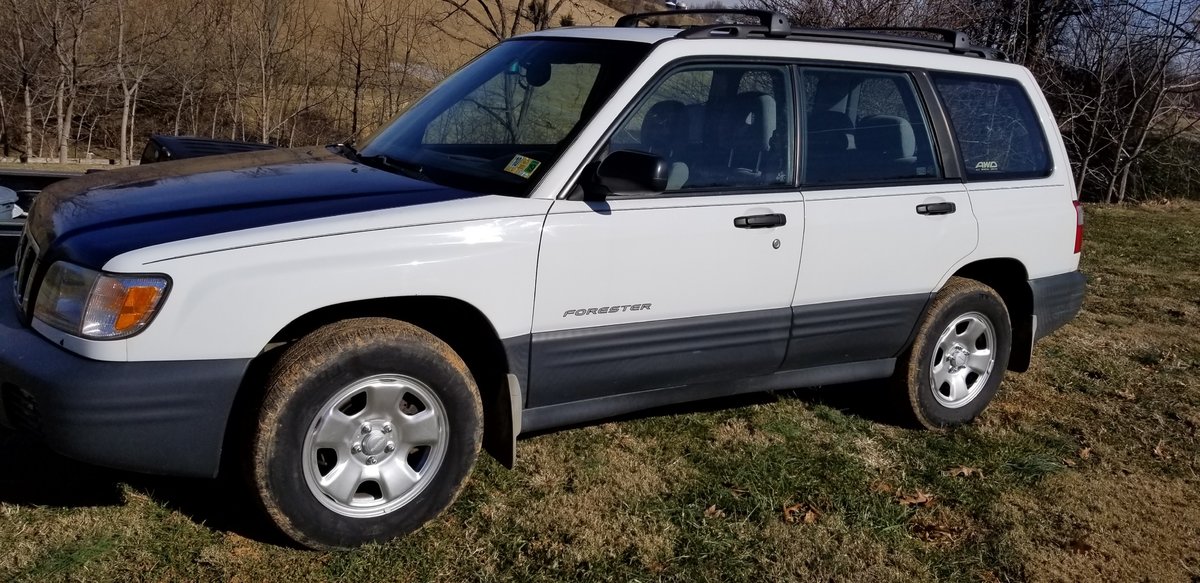
Well I neglected to go into much detail on that but a little more info on the car. Notice the blue hood/grill, from a deer strike and also has a new radiator.. Was told it didn't get too hot, but we'll see. Started fine from cold, and may have just been a fluke or my imagination too. Hopefully not a warped head or loose valve. Gonna put tags on it some time this week and run it around a little before I depend on it to get to work or anything , But I'll try to spend some time with her and get to know her a little better and report back if she gets me into any trouble!
-
Hi! New to me, '01 Forester, 2.5 na 5speed. This car has been posted for sale by the road down the street from me for a couple of weeks. Finally couldn't stand it any more so I stopped in to talk to the guy, drove it around the block and ended up taking it home with me. I've been admiring this body style for a while now, so even tho it took a longish crank to start back up once hot, I'm still happy with it. Wish me luck,