Skip to content
View in the app

A better way to browse. Learn more.

Ultimate Subaru Message Board

A full-screen app on your home screen with push notifications, badges and more.

To install this app on iOS and iPadOS
  1. Tap the Share icon in Safari
  2. Scroll the menu and tap Add to Home Screen.
  3. Tap Add in the top-right corner.
To install this app on Android
  1. Tap the 3-dot menu (⋮) in the top-right corner of the browser.
  2. Tap Add to Home screen or Install app.
  3. Confirm by tapping Install.

JimmyJazz

Members
  • Joined

  • Last visited

Everything posted by JimmyJazz

  1. I am not so sure that I would be too scared about it. I buy cars to drive and if they break you fix them and keep on going. But that is just me. I think it is just like buying any used car you could buy it and drive it to 220,000 miles and never have a problem.
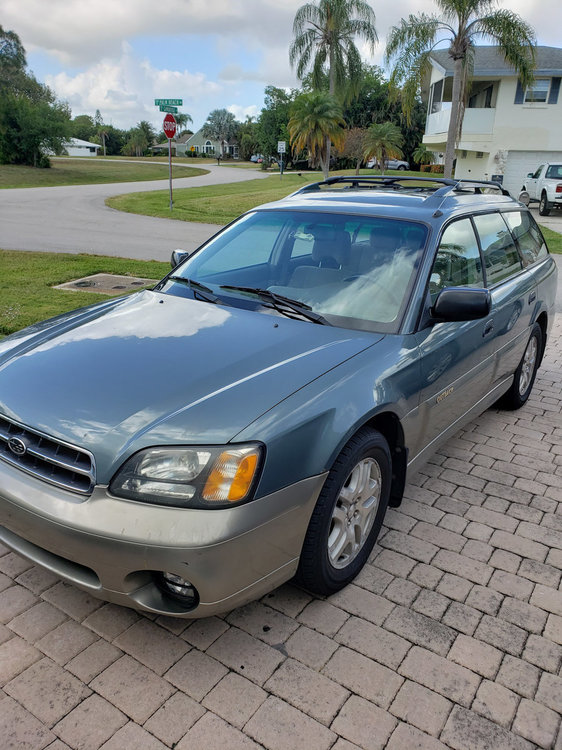
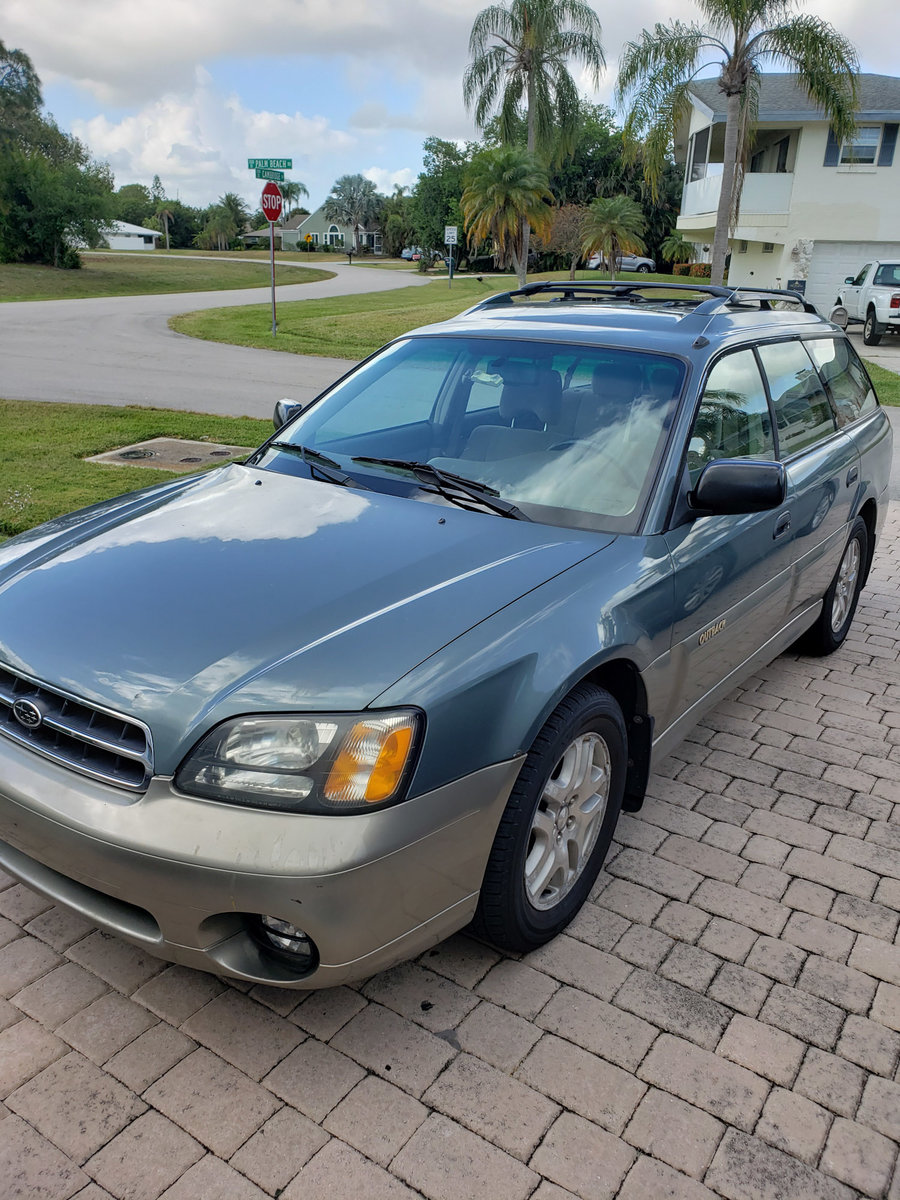
  2. I did choose one a 2001 Outback.
  3. Hi everyone I am Jim, new to this forum. I own a 2016 Outback and love it. Now I am thinking about buying a 2nd Subaru. Maybe an older Outback for driving back and forth from work.
Account

Navigation

Search

Search

Configure browser push notifications

Chrome (Android)
  1. Tap the lock icon next to the address bar.
  2. Tap Permissions → Notifications.
  3. Adjust your preference.
Chrome (Desktop)
  1. Click the padlock icon in the address bar.
  2. Select Site settings.
  3. Find Notifications and adjust your preference.