Skip to content
View in the app

A better way to browse. Learn more.

Ultimate Subaru Message Board

A full-screen app on your home screen with push notifications, badges and more.

To install this app on iOS and iPadOS
  1. Tap the Share icon in Safari
  2. Scroll the menu and tap Add to Home Screen.
  3. Tap Add in the top-right corner.
To install this app on Android
  1. Tap the 3-dot menu (⋮) in the top-right corner of the browser.
  2. Tap Add to Home screen or Install app.
  3. Confirm by tapping Install.

ryanwilson

Members
  • Joined

  • Last visited

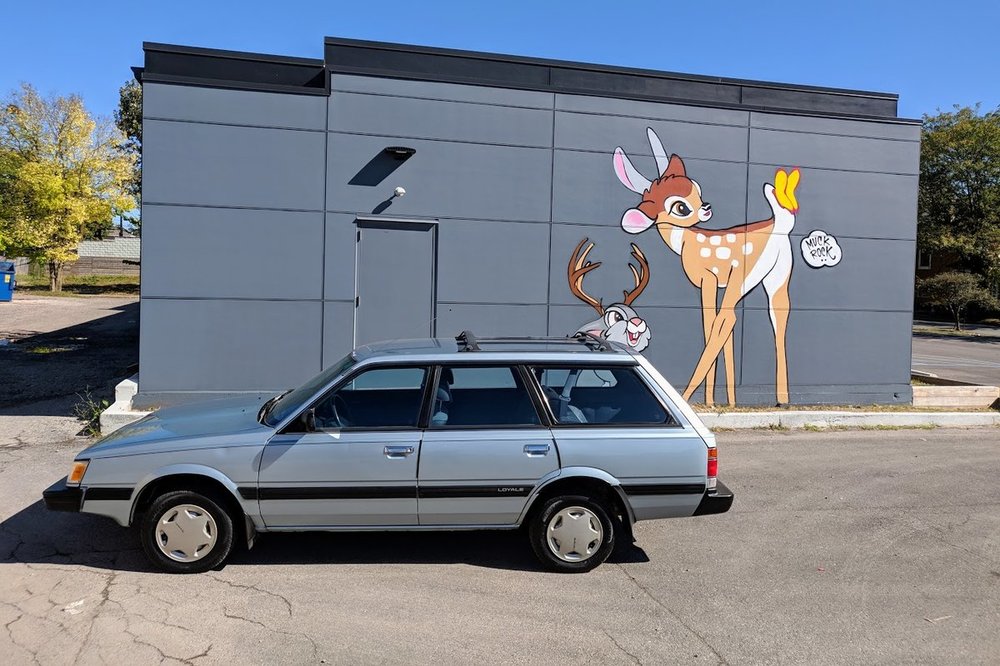
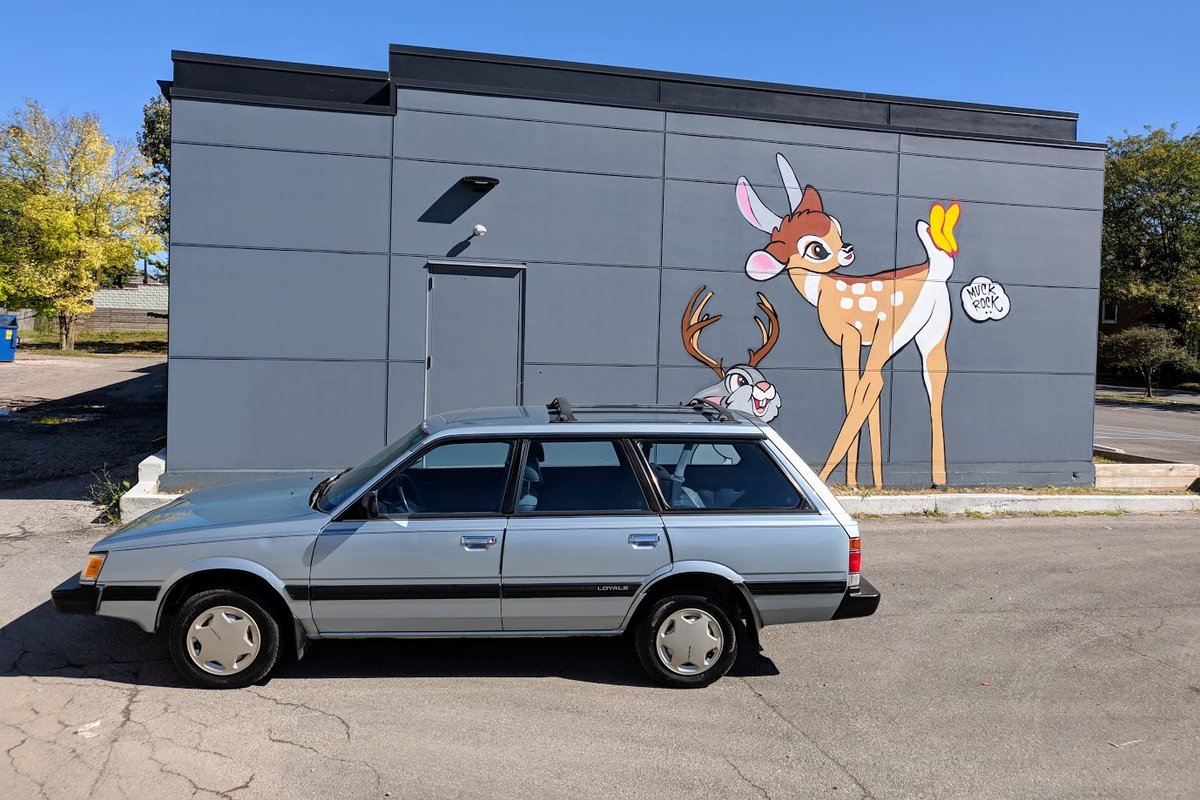
  1. Gal drove it from Washington state to Fort Wayne, IN a couple years ago. I had to "interview" to buy it. After the test drive she said she was seeing other candidates despite a full price offer. After 6 weeks I finally got the car. She sold all possessions to get an RV and tour the country. Just had the engine rebuilt. It's got a couple rusty spots (around windshield, a fender bottom) nothing through but hoping to address that soon.
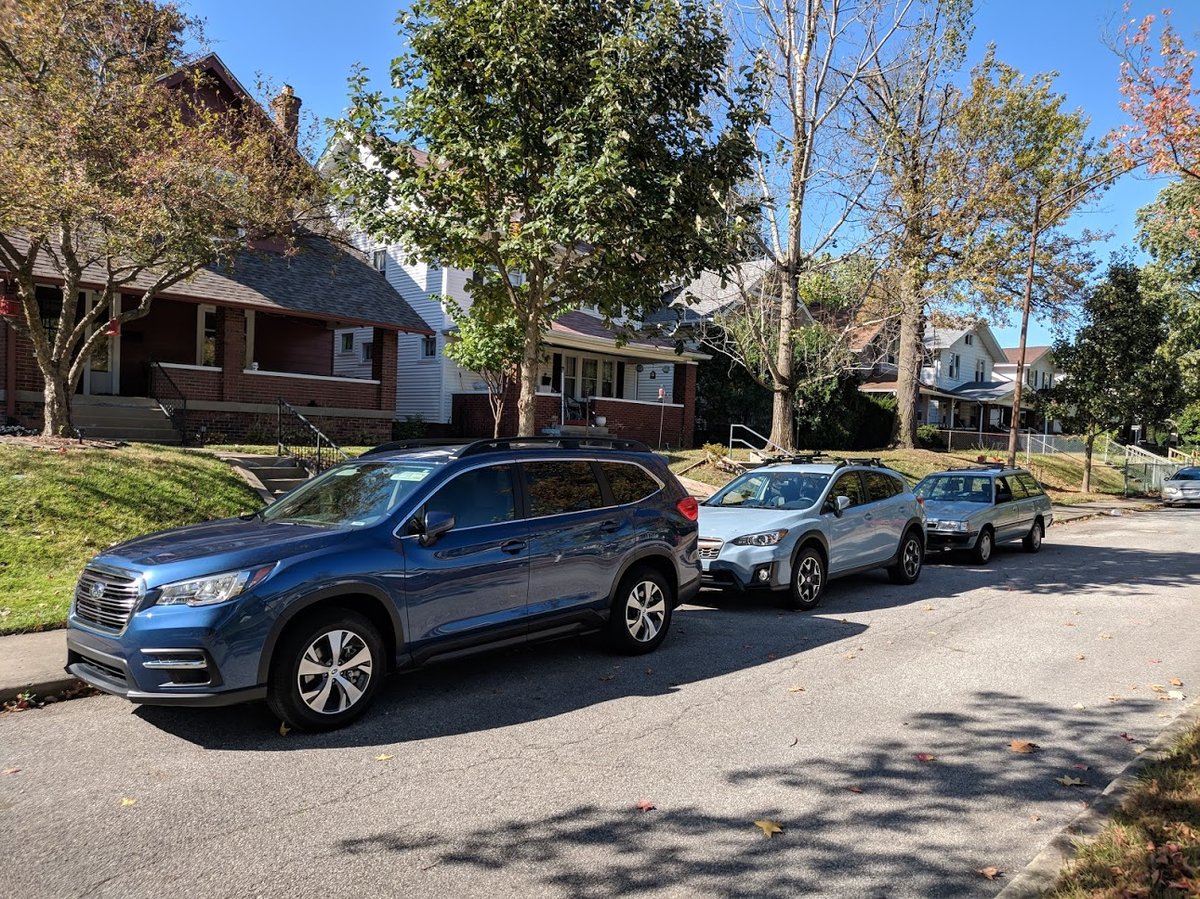
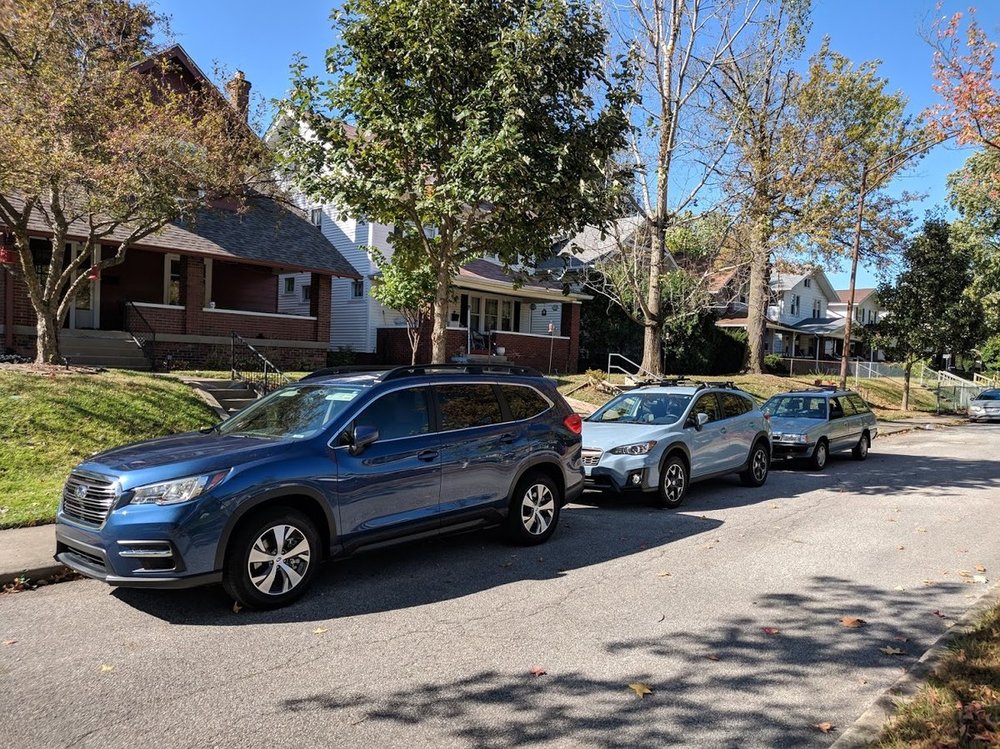
  2. Hey guys, Joining from Indianapolis. We have a 1992 Loyale, a 2019 Ascent and 2020 Crosstrek.
Account

Navigation

Search

Search

Configure browser push notifications

Chrome (Android)
  1. Tap the lock icon next to the address bar.
  2. Tap Permissions → Notifications.
  3. Adjust your preference.
Chrome (Desktop)
  1. Click the padlock icon in the address bar.
  2. Select Site settings.
  3. Find Notifications and adjust your preference.