nukeday
Members
-
Joined
-
Last visited
Everything posted by nukeday
-
Hey, I saw that! See you at the OG Not in a Subaru though, I have a magically transformed '98 Mustang GT, I doubt you'll miss it, it has, uh, personality, lol...
-
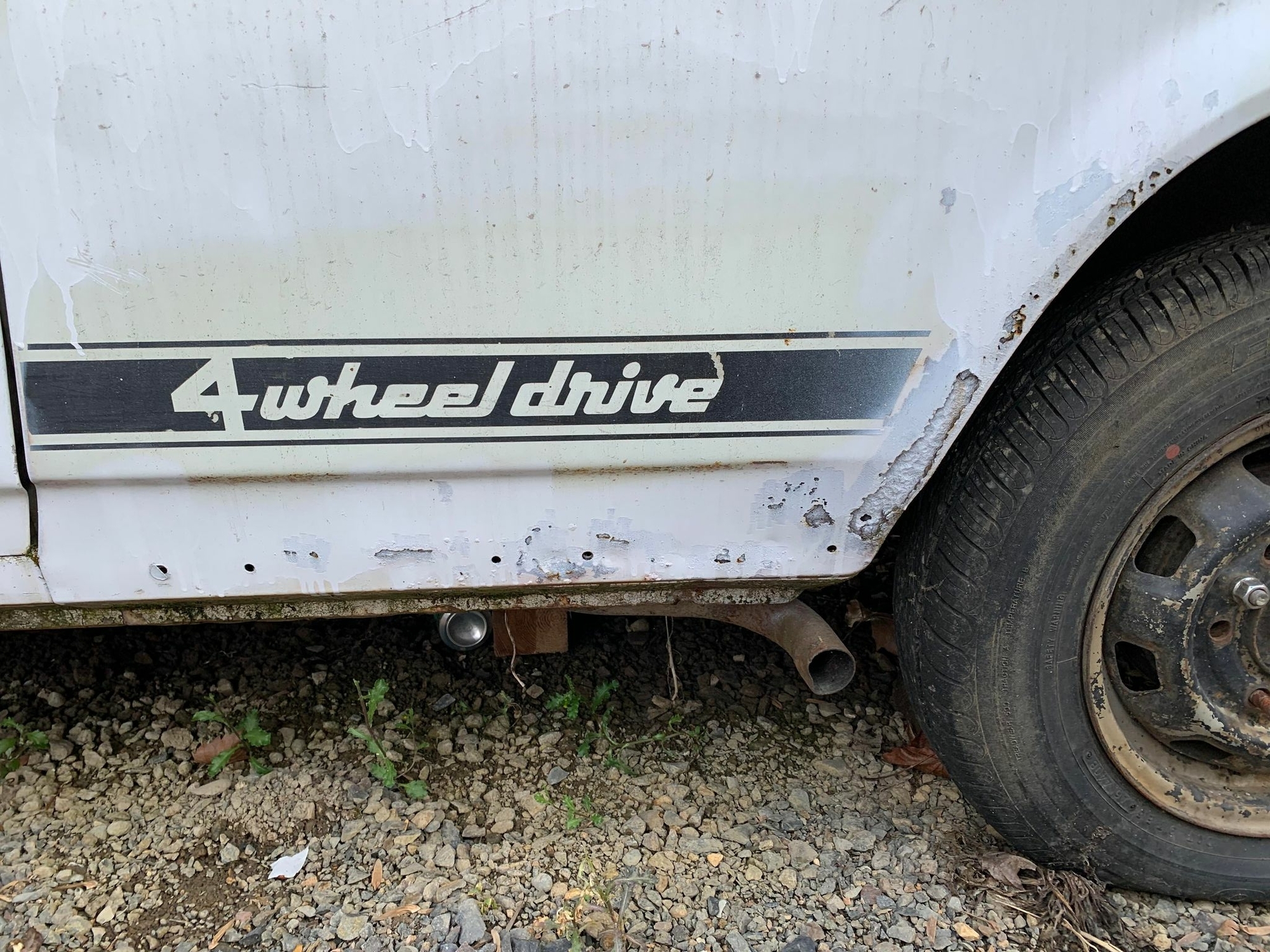
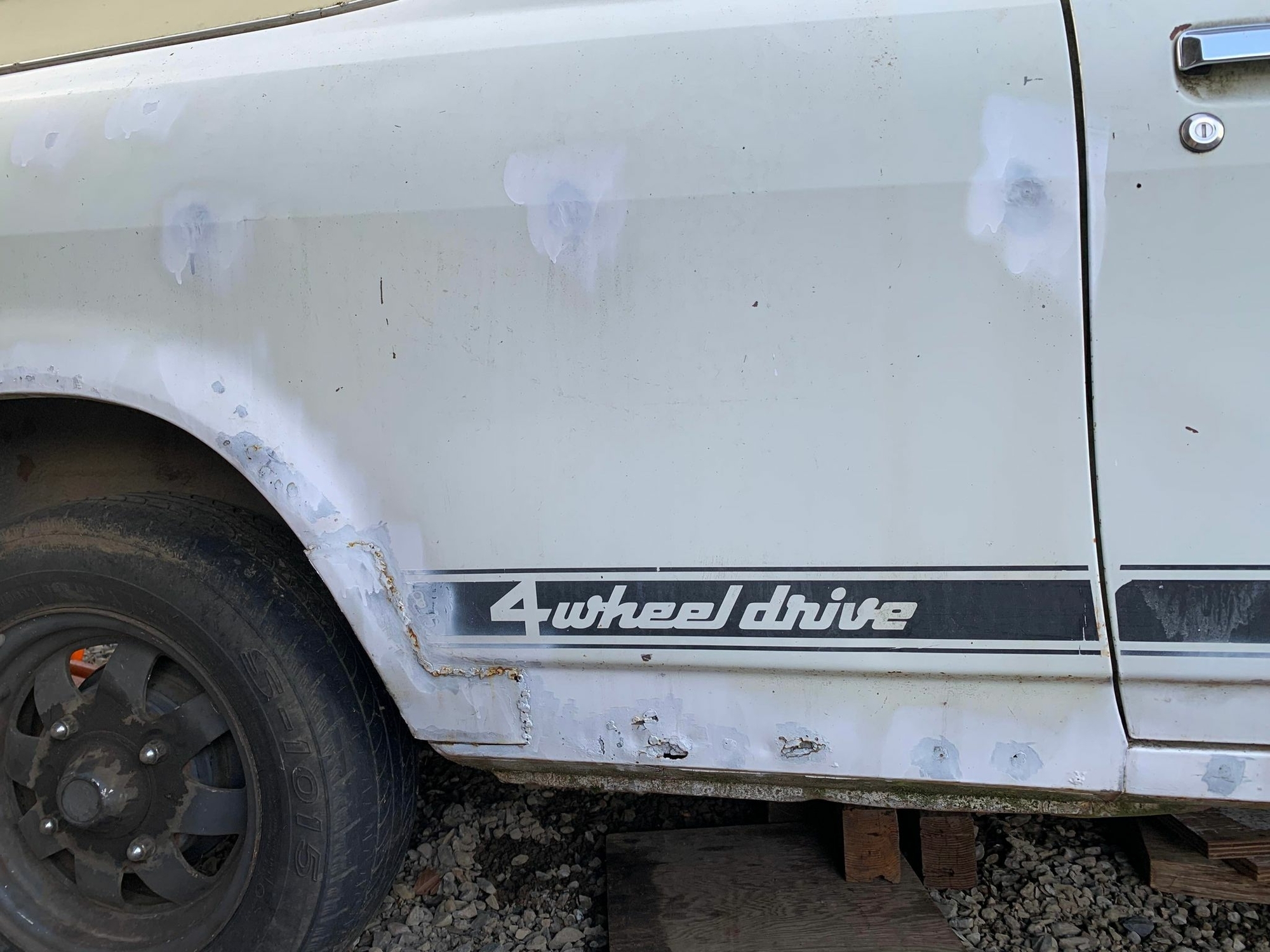
So, I have this. The car will need lower panel work, and this will probably go away for that. Is there someone on the forum who makes this sort of thing? I can crayon stencil over this to get an image, but don't have the skill to recreate it. Anyone interested in doing this? I could create some rubbings, and snail mail them, I think?
-
New guy, but this seems pertinent. Based on this statement will an 85-89 GL box retrofit into a Gen I Brat? Or will there still be a tailshaft mismatch?
-
New guy. Long time PNW guy who's fought for years to stay away from Subarus. But here I am. Bought a '78 BRAT. Looking forward to hooning about in this thing. I have some reading to do.