Msequoia
Members
-
Joined
-
Last visited
Everything posted by Msequoia
-
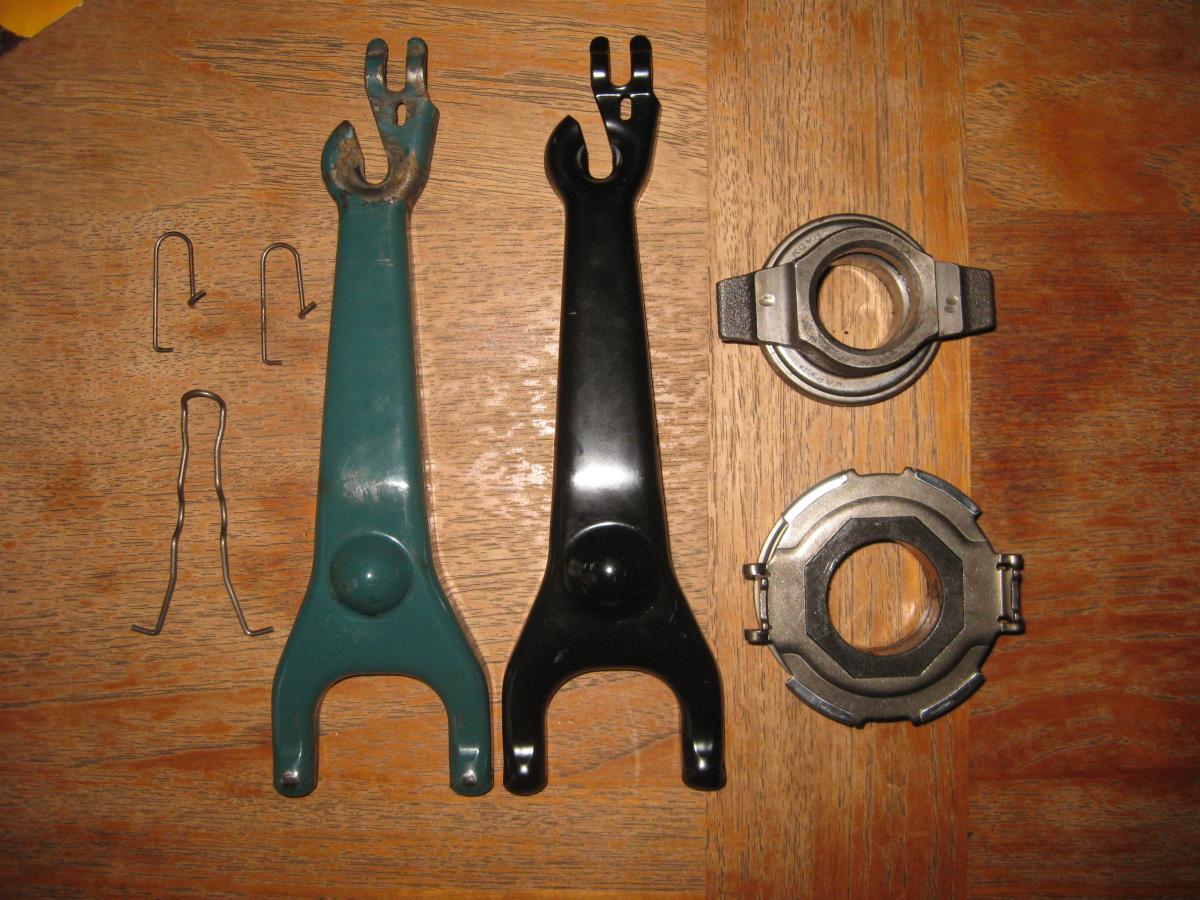
the top throw out bearing in the pic is definitely from my '82 4spd d/r 4x4 gl and so is the teal colored fork, but the fork that i got from ebay is not the right part # (thanks for that other correct part # ruparts). the TO "floats" oh.. duh, it was just brand new and stiff and i couldn't move the little center thing but i did now, my bad. so i really like my hill holder thing , am i gonna be able to hook it up to my correct fork when i get it? you guys are really awesome thanks a bunch does anyone have a fork for an ea82 5spd d/r 4x4 they would like to sell me along with the little clippy wires too?
-
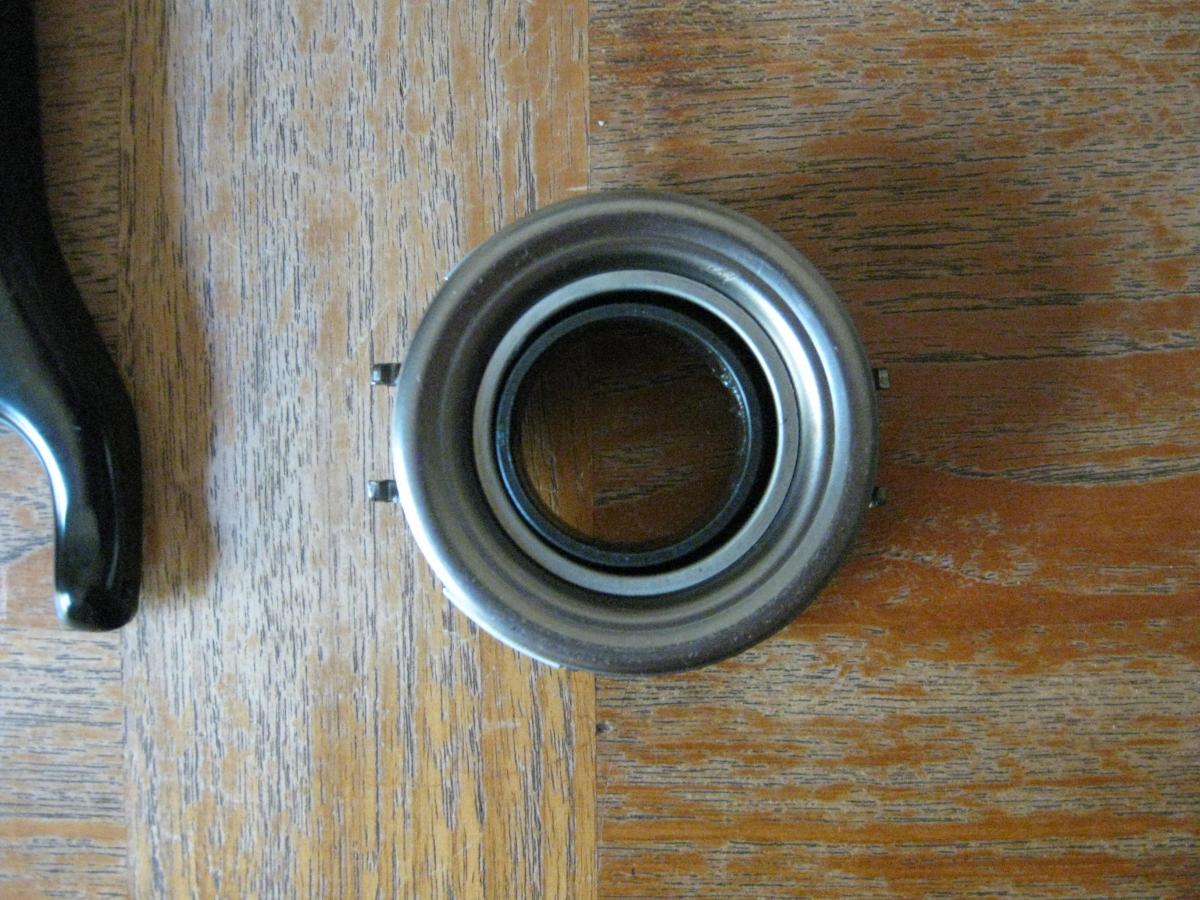
are all the clutch forks the same on the ea's 1980-1991 4spd and 5spd d/r? because i'm doing the 5spd d/r swap and someone told me that i needed a fork from an ea82 so i ordered one off ebay and it just got here and looks identical to my 4spd one. the ebay seller is saying that its not compatible with my 1982 gl. are they high or am i. did they sell me the wrong one and mispost? also the throwout bearing to my new LUK xt6 clutch looks funny and off center and the fork(s) dont fit on it nice and snug like the stock one does. please hit me with the wisdom. thank you