Skip to content
View in the app

A better way to browse. Learn more.

Ultimate Subaru Message Board

A full-screen app on your home screen with push notifications, badges and more.

To install this app on iOS and iPadOS
  1. Tap the Share icon in Safari
  2. Scroll the menu and tap Add to Home Screen.
  3. Tap Add in the top-right corner.
To install this app on Android
  1. Tap the 3-dot menu (⋮) in the top-right corner of the browser.
  2. Tap Add to Home screen or Install app.
  3. Confirm by tapping Install.

noobsoob

Members
  • Joined

  • Last visited

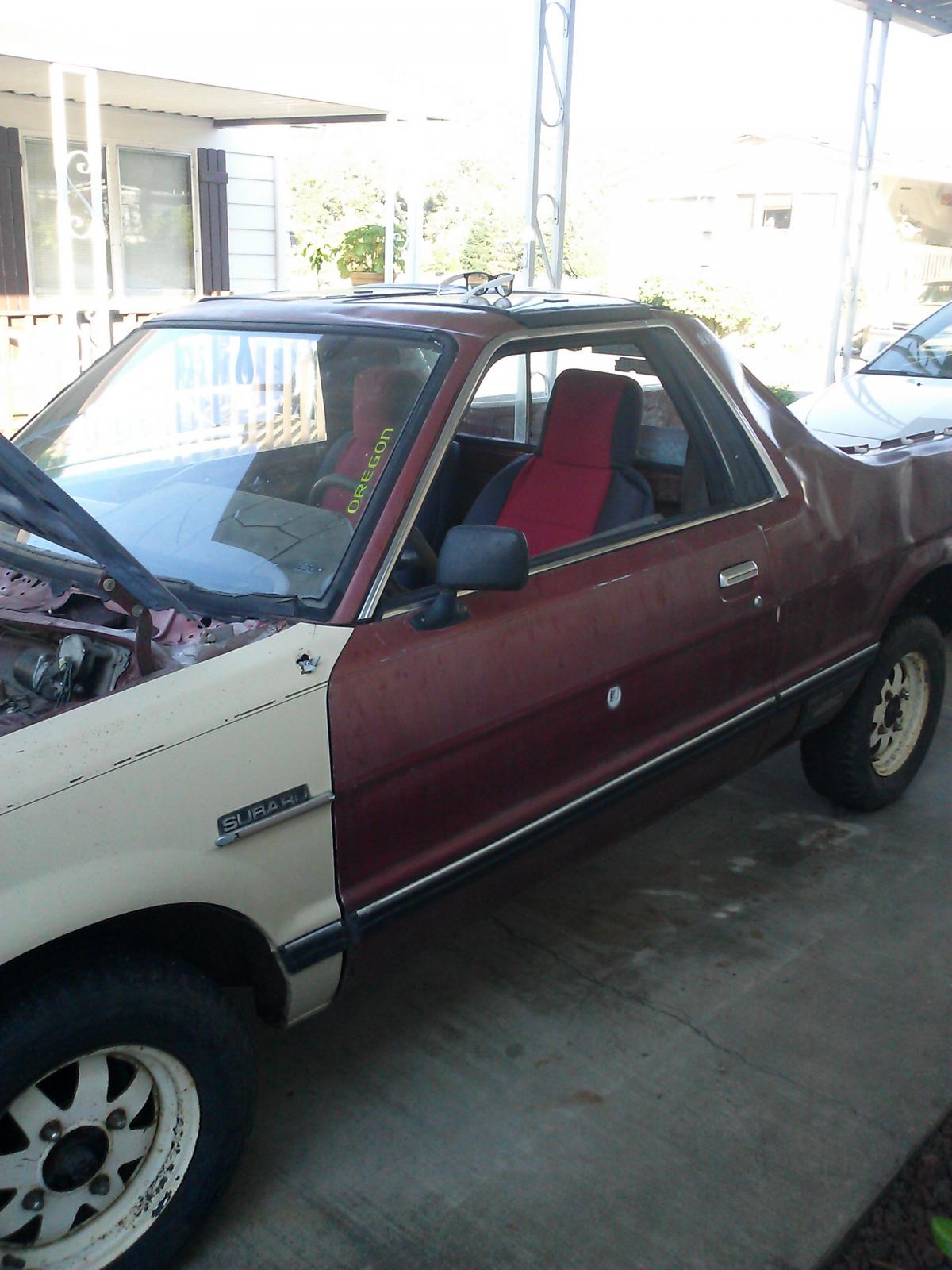
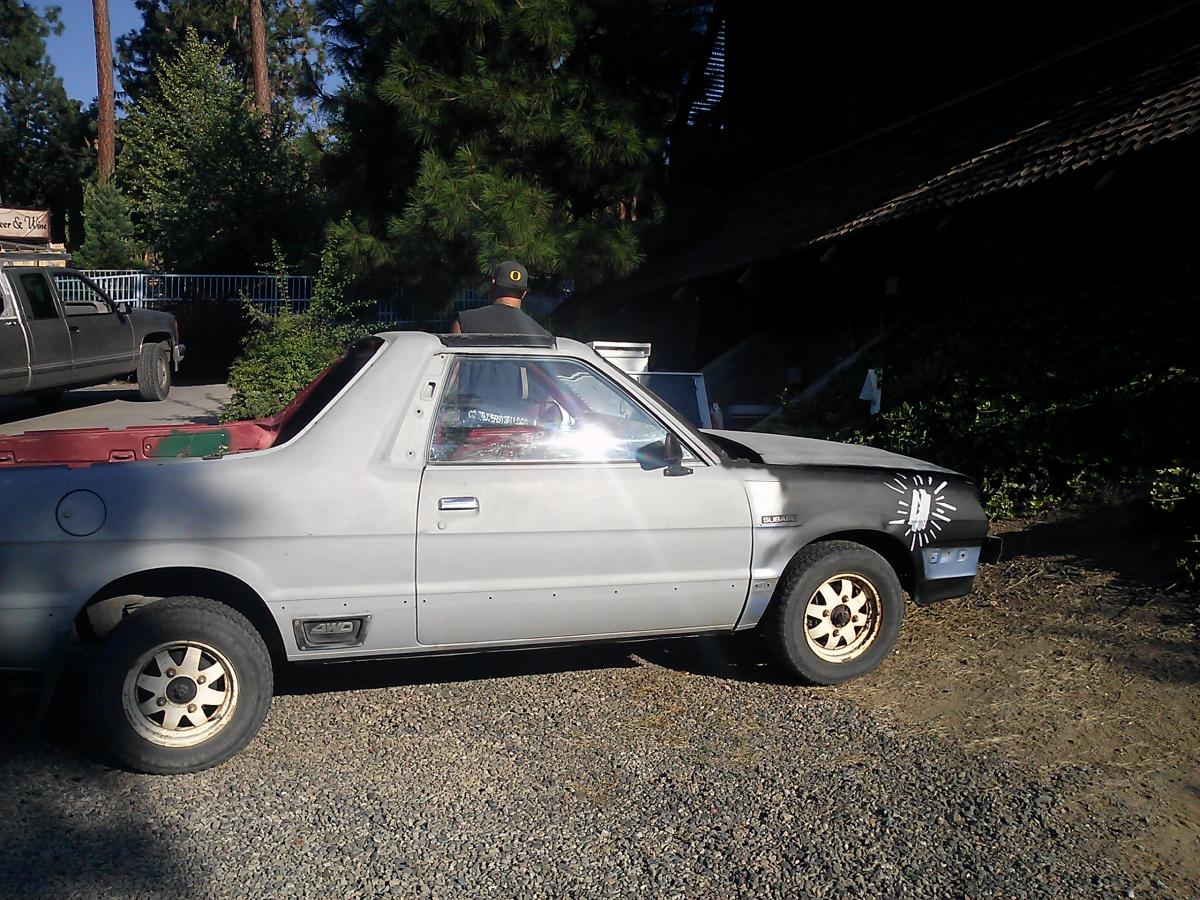
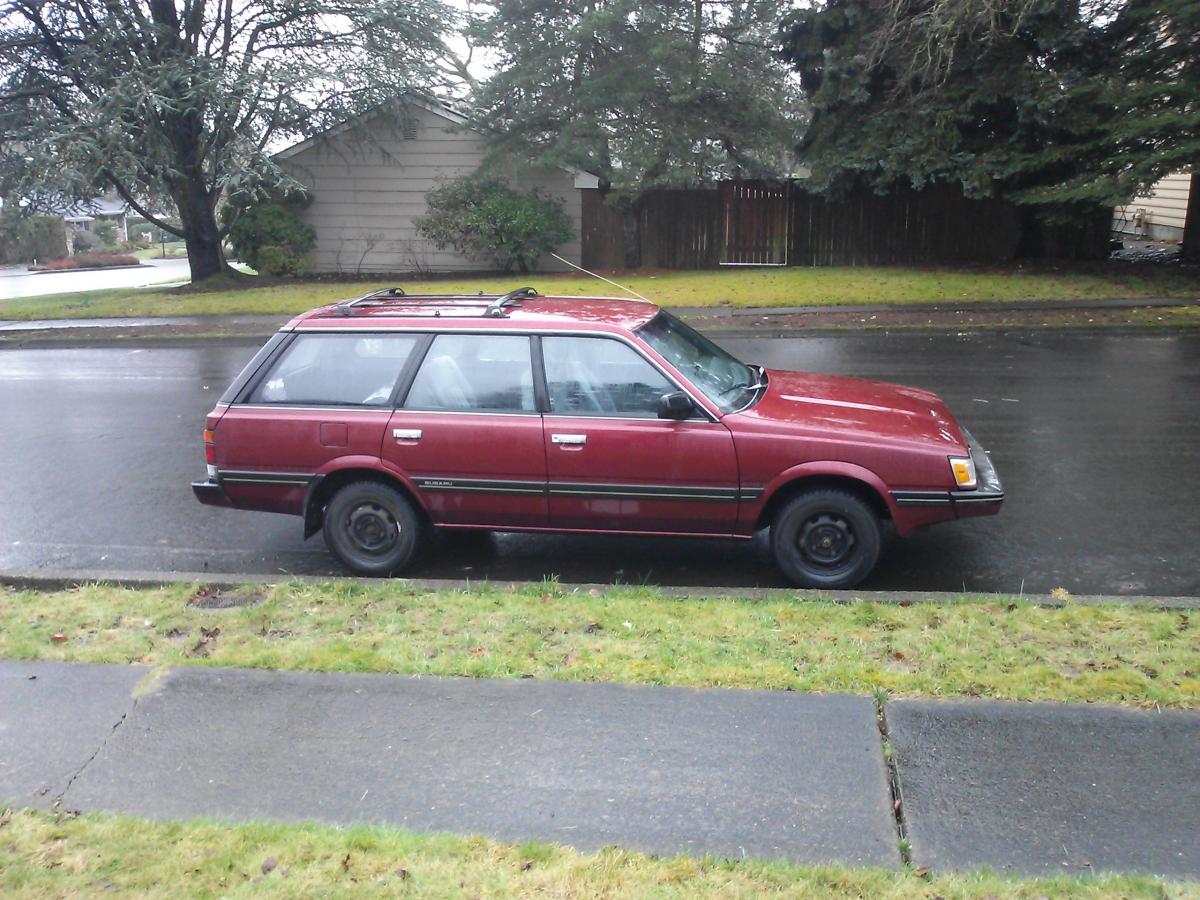
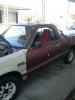
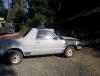
  1. Hello all! I'm new to the forum, and live in the northwest have owned 2 Subaru's my VERY FIRST CAR was an 82 Subaru brat I was driving in the country and spotted it sitting under a collapsed barn with a for sale sign in the window I had to have it! paid $450 bucks for it! and drove it home.. man oh man did it need help! first time in the drive way. started fixin it up 2 months later while driving home it caught on fire. I now drive my 2nd Subaru. also my 2ND CAR an 88 GL wagon picker her up off CL for $500 fell in love! she is super clean and RUST FREE! (: after the journey home I will start a build thread because I do plan to build her! stay tuned for more pics and upgrades
Account

Navigation

Search

Search

Configure browser push notifications

Chrome (Android)
  1. Tap the lock icon next to the address bar.
  2. Tap Permissions → Notifications.
  3. Adjust your preference.
Chrome (Desktop)
  1. Click the padlock icon in the address bar.
  2. Select Site settings.
  3. Find Notifications and adjust your preference.