evoixmr
Members
-
Joined
-
Last visited
-
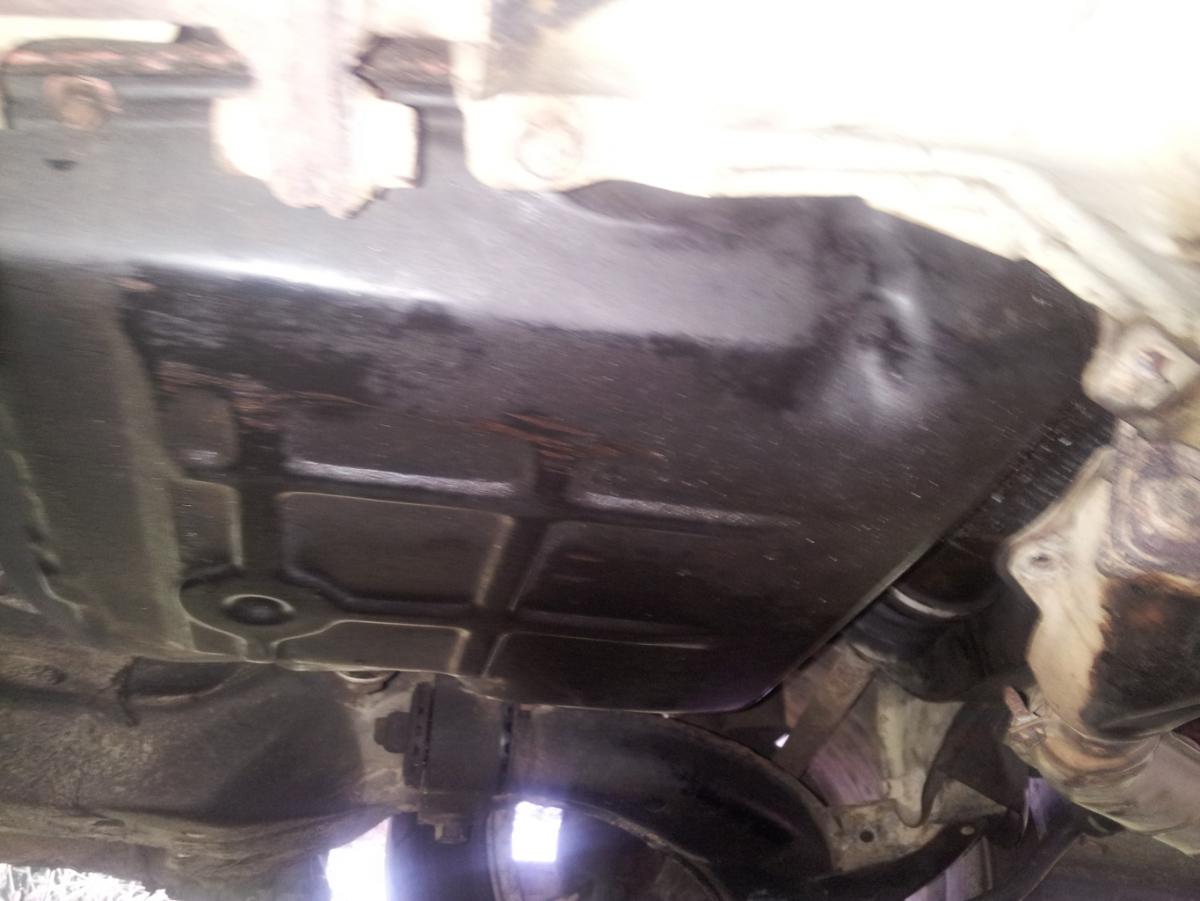
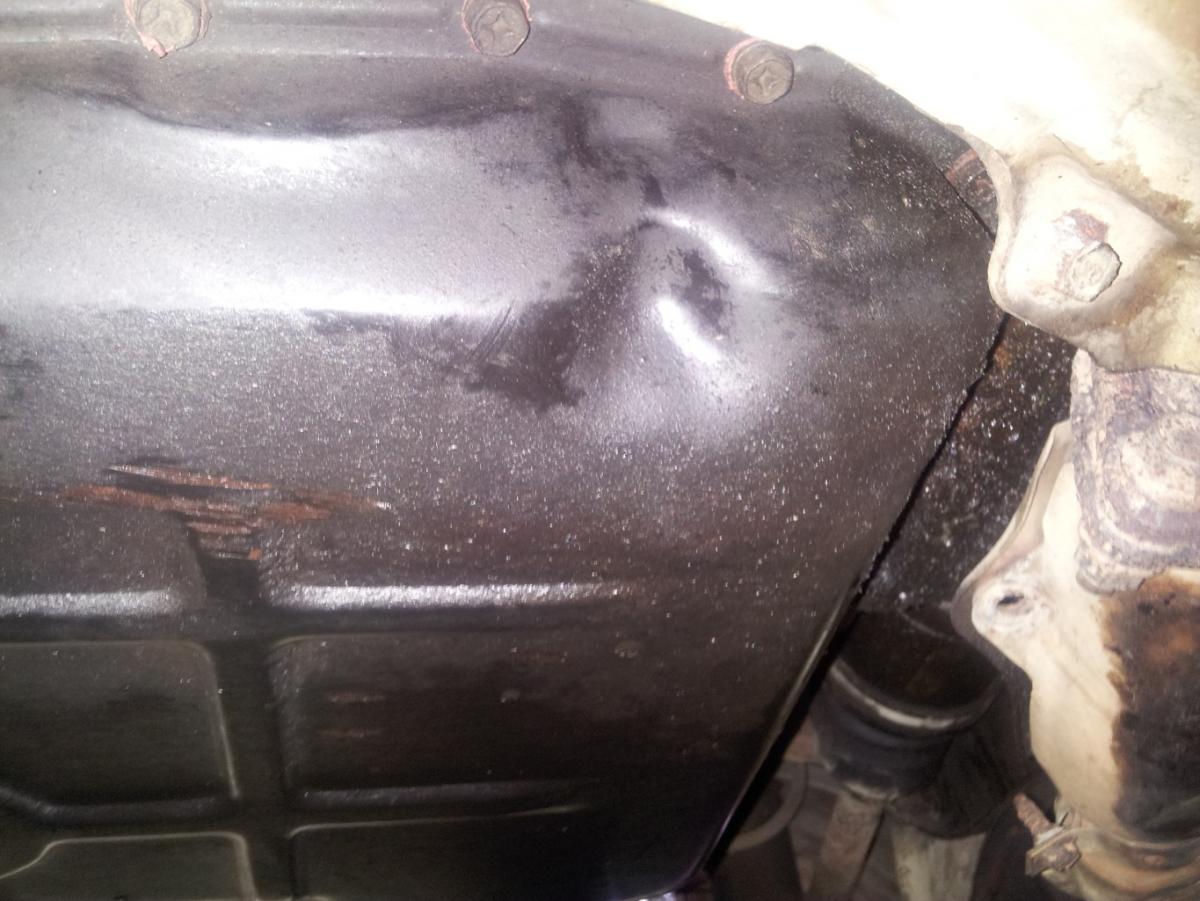
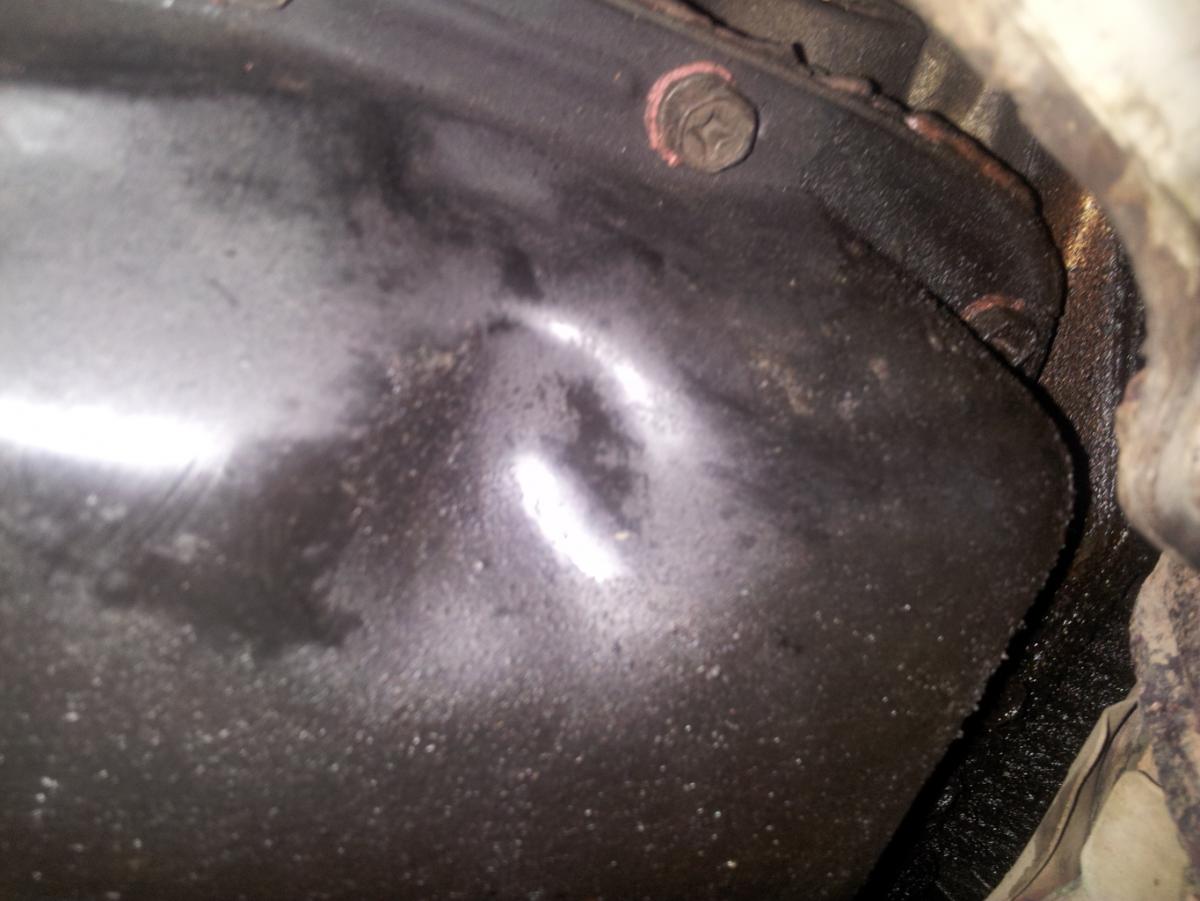
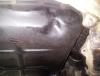
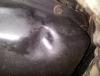
evoixmr replied to evoixmr's topic in 1990 to Present Legacy, Impreza, Outback, Forester, Baja, WRX&WrxSTI, SVXShould I be concern about these dent?
-
evoixmr replied to evoixmr's topic in 1990 to Present Legacy, Impreza, Outback, Forester, Baja, WRX&WrxSTI, SVXThe transmission pan looks fine. I could not unplug the harness on the side of the transmission, It's that the harness on the driver side, near the lines for the radiator? If that's the right harness, there's no visible sign of corrosion, but it is a little greasy. The car drives great no shift issue, does not burn oil, no smoke, no leaks.
-
The car is a 96 2.2 impreza L. Here's what's wrong with the car and what ive done to fix/test each issue: The AT temp flashes 16 times during start up . Tried everything below, as soon as I start the car AT temp flashes. - disconnect battery - did not work - removed fuse# 14 for 1 over hour - did not work - removed TCU for over 1 hour - did not help Check Engine lights shows P0743. - disconnecting the battery only help for about two drive cycle - all wiring on the transmission are connected properly Diagnostic show duty B and duty C - I did the test using multimeter everything passed, within specs. - Solenoid B, I can actually tell that my torque converter is locking up. - Solenoid C, putting a FWD fuse. I don't get the FWD light on the dash, but the car actually changed to fwd (tested on wet grass) and removing the fuse change it back to awd. Transmission fluid is also fresh. I'm totally lost, the only other thing I can think of is the actual TCU is bad or somebody modified something and I could not find it. Any ideas?