Skip to content
View in the app

A better way to browse. Learn more.

Ultimate Subaru Message Board

A full-screen app on your home screen with push notifications, badges and more.

To install this app on iOS and iPadOS
  1. Tap the Share icon in Safari
  2. Scroll the menu and tap Add to Home Screen.
  3. Tap Add in the top-right corner.
To install this app on Android
  1. Tap the 3-dot menu (⋮) in the top-right corner of the browser.
  2. Tap Add to Home screen or Install app.
  3. Confirm by tapping Install.

Subie1185

Members
  • Joined

  • Last visited

  1. Haha, thanks for the input! 18's would look nice on it powdercoated in gunmetal..we will see though!
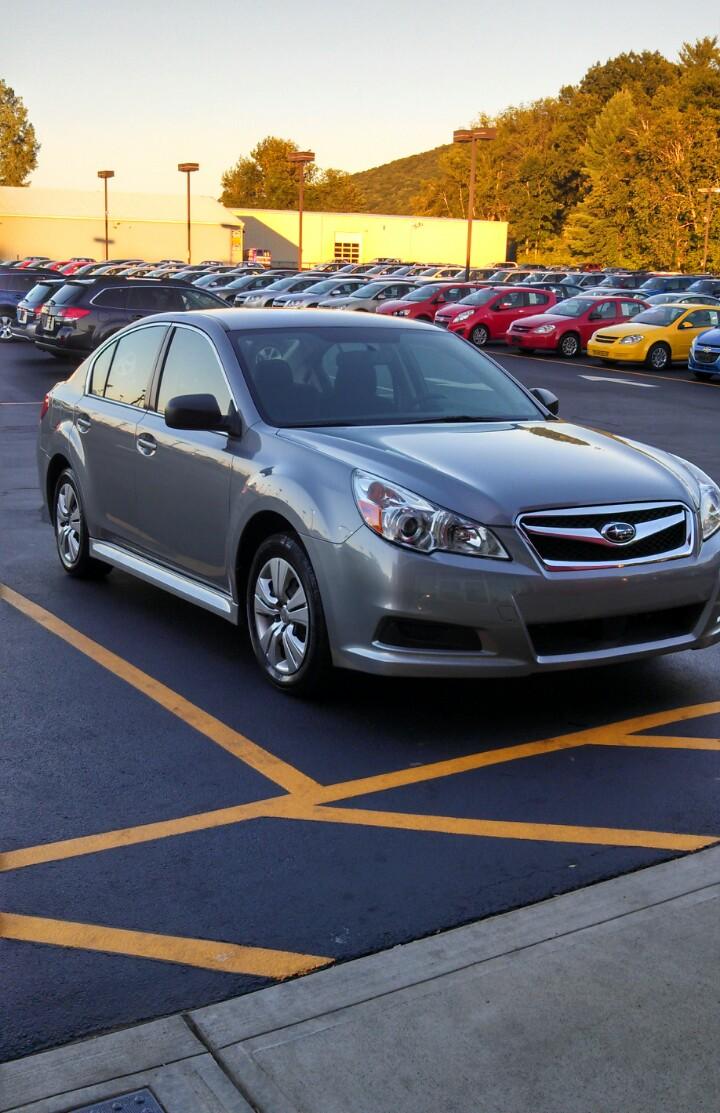
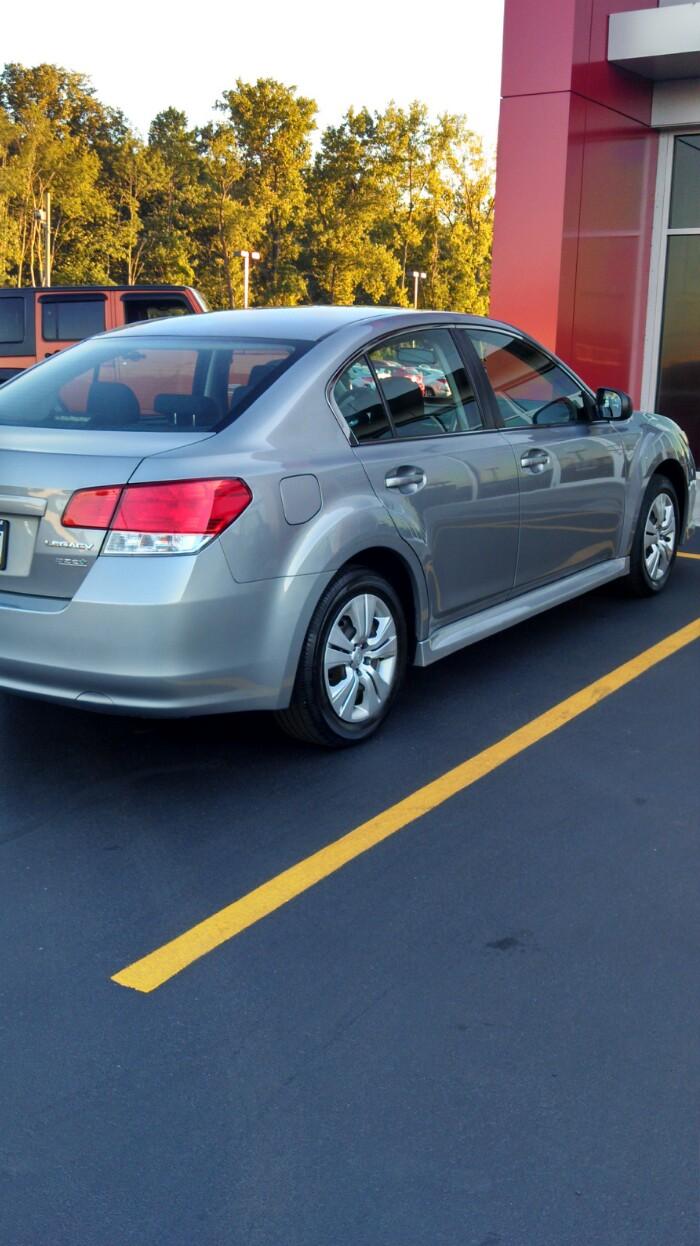
  2. I'm new to the Subie world, and so far I'm loving it! I bought my wife and I a 2011 Legacy 2.5i with the CVT tranny, and so far the car drives like a dream! We honestly didn't think to buy a Subaru, as we were car shopping last week and out of the corner of our eyes saw "the one" sitting at the corner aisle of used Subies at the Subaru Dealership. Hope to have many adventure with this car!
Account

Navigation

Search

Search

Configure browser push notifications

Chrome (Android)
  1. Tap the lock icon next to the address bar.
  2. Tap Permissions → Notifications.
  3. Adjust your preference.
Chrome (Desktop)
  1. Click the padlock icon in the address bar.
  2. Select Site settings.
  3. Find Notifications and adjust your preference.