japansrevenge
Members
-
Joined
-
Last visited
Everything posted by japansrevenge
-
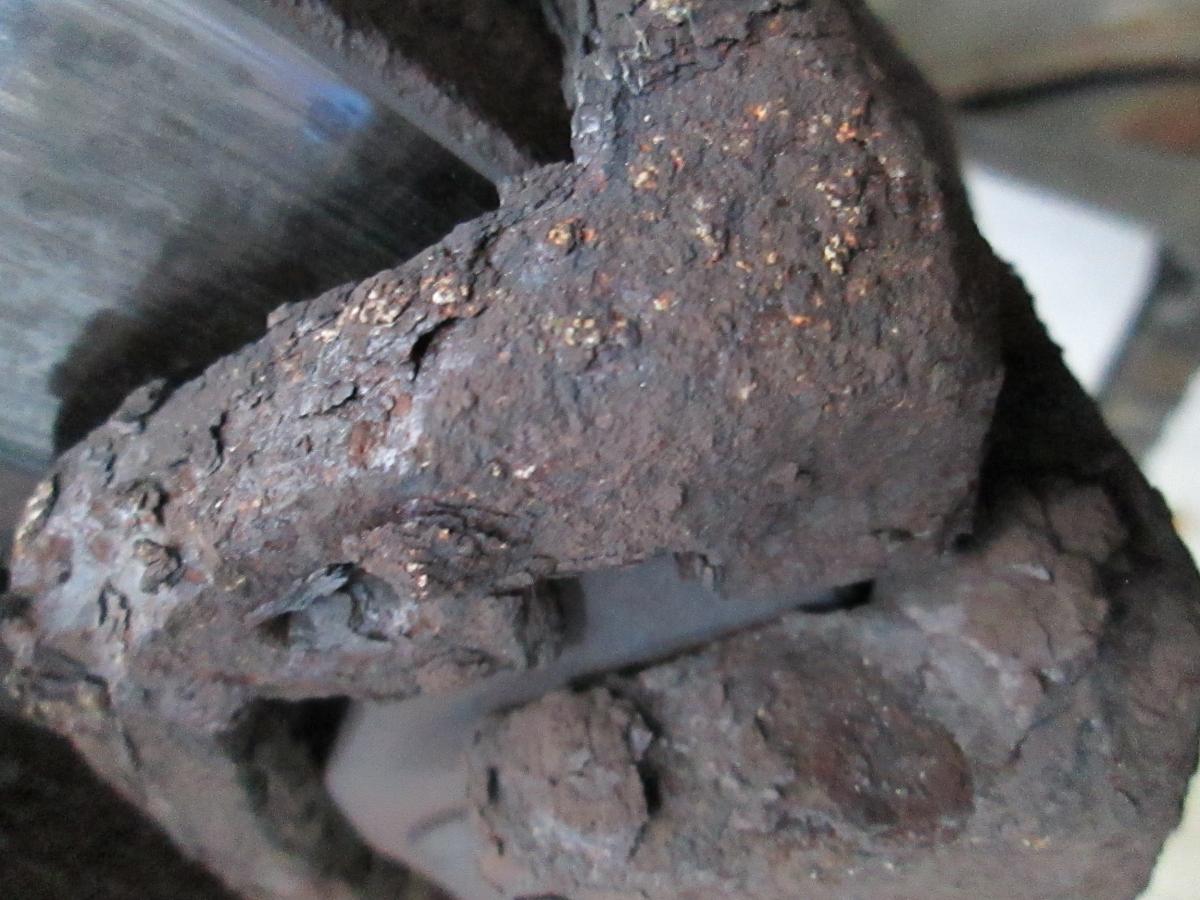
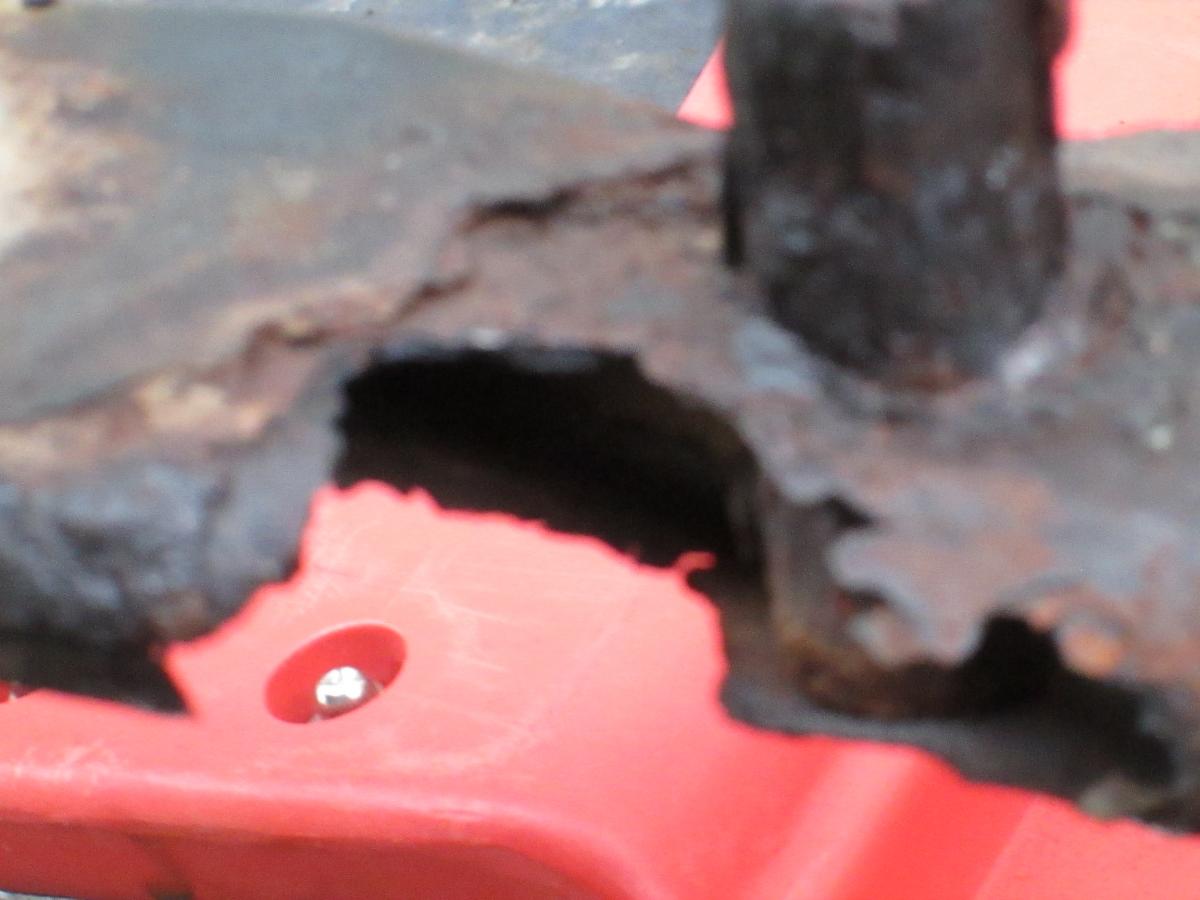
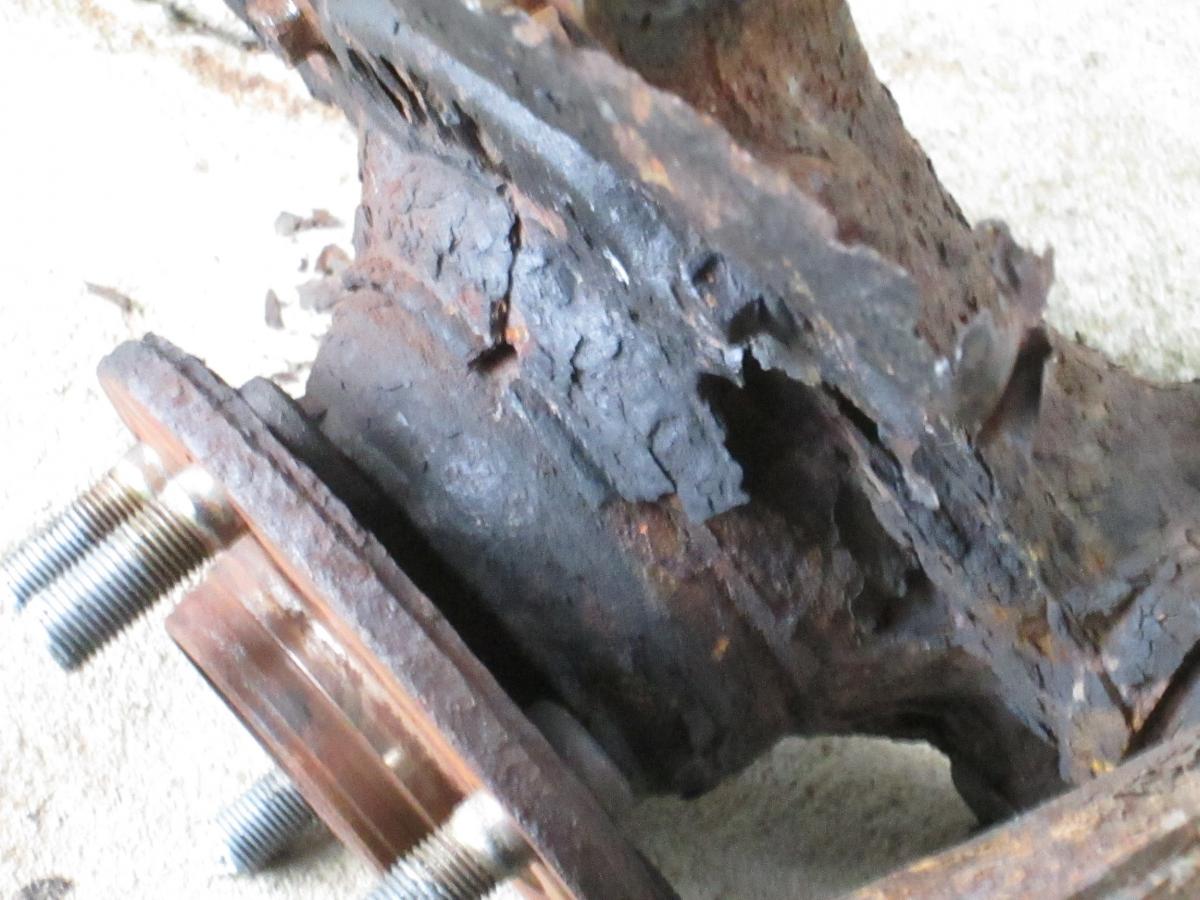
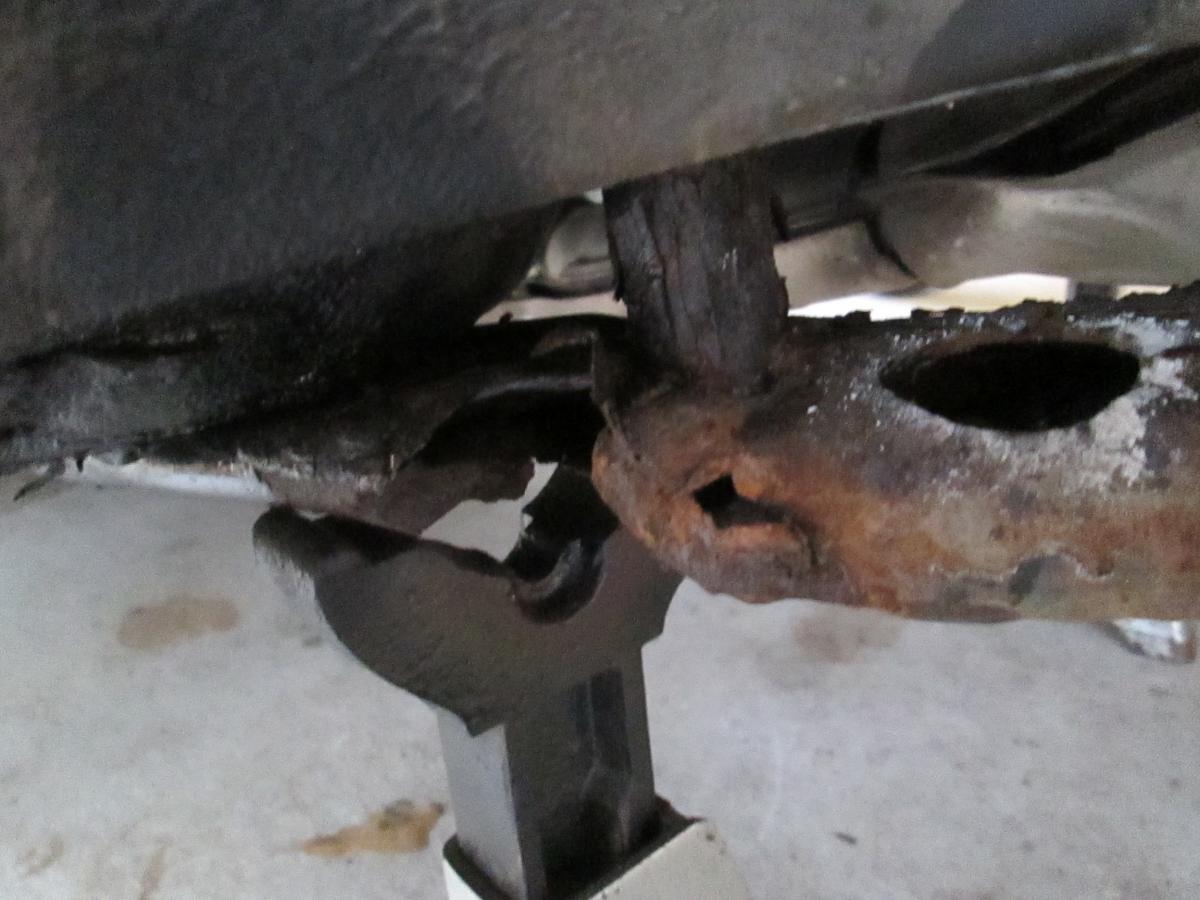
japansrevenge replied to SPHepburn's topic in 1990 to Present Legacy, Impreza, Outback, Forester, Baja, WRX&WrxSTI, SVXRack and Pinion, Ball joints, Tie rods, Subaru looked at it and said they would replace the control arms free if I would pay $1,200.00 for the other crap parts they won't cover. What is the logic in covering one suspension item that secumbs to corrosion yet none of the other equally vital suspension componets? Isn't that sending a clear message to the customer or consumer? If the body is made corrosion resistant and even the body points are not corroding at the point where the suspension componets mount then WHY ARE THE SUSPENSION COMPONETS NOT CORROSION RESISTANT? WHY ARE THE CONTROL ARMS COVERED BY A RECALL BUT NONE OF THE OTHER SUSPENSION COMPONETS COVERED THAT ARE MADE OF THE SAME METAL ALLOY AND FINISH? SUBARU did not automatically issue a recall. They were litigated into that position. If SUBARU was interested in selling you another vehicle in the future they would bend over backwards to repair any corroded suspension componet free and they would not have sold this inferior product in the first place. THEY SIMPLY CUT COSTS TO GET A SMALL PERCENTAGE MORE PROFIT AT THE CUSTOMER,S EXPENSE. I WHOLE HEARTEDLY ENCOURAGE YOU TO BUY THEIR PRODUCTS: NEW or USED. Join the SUCKER CLUB, I am the president. Vasoline Required for membership.
-
japansrevenge replied to SPHepburn's topic in 1990 to Present Legacy, Impreza, Outback, Forester, Baja, WRX&WrxSTI, SVXHub, Lower Control Arm Sub Frame, Strut, West Virginia, 65,000 miles, Subaru Forester