MarcoSTI
Members
-
Joined
-
Last visited
-
This week end I will start to strip everything down on the BRAT, Hard thing to do when the car is running so well. lol
-
Hi Ohio fella
-
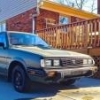
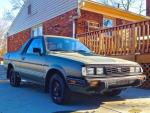
and here it is! 1985 BRAT, brought "her" home last saturday! car runs great, however soon it will be completely taken apart for full restoration. so happy that, with the car I got a truck load of spares! even a spare engine.
-
Thank you very much for the links! I am well aware of the rust problems in the midwest regions. I've been keeping an eye on BRATs for a while and I always looked at "classics" cars around the country. I want to buy a BRAT where I can work on during the long Ohio winter and I will take my time to bring her back to "her glory" :-) will keep you updated!
-
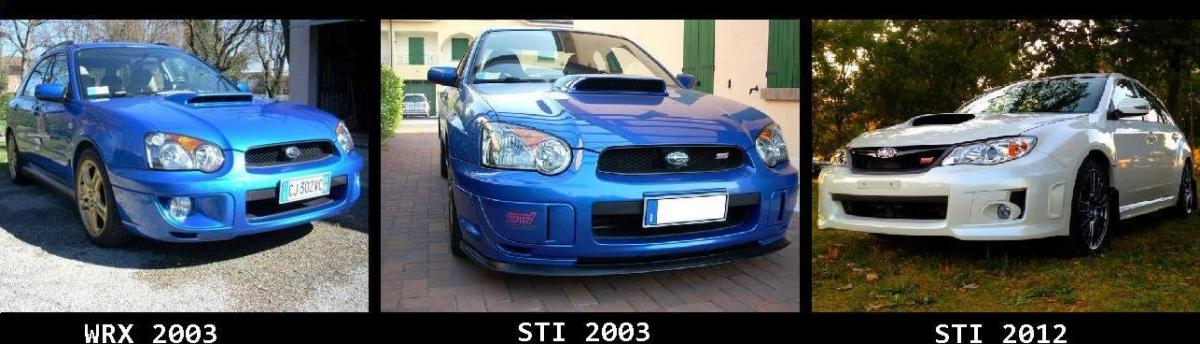
Morning everybody! Marco here. new to this site but long time Subaru enthusiast. back in Italy I had a 2003 WRX, and a 2003 STI. Came to USA 4 years ago and in 2012 I bought my first brand new car. an other STI. I always liked the BRAT and I'm now looking for one. I heard this is the best place to find information about these beauties so here I am!