radiodave1
Members
-
Joined
-
Last visited
-
radiodave1 replied to radiodave1's topic in 1990 to Present Legacy, Impreza, Outback, Forester, Baja, WRX&WrxSTI, SVXThanks Caboobaroo.... Funny you bring that up as I just stumbled on a video this weekend where someone had that exact issue. I did have an oil leak so it very well have gotten oily from that incident. As a newby with his first post I'm impressed with the helpfulness of this Subaru community. Thanks for all the great insight. Merry Christmas!
-
radiodave1 replied to radiodave1's topic in 1990 to Present Legacy, Impreza, Outback, Forester, Baja, WRX&WrxSTI, SVXThanks Gloyale... I wanted a little knowledge of what to expect when I take it to Les Schwab. Sometimes they really try to sell me more than I need. PS... seeing you're from Corvallis, good luck on the big game Christmas Eve! ;-)
-
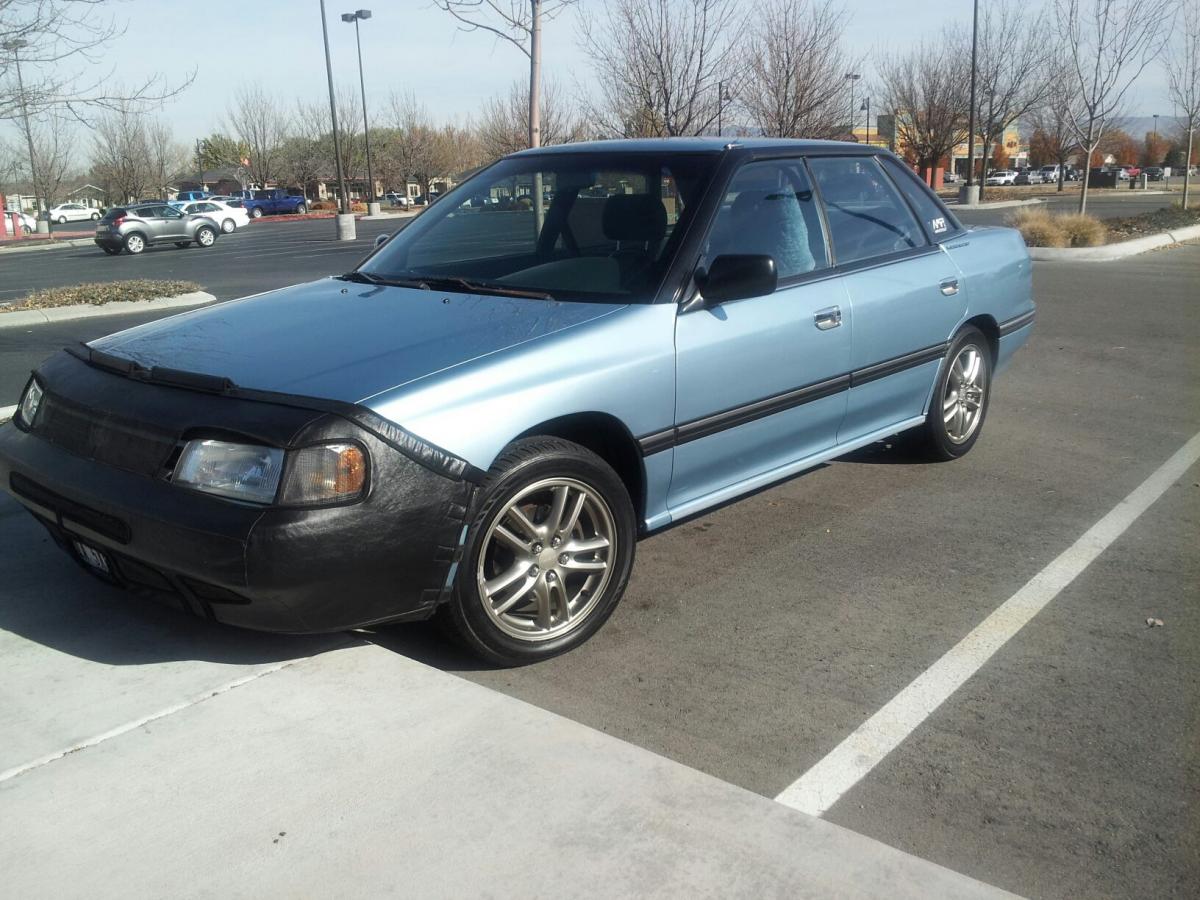
My 1991 2WD Legacy is having problems feeling solid on the road. Especially while driving on the freeway. It will erratically jerk left OR right. I'm sure the condition of the road contributes. They grooved the cement I assume to have someplace for water to go, but my other cars don't share this issue. It's got 240,000 miles and I've never had to make any repairs to the front end and the bearings have never been replaced (I bought it with 9,000 miles back in 1992). Any suggestions as to what I should tackle first to get my Legacy to feel "tight" on the road again? We're getting winter weather here in Idaho and I'm afraid that its going to jerk me into a spin on ice if I don't correct this issue. Thanks!