Skip to content
View in the app

A better way to browse. Learn more.

Ultimate Subaru Message Board

A full-screen app on your home screen with push notifications, badges and more.

To install this app on iOS and iPadOS
  1. Tap the Share icon in Safari
  2. Scroll the menu and tap Add to Home Screen.
  3. Tap Add in the top-right corner.
To install this app on Android
  1. Tap the 3-dot menu (⋮) in the top-right corner of the browser.
  2. Tap Add to Home screen or Install app.
  3. Confirm by tapping Install.

PropWashThePegasus

Members
  • Joined

  • Last visited

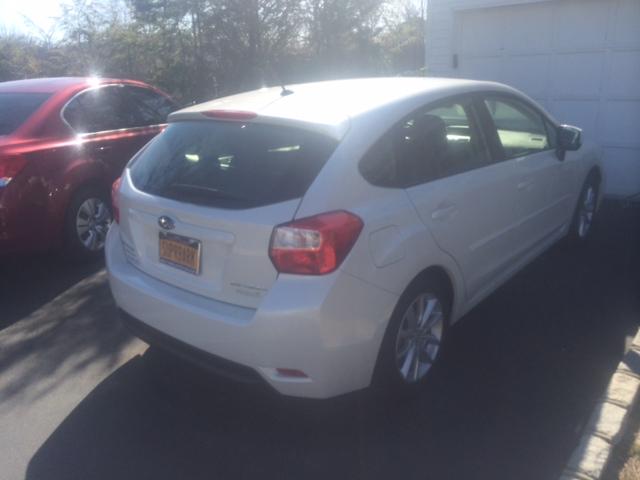
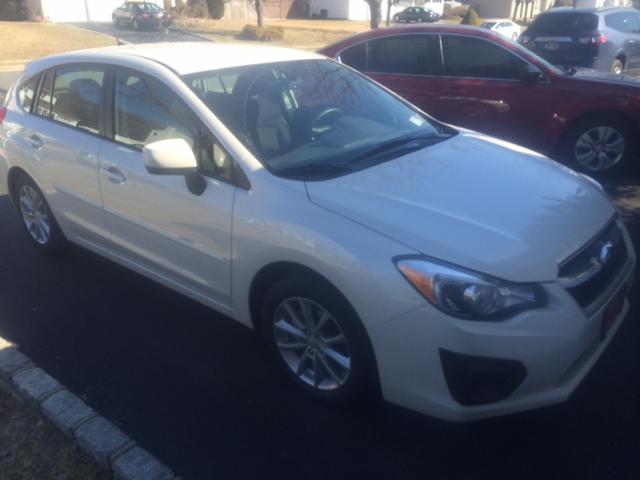
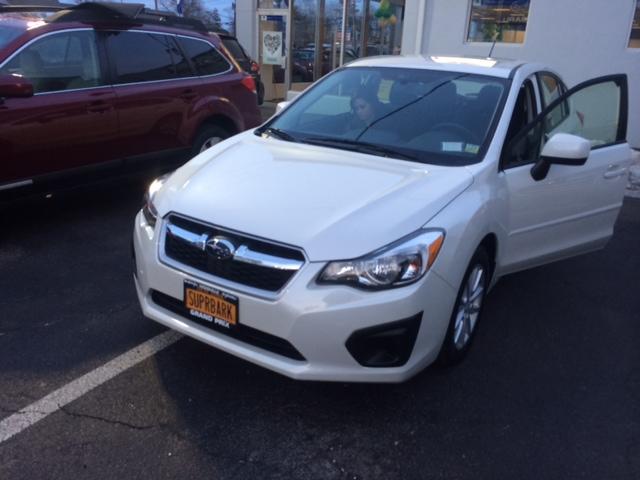
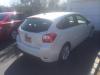
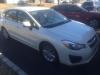
  1. I bought a 2014 Impreza on Friday and so far am loving everything about it. I come from a base model Chevrolet CObalt so all of these buttons are spoiling me rotten. It's a fully loaded Premium edition Impreza, but of course has to be a manual since I don't believe in automatics. Here's some pics. Question right off the bat. I'm looking to buy roof racks for this. I orginally thought this car came with the sport edition roof racks but, as you can see, I was wrong. I was wondering if anyone knew where I could buy racks that look good with this vehicle.
Account

Navigation

Search

Search

Configure browser push notifications

Chrome (Android)
  1. Tap the lock icon next to the address bar.
  2. Tap Permissions → Notifications.
  3. Adjust your preference.
Chrome (Desktop)
  1. Click the padlock icon in the address bar.
  2. Select Site settings.
  3. Find Notifications and adjust your preference.