hotgal1
Members
-
Joined
-
Last visited
-
hotgal1 replied to hotgal1's topic in 1990 to Present Legacy, Impreza, Outback, Forester, Baja, WRX&WrxSTI, SVXconfidence level in the shop.... solid 5 out of 10. they are a different location of the same shop that fix the car after the accident, Big O Tire. the "accident" as you wrote, I was looking for an exit because I was getting tired, next thing I know I am off the left side of the highway off-roading a good 300 yards or so. I could barely open my door because there was so much snow and mud. The damage that was done... off memory they replaced the struts, cams and all 4 tires. It seems like there was something else, but I can't remember what it was.
-
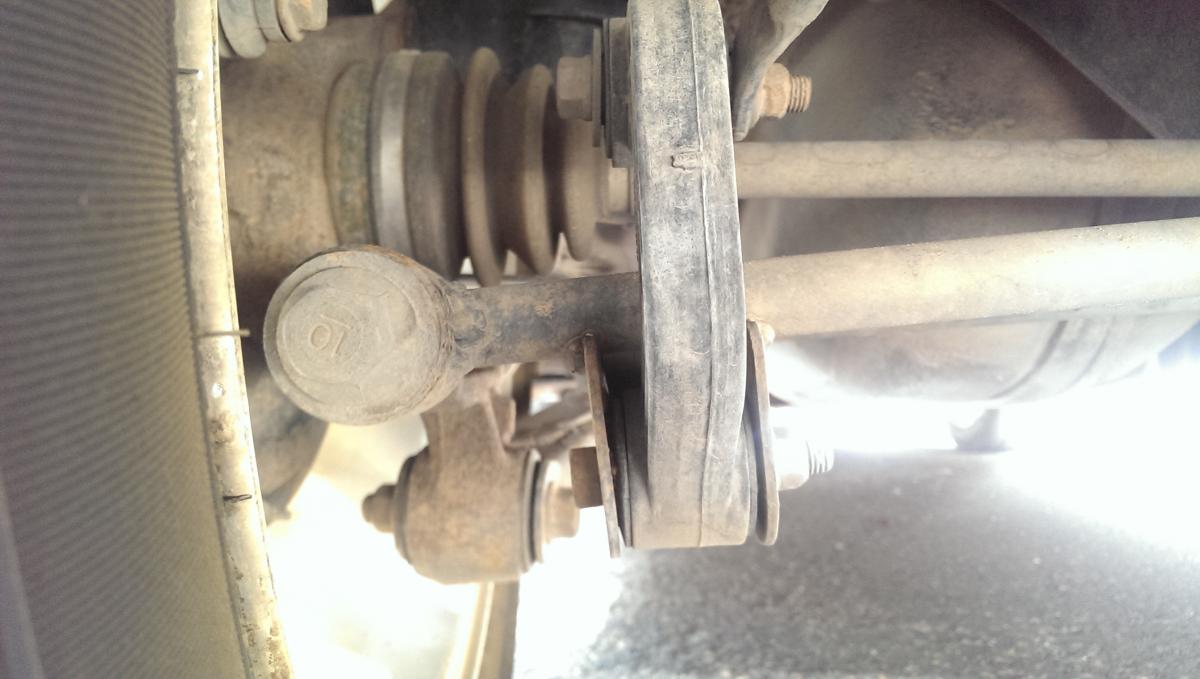
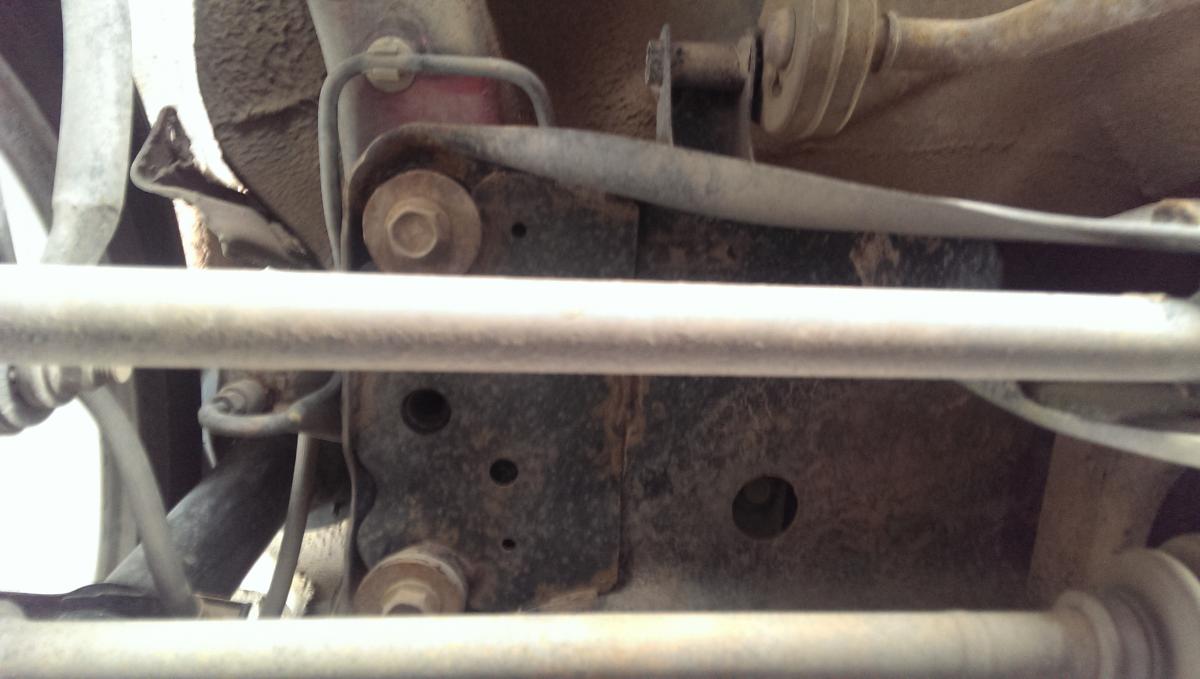
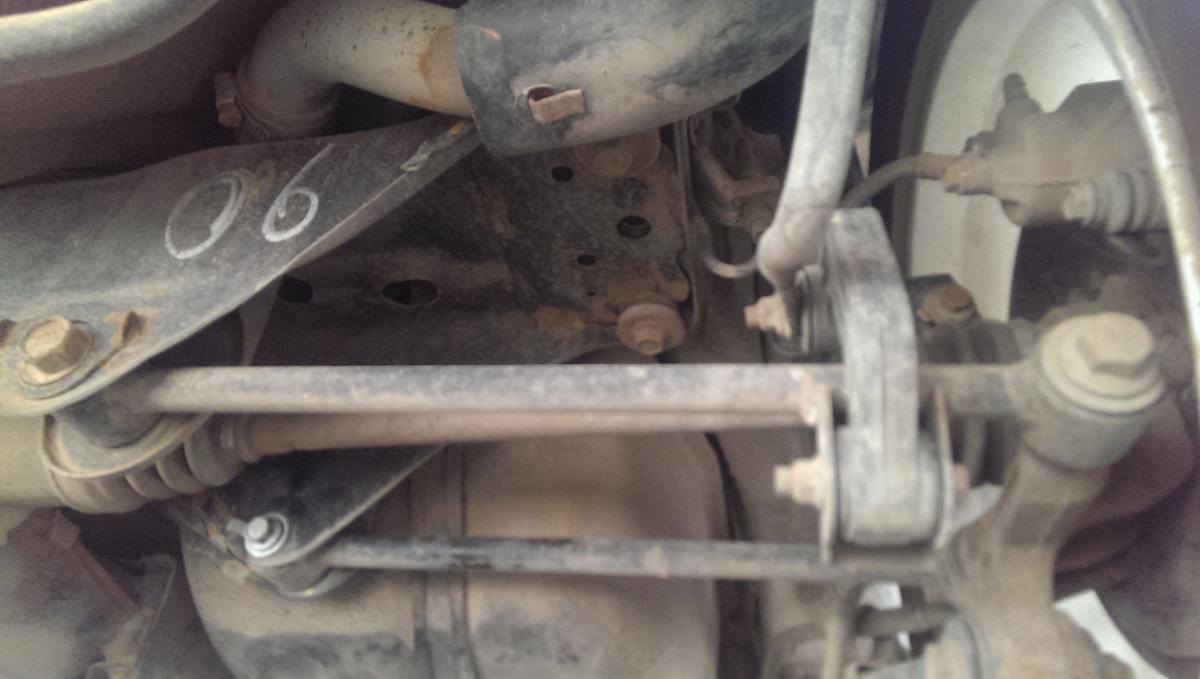
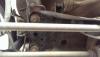
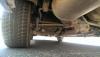
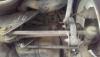
hotgal1 replied to hotgal1's topic in 1990 to Present Legacy, Impreza, Outback, Forester, Baja, WRX&WrxSTI, SVXLeft side rear. The arm looks a little tweeked, but nothing you would normally notice.
-
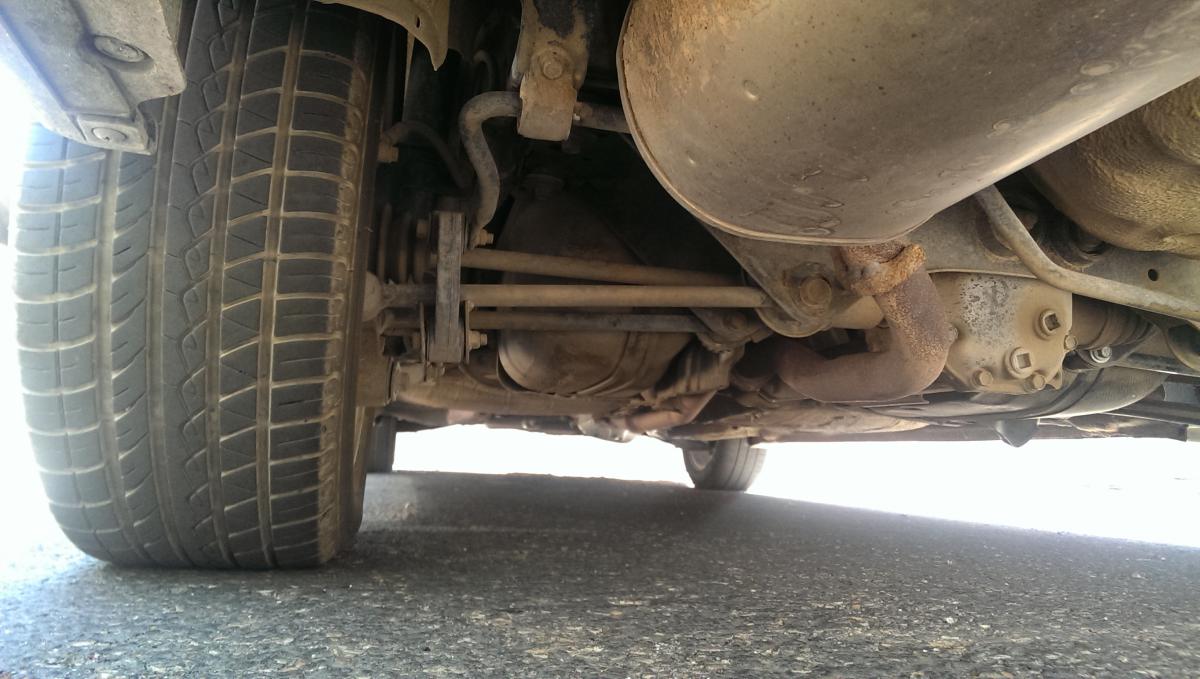
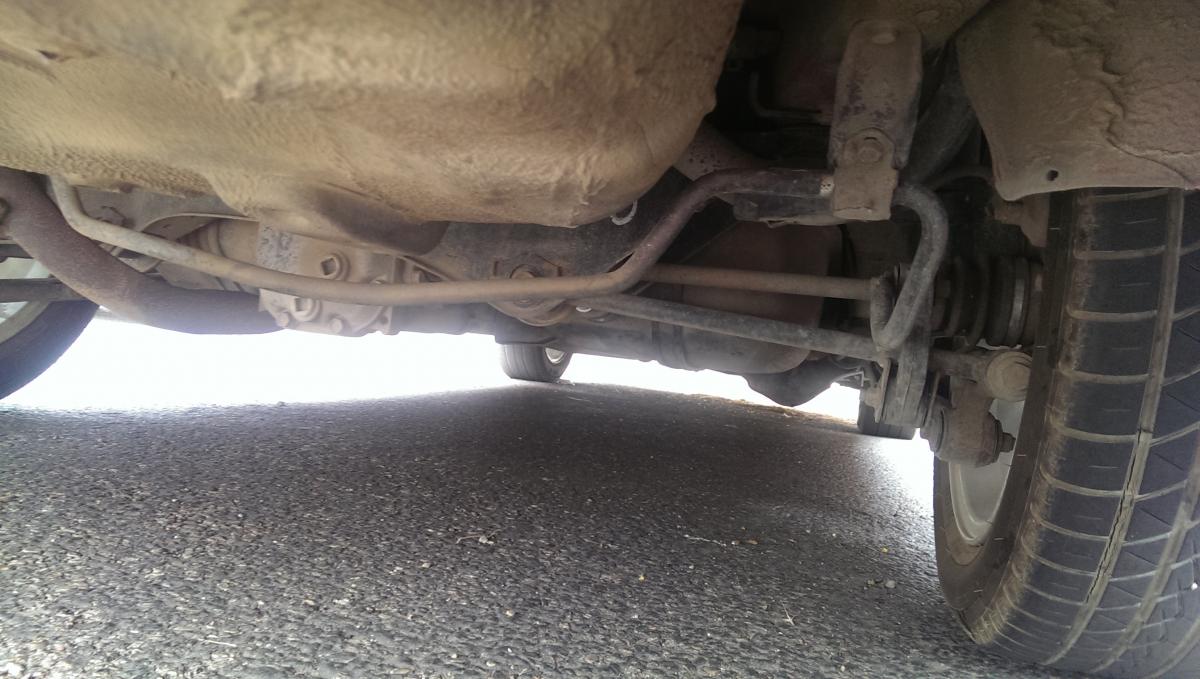
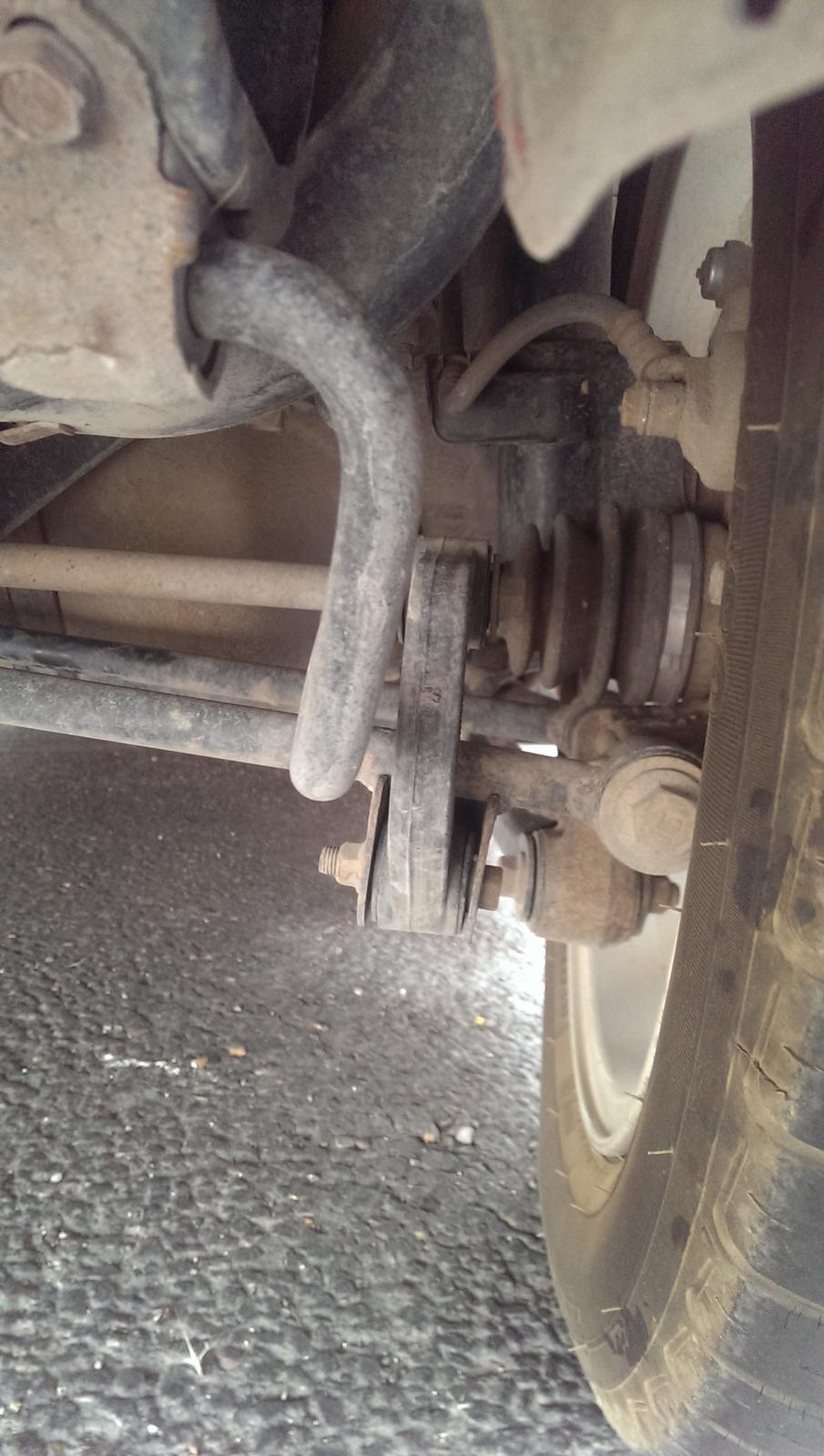
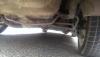
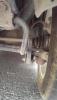
hotgal1 replied to hotgal1's topic in 1990 to Present Legacy, Impreza, Outback, Forester, Baja, WRX&WrxSTI, SVXThe tires were shredded on the inside. Here is what passenger side looks like. It looks to me like the sway bar is not in the original position, right? You can see where it is considerably cleaner on the left side of it. Could that cause the problem? The lateral arm doesn't look that bent... The tiniest bit. I'm not sure how helpful these pictures are...
-
hotgal1 replied to hotgal1's topic in 1990 to Present Legacy, Impreza, Outback, Forester, Baja, WRX&WrxSTI, SVXsorry it didn't link the first time.
-
hotgal1 replied to hotgal1's topic in 1990 to Present Legacy, Impreza, Outback, Forester, Baja, WRX&WrxSTI, SVXhere they are.
-
hotgal1 replied to hotgal1's topic in 1990 to Present Legacy, Impreza, Outback, Forester, Baja, WRX&WrxSTI, SVX18 months ago. Went off the road at 70, managed keep the car straight but it was total off roaring. When they hooked up to tow it they drug it sideways for about 50+ yards.
-
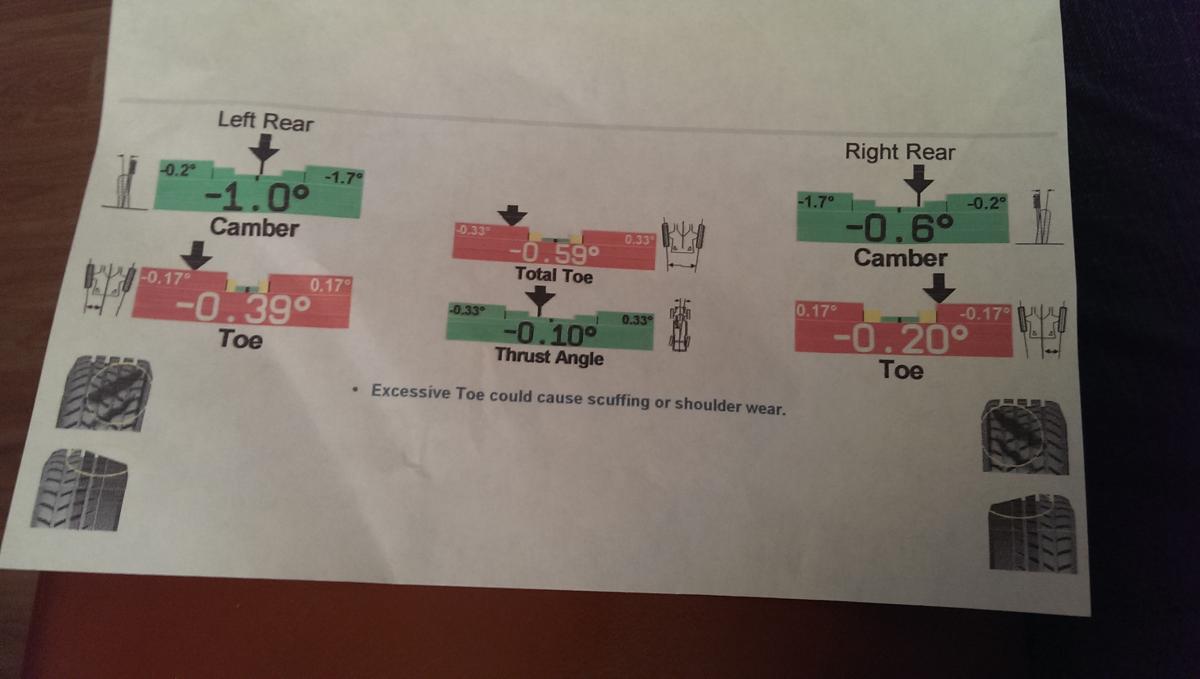
I need to fix the problem that we need more toe in with our rear tires, as far as I can tell I need to get an adjustable control arm kit, but am having one heck of a time locating one. Where can I find one? Is there another way to add some adjustment to the toe?