BigMT
Members
-
Joined
-
Last visited
Everything posted by BigMT
-
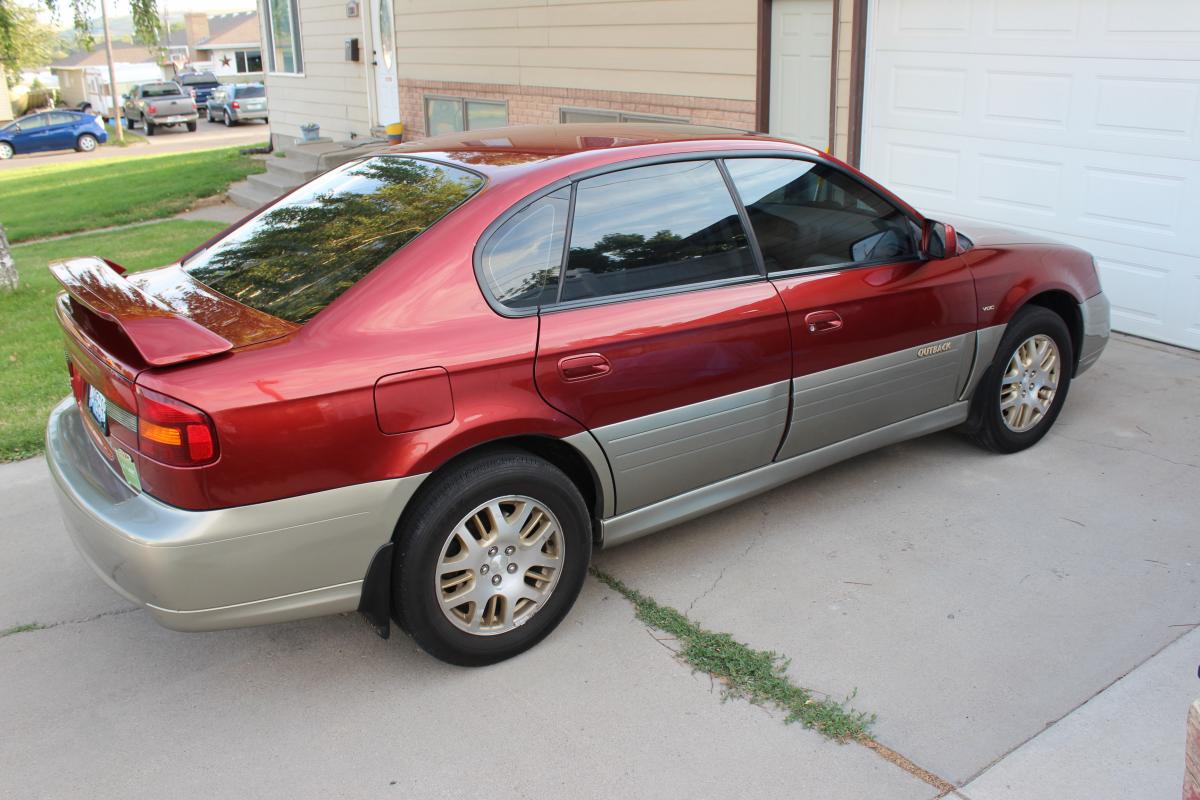
BigMT replied to Red92's topic in 1990 to Present Legacy, Impreza, Outback, Forester, Baja, WRX&WrxSTI, SVXLitterally picked her up yesterday in Spokane, WA. The interior is amazing for an '02. The guy I get her from seems to have been pretty anal about keeping her clean and well maintained. 173,000 miles and going strong!
-
I have never owned a Subaru until yesterday, 16 Aug 14. I have been looking for a sedan Outback for about 3 years though. I finally got a hold of one out of Spokane, WA. It was a rough road, but I got it and am loving it! My new (to me, at least) 2002 Outback VDC H6 3.0 sedan is awesome and everthing that I thought it would be. I am glad I did my research first and got the one that I wanted. I am sure I will be asking a lot of questions and will answer any that I can!