Skip to content
View in the app

A better way to browse. Learn more.

Ultimate Subaru Message Board

A full-screen app on your home screen with push notifications, badges and more.

To install this app on iOS and iPadOS
  1. Tap the Share icon in Safari
  2. Scroll the menu and tap Add to Home Screen.
  3. Tap Add in the top-right corner.
To install this app on Android
  1. Tap the 3-dot menu (⋮) in the top-right corner of the browser.
  2. Tap Add to Home screen or Install app.
  3. Confirm by tapping Install.

Dawgma

Members
  • Joined

  • Last visited

Everything posted by Dawgma

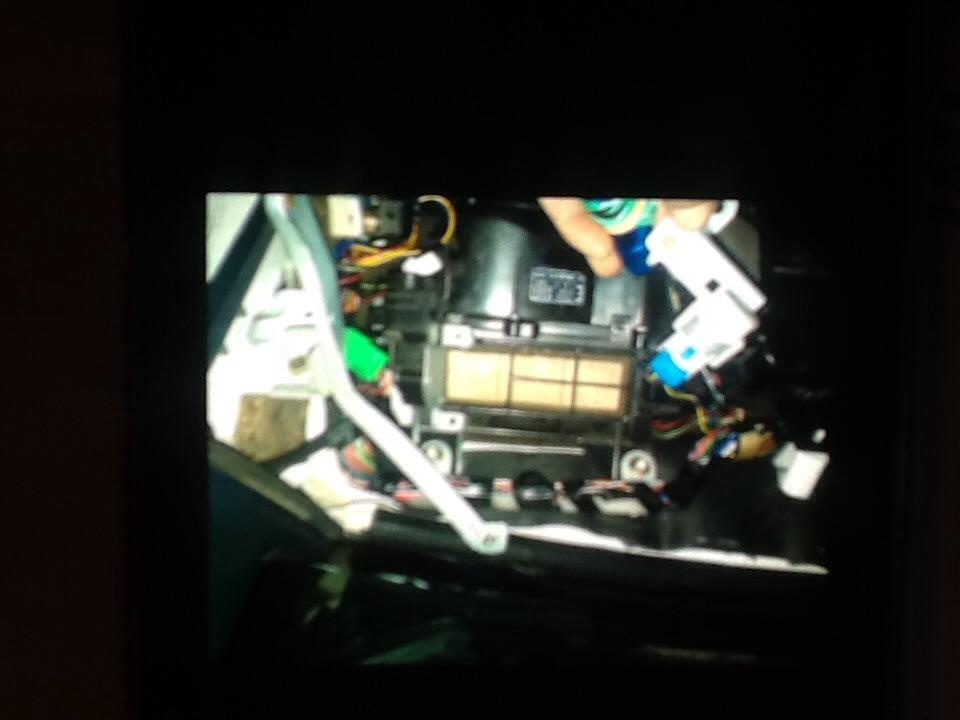
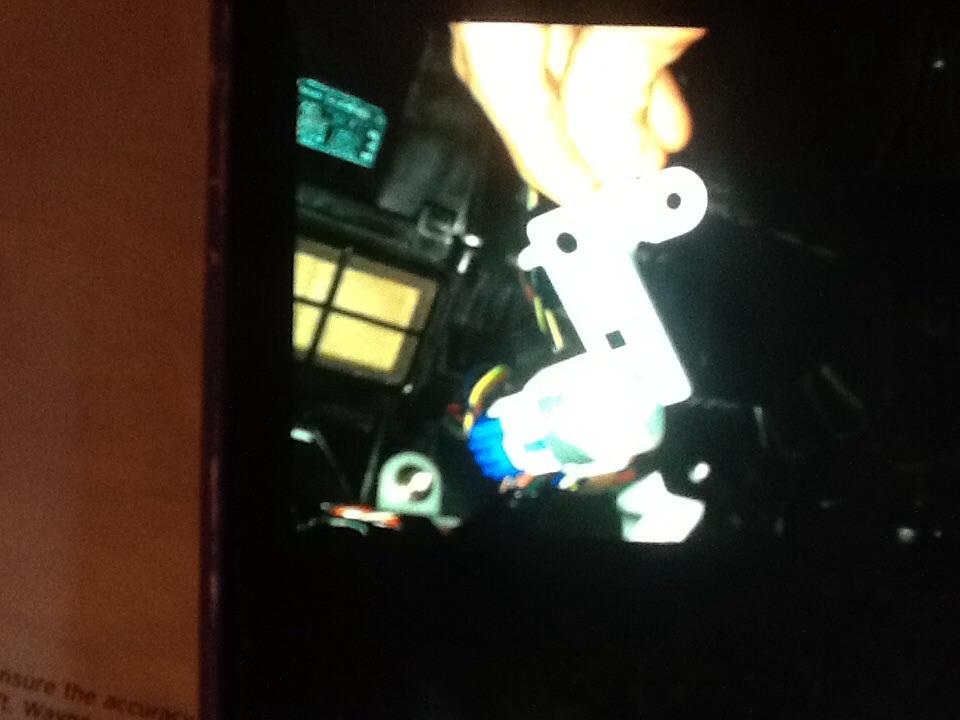
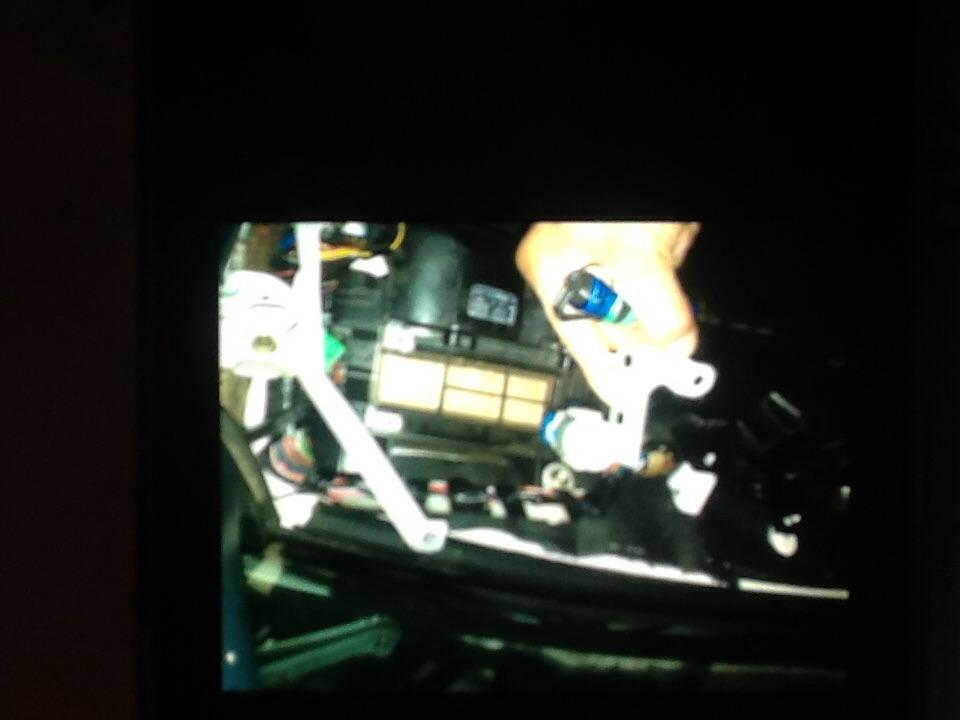
  1. It has a cylinder look with a blue plug into it with brown,yellow,red,blue wires coming out? Neighbor took my moms car apart and got in over his head ,we need help figure out where this piece goes and the manual he has does not show this? It goes somewhere on the right side under dash or? I'm just trying to reach out to anyone who may know...it's been 6 weeks:( Thank you in advance to any in put or assistance,we sure could use it and would appreciate it. Best Regards, Cheri
Account

Navigation

Search

Search

Configure browser push notifications

Chrome (Android)
  1. Tap the lock icon next to the address bar.
  2. Tap Permissions → Notifications.
  3. Adjust your preference.
Chrome (Desktop)
  1. Click the padlock icon in the address bar.
  2. Select Site settings.
  3. Find Notifications and adjust your preference.