Skip to content
View in the app

A better way to browse. Learn more.

Ultimate Subaru Message Board

A full-screen app on your home screen with push notifications, badges and more.

To install this app on iOS and iPadOS
  1. Tap the Share icon in Safari
  2. Scroll the menu and tap Add to Home Screen.
  3. Tap Add in the top-right corner.
To install this app on Android
  1. Tap the 3-dot menu (⋮) in the top-right corner of the browser.
  2. Tap Add to Home screen or Install app.
  3. Confirm by tapping Install.

Dirtydrifter21

Members
  • Joined

  • Last visited

Everything posted by Dirtydrifter21

  1. It is brads old RX. It has the checkered interior he put in it. Love this thing.
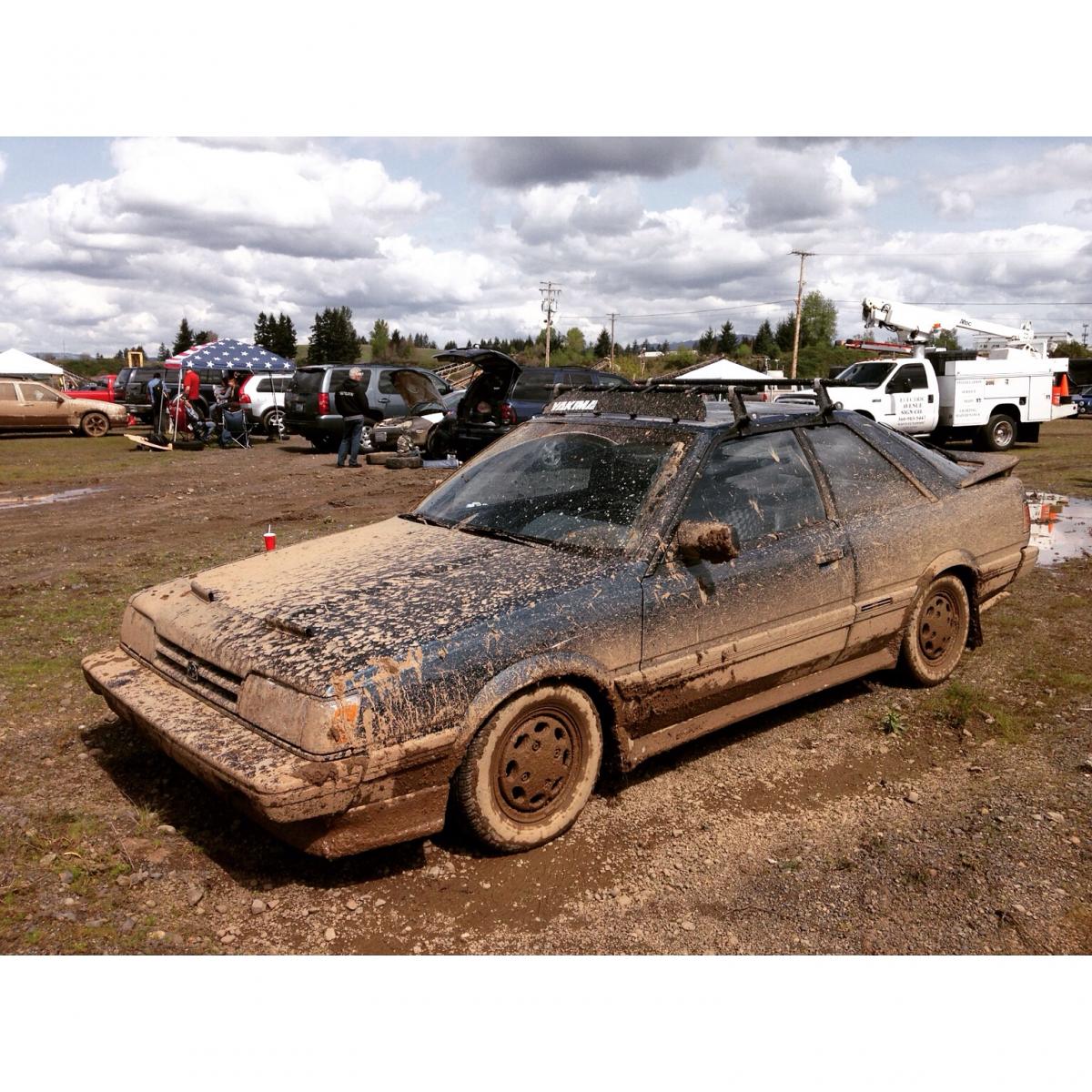
  2. The hood is black, but the body is factory blueish-green. Open light rally car project. I'm taking good care of her
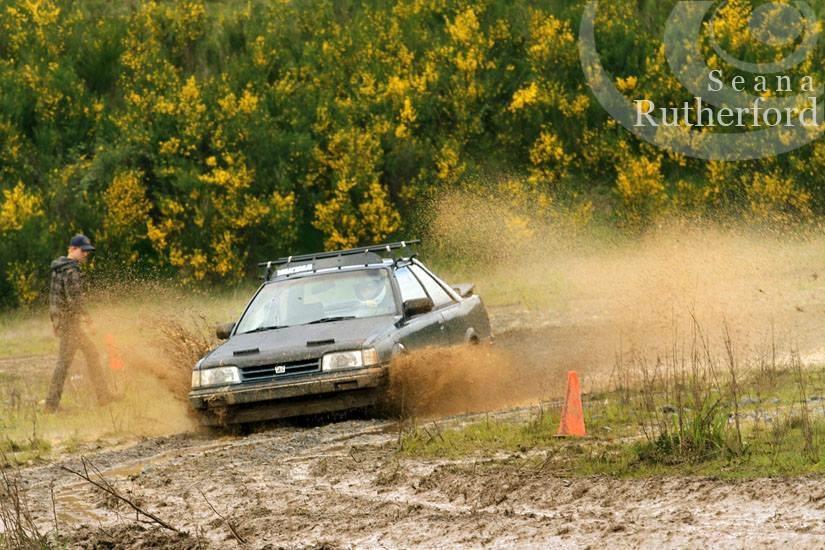
  3. Last weeks rally cross
  4. Picked this up a month ago. 188k
  5. I have an 87 turbo RX coupe that I want to have swapped with the engine out of my 99 forester (ej25) is their already a list of parts or things that I would have to do to complete this swap?

Account

Navigation

Search

Search

Configure browser push notifications

Chrome (Android)
  1. Tap the lock icon next to the address bar.
  2. Tap Permissions → Notifications.
  3. Adjust your preference.
Chrome (Desktop)
  1. Click the padlock icon in the address bar.
  2. Select Site settings.
  3. Find Notifications and adjust your preference.