Dutch2k3
Members
-
Joined
-
Last visited
-
Dutch2k3 replied to Dutch2k3's topic in 1990 to Present Legacy, Impreza, Outback, Forester, Baja, WRX&WrxSTI, SVXyeah I do think I could find the part there and sorry took so long to reply internet was cut off by a thunder storm and a tree
-
Dutch2k3 replied to Dutch2k3's topic in 1990 to Present Legacy, Impreza, Outback, Forester, Baja, WRX&WrxSTI, SVXDoing some research has something to do with the charcoal canister
-
Dutch2k3 replied to Dutch2k3's topic in 1990 to Present Legacy, Impreza, Outback, Forester, Baja, WRX&WrxSTI, SVXI thought that to but it's under the car on the passenger side next to the spare tire capartment
-
Dutch2k3 replied to Dutch2k3's topic in 1990 to Present Legacy, Impreza, Outback, Forester, Baja, WRX&WrxSTI, SVXI'm trying to figure it out my self in the picture there's a hose it goes to above it
-
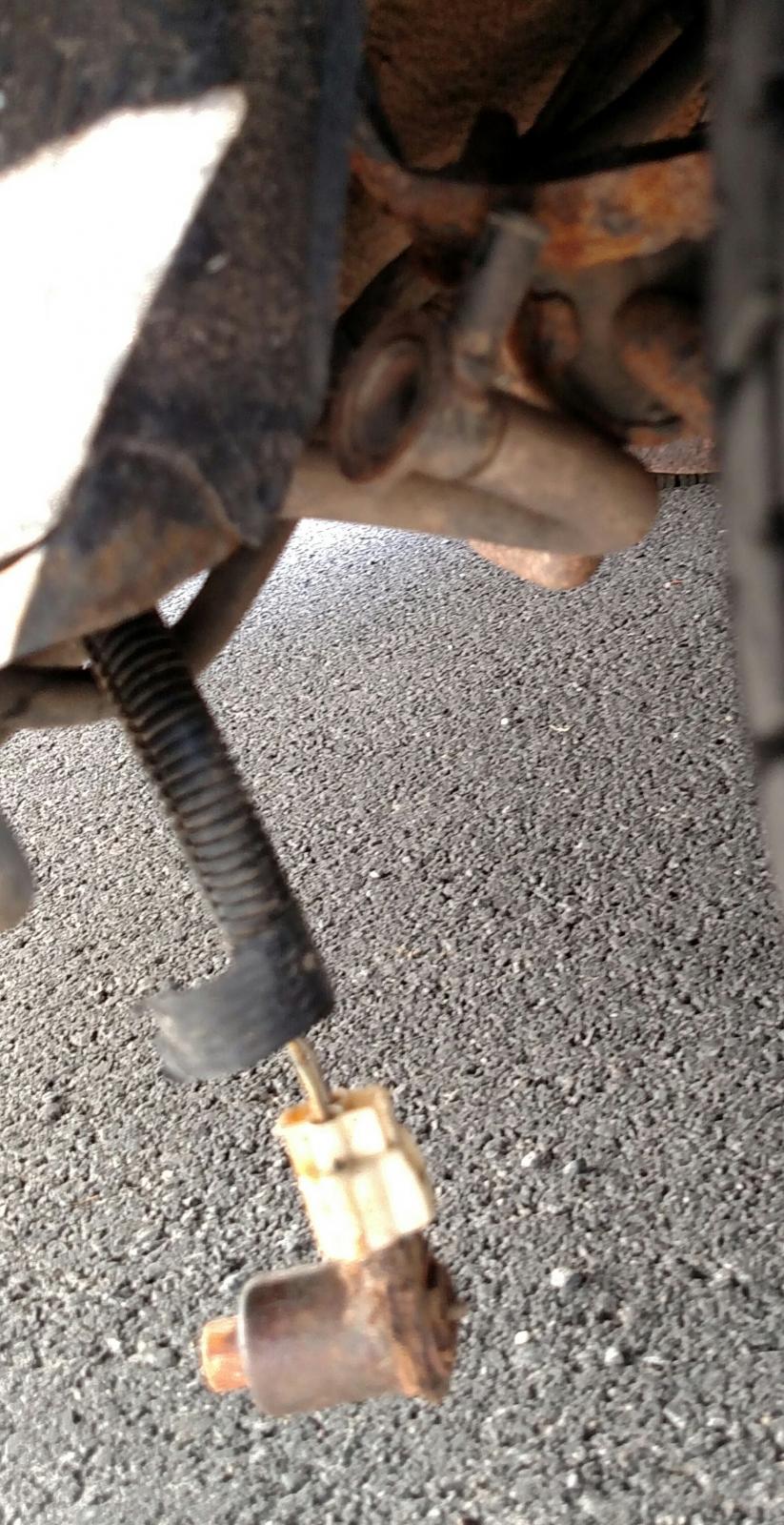
Dutch2k3 replied to Dutch2k3's topic in 1990 to Present Legacy, Impreza, Outback, Forester, Baja, WRX&WrxSTI, SVXHere's the mystery part
-
Dutch2k3 replied to Dutch2k3's topic in 1990 to Present Legacy, Impreza, Outback, Forester, Baja, WRX&WrxSTI, SVXIf any one can send me a picture of what its supposed to look like that might help to. It right next to that black box behind my bumper
-
Dutch2k3 replied to Dutch2k3's topic in 1990 to Present Legacy, Impreza, Outback, Forester, Baja, WRX&WrxSTI, SVXHere's the mystery par
-
I found a part dangling from the rear of my car and have no clue what it is. Can any one help me please. I have a 92 Subaru leagacy L 2.2l