RandyWayne
Members
-
Joined
-
Last visited
-
RandyWayne replied to RandyWayne's topic in 1990 to Present Legacy, Impreza, Outback, Forester, Baja, WRX&WrxSTI, SVXI did a ton of research on that first. and as far as I can tell, they are the same. then I saw some info on whats called "dynamic drive" or something colorful like that. it seems that might be the difference in the two transmissions.
-
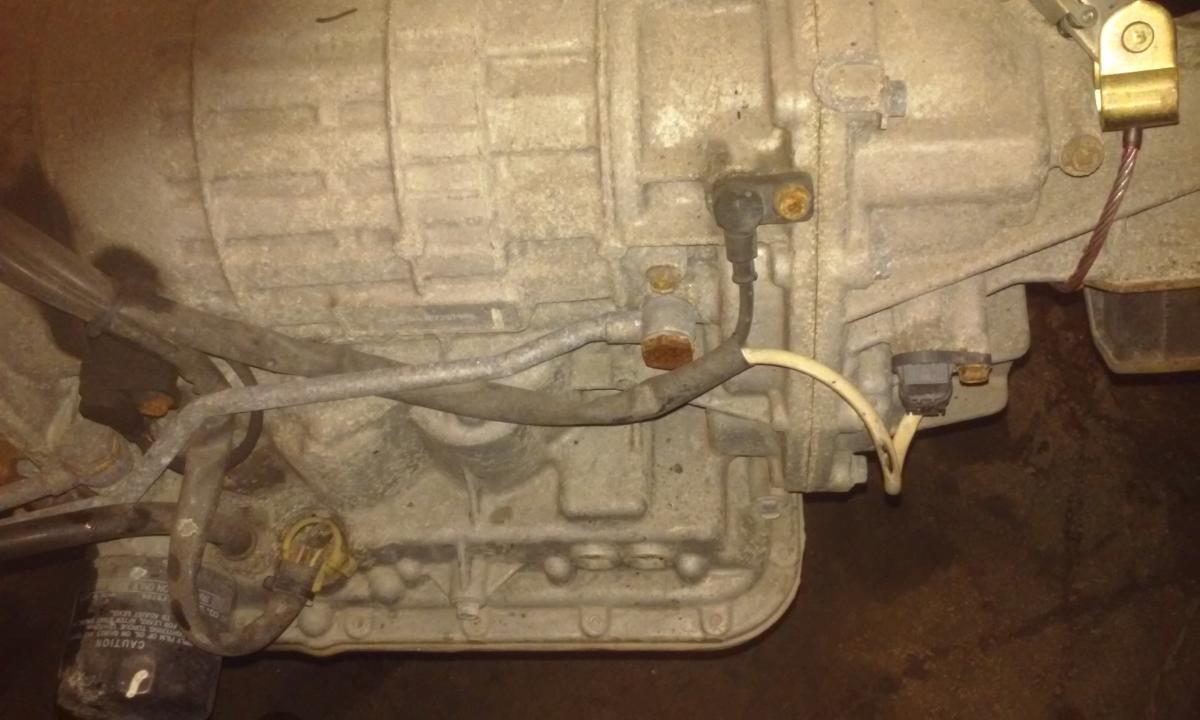
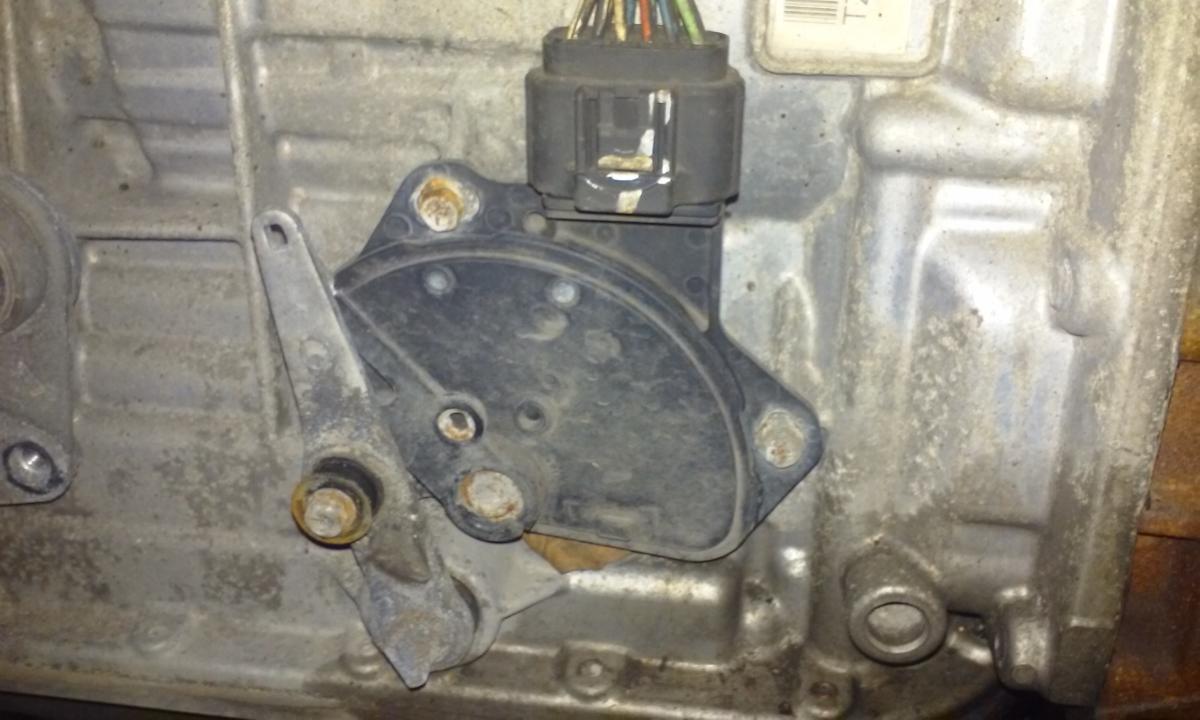
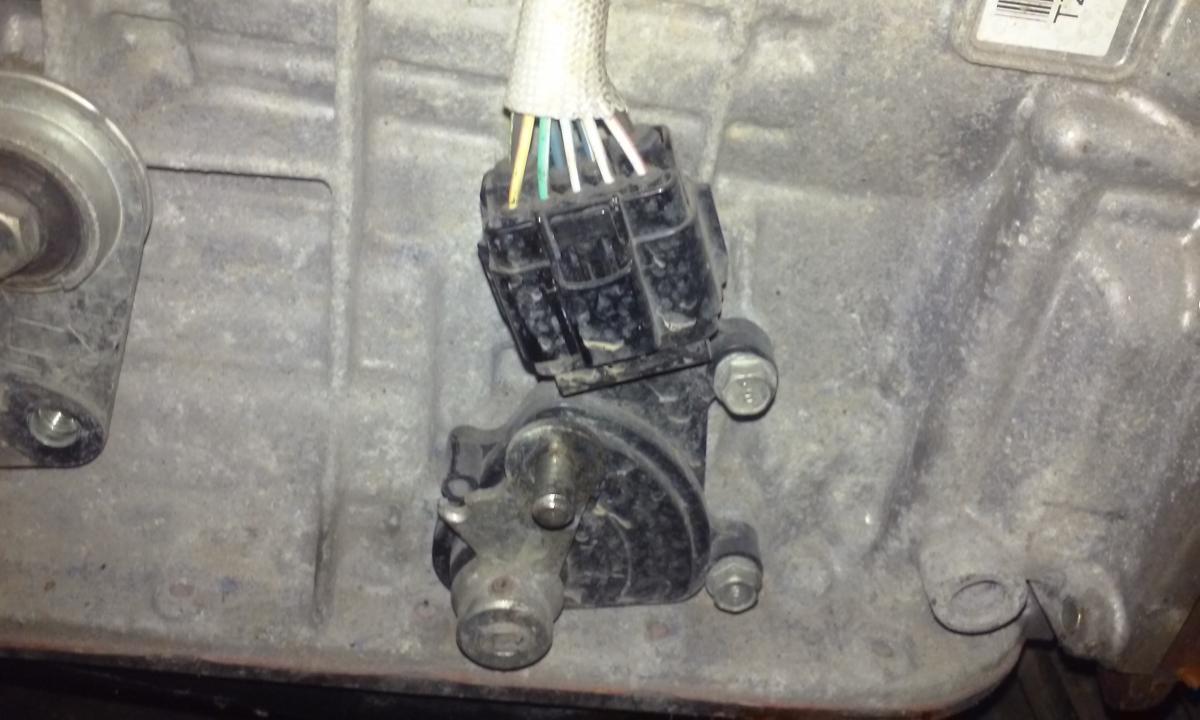
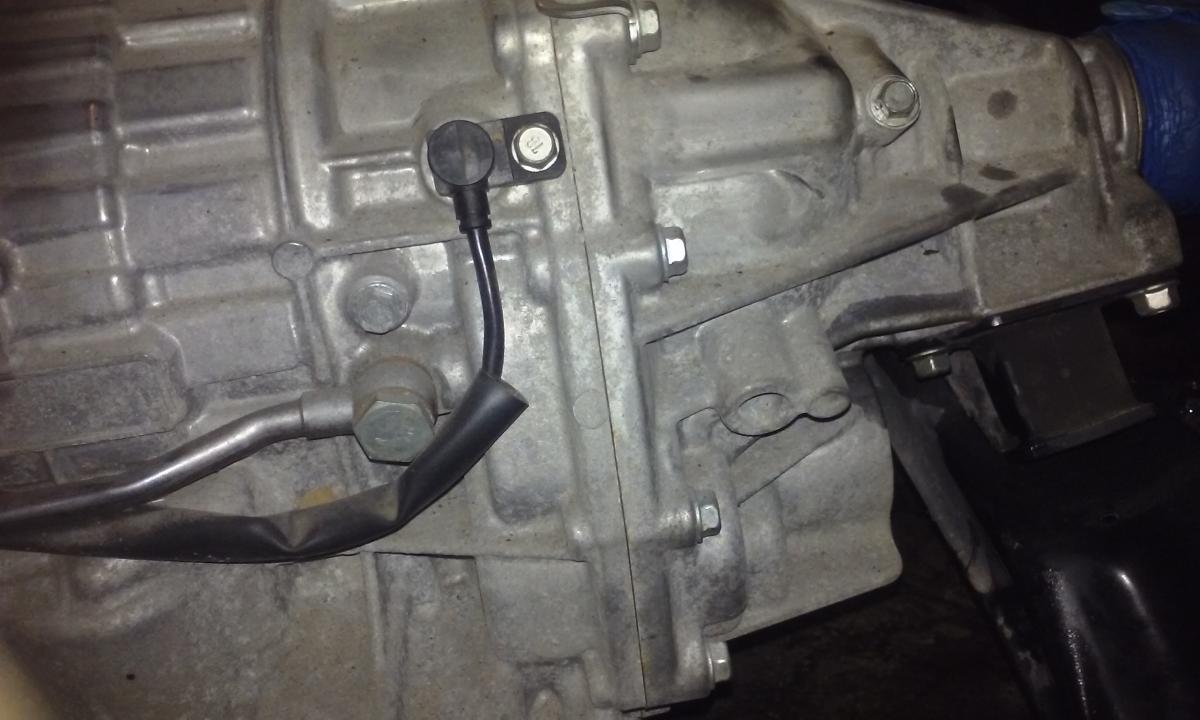
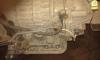
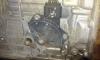
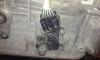
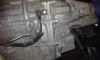
I'm in the process of swinging a motor into my daughters 08 legacy. she paid a little extra for the low miles trans that is bolted to her new low miles motor from an 09 impreza. the trans id numbers are very similar except for one digit. 08 legacy trans - TZ1B8LC4BA 09 impreza trans-TZ1B8LCEBA what is the difference? there are also some electrical differences. the 08 trans has a sensor on the tail shaft and a screw in filter. the 09 does not. it does have bosses for them though. it looks like it plugs right in but I dont know if it will work. the shift selector switch is different as well. but has what looks like the same pigtail. is the 08 tailshaft sensor is the 08 select switch is the 09 switch is the 09 tailshaft housing with boss, without sensor. I guess what im asking is, can i use the 09 trans? and what do i need to change to use it?
-
So, since my daughter had to have this legacy, I am now forced to learn and repair a Subaru. It's a great car and I like it a lot. but I do not know a hell of a lot about it. so I will be picking your brains as long as she has this car. thanks in advance!