nbl300
Members
-
Joined
-
Last visited
-
im not converting to carburated yea its simple but im not riding smooth dunes hit a big enough bump flood out the carb and crank for days plus i have a sweet little turbo off of a cx7 ill put on it once i get it going and carb witha turbo does not mix without alot of tuning. does a haynes manual have good wiring diagrams? how about all data or identafix ?
-
Bump does any one know how to start the motor outside of the car?
-
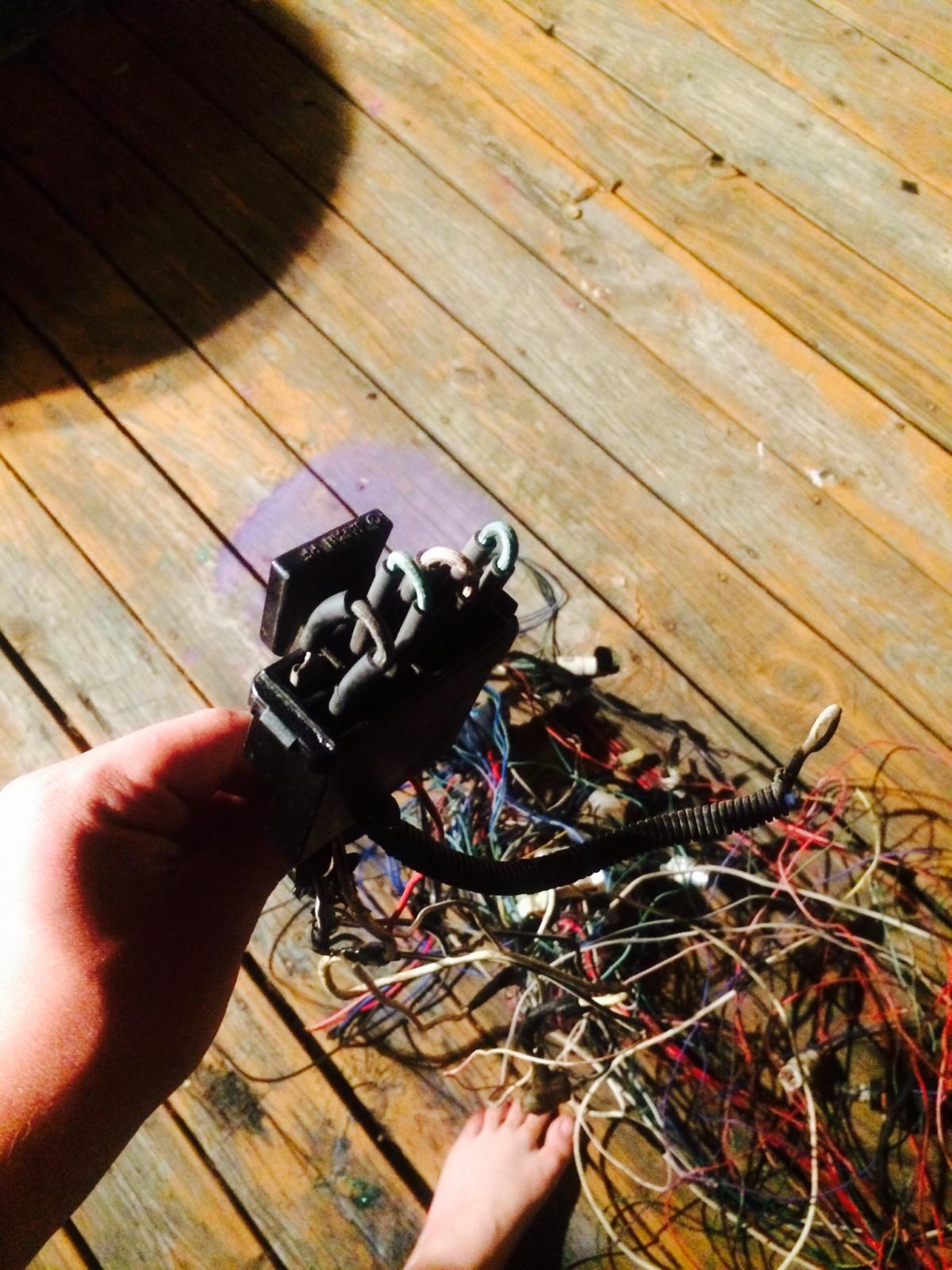
aah ha the link box hooks to the battery terminal i forgot where i got it from. that makes alot of things make sense now
-
its efi and a 1988 dual range 4x4
-
hello im building a buggy out of a subaru gl wagon 5spd thats besides the point i need to know if any body knows how to start the motor on the stand i already seperated the harness into all the lighting and misc b.s. and the necessities that plug into the engine.what wires need power and what wires need to be grounded. im pretty much looking make a standalone harness without using a vipec or aem. also if anybody has a wiring diagram that is actually readable and not fuzzy thatd be awesome. there was only 3 wires that the 2 halves share 2 blue one with red and one with white stripe and one red these need to be powered? what does this box do is just a big gronding brick because alot of the wires that come fromm the ignition go to it specificaly the white ones and it splices in a lot of places and goes to other connectors. just food for thought... hopefully