DarkenLX
Members
-
Joined
-
Last visited
-
DarkenLX replied to DarkenLX's topic in 1990 to Present Legacy, Impreza, Outback, Forester, Baja, WRX&WrxSTI, SVXAh oh thanks i tried searching online and i that i could find was something about auto darkening mirrors but i couldn't find if these models had that.
-
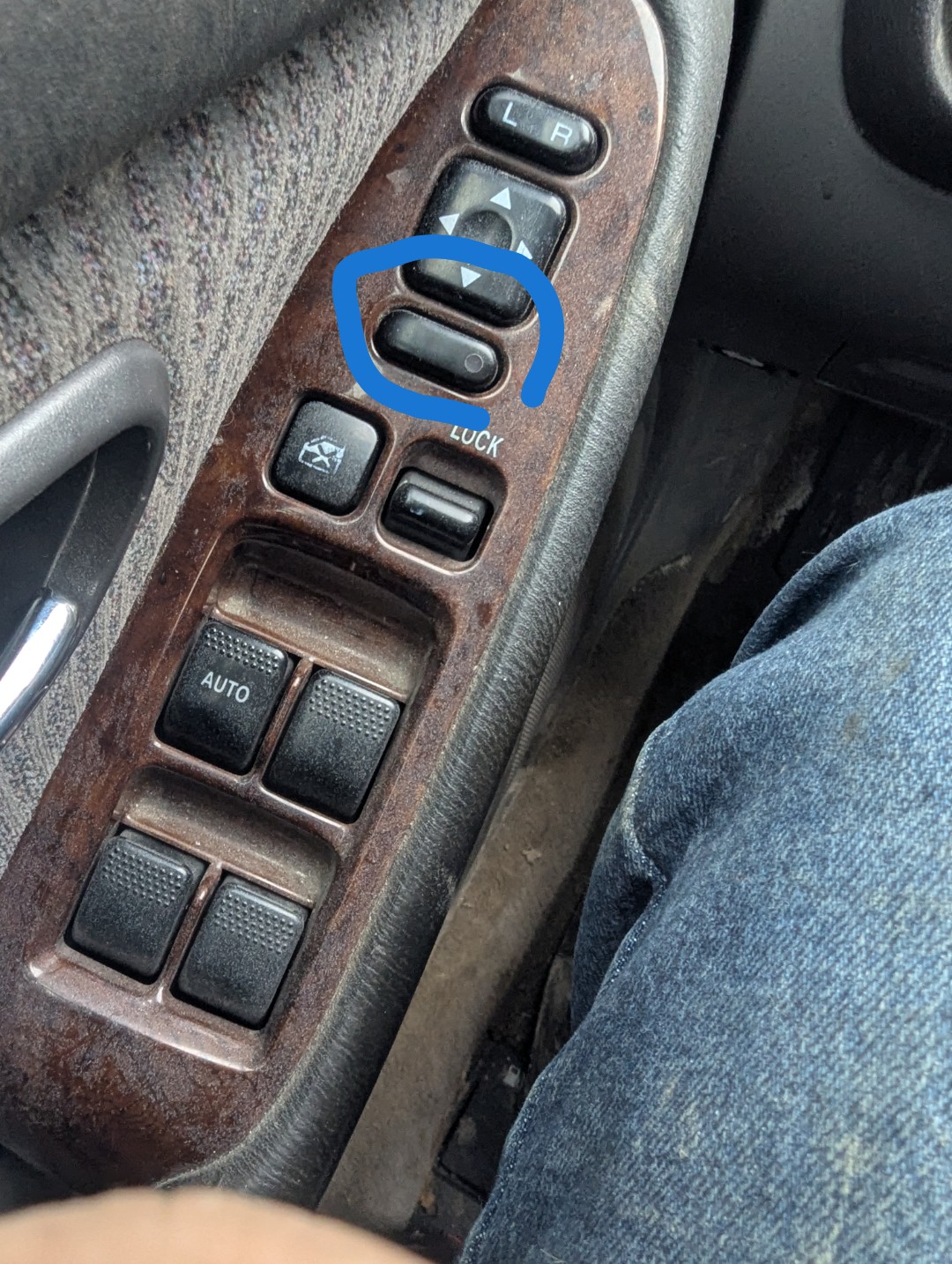
Hey all i just acquired this 2000 Subaru legacy outback wagon used and i was wondering what if anything this button is supposed to do? IDK if it had a label/decal if it did its worn off.
-
DarkenLX replied to DarkenLX's topic in 1990 to Present Legacy, Impreza, Outback, Forester, Baja, WRX&WrxSTI, SVXThanks this was what i was trying to find.
-
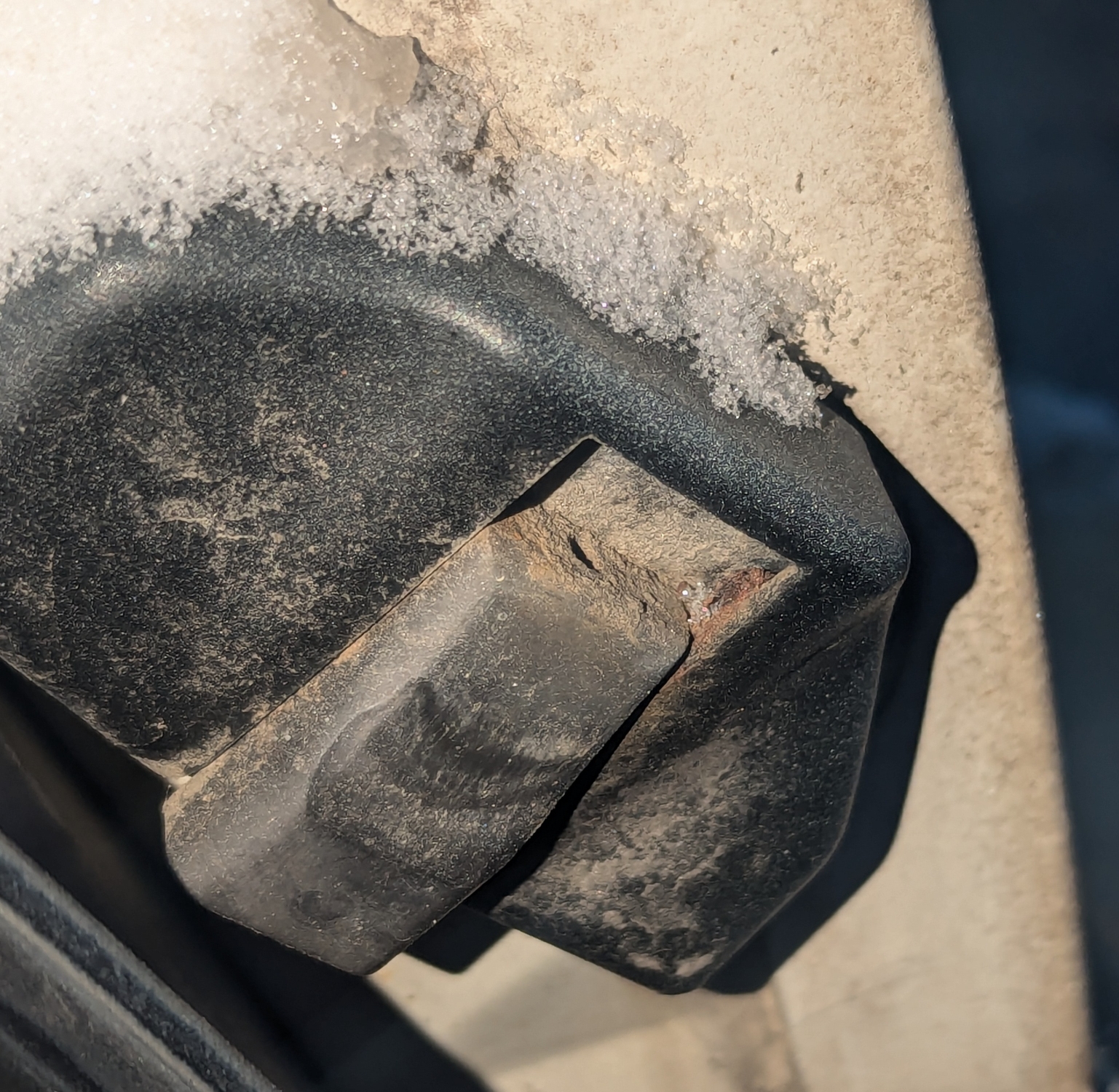
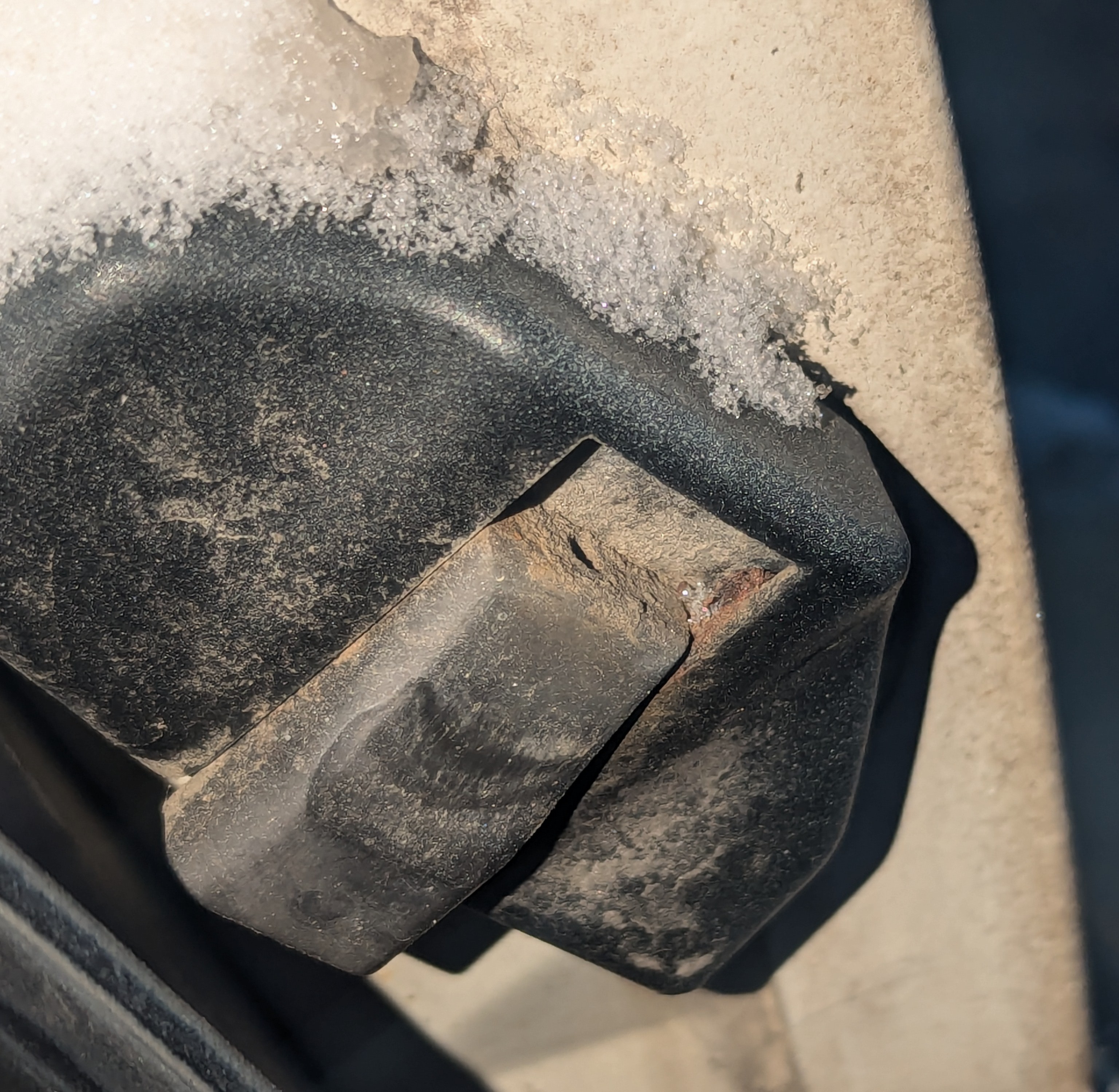
Like the title says.. the part is located next to the tail light on both sides where the liftgate comes down. They look like they are supposed to adjust or something but tried to move one the plastic just broke.