Skip to content
View in the app

A better way to browse. Learn more.

Ultimate Subaru Message Board

A full-screen app on your home screen with push notifications, badges and more.

To install this app on iOS and iPadOS
  1. Tap the Share icon in Safari
  2. Scroll the menu and tap Add to Home Screen.
  3. Tap Add in the top-right corner.
To install this app on Android
  1. Tap the 3-dot menu (⋮) in the top-right corner of the browser.
  2. Tap Add to Home screen or Install app.
  3. Confirm by tapping Install.

mtaa

Members
  • Joined

  • Last visited

  1. Can anyone post a pic of how the cable attaches to the gas pedal? Mine broke loose and I rigged it with a ferel but it appears it should go through the hole in the end of the pedal and then have a stop as well. This is on a 1979 Brat. Thanks, Mike
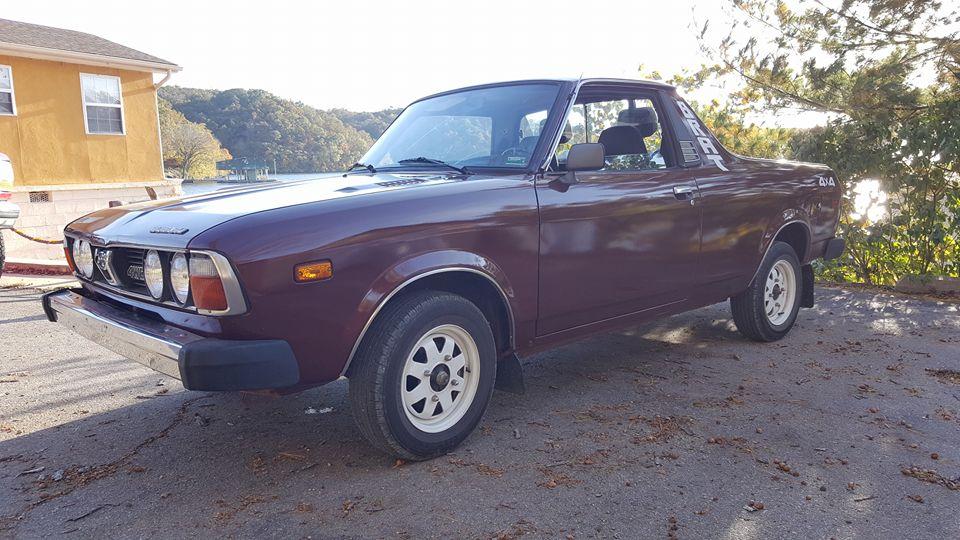
  2. I recently sold my 1990 Isuzu Amigo 4x4 and purchased my "new" 1979 Brat. Looking forward to learning about it an tinkering around! Mike
Account

Navigation

Search

Search

Configure browser push notifications

Chrome (Android)
  1. Tap the lock icon next to the address bar.
  2. Tap Permissions → Notifications.
  3. Adjust your preference.
Chrome (Desktop)
  1. Click the padlock icon in the address bar.
  2. Select Site settings.
  3. Find Notifications and adjust your preference.
