kitsbeach
Members
-
Joined
-
Last visited
Everything posted by kitsbeach
-
kitsbeach replied to kitsbeach's topic in 1990 to Present Legacy, Impreza, Outback, Forester, Baja, WRX&WrxSTI, SVXThanks golucky66 I can't find my sensor (or sensors). I've looked in the usual place under the wiring on the passenger side rear. Is there two on a '99.? I've been told one prong for guage and three prong for ECM but cannot see either. I'm thinking it could be that I have not plugged in one of the harness plugs well enough (maybe). But if if found the sensor I could start with that.
-
kitsbeach replied to kitsbeach's topic in 1990 to Present Legacy, Impreza, Outback, Forester, Baja, WRX&WrxSTI, SVXThanks you guys..!! There is a wire hanging down near the passenger side axle shaft. Maybe it fell down and got jammed there. I will look. Doesn't explain why my temperature gauge has stopped working though. And my fans are almost always even when the engine is cold. The gauge was working when I pulled the motor.
-
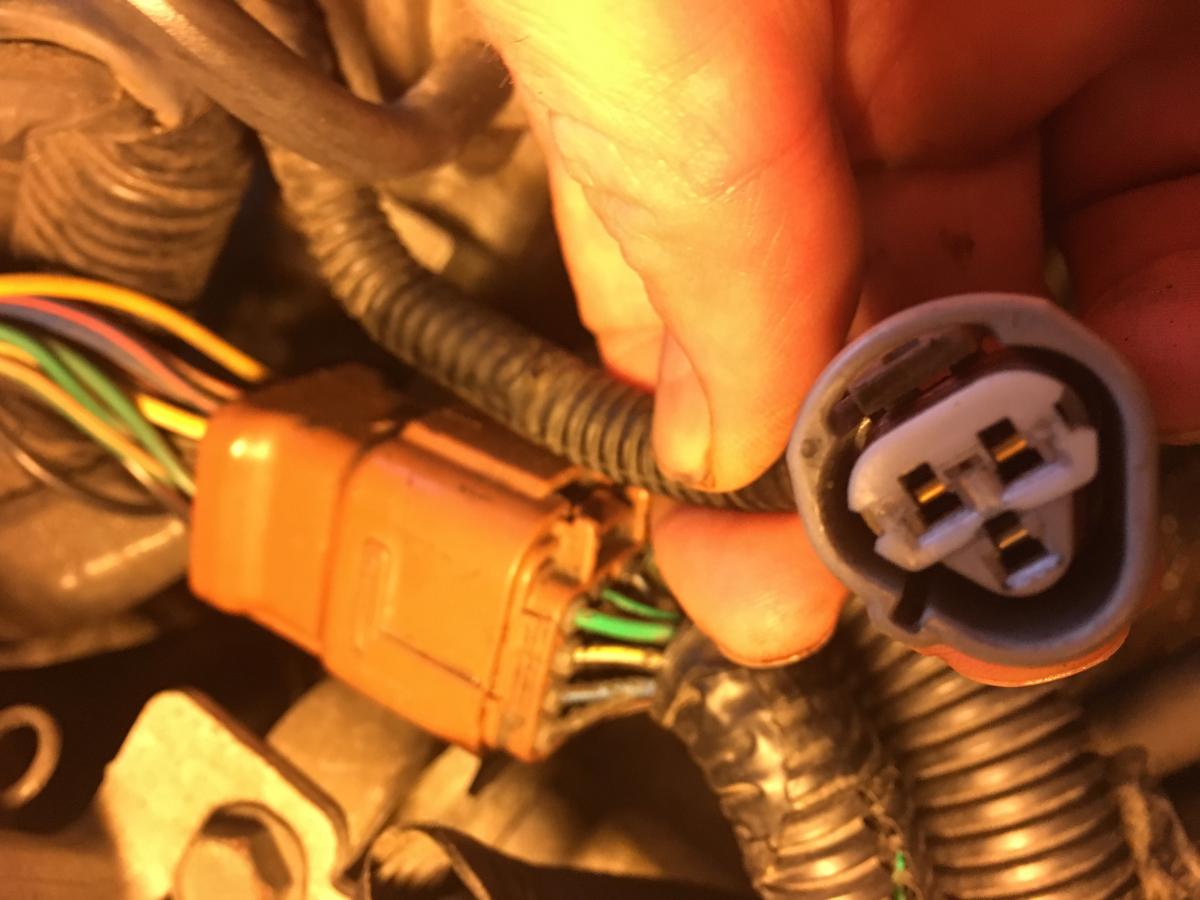
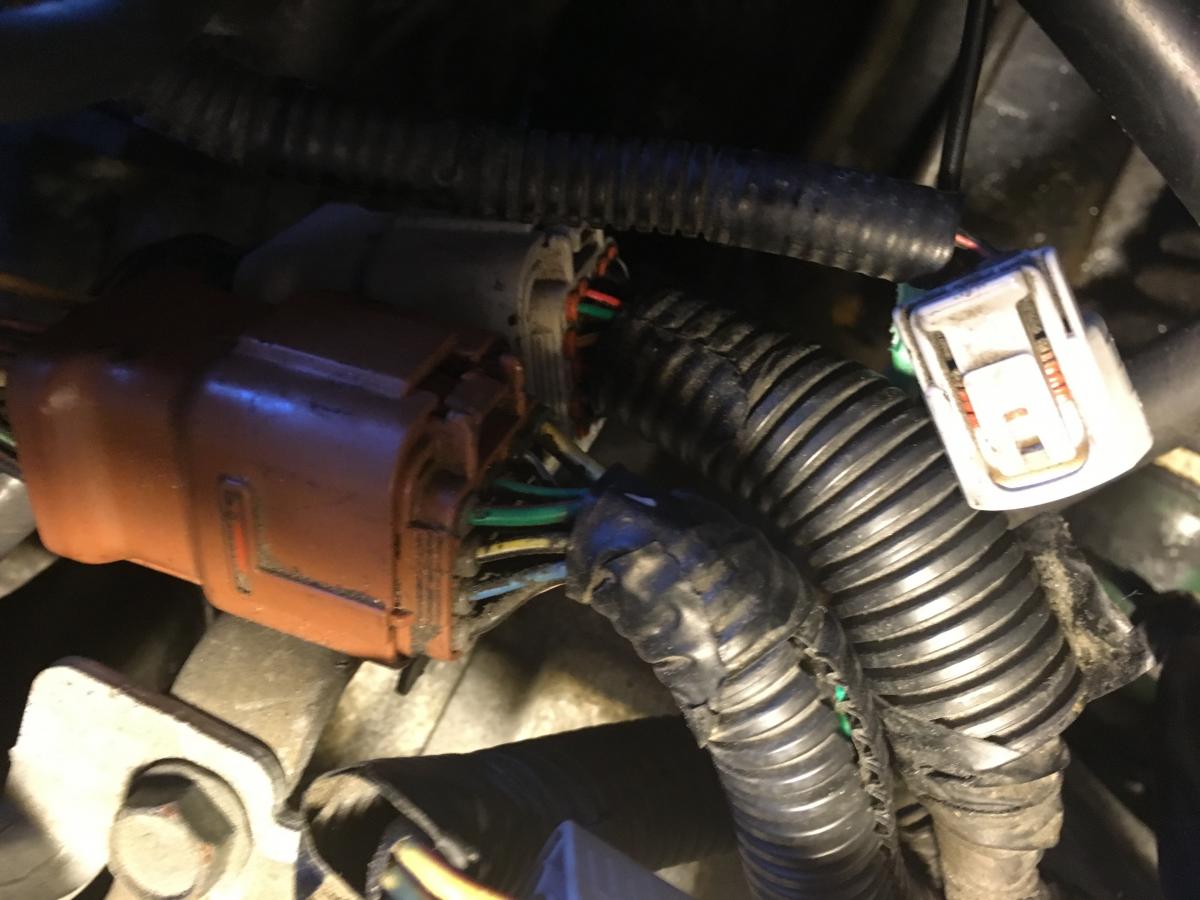
Hey guys, I've just changed my head gaskets successfully but seem to have one plug I can't remember where to reconnect. Its right near the engine wiring harness on the passenger side rear of the engine. My temp guage doesn't work now so must be associated with that BUT mine doesn't seem to have coolant temperature sensor on the passenger side rear of engine on crossover tube like a lot of others (or if it does it is not unplugged). I'm thinking the missing end is on the body side or I would not have undone it to remove the engine. Thought maybe I tucked it up somewhere or it fell down somewhere but I've gone crazy looking everywhere and cannot find it..!! Any hints/help would be appreciated. Ken