thru_the_never
Members
-
Joined
-
Last visited
Everything posted by thru_the_never
-
-
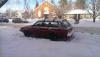
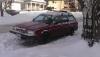
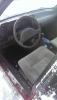
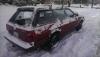
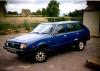
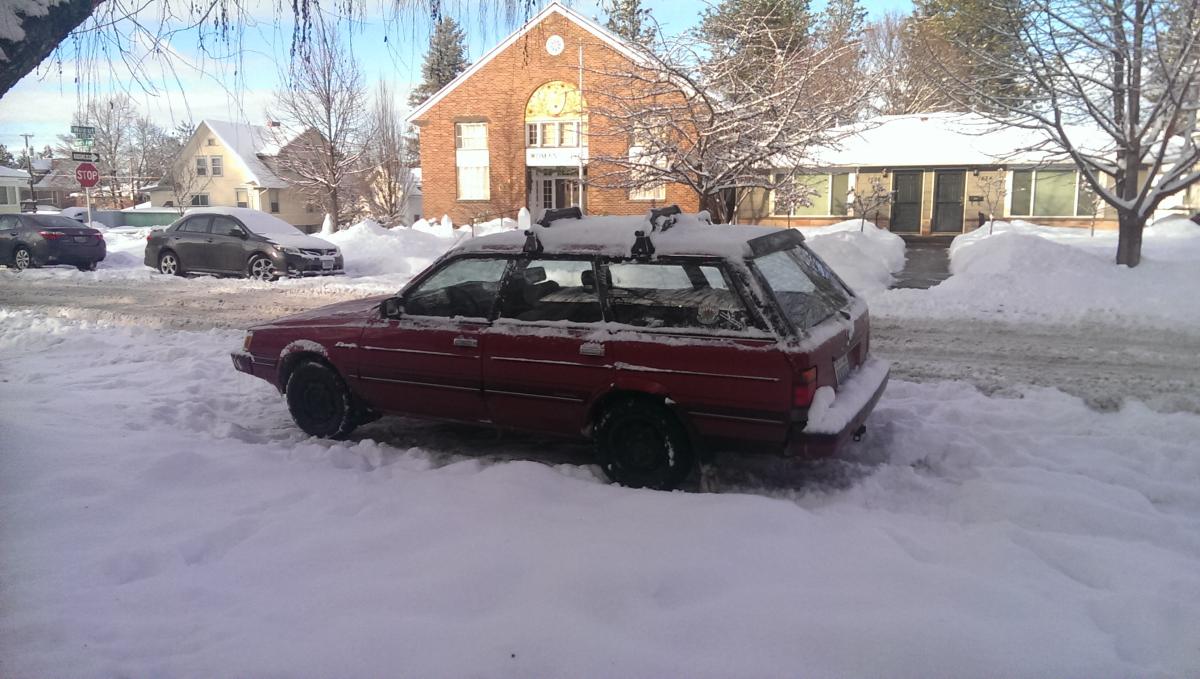
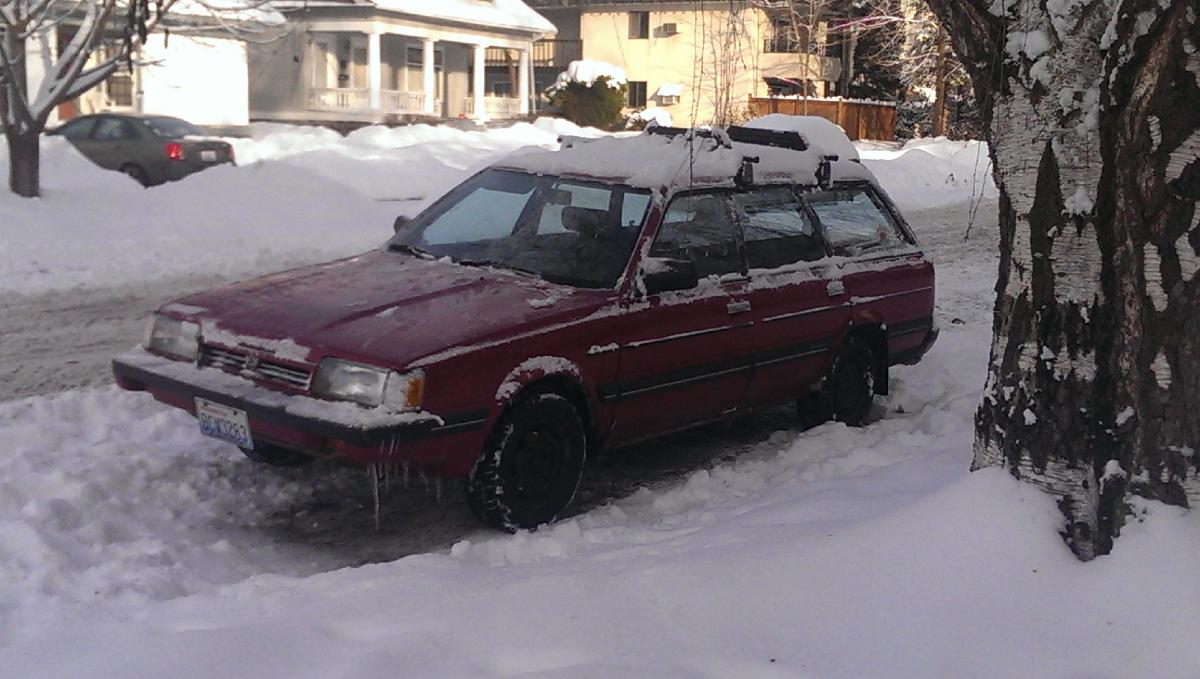
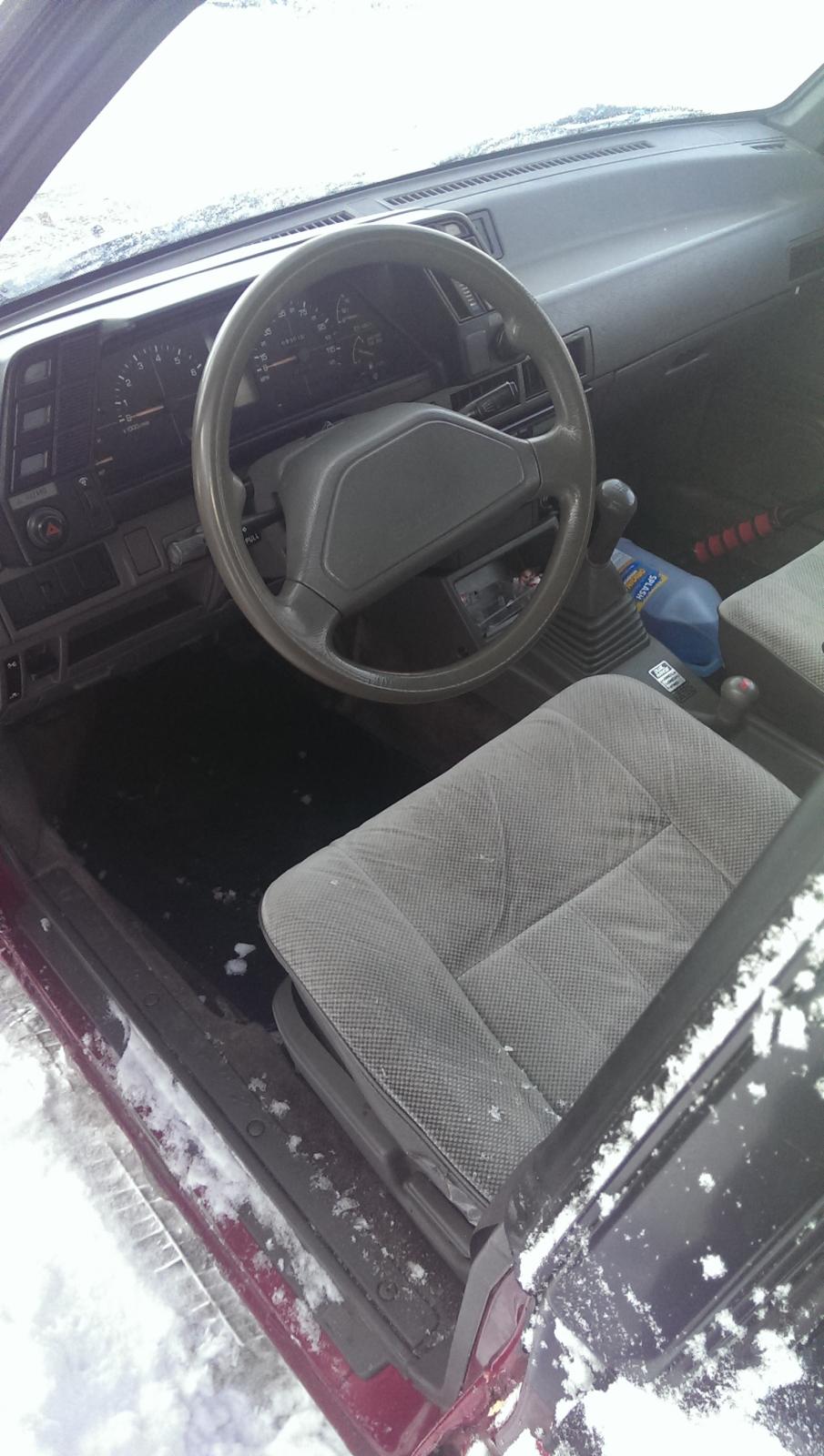
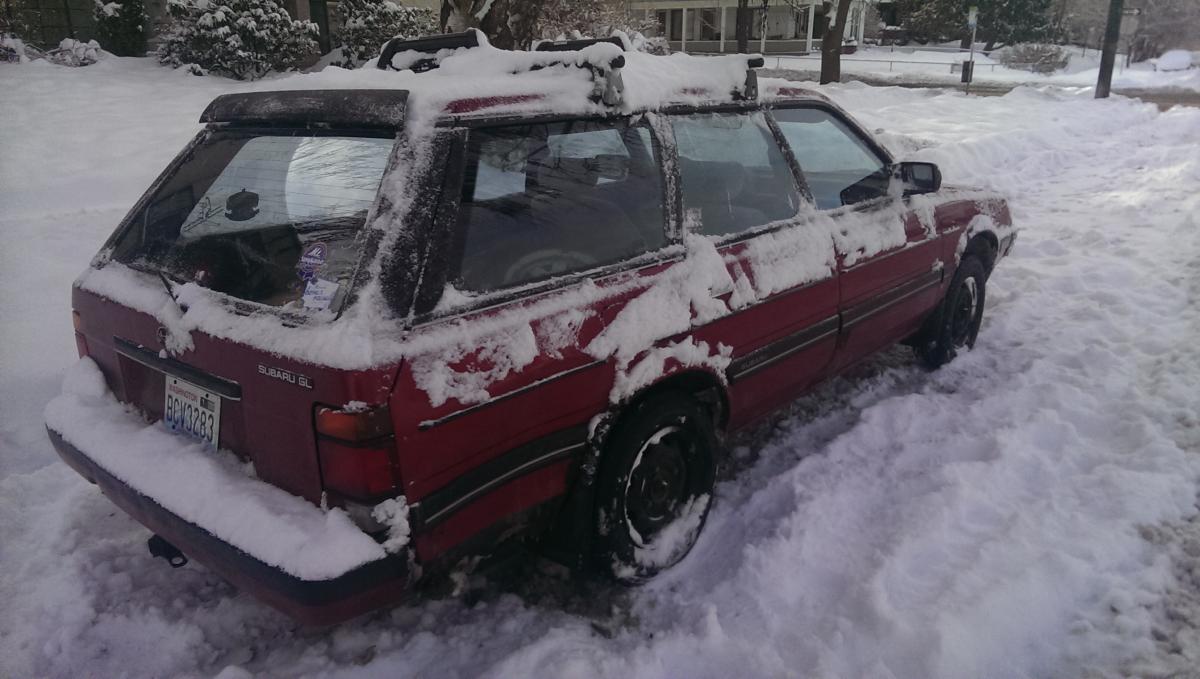
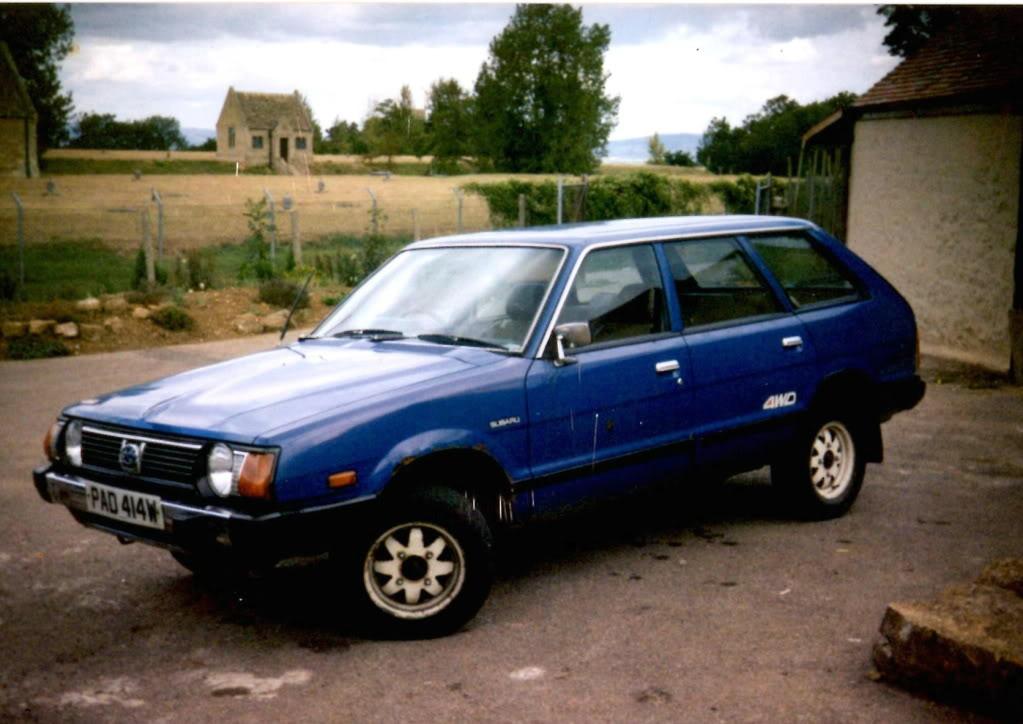
Greetings USMB, just wanted to introduce my new car for the new year of 2017, my Mica Ruby 1989 Subaru GL Wagon with the D/R 4x4. She has a little body rust, and a dent on the right rear fender, but other than that, she seems to be straight as an arrow. Interior is in great shape for the year, and so far, in the snowy Spokane, WA winter, is holding her own on the slippery roads Love it! She won't win any races or beauty contests, but I knew that going in. My dad bought a brand new 1982 wagon when i was a kid, with the same D/R 4wd, it was dark blue with the white wheels and white "4wd" logo, and I have fond memories camping all over Colorado in that amazing car. Never got stuck or failed (except a handful of cv's of course, and the regular disposables), and was a member of the family for many years until it was stolen out of the driveway and wrecked a few blocks down the road. I've always wanted one since, so now I do! Looking forward to new adventures, and getting to know the ins and outs of this awesome car! Love what I've seen in the forum so far, and seeing all of your journeys unfold! First four pics are my new Ruby Suby in the wild side-streets of Spokane Fifth pic is one I found via google that looks just like the Blue Wagon my dad had as a kid, minus roof rack I'm sure it had. Memories!