radioman
Members
-
Joined
-
Last visited
Everything posted by radioman
-
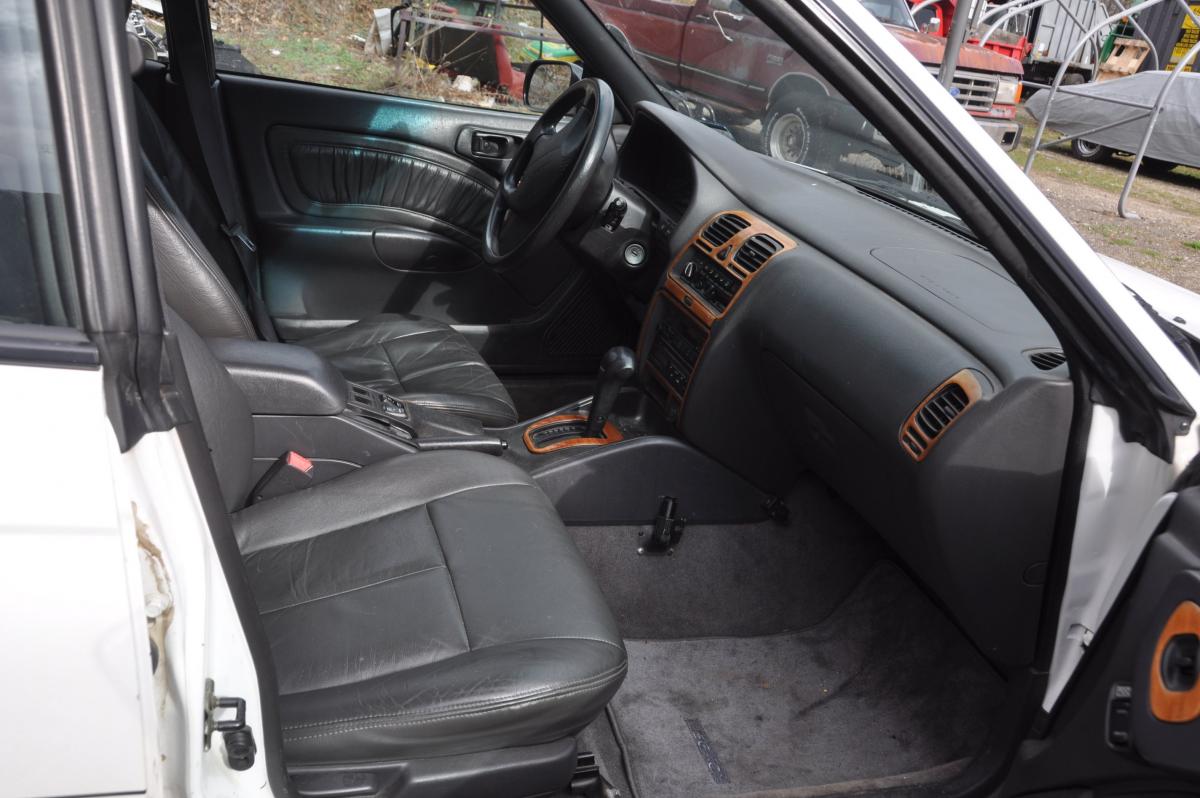
radioman replied to radioman's topic in 1990 to Present Legacy, Impreza, Outback, Forester, Baja, WRX&WrxSTI, SVXradioman replied to radioman's topic in 1990 to Present Legacy, Impreza, Outback, Forester, Baja, WRX&WrxSTI, SVXWe own a 1997 Subaru modified Legacy into a SUS (Outback style). It was modified by Subaru of New England as a demonstrator. We bought it off the showroom floor and my wife is the sole owner. It is in very new condition with only 118,872 miles. (Just under 6000mi/yr) Leather seats, heated mirrors, CD/tape, . . . . We were just wondering if it had any extra value as a "one of a kind" Subaru. It was sold to us as a new car from the dealer with full warranty.How do I start posting? . . . all I see in help is Posting Features.