Rolandpb
Members
-
Joined
-
Last visited
-
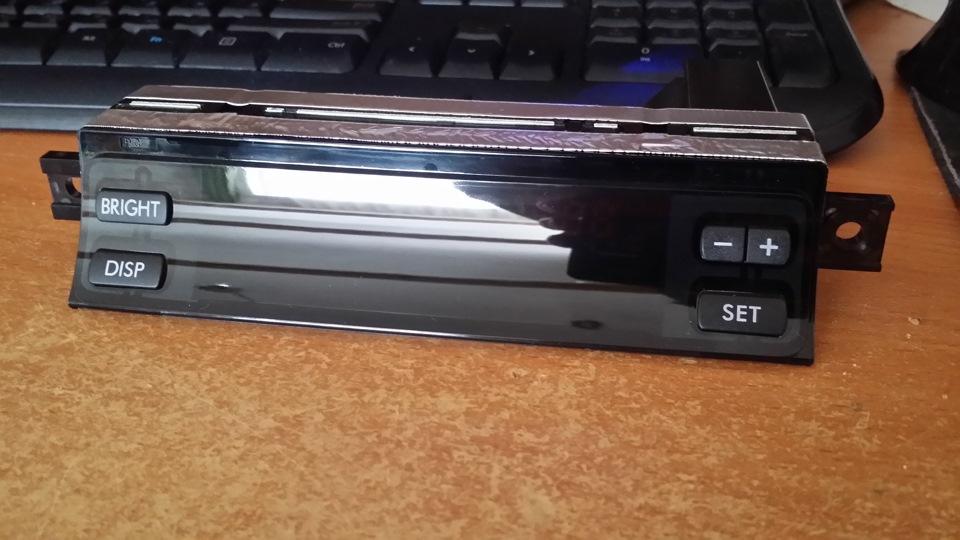
I figure this to be a viable source of info. I have a friend who lives in Iceland and owns a 2004 Legacy. He does not have the time to look in depth for replacement parts or how to go about it. I have tried several options on the internet that have pulled up blanks. What I have come up with is that the car came out of Europe somewhere and it does not have the same options as cars sold in the States. I believe I've located them thru some Russian internet sites, but I don't feel comfortable dealing with them. He sent me a pic of the VIN, so I have that info. The part # I have found is 85201AG030 (?) and I think it's called the Auto clock Assy or maybe the Multifunction display. If anyone can help me with this I just couldn't thank you enough. I am looking to either replace the unit or have it repaired. I have included a pic of what the unit looks like. Thank you all in advance for any help you can offer.