2005Dropback
Members
-
Joined
-
Last visited
-
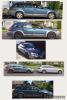
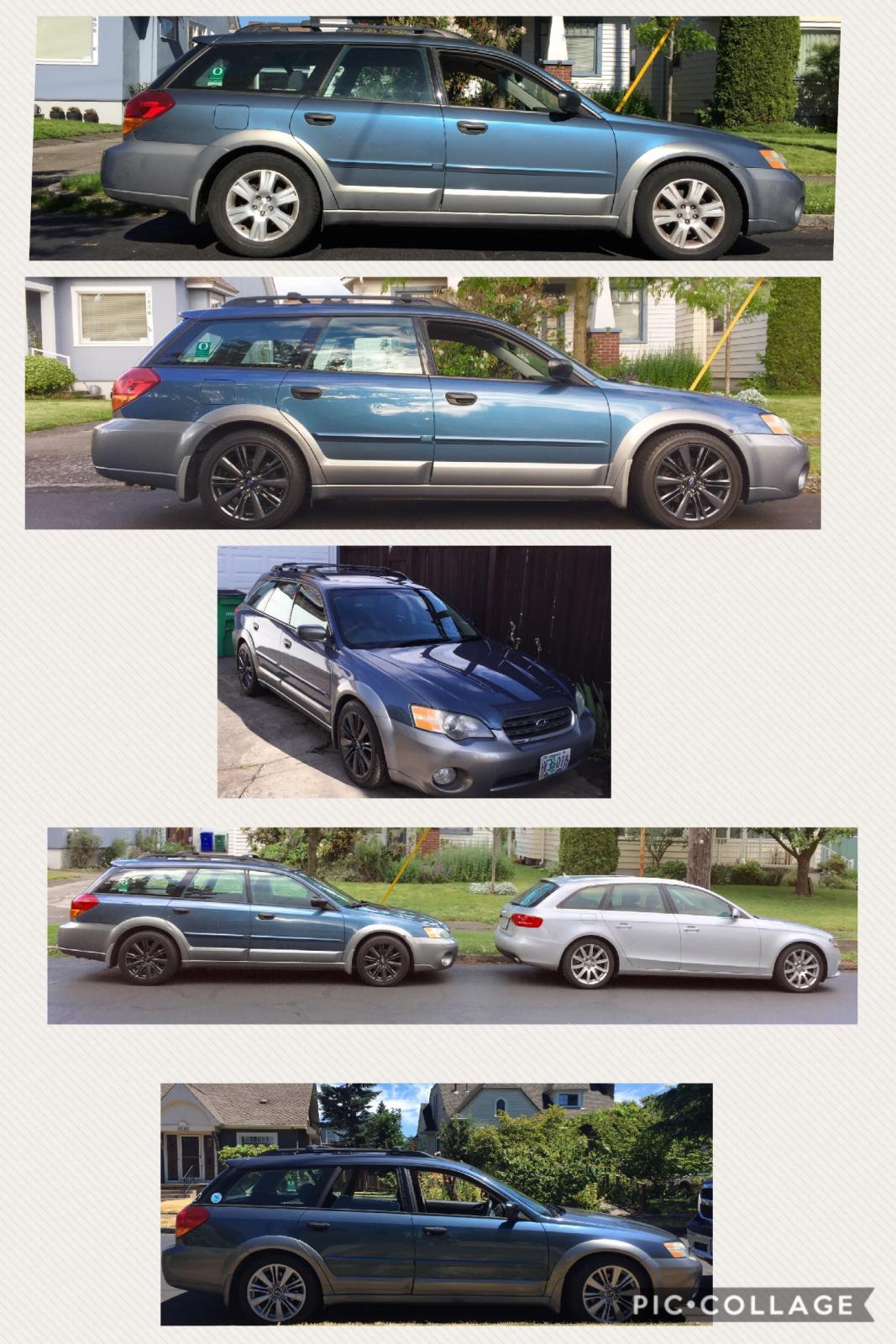
I've had this car as the 2nd owner since 2007. When my son was learning to drive, I insisted he learn to drive a manual. He had the option between our '99 Audi A4 or my stock '05 Outback, and after driving the two liked the easier clutch engagement of the Subaru. He took it to college, and after graduation and getting a job with a company vehicle, the Subaru sat idle. I decided to put some interest back into it by installing a set of KYB Legacy GT strut/springs, and initially was pleased with that. Looking online, found someone selling a set of 2015 WRX rims with tires, so picked those up too. I needed to buy the wheel adapters as they're a different bolt pattern. Once all was installed, I absolutely loved the look, and the handling difference was incredible. Not being a fan a dark rims, I opted to apply a Duplicolor Silver Wheel application, that if I grow tired of it, I will just peel it off. I did have to take the rear wheels back off and cut the bump stops shorter as the car would prematurely bottom out on rough surfaces. I followed my son driving it last night, and with the lowered suspension and wider wheels, it has a pretty aggressive look to a virtually stock car. My wife says I have my "Boy Race Car" now, she doesn't feel right driving it. She can drive her A4 Avant!
-
2005 Outback, 2015 WRX rims and tires 235/45/17, KYB Legacy GT strut/springs