BrownieBurger
Members
-
Joined
-
Last visited
-
Thank you, Numbchux! I now have a new project for 2018.
-
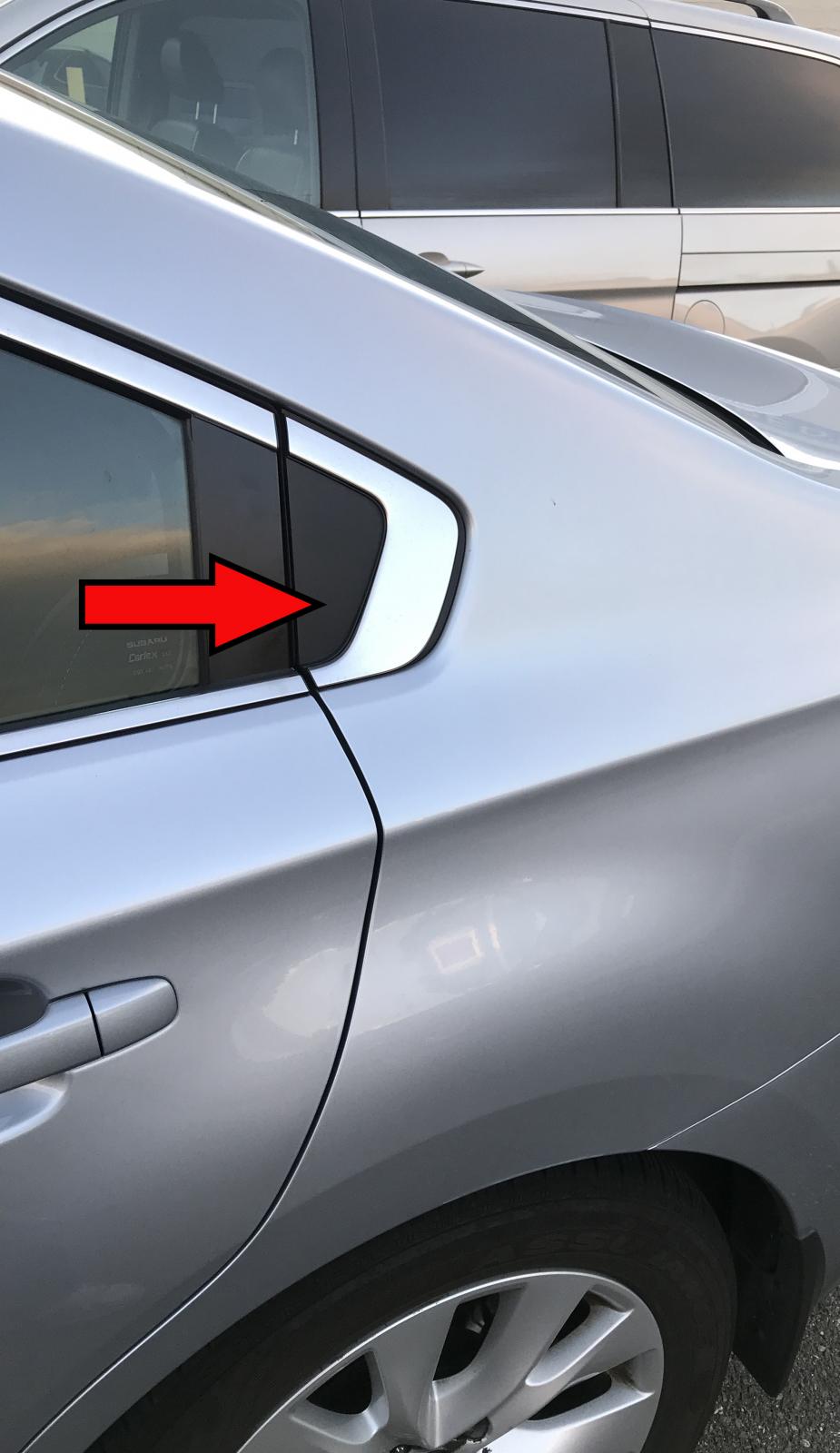
I would like to install BlackVue DR750S-2CH cameras on the sides of my 2016 Subaru Legacy but, unfortunately, there are no great attachment points inside the cabin. I am thinking about drilling holes in the sides of my car. Does anyone know what this plastic exterior body piece in my photo is called (so I can order one and experiment with it)? Does anyone know how to remove it? Does anyone know what is underneath? (The camera that needs to fit is 67.4 mm long and 25 mm in diameter.) I took my car into the dealer for service last month but, because my current two-channel dash cam is only now dying, I didn’t think to ask about doing something like this until recently. If I can figure this out, I’ll create and upload a YouTube video with instructions. Thanks.