DraconicTunes
Members
-
Joined
-
Last visited
Everything posted by DraconicTunes
-
-
-
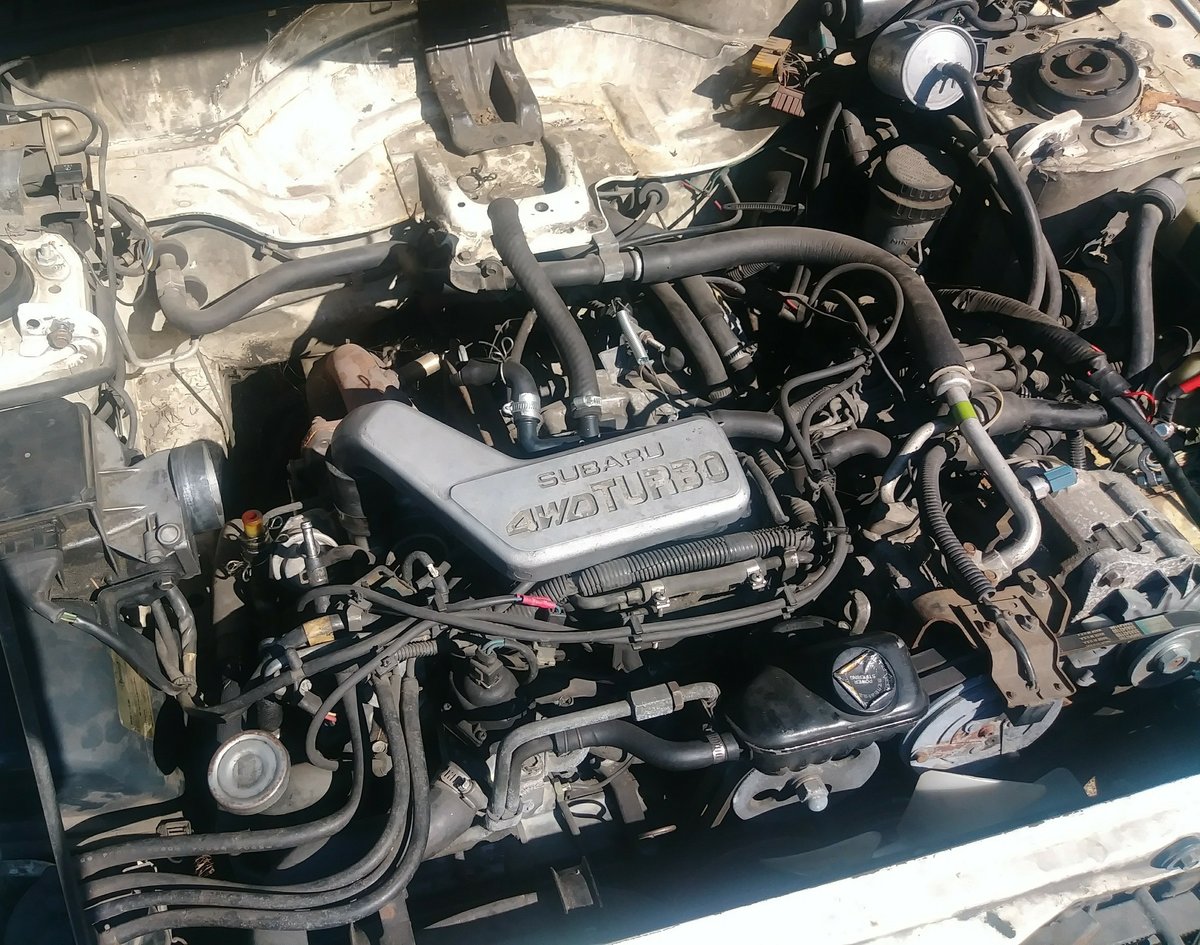
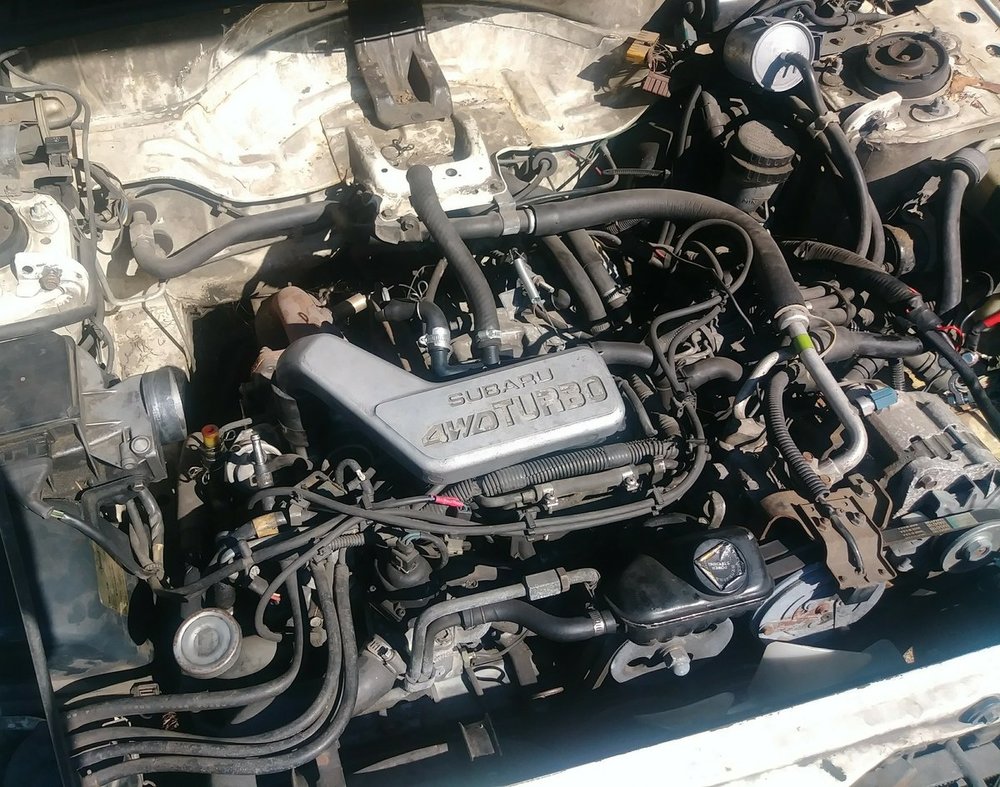
Here's a photo of my engine and where things are missing. It also needs windshield and moonroof glass. I haven't been able to get to the grit of it to know if it needs anything else but it starts and the oil is old but clear of any negative signs.
-
I'm very interested! Thank you
-
In the official diagram it may be part 46013 but I'm not 100% sure.
-
I'm not 100% sure but this specific version seems to be in many late 80s subys
-
Yay... I'll update if I find something, if not I'm still looking and would be happy to take one off someone's hands if they're looking to get rid of it
-
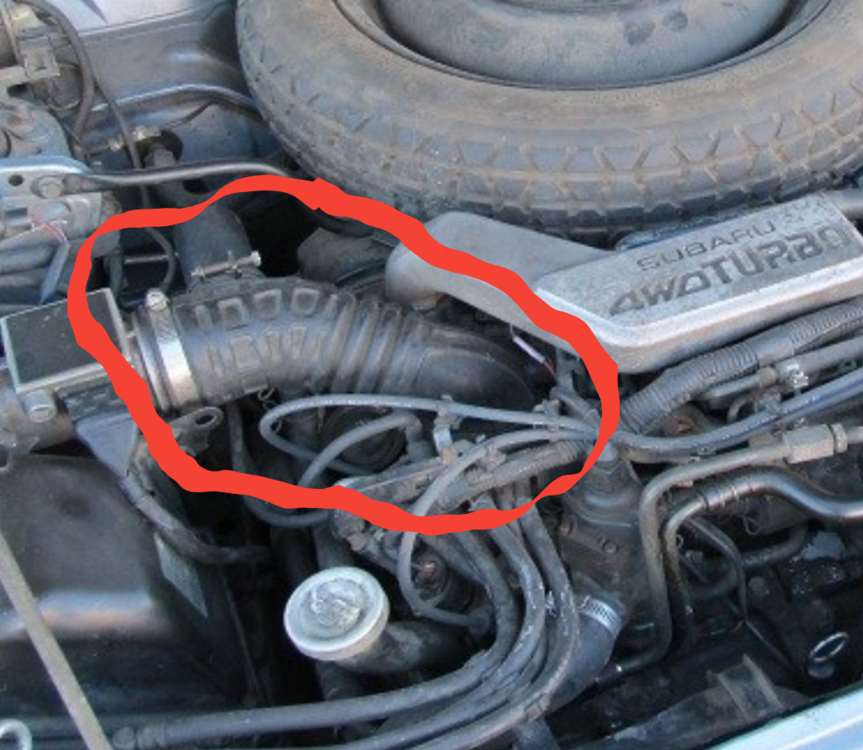
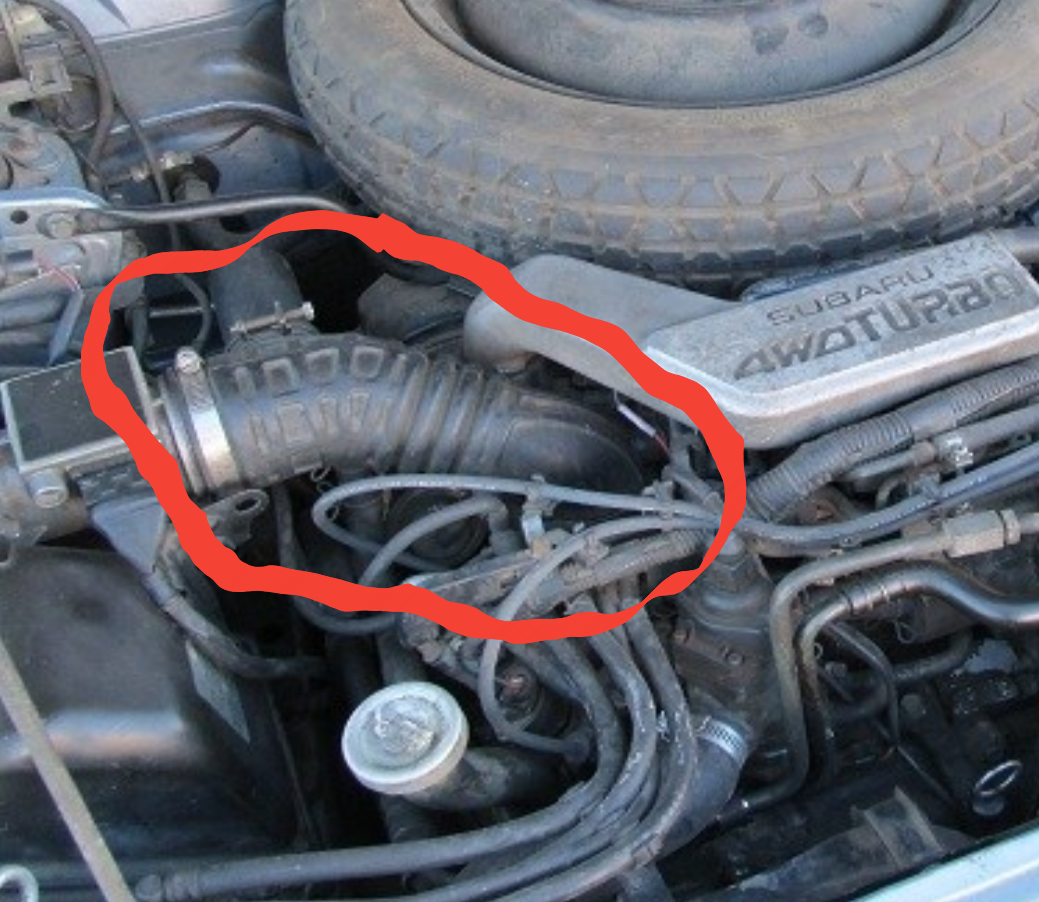
Unfortunately I don't actually have the part. I recieved the car for free with the part missing. This is a photo I found online with the same engine and missing part intact.
-
If you have one that would be amazing, I'm not terribly far from there
-
This thing, knowing what it's called would be a good start. Anyone have one in Washington? Thank you.