Loudpipe
Members
-
Joined
-
Last visited
Everything posted by Loudpipe
-
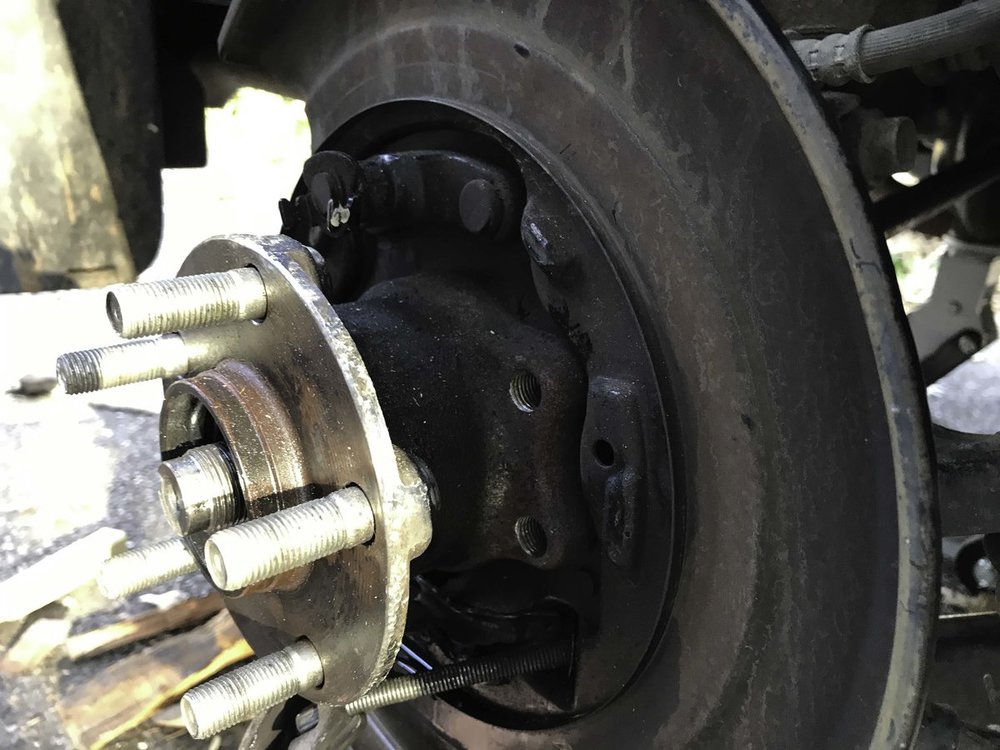
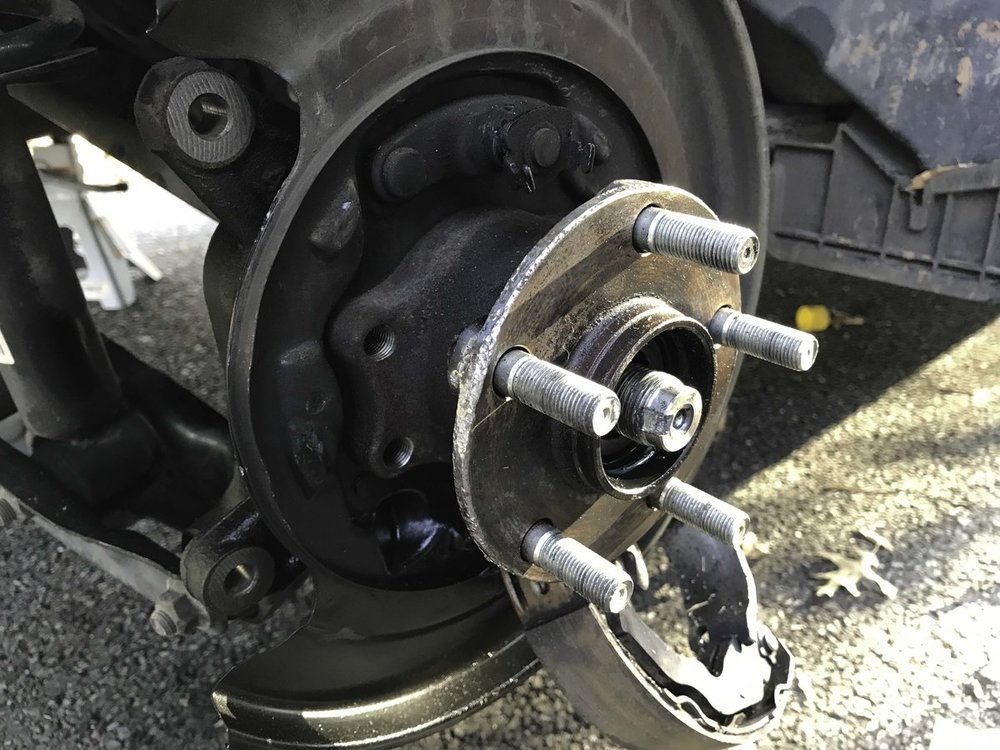
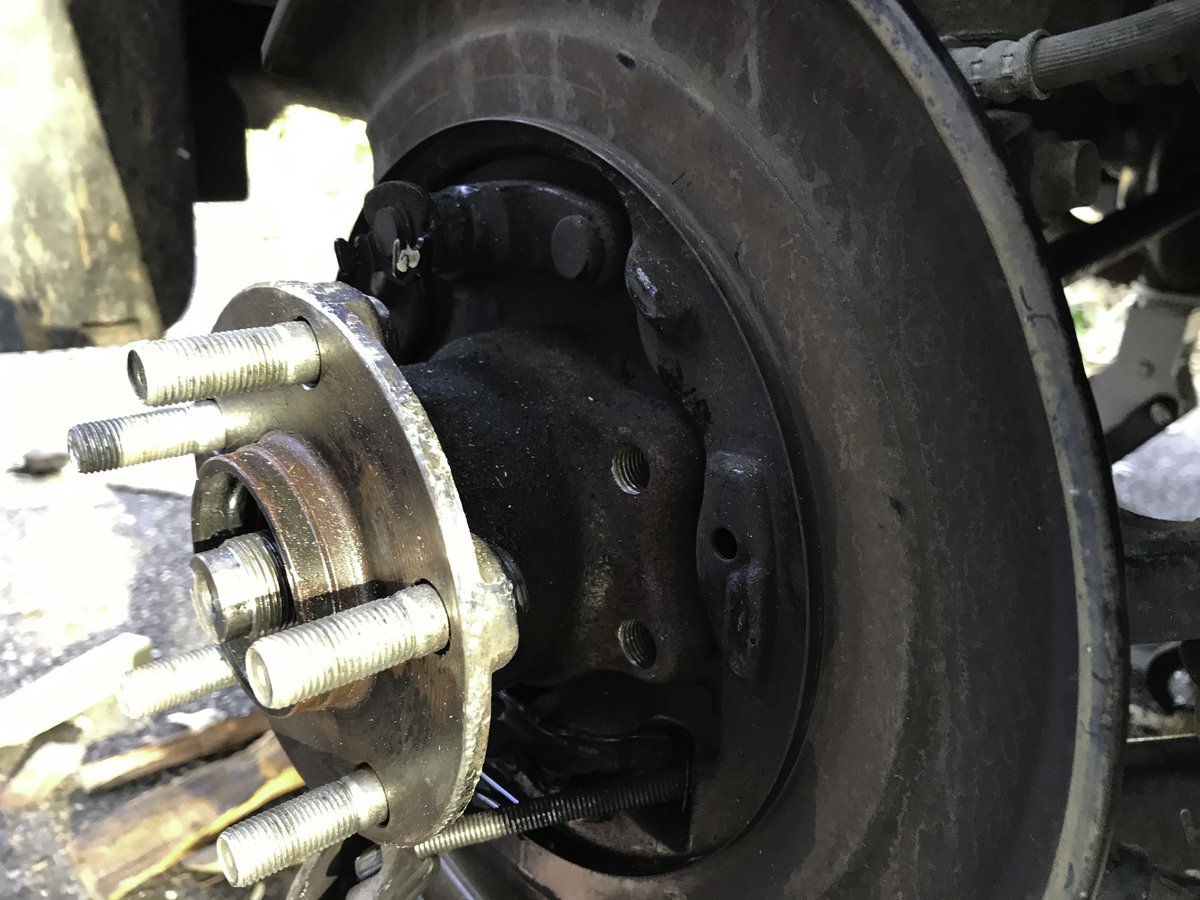
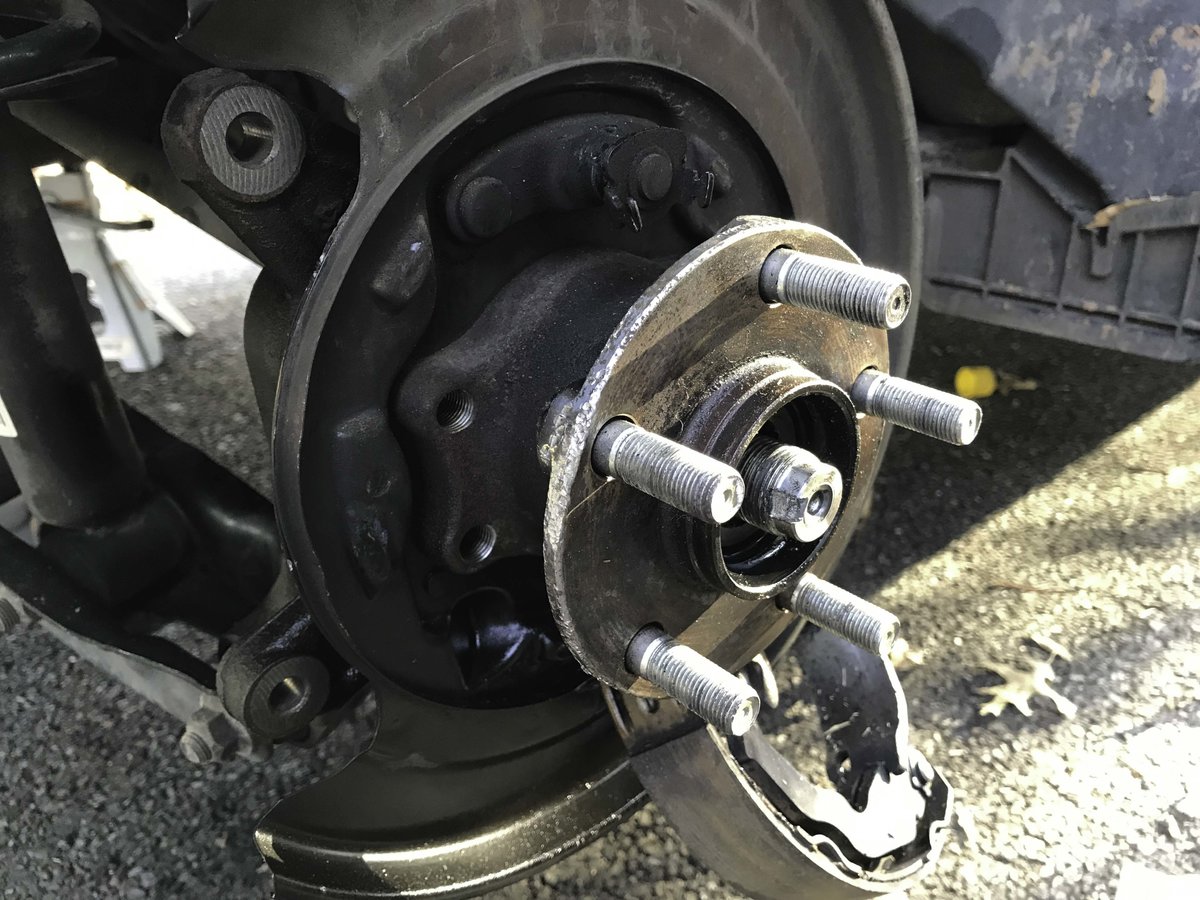
Hi All. I'm working on replacing the rear hubs on a 2014 Crosstrek, and having some trouble. I have removed everything (brakes, brackets, center hub nut, brake shoes and disk), but absolutely cannot get the hub itself off. I have also attempted to use a hub puller, but they use the driveshaft as a reactive point, and the driveshaft simply slides inward on the splines. I do not want to put too much pressure on the shaft since it is not meant to bear a load in a lateral direction - I'm concerned that force will damage a CV joint or differential internals. Below is a list of things I have tried up to this point, but to keep it short, I'm looking for thoughts and recommendations, particularly from anyone who has done this before. Things tried to this point: Soak everything with PB Blaster, Beat the **** out of the hub and flange, Put the four hub assembly bolts in the opposite direction and tap them from the back, Mild heat (I only have access to a small propane torch), Put a jack under the hub flange and lift - this simply picked the entire car up off the jack stands without breaking the hub assembly away, Attempted to wedge a flathead screwdriver in between the splash plate and the suspension knuckle (it won't go in). I've included a couple of pictures to give you an idea of what I'm looking at. Any other thoughts?