Mark3521
Members
-
Joined
-
Last visited
Everything posted by Mark3521
-
Mark3521 replied to Mark3521's topic in 1990 to Present Legacy, Impreza, Outback, Forester, Baja, WRX&WrxSTI, SVXThank you gents.
-
Mark3521 replied to Mark3521's topic in 1990 to Present Legacy, Impreza, Outback, Forester, Baja, WRX&WrxSTI, SVXDid some more digging around during lunch. ef-ty752vb3aa. I’m assuming that’s my trans code. And if it is the trans came out of a 93 wrx.
-
Mark3521 replied to Mark3521's topic in 1990 to Present Legacy, Impreza, Outback, Forester, Baja, WRX&WrxSTI, SVXThe pressure plate lines up with the pins and bolt holes on the old flywheel andnew fly wheel of course. Already contacted the vendor. Hopefully he will have the other style.
-
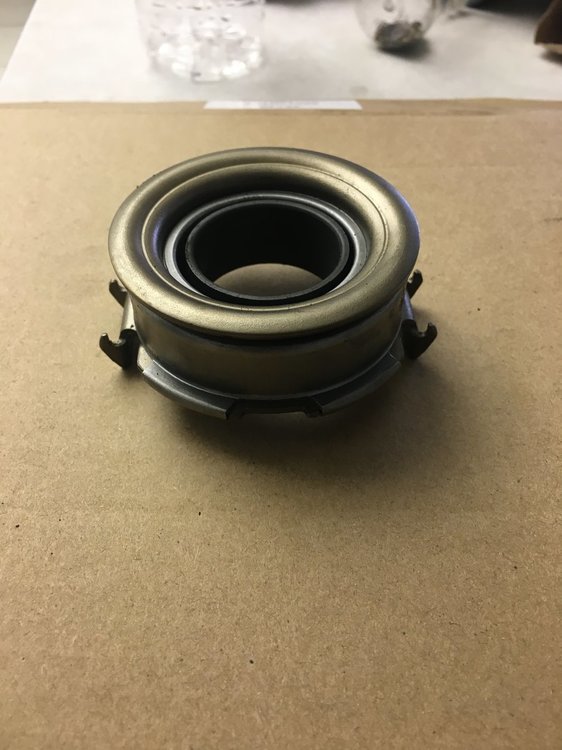
Mark3521 replied to Mark3521's topic in 1990 to Present Legacy, Impreza, Outback, Forester, Baja, WRX&WrxSTI, SVXAnd here is the new bearing.
-
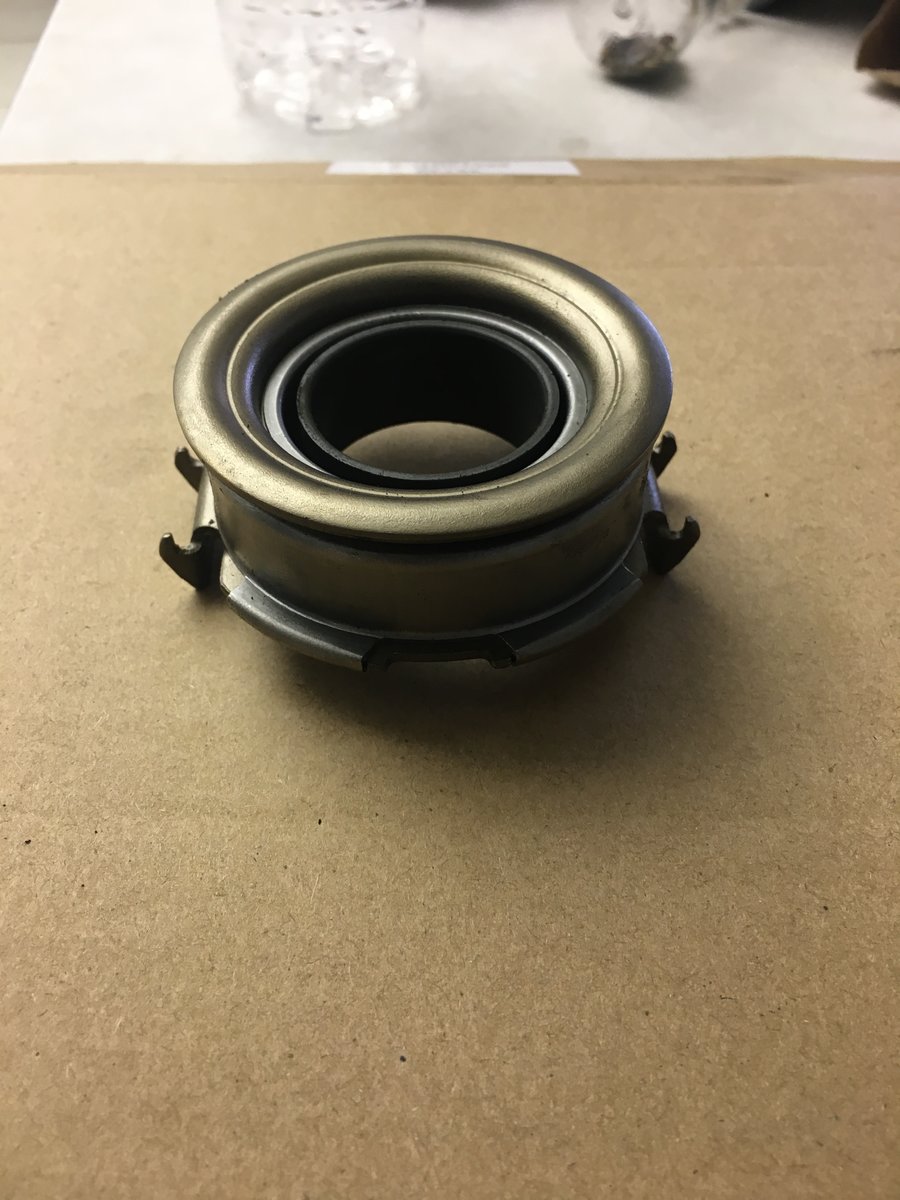
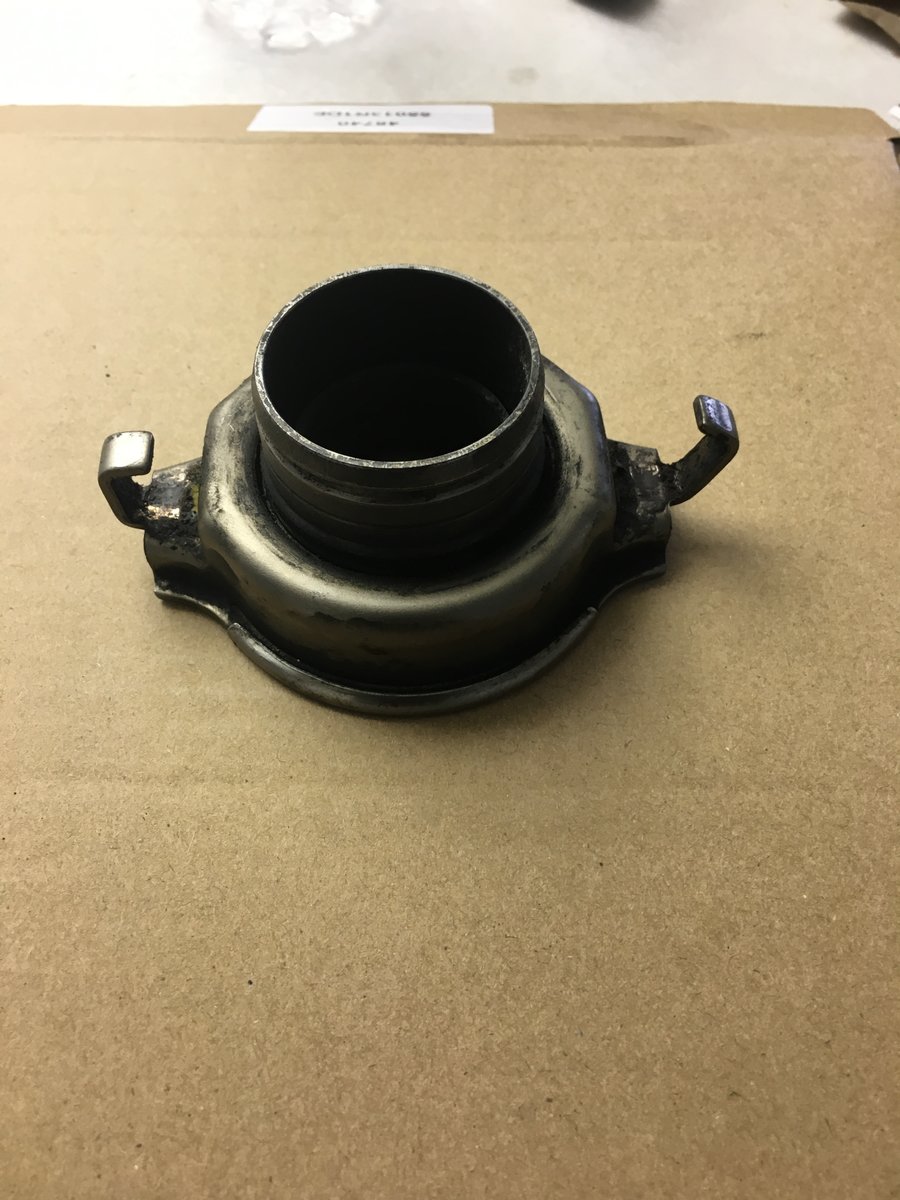
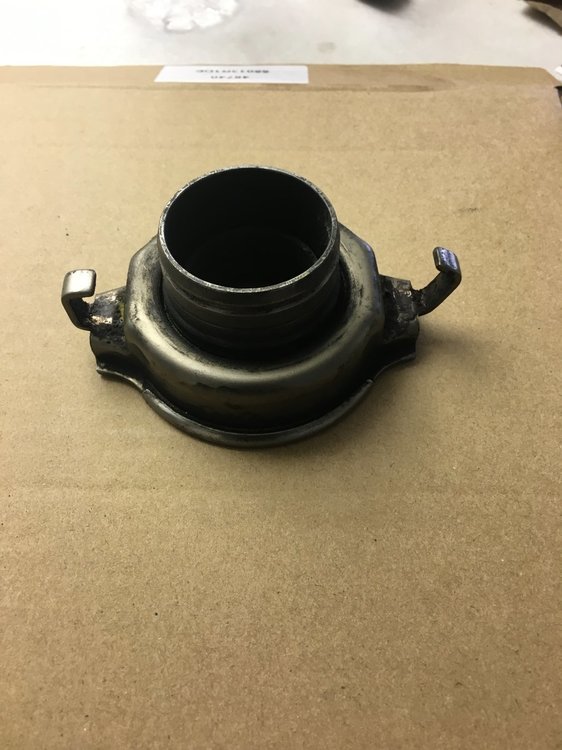
Hey guys, long story short. Purchased a 97 legacy that was torn apart exterior wise, interior not too much, just the center console. Anyways. Replacing the clutch, just came in today and noticed that the throw out bearing is different. Obviously the on with the bent tab is the old one. The fork for the bearing has the pin through the side of the housing. Was able to remove it easily and what not. My question is no matter where I look I’m coming across different bearings. Now I’m finding that the year range is from 1990 to well beyond 97. Any tips or part numbers would be fantastic. Thanks Mark
-
Was already pulled apart when I bought it. Was told everything was there... and surprise surprise it’s not. Also missing the shift rod that connects to the trans as well.
-
Recently acquired a 97 legacy 2.5 gt 5 speed. Currently in pieces. I’ll be on here quite a bit asking silly questions. Such as any tips on where to find the bellhousing bolts?