bigboytreason
Members
-
Joined
-
Last visited
-
-
Bennie Genuinely dont know what a subframe drop is or what kind of work it requires, I do my own mechanics from my garage so if it requires more specific tools or a lift, I cant really do that. But I think I measured the entire components against each other while I was doing the swap, and it was about a 2 1/2 inch difference in the rear and a 1 3/4 in the front but I cant be too sure My worry is I'm gonna ruin this cars ability to be a daily driver once I lift it further, but I dont really know anything about the subject
-
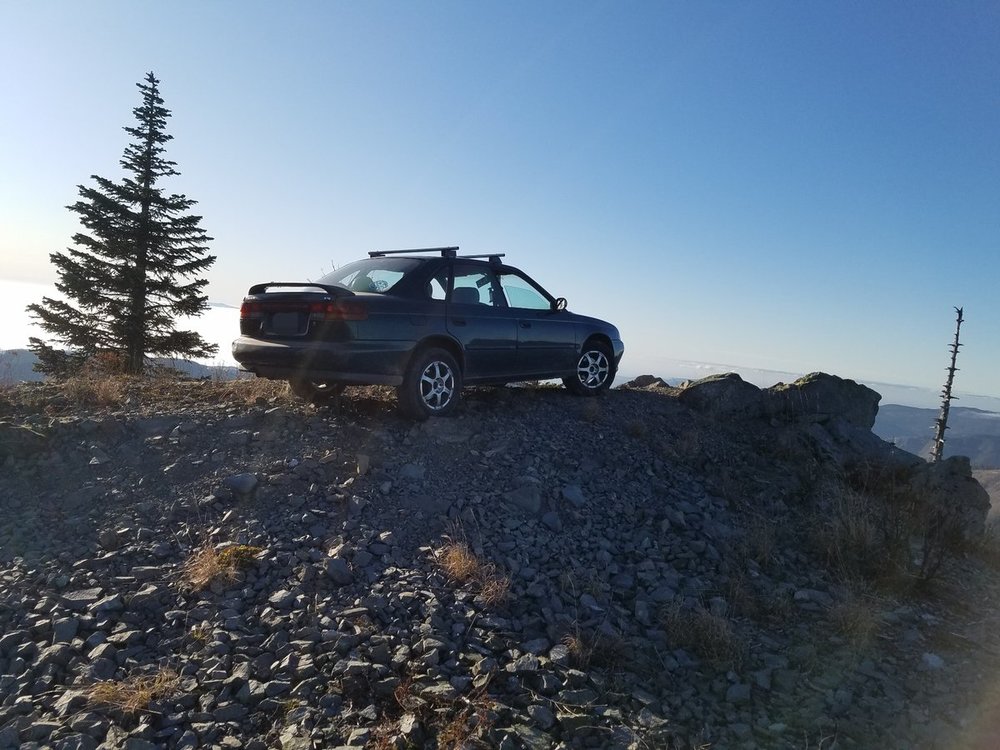
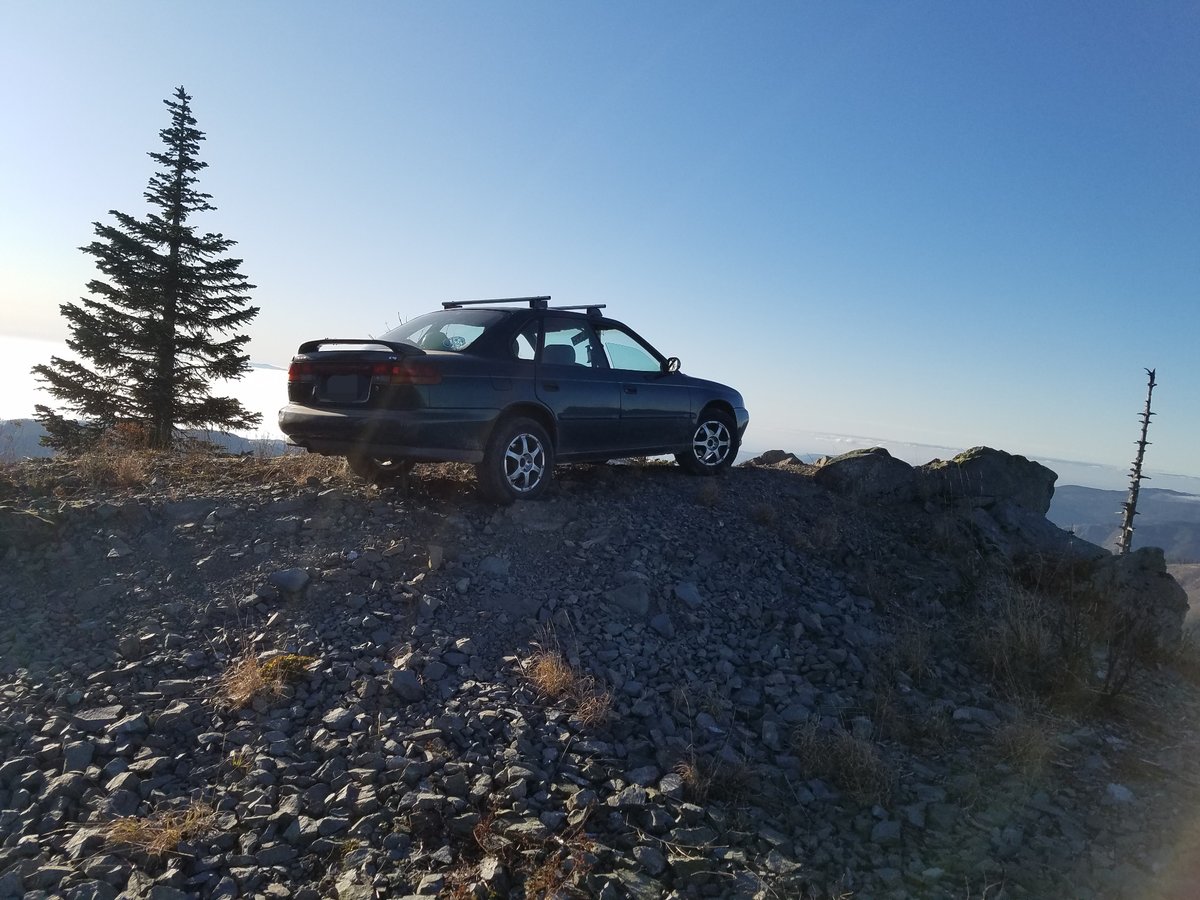
So not too long ago I got this lil fucker for 700 dolares, worked well but hated the rump roast sag so I researched a bit and learned you can throw in outback spring and strut assemblies for a decent lift, plus bigger tires(225/60/15). So I did just that, but during the process I did have to compress the struts with a jack to be able to line up the two bolts behind the hub and cant imagine what the pressure must me doing to my suspension components. This really improved looks in my opinion, but I wanted to go bigger i.e. 215/75/15 tires and another inch spacer. Will that hurt things and what do I need to replace to prevent that?