Skip to content
View in the app

A better way to browse. Learn more.

Ultimate Subaru Message Board

A full-screen app on your home screen with push notifications, badges and more.

To install this app on iOS and iPadOS
  1. Tap the Share icon in Safari
  2. Scroll the menu and tap Add to Home Screen.
  3. Tap Add in the top-right corner.
To install this app on Android
  1. Tap the 3-dot menu (⋮) in the top-right corner of the browser.
  2. Tap Add to Home screen or Install app.
  3. Confirm by tapping Install.

87_Rxdude

Members
  • Joined

  • Last visited

  1. Where do I find these guys Haha
  2. I wish I could do the ej man the wiring is what scares me a bit. I can source a nice ej22 right now.
  3. I was hoping I’d just get a email saying I got parts for sale haha but none yet sadly
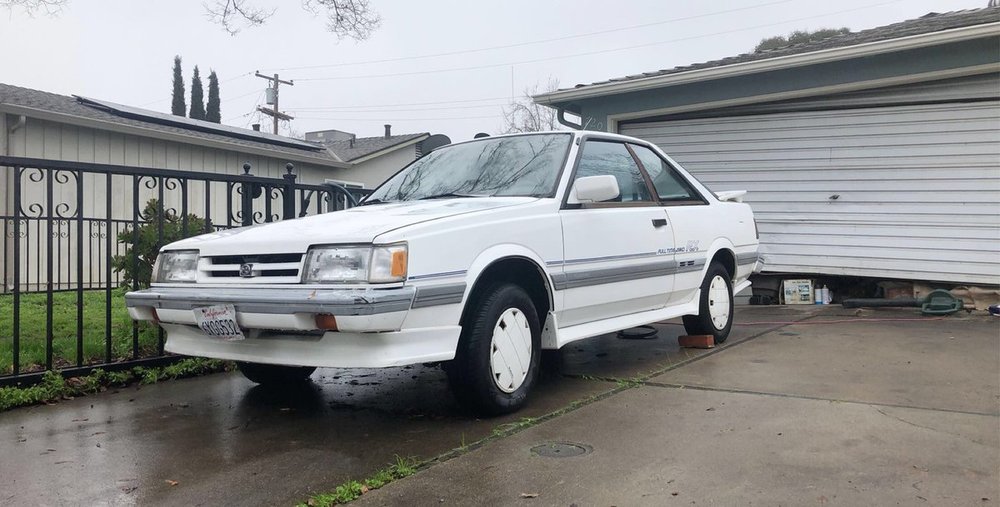
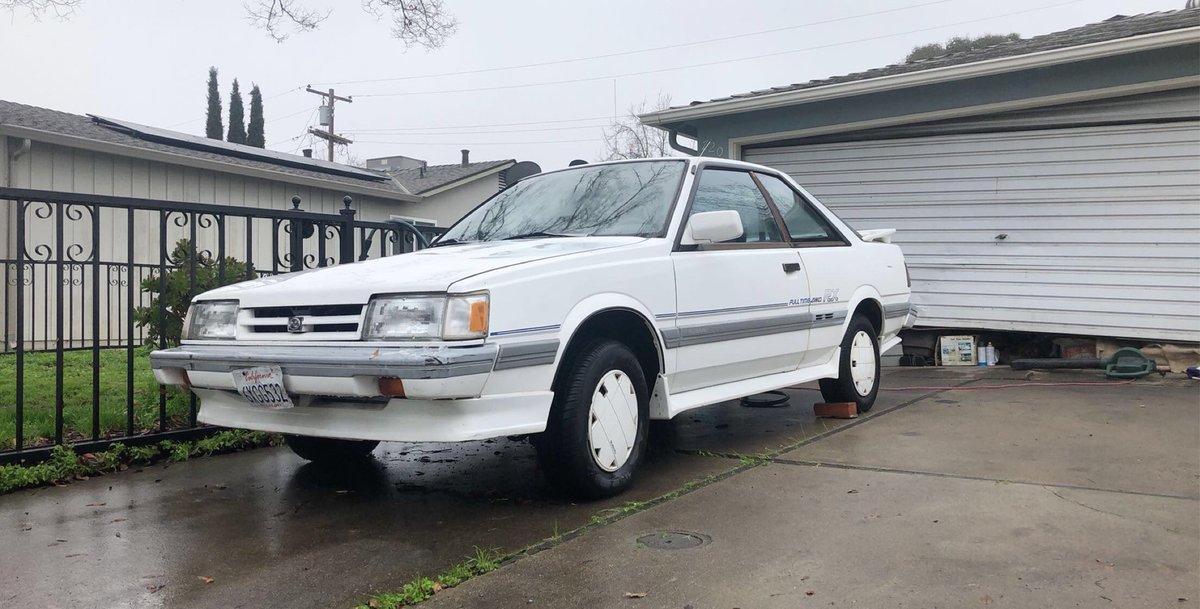
  4. Alright guys thanks to my Buddy Luigi I am keeping the Rx. The love I have for this car is what gave me passion for Subaru. I appreciate this guy a lot for regaining my love for the make. But I do need help it is a ea82t and parts for these cars are extremely hard to find. I need a ton of misc bolts and a few other misc parts. Does anyone have old parts laying around from these older subies that I could purchase or they would like to donate to help restore this classic. I appreciate you guys. Shoot me a email jessytclark1993@gmail.com
Account

Navigation

Search

Search

Configure browser push notifications

Chrome (Android)
  1. Tap the lock icon next to the address bar.
  2. Tap Permissions → Notifications.
  3. Adjust your preference.
Chrome (Desktop)
  1. Click the padlock icon in the address bar.
  2. Select Site settings.
  3. Find Notifications and adjust your preference.