Leadheavy52
Members
-
Joined
-
Last visited
Everything posted by Leadheavy52
-
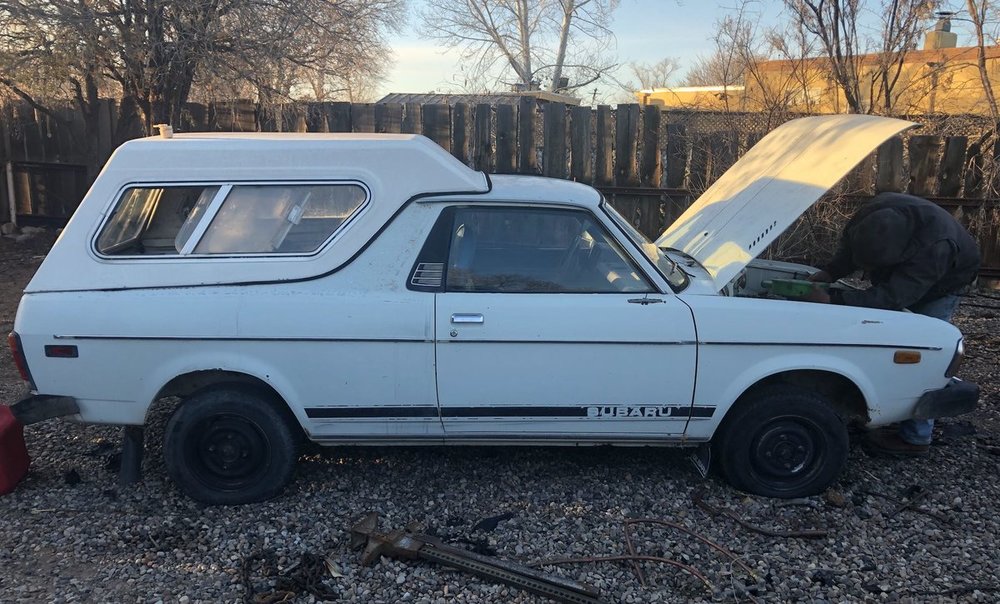
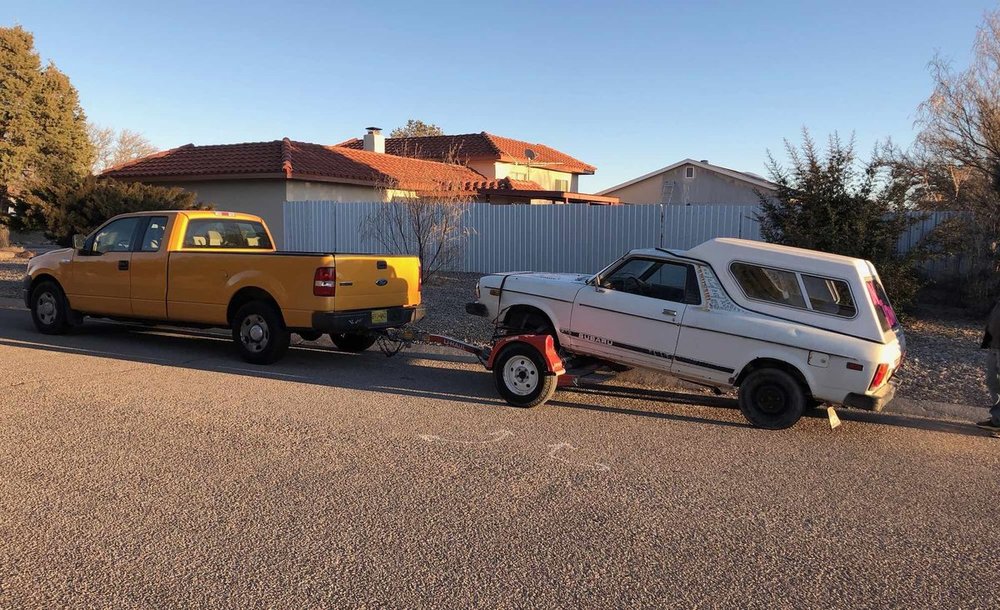
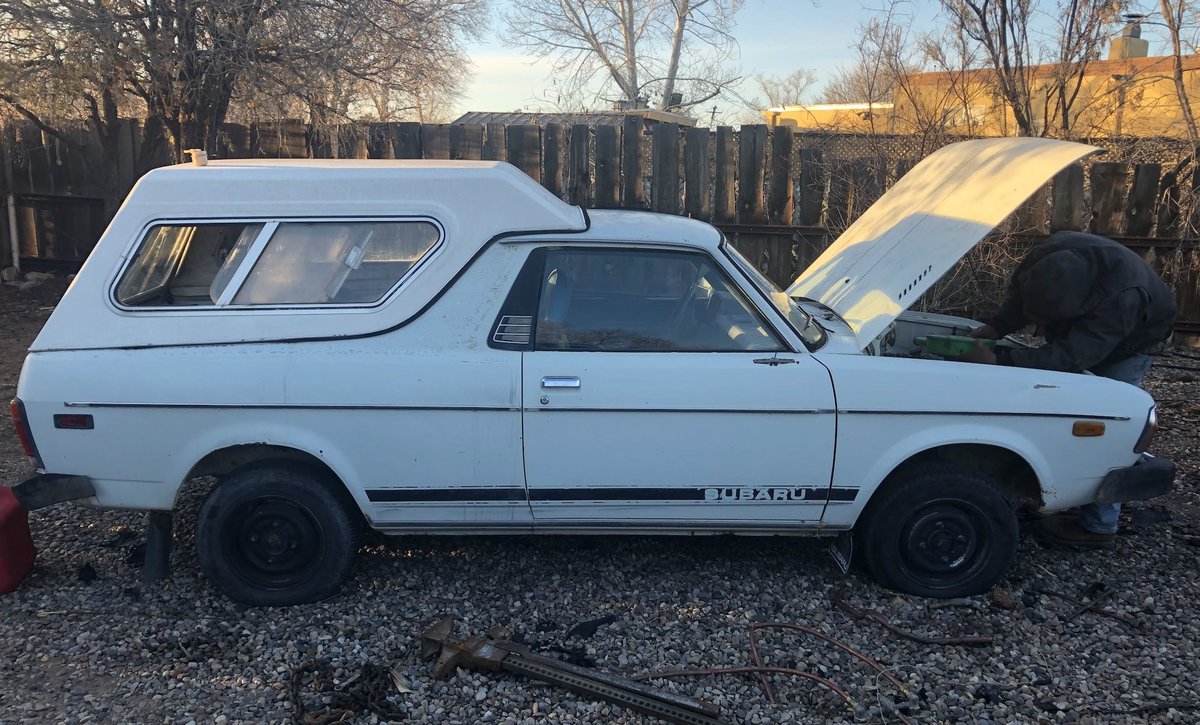
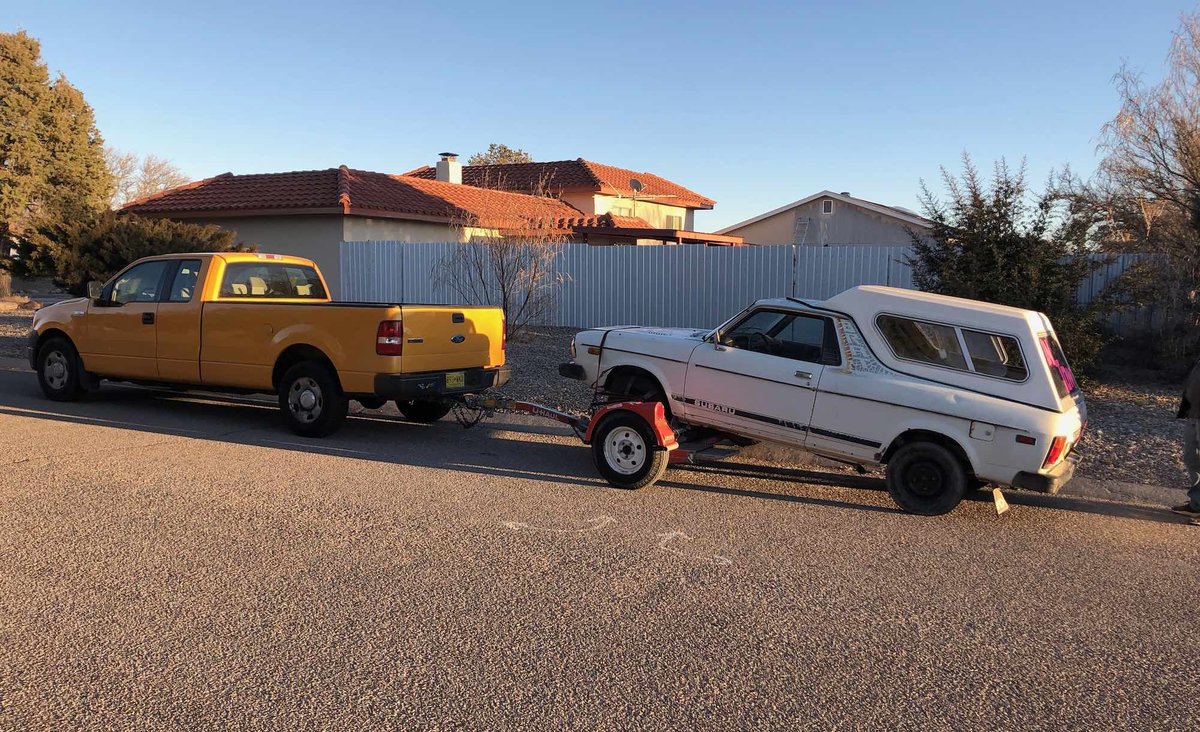
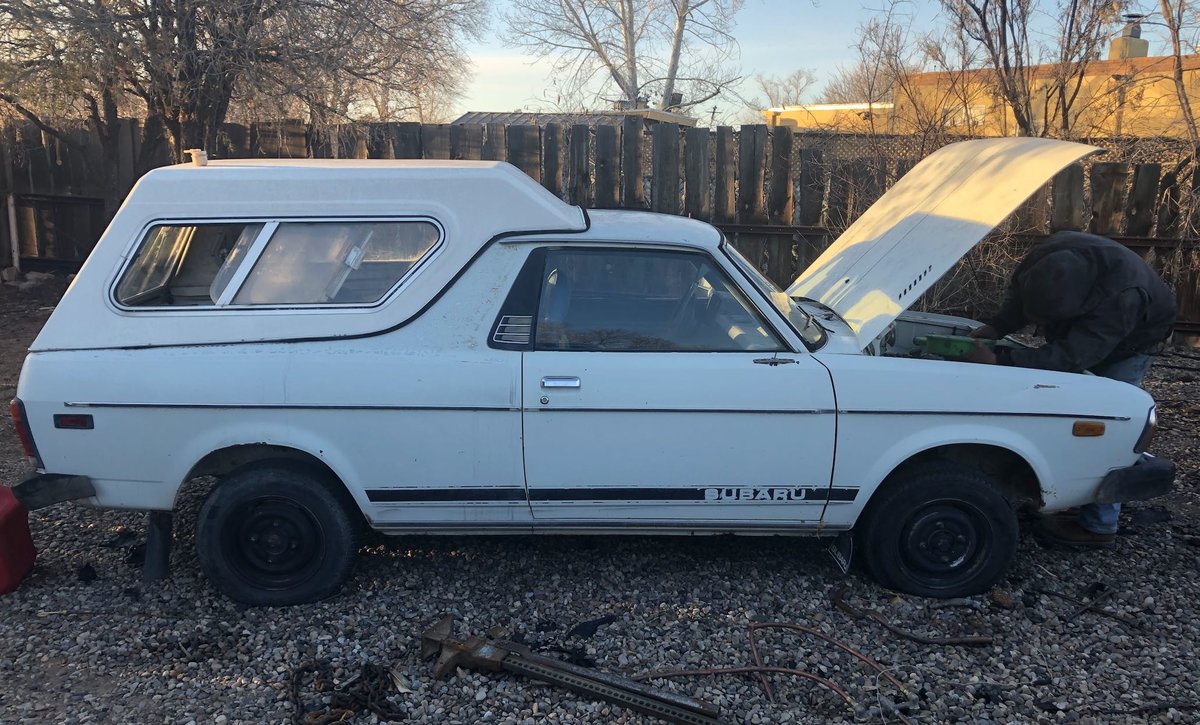
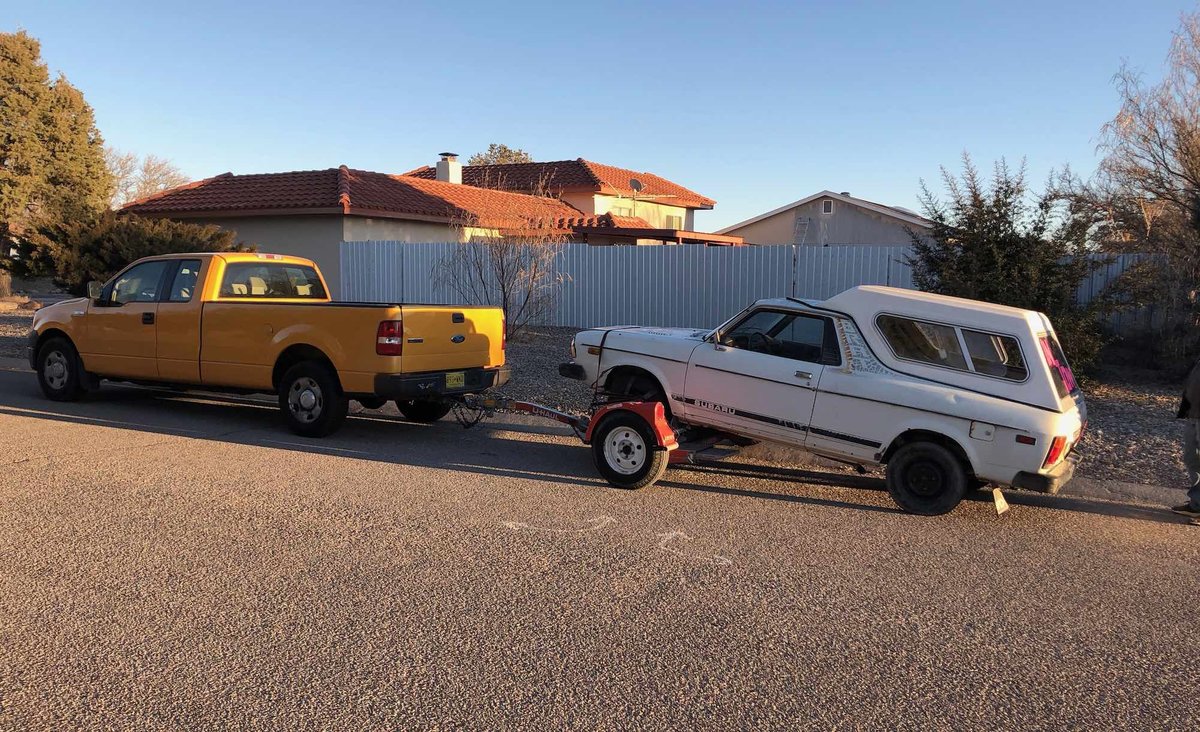
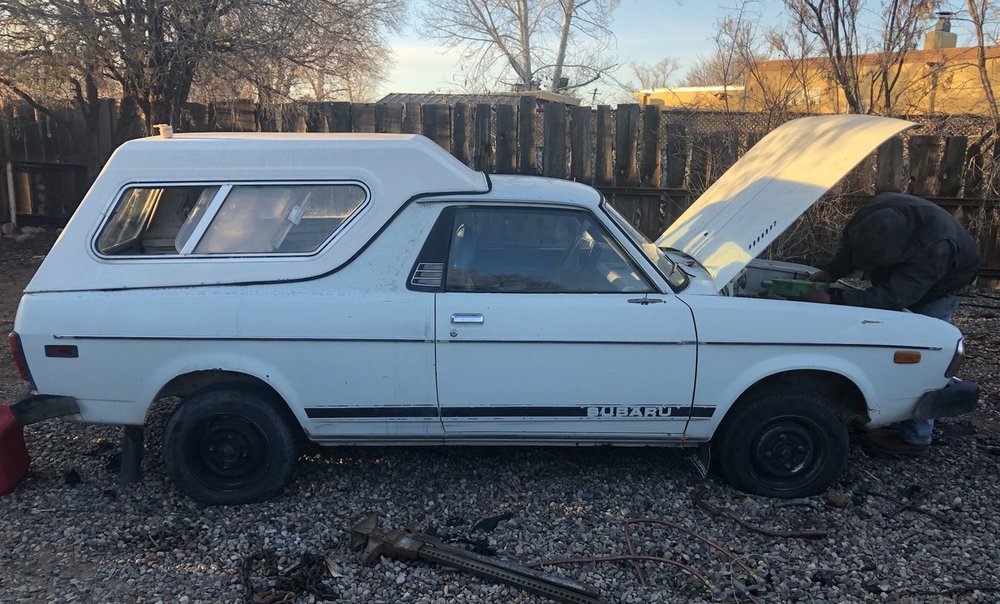
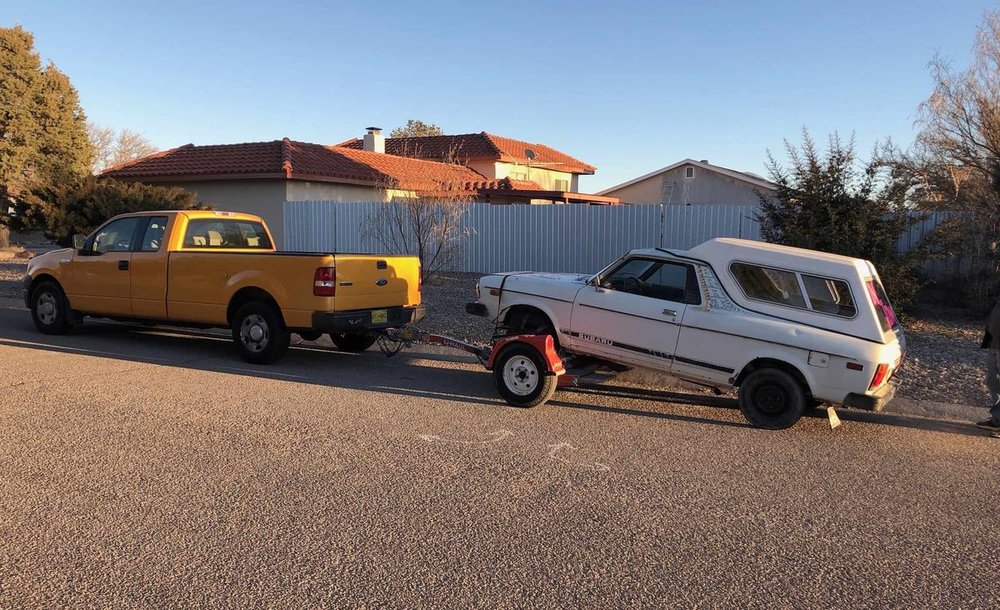
Hello all, I just picked up this 1978 BRAT that I plan to restore. Though she is mostly rust-free, there are some easy sports that need to be addressed. From what I gather, they are the usual rusty bits. Anyways, I look forward to sharing my process and will most likely have questions along the way. I have many years of mechanical experience and have worked on a few Subaruas as well as many other Japanese vehicles (I am a Mitsubishi Montero enthusiast as well). Thank you for letting me share my new ride. P.S. - the jump seats and a roll bar are under the SnugTop topper. -Austin
-
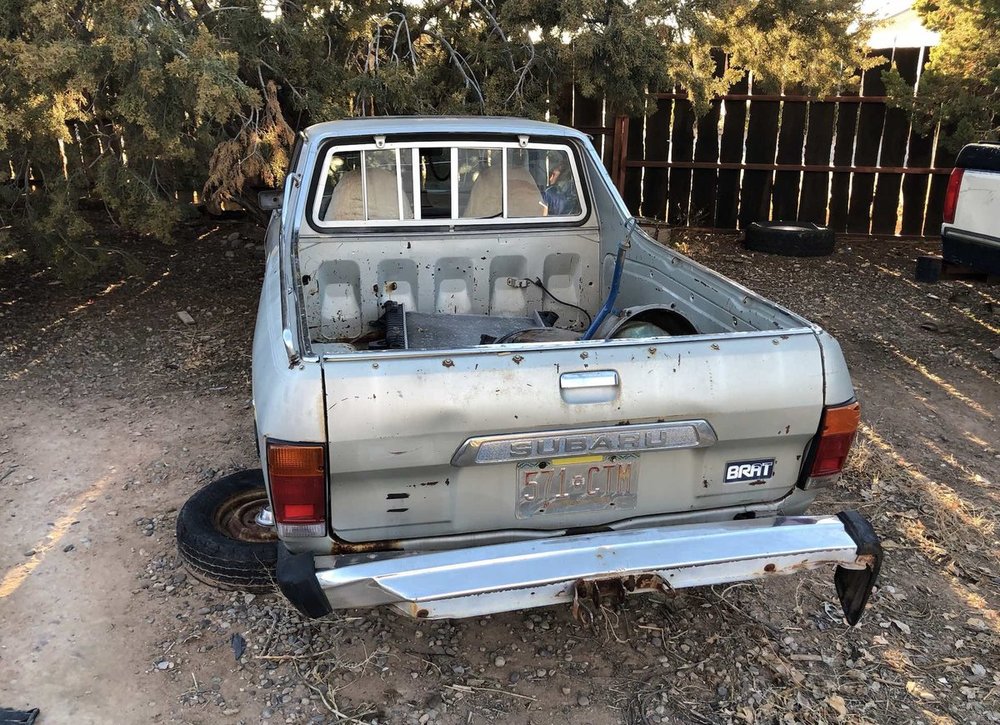
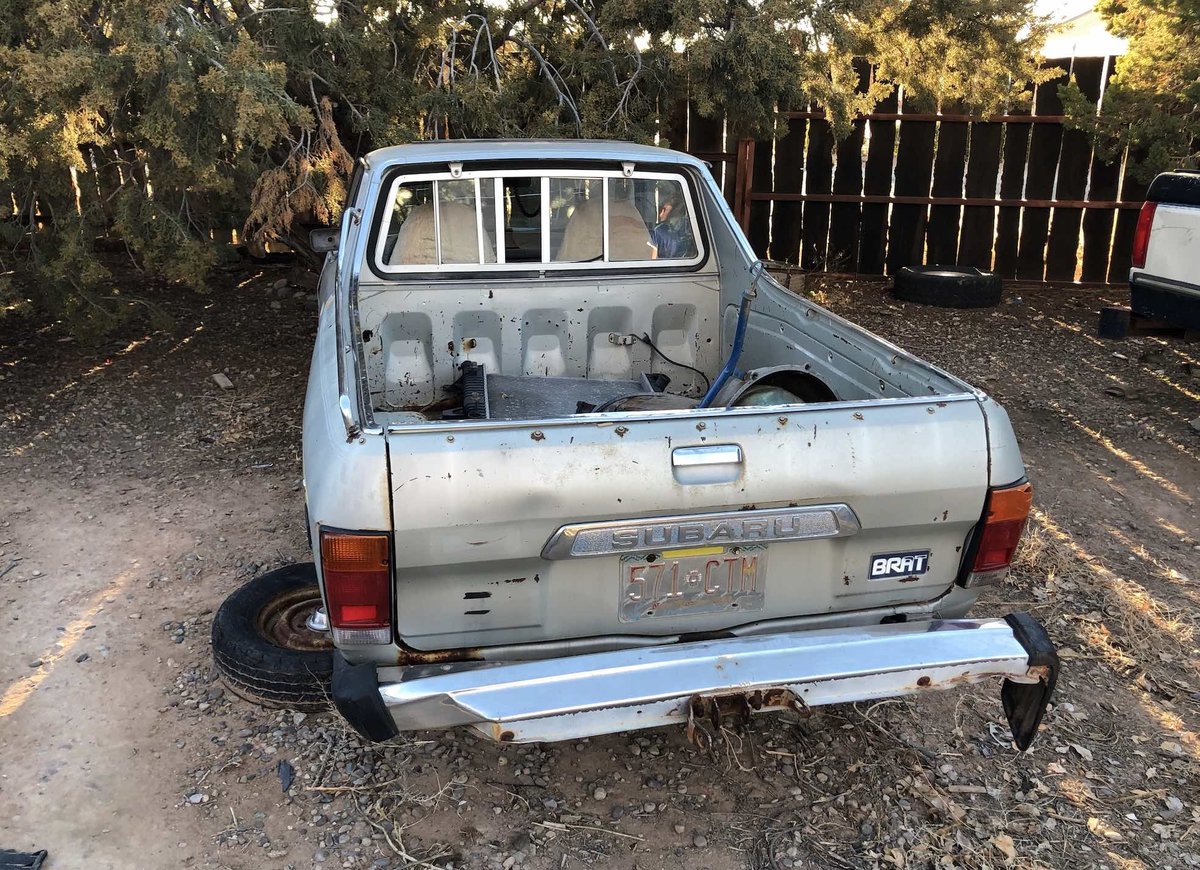
Helo and thank you for the add. I just picked up two relatively rust-free BRATs here in NM. Both are '78s with the dual headlights. One (the white one) has a title that I just got in my name. The other (silver) does not and is a parts car. Here is my quandary: It is easy enough to get a Bonded Title in NM. If I go that route, then I would not pull parts from the silver BRAT and would use it as a base for a fun project that I have in mind. The white BRAT needs a little TLC and should be back on the road soon enough. Both are complete enough to save. I look forwards to sharing my progress with these two cars here with the group. -Austin