Jvandal
Members
-
Joined
-
Last visited
Everything posted by Jvandal
-
Thanks, no idea where it came from.... but apparently was very new, at least at the time it was parked, I actually am guessing they parked it due to the "knock". Joe
-
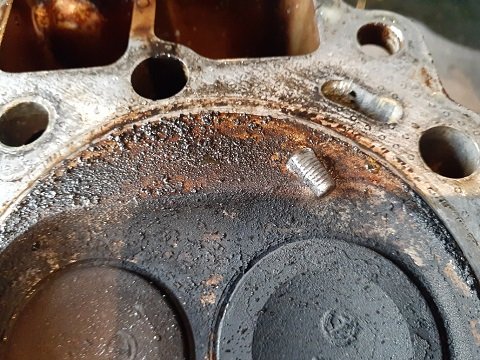
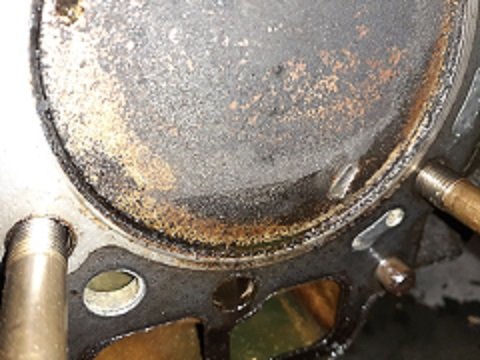
Yeppers, twisted off end of a 6mm bolt/machine screw....
-
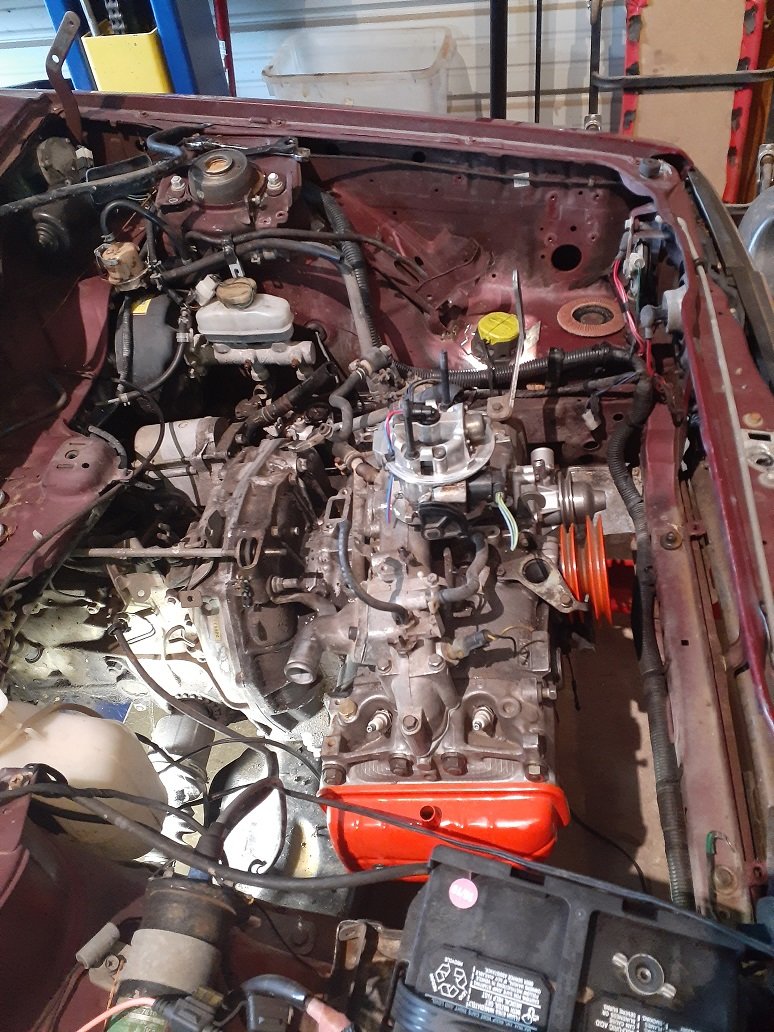
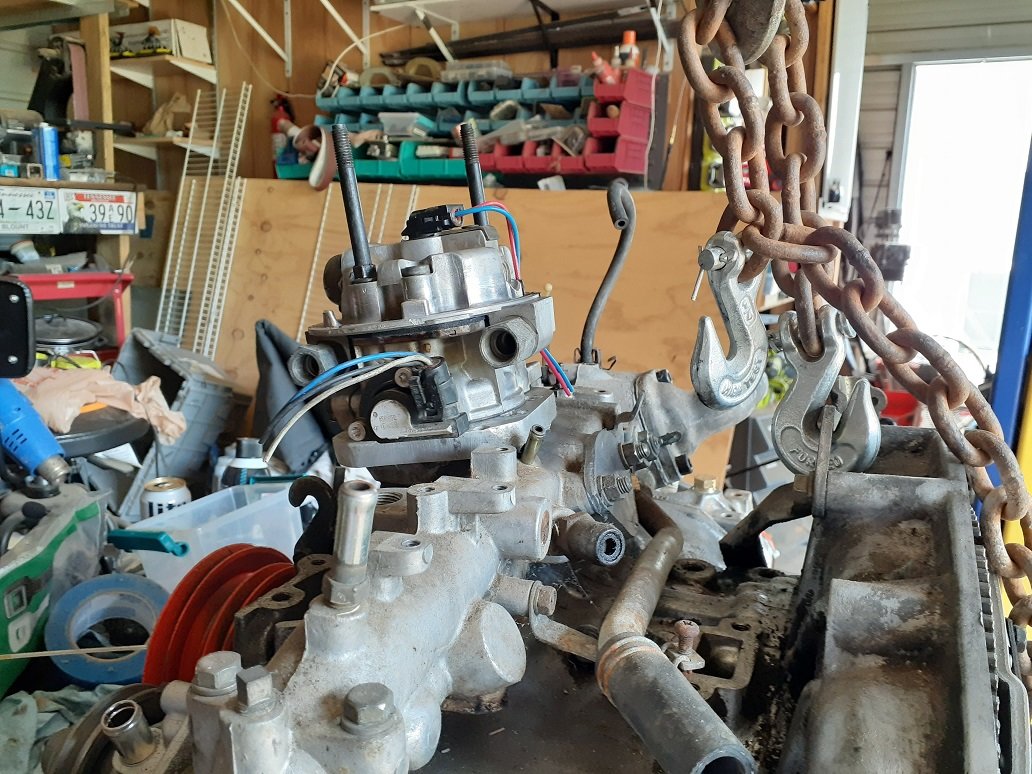
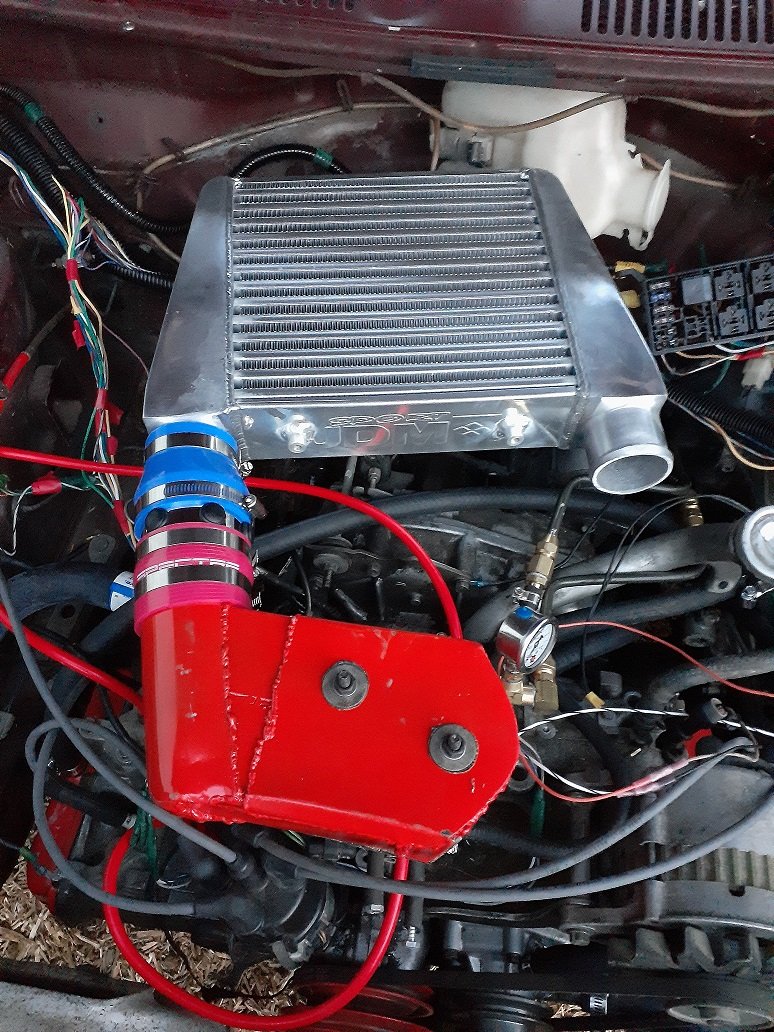
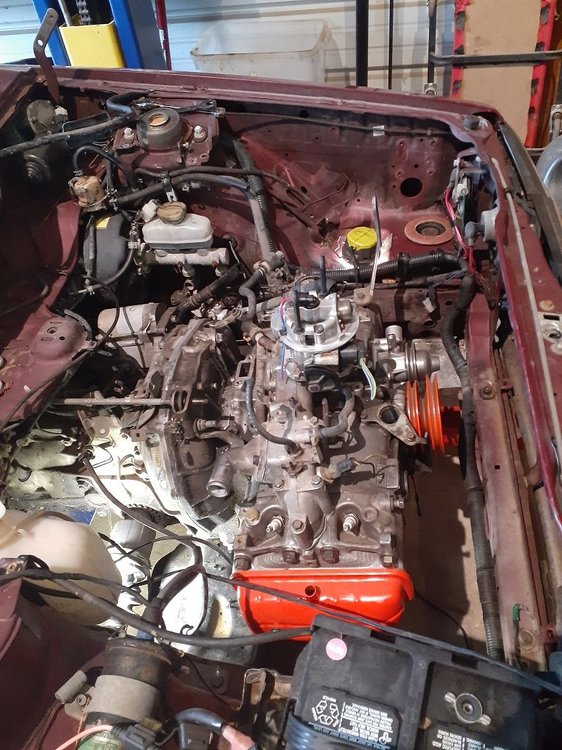
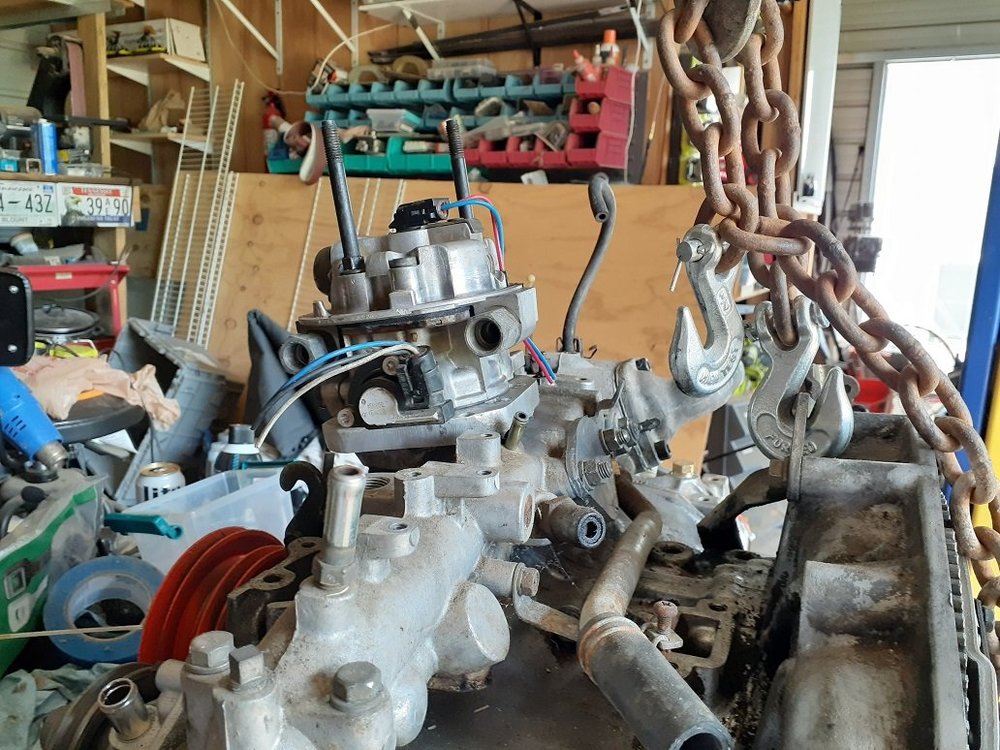
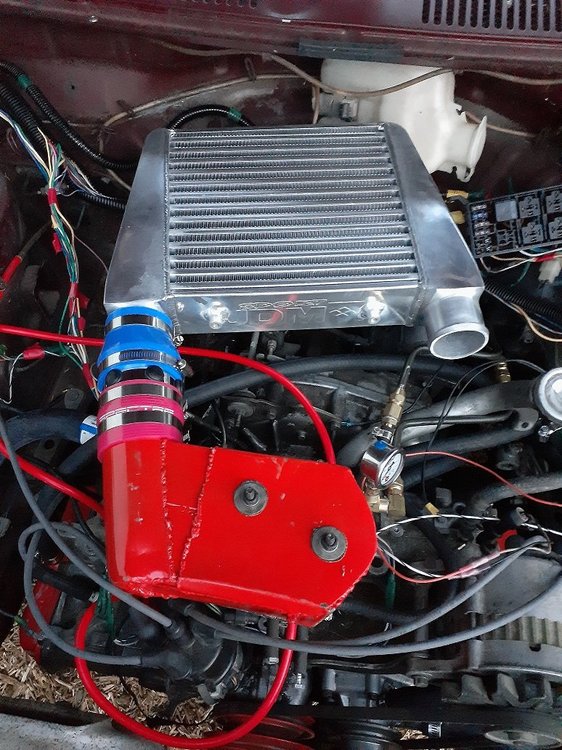
Fuel Injection installed, TBI500 from a 1989 Pontiac Sunbird, controls by Microsquirt.... Now onto supercharger....
-
Got it running... had a strange very unique "knock".... found this in Number 1.... all cleaned up and repaired.... on to fuel injection and super charger..... Joe
-
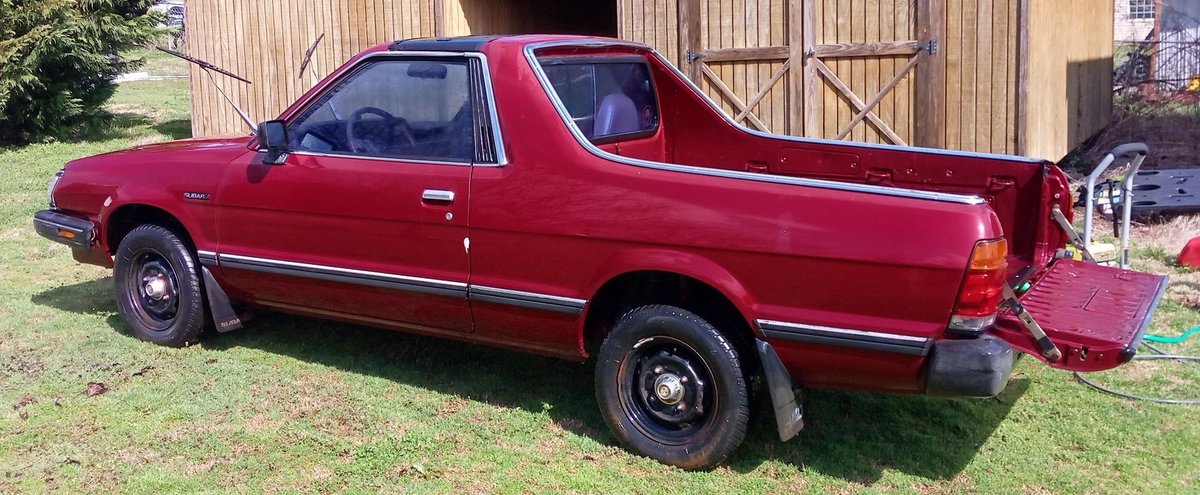
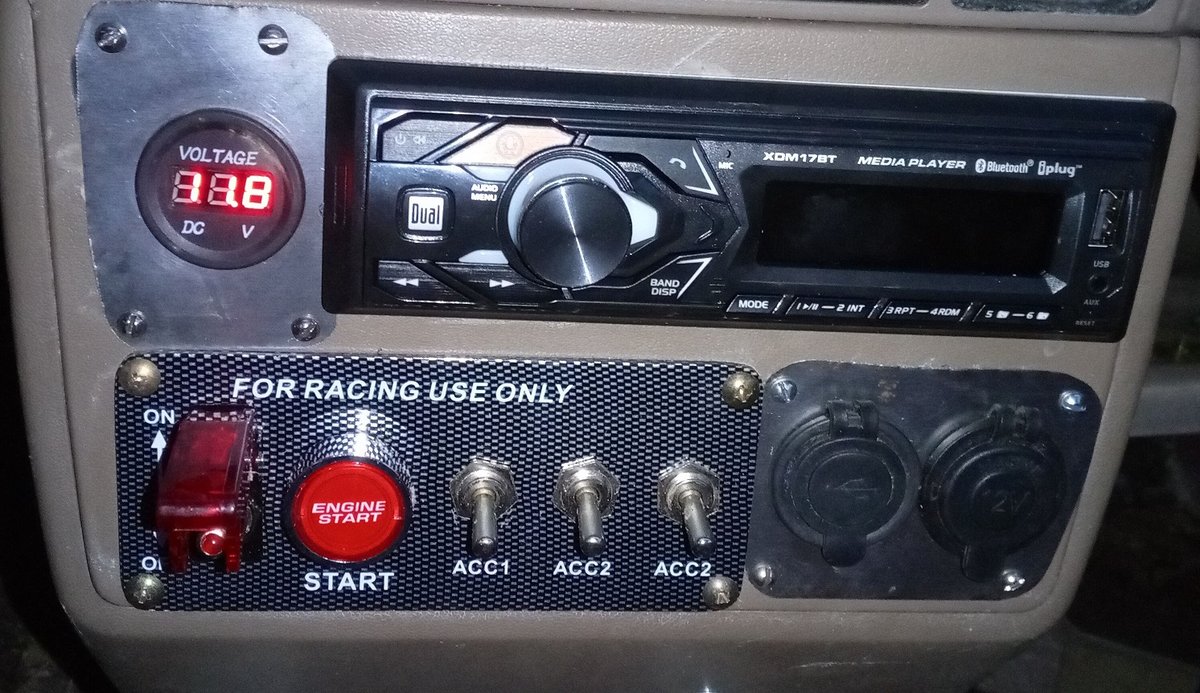
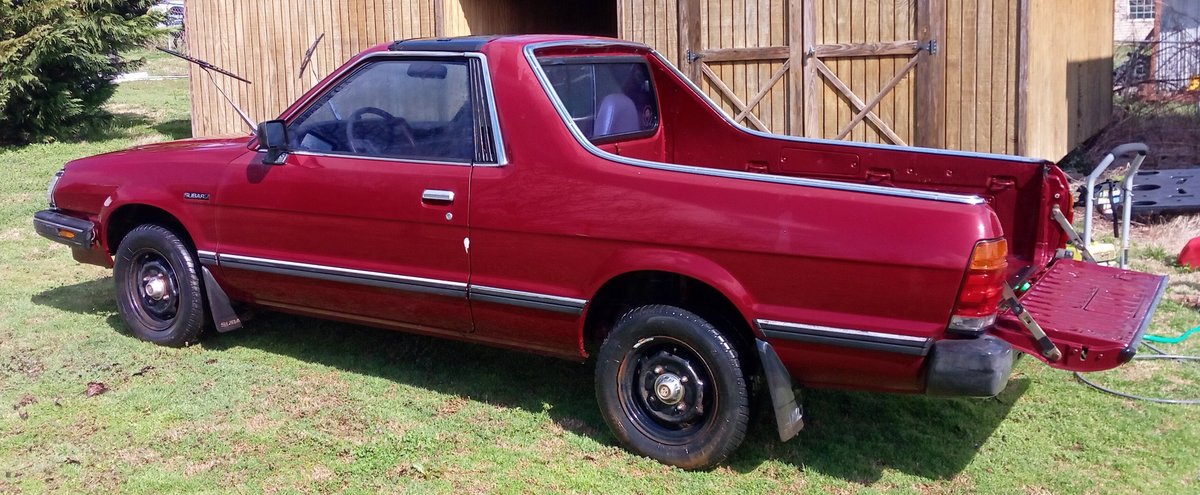
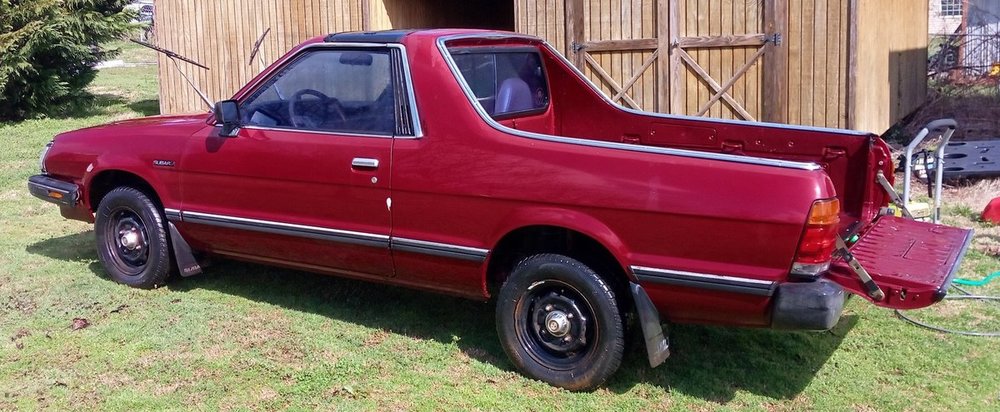
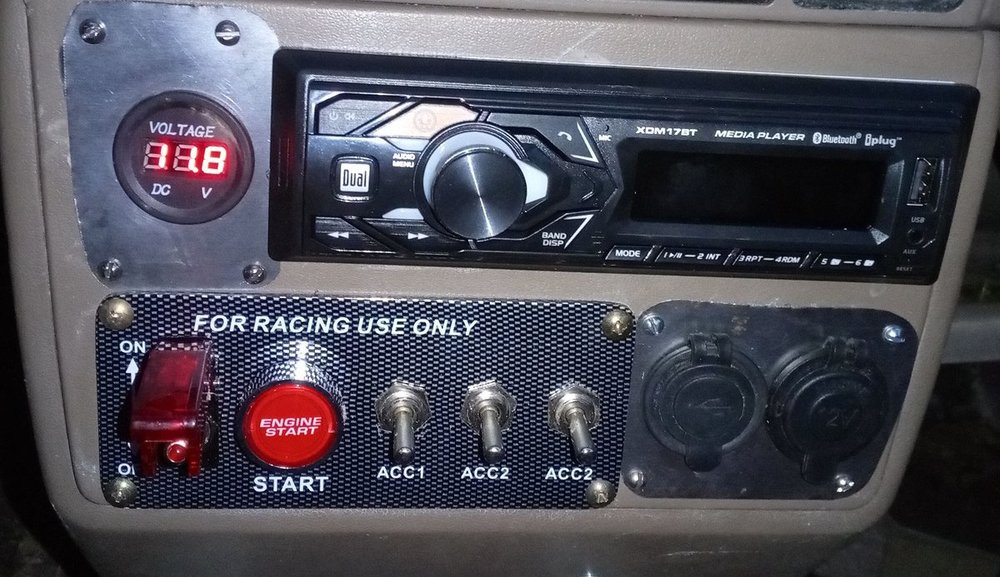
Hi, new guy from TN. After wanting a BRAT for 40 years, finally got one... Sitting under a tree, "Ran when I parked it there".... Ignition switch broken so raided my stash and rewired. Now will run on fuel supplied directly to the carb but the fuel pump itself is very noisy and not pumping fuel. But I have a BRAT! and all sorts of plans for it..... VANDAL
-