Skip to content
View in the app

A better way to browse. Learn more.

Ultimate Subaru Message Board

A full-screen app on your home screen with push notifications, badges and more.

To install this app on iOS and iPadOS
  1. Tap the Share icon in Safari
  2. Scroll the menu and tap Add to Home Screen.
  3. Tap Add in the top-right corner.
To install this app on Android
  1. Tap the 3-dot menu (⋮) in the top-right corner of the browser.
  2. Tap Add to Home screen or Install app.
  3. Confirm by tapping Install.

Eric4

Members
  • Joined

  • Last visited

  1. That's impressive thabks
  2. I will not be getting lol thank you all for the answer I really appreciate it!!!!
  3. Well I'm currently doing a ls swap in a Mitsubishi starion so I like to think I have some knowledge I was just wondering if this is a crazy deal or not? And I dont know what I'd put it in
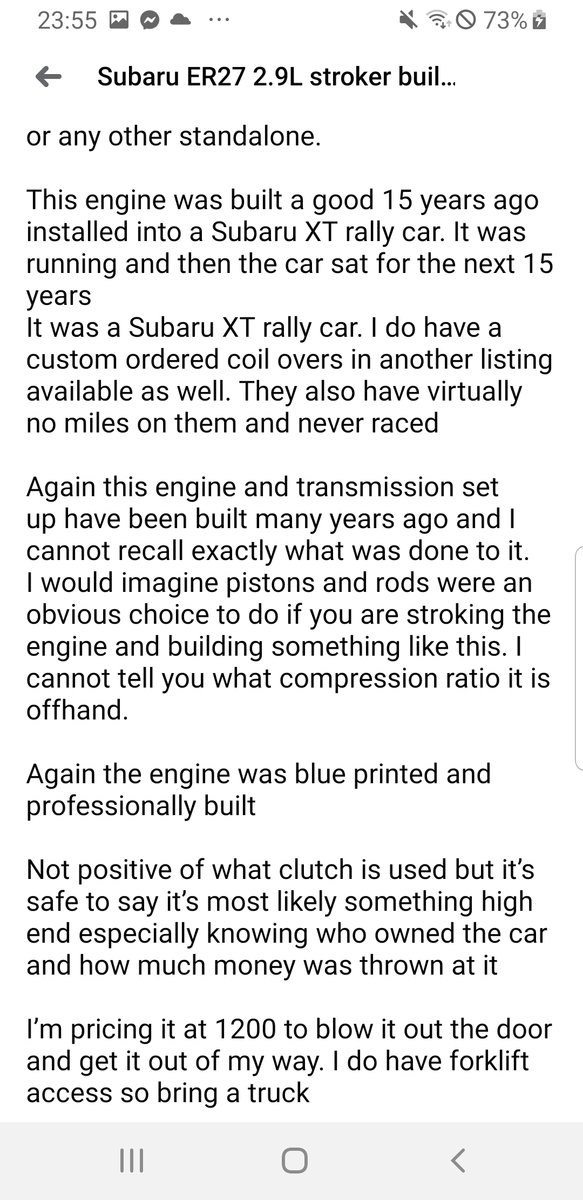
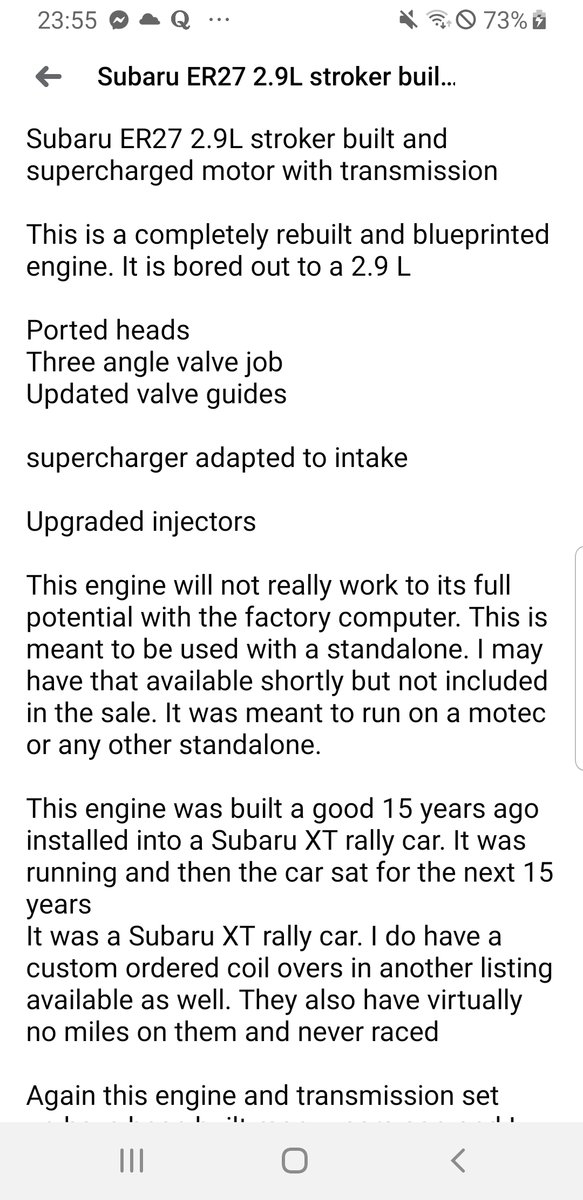
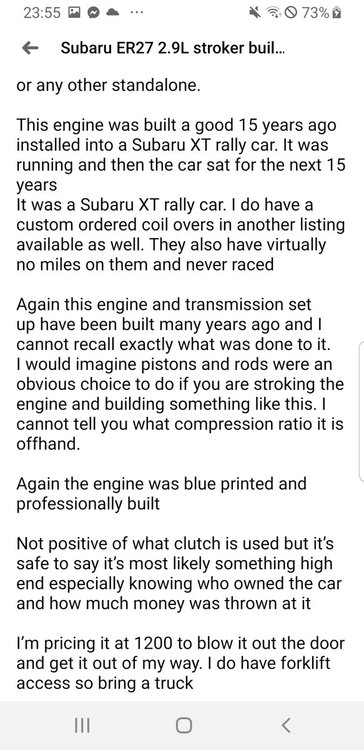
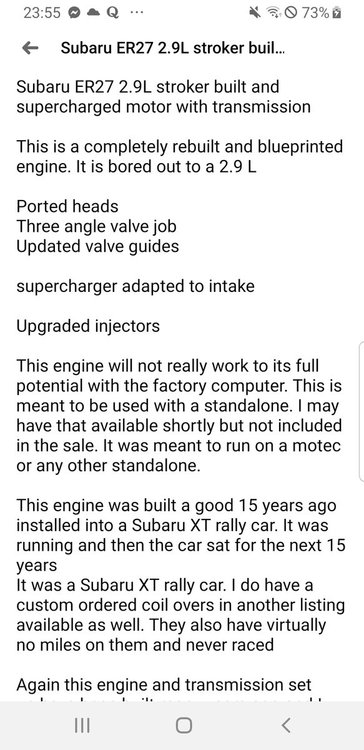
  4. I'm completely new to this and know next to nothing about Subarus. I came across a 2.9l er27 stroker that's supercharger and was built by professionals for a really car anyone know what these engines can handle? How much boost/hp/torque I dont even have a guess the price is $1200 for motor+trans
Account

Navigation

Search

Search

Configure browser push notifications

Chrome (Android)
  1. Tap the lock icon next to the address bar.
  2. Tap Permissions → Notifications.
  3. Adjust your preference.
Chrome (Desktop)
  1. Click the padlock icon in the address bar.
  2. Select Site settings.
  3. Find Notifications and adjust your preference.