roys101
Members
-
Joined
-
Last visited
Everything posted by roys101
-
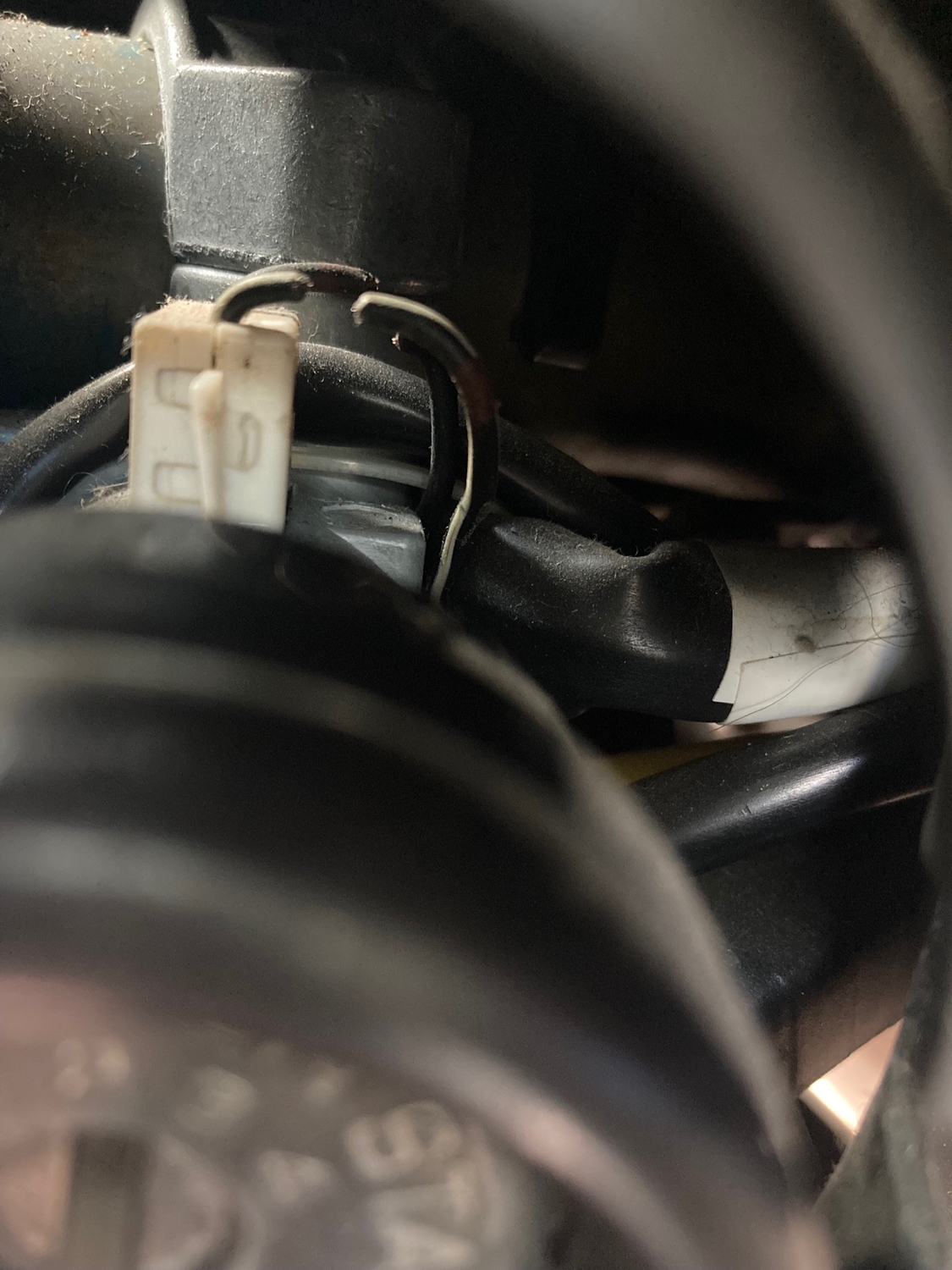
roys101 replied to Reverendray's topic in 1990 to Present Legacy, Impreza, Outback, Forester, Baja, WRX&WrxSTI, SVXOops. Clipped the wires, plural. Unintentionally. It was a stretch to reach the wire with my clippers, and I guess I got too much of a bite. Which explains the dying cry from the chime when the circuit was briefly closed by the clippers/dykes. At any rate, the “key in ignition, door open” chime is just a bad memory. :-)
-
roys101 replied to Reverendray's topic in 1990 to Present Legacy, Impreza, Outback, Forester, Baja, WRX&WrxSTI, SVXSuccess! I clipped the wire and now have sweet silence. See attached pic.
-
roys101 replied to Reverendray's topic in 1990 to Present Legacy, Impreza, Outback, Forester, Baja, WRX&WrxSTI, SVXWill this work on a 2000 obw?