Skip to content
View in the app

A better way to browse. Learn more.

Ultimate Subaru Message Board

A full-screen app on your home screen with push notifications, badges and more.

To install this app on iOS and iPadOS
  1. Tap the Share icon in Safari
  2. Scroll the menu and tap Add to Home Screen.
  3. Tap Add in the top-right corner.
To install this app on Android
  1. Tap the 3-dot menu (⋮) in the top-right corner of the browser.
  2. Tap Add to Home screen or Install app.
  3. Confirm by tapping Install.

Leaderboard

Popular Content

Showing content with the highest reputation on 02/27/24 in Posts

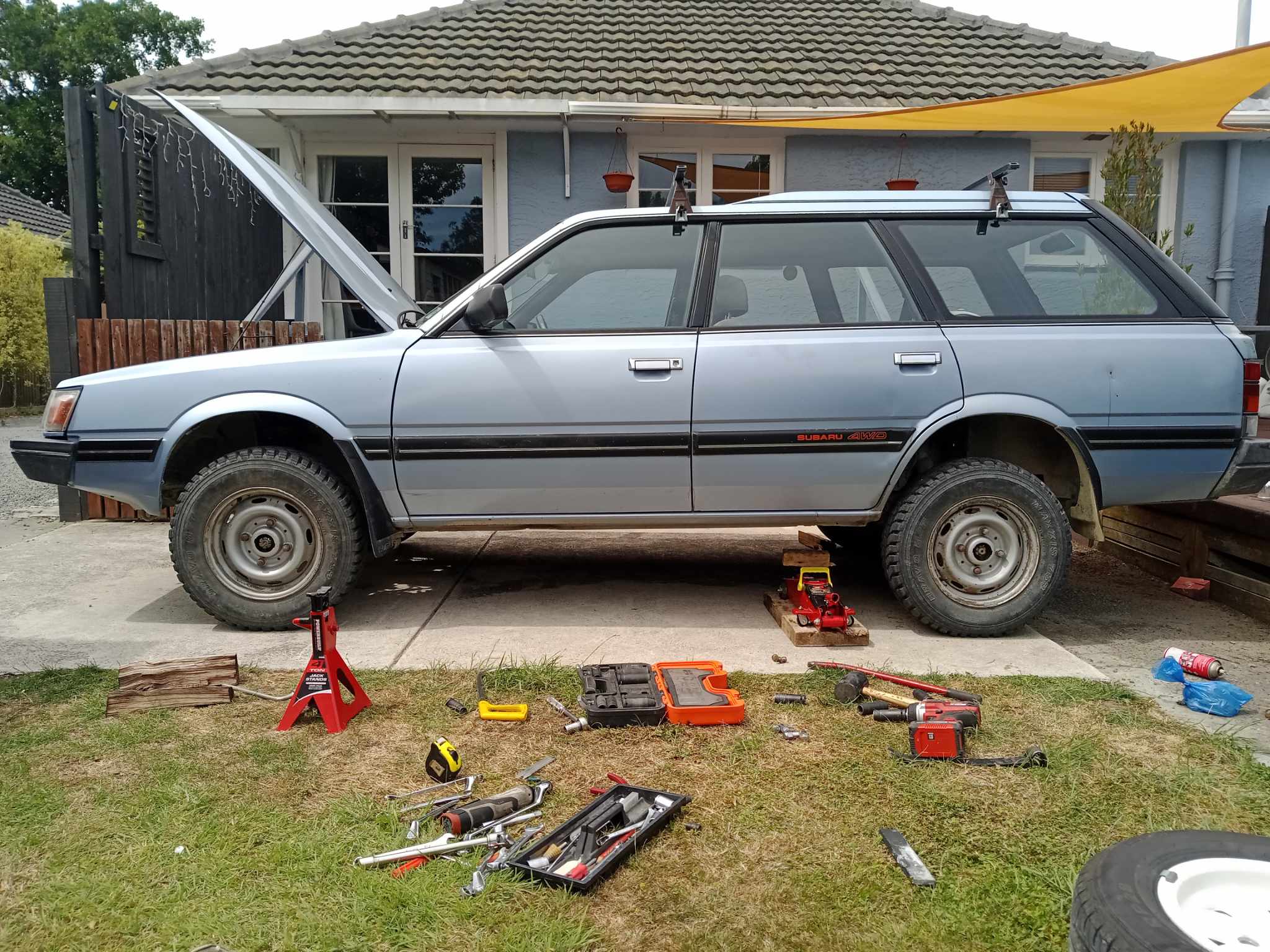
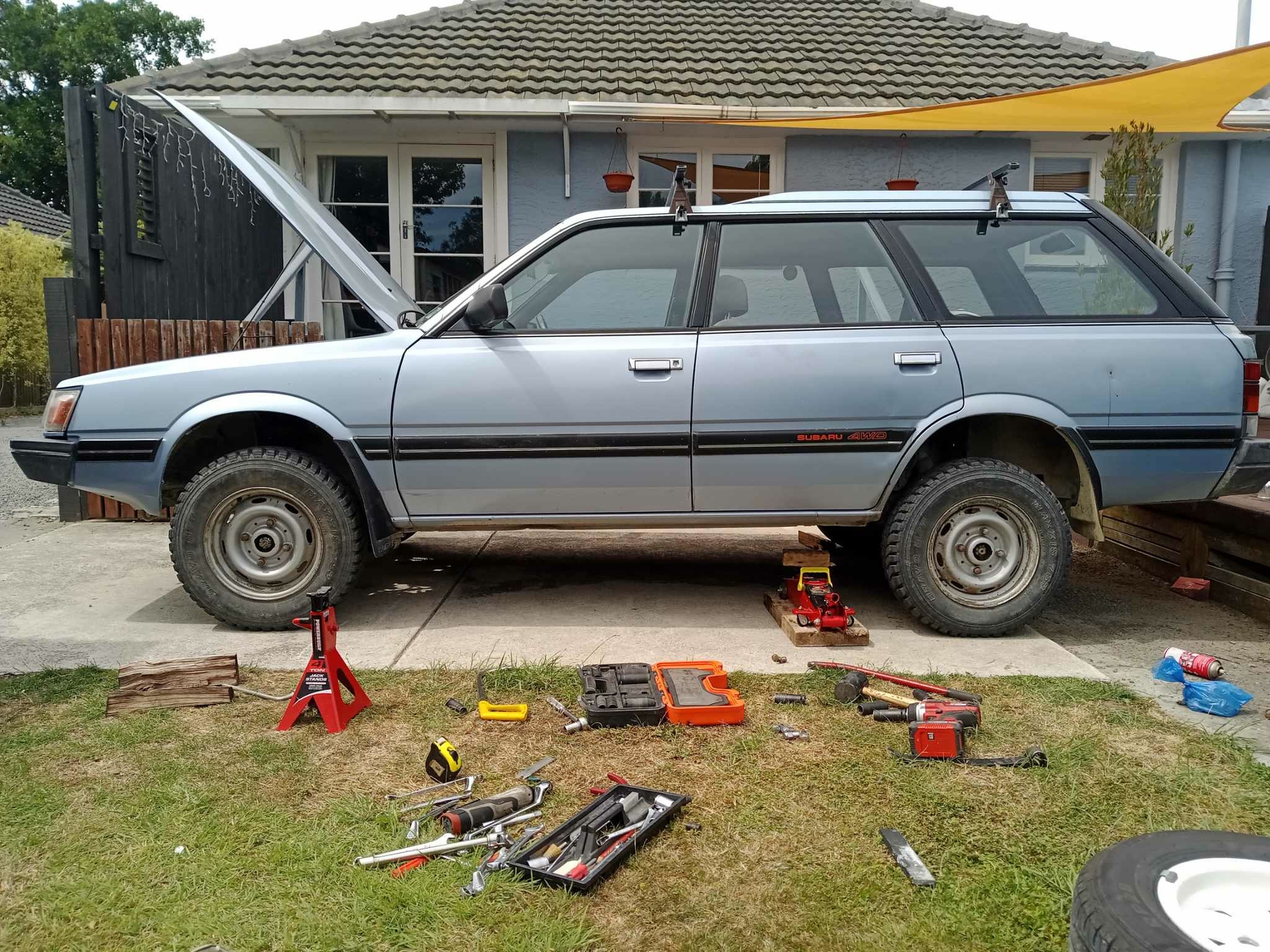
  1. There was one really steep, off camber, rutted hill climb! A Ford Ranger PX3 struggled to get up that, but was a breeze in the Subie. Since that trip I've also thrown in the lift kit...
  2. I don’t know either. It’s my understanding it should run but I haven’t investigated it.
  3. This looks mean, get the SI subies together for a wee roady, was there any real boggy or difficult bits etc, or all just mainly gravel roads?

Account

Navigation

Search

Search

Configure browser push notifications

Chrome (Android)
  1. Tap the lock icon next to the address bar.
  2. Tap Permissions → Notifications.
  3. Adjust your preference.
Chrome (Desktop)
  1. Click the padlock icon in the address bar.
  2. Select Site settings.
  3. Find Notifications and adjust your preference.