Skip to content
View in the app

A better way to browse. Learn more.

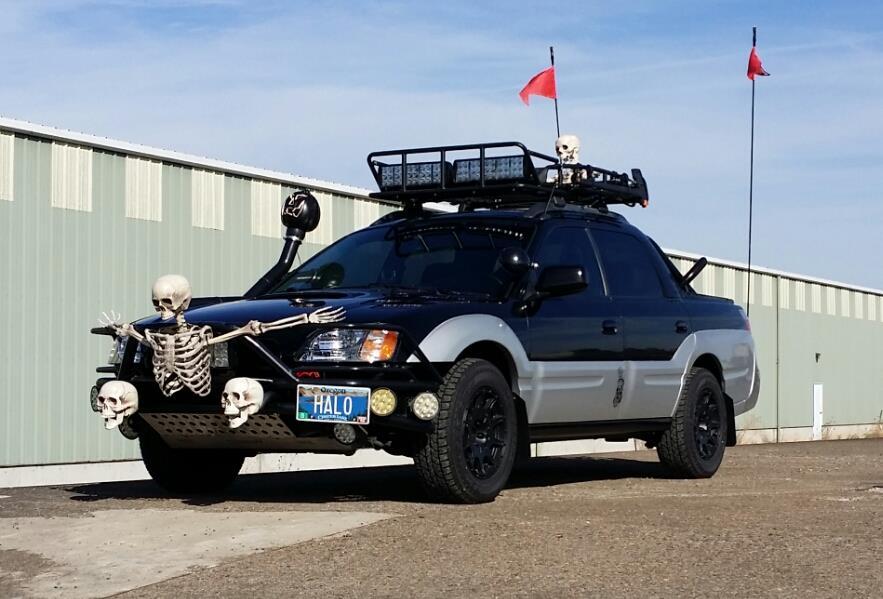
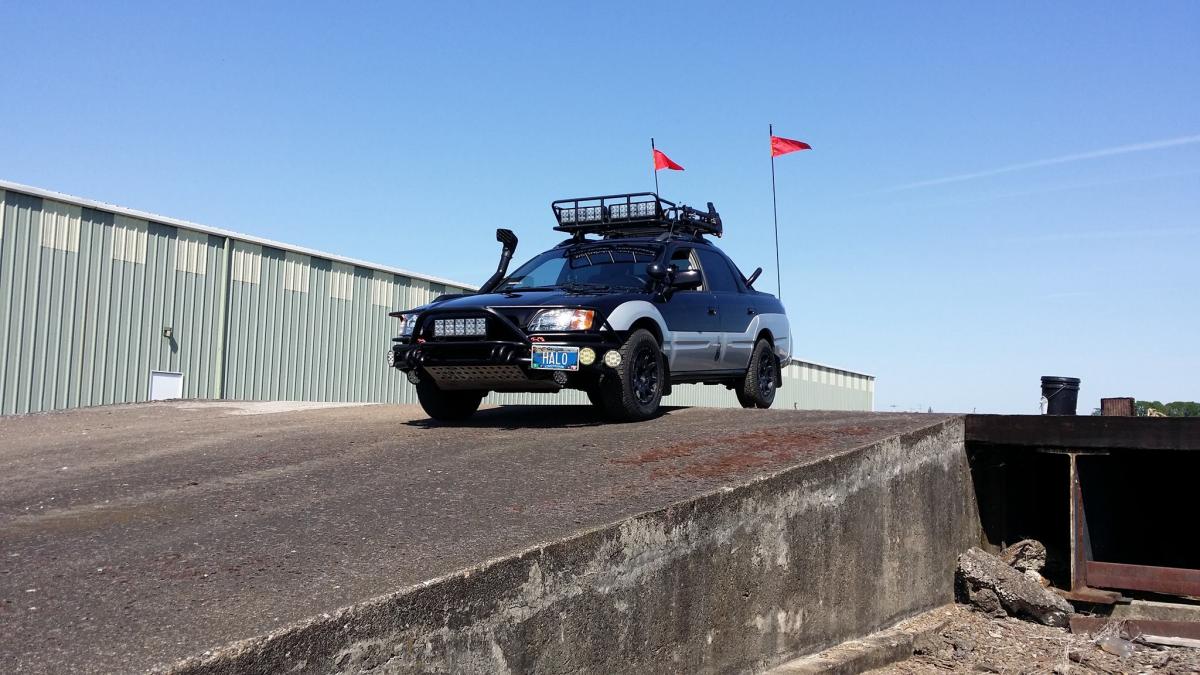
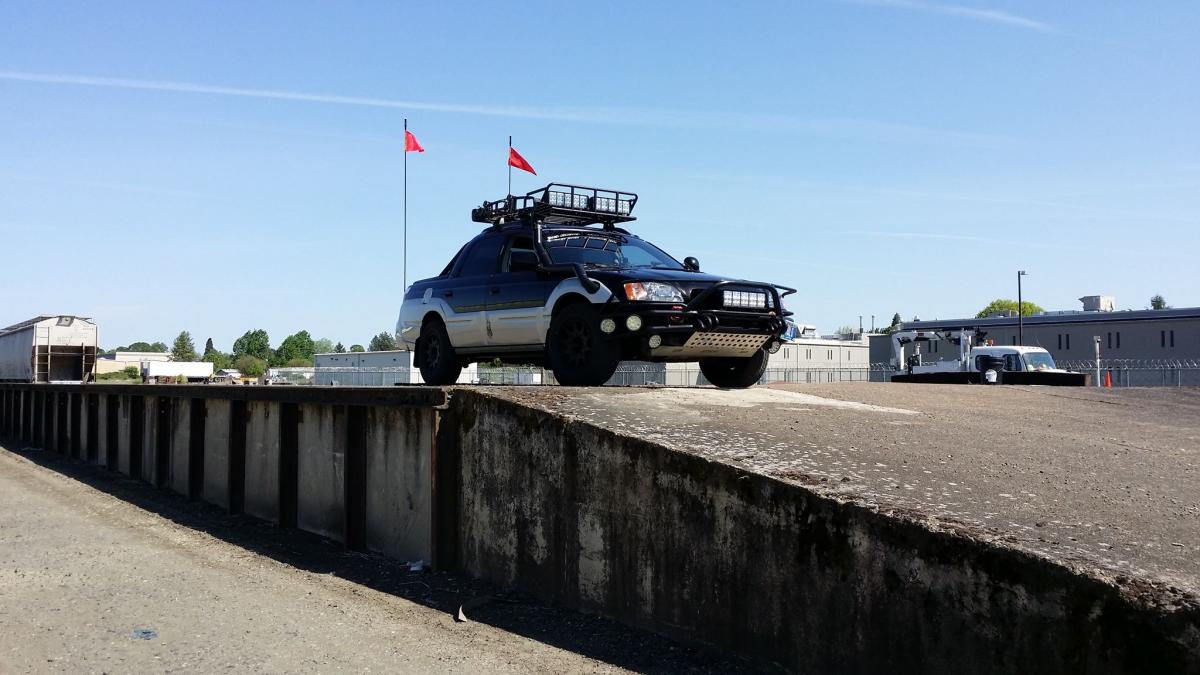
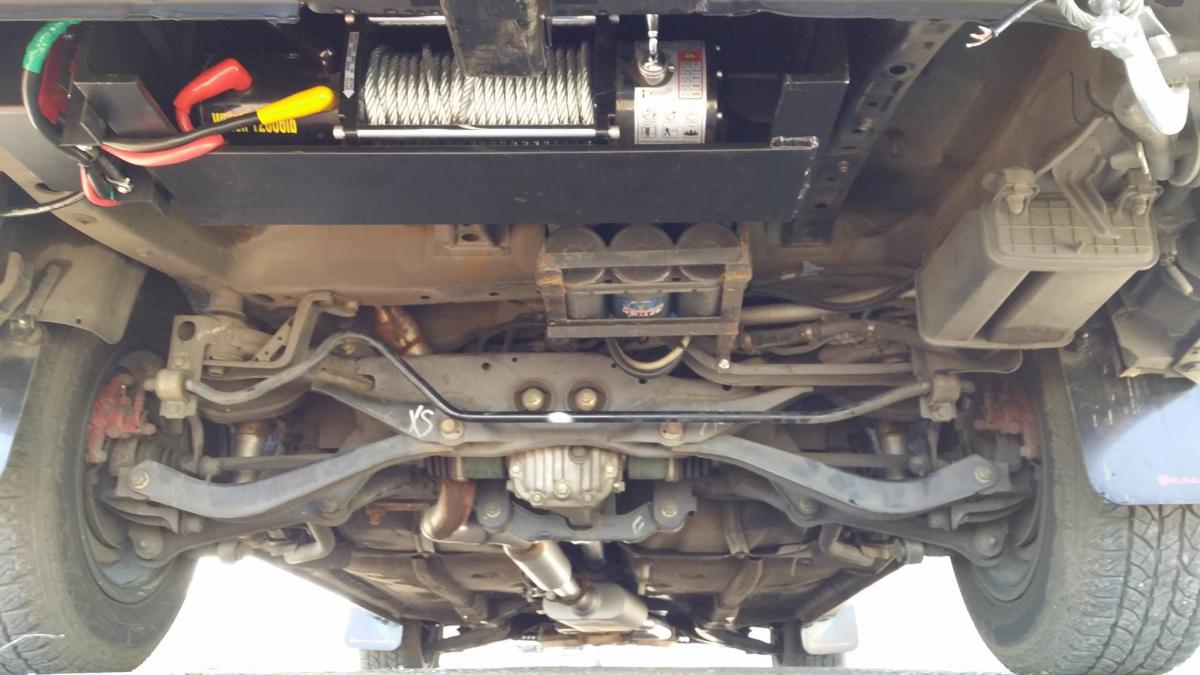
Ultimate Subaru Message Board

A full-screen app on your home screen with push notifications, badges and more.

To install this app on iOS and iPadOS
  1. Tap the Share icon in Safari
  2. Scroll the menu and tap Add to Home Screen.
  3. Tap Add in the top-right corner.
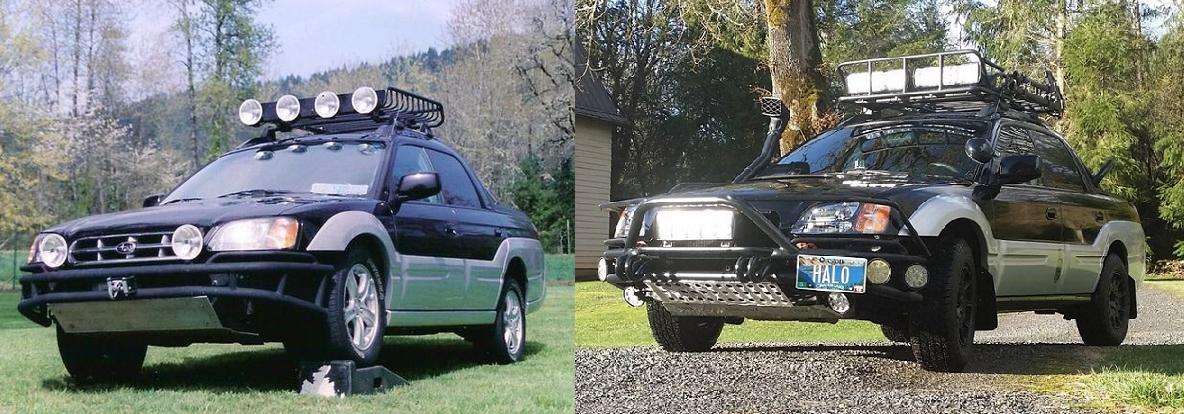
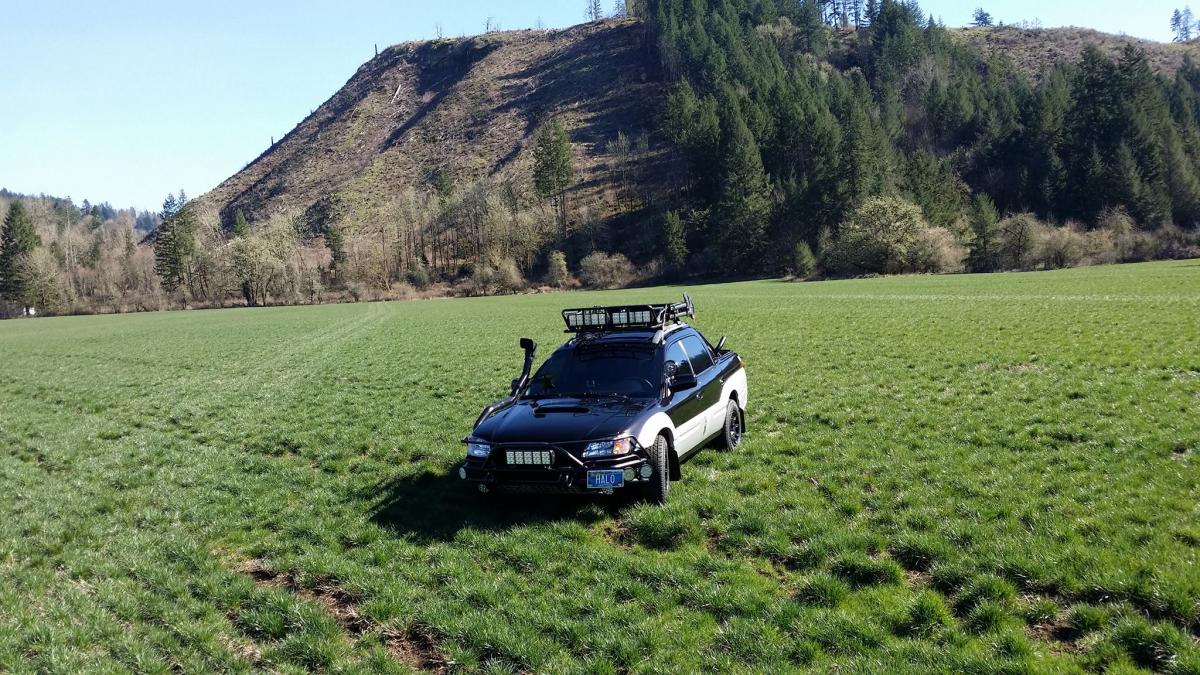
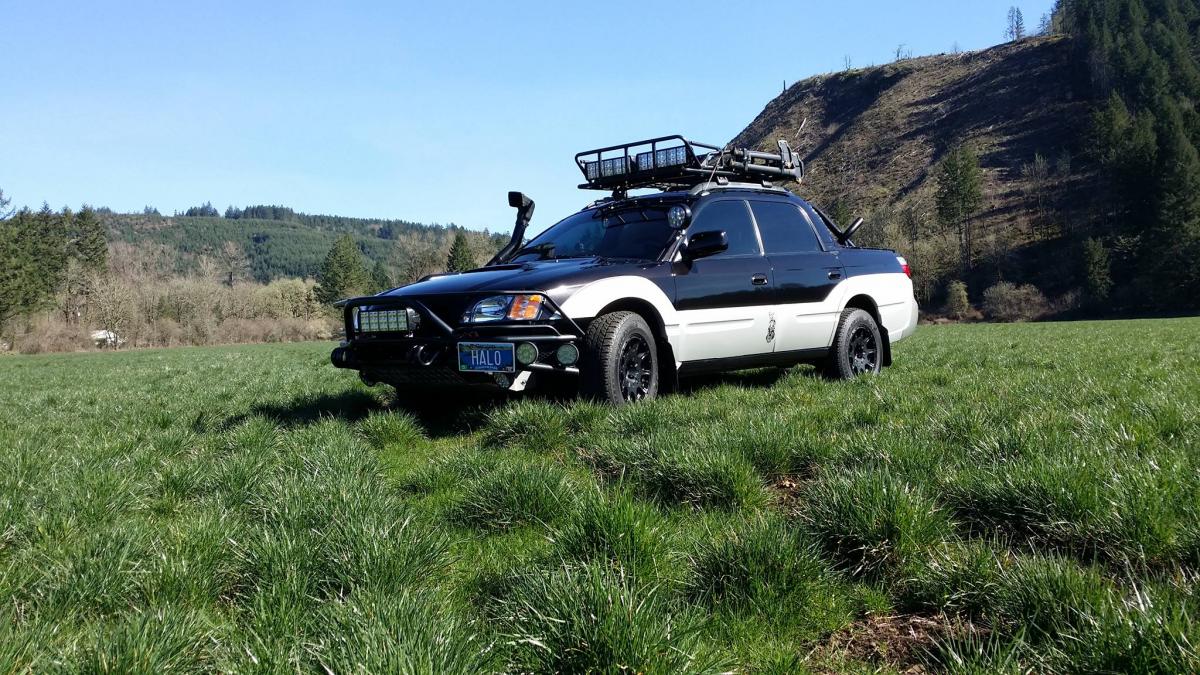
To install this app on Android
  1. Tap the 3-dot menu (⋮) in the top-right corner of the browser.
  2. Tap Add to Home screen or Install app.
  3. Confirm by tapping Install.

Ryan Callas

Members
  • Joined

  • Last visited

Everything posted by Ryan Callas

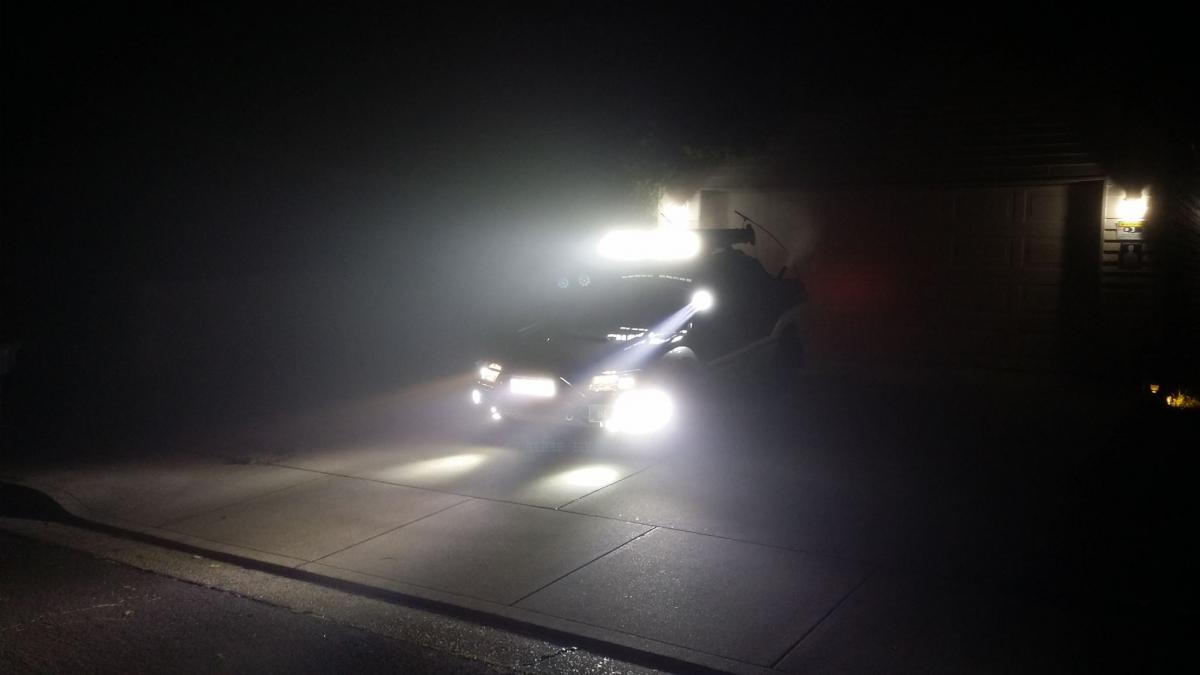
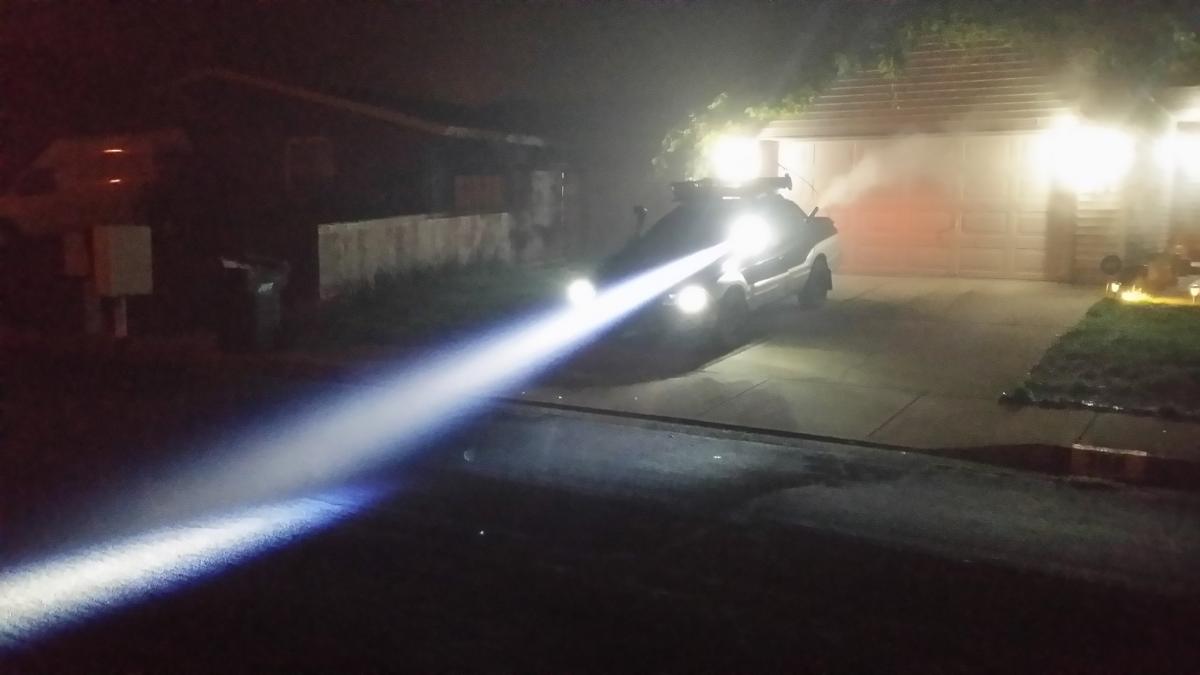
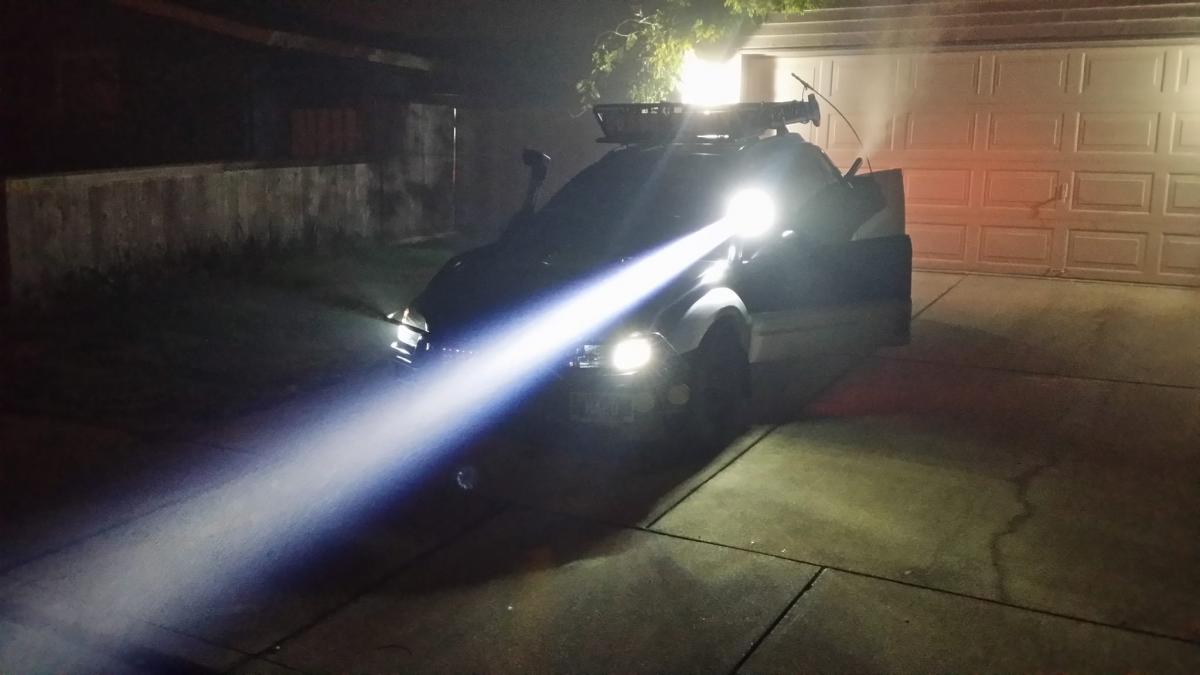
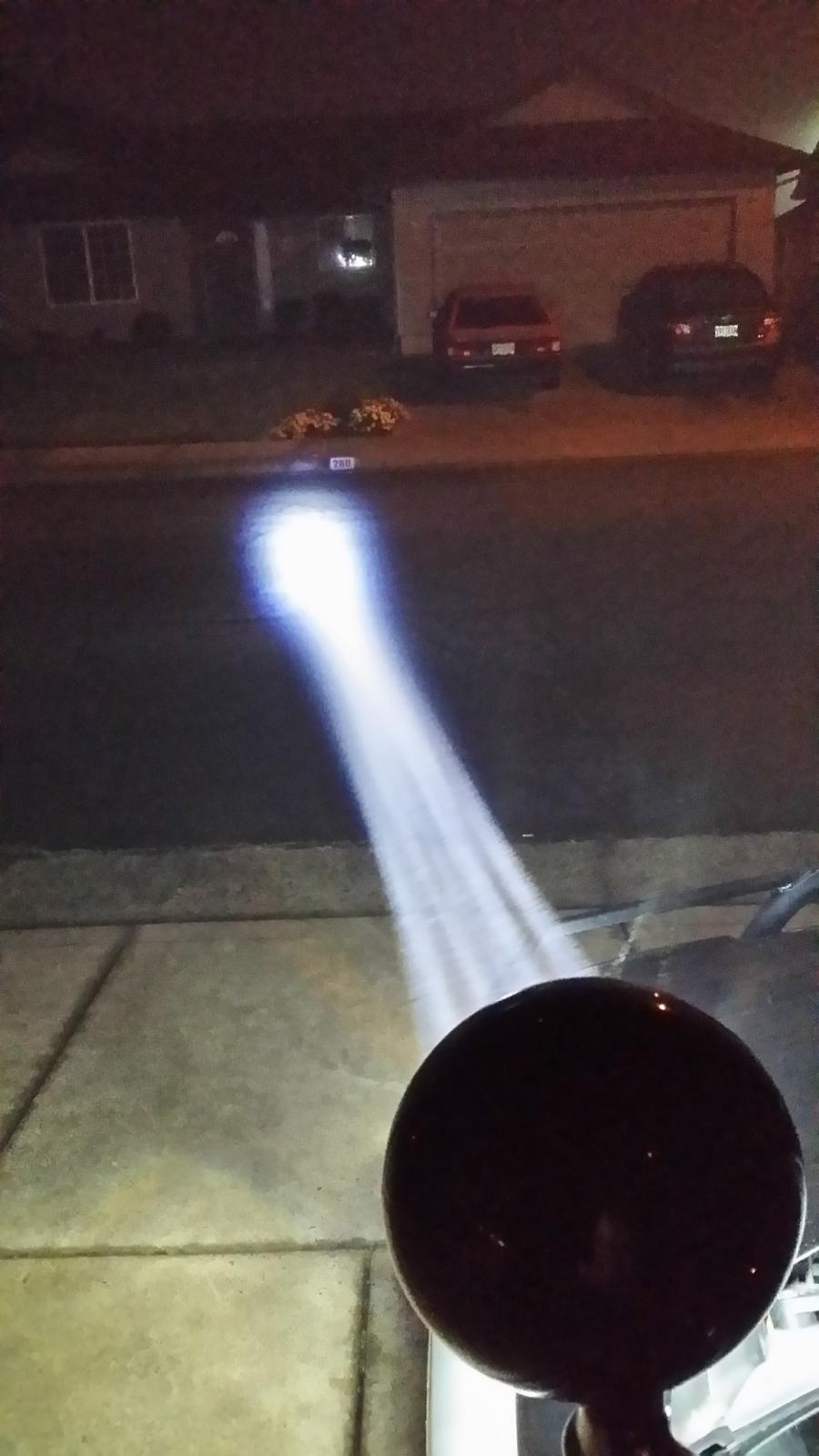
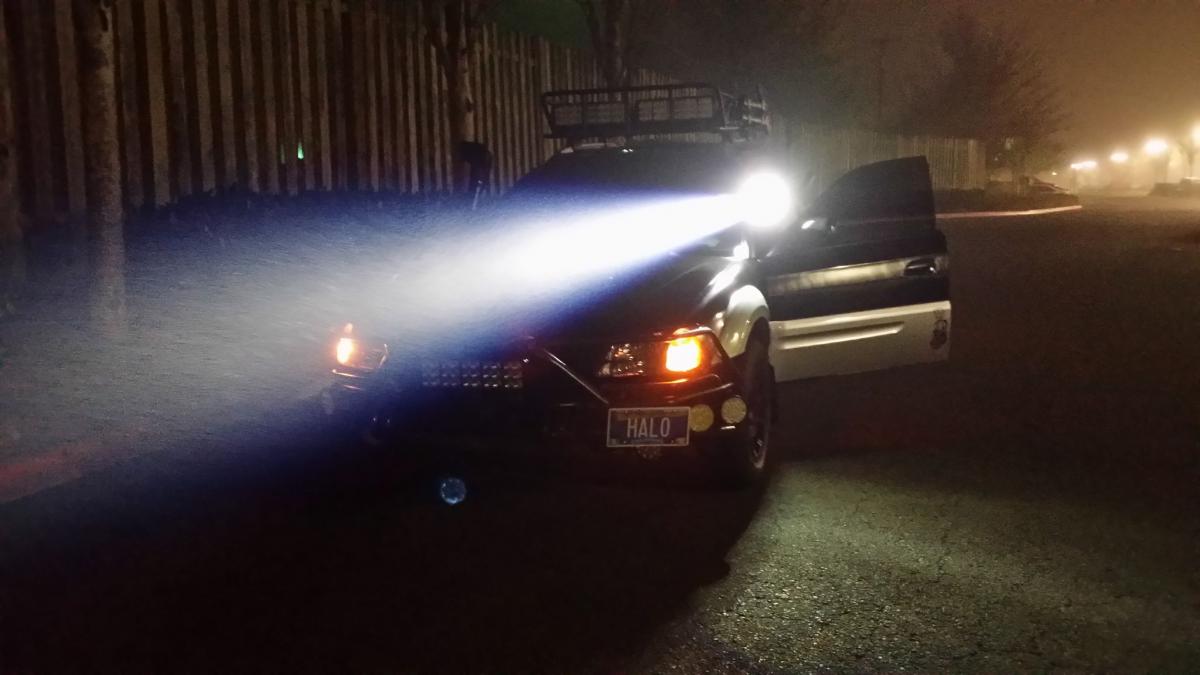
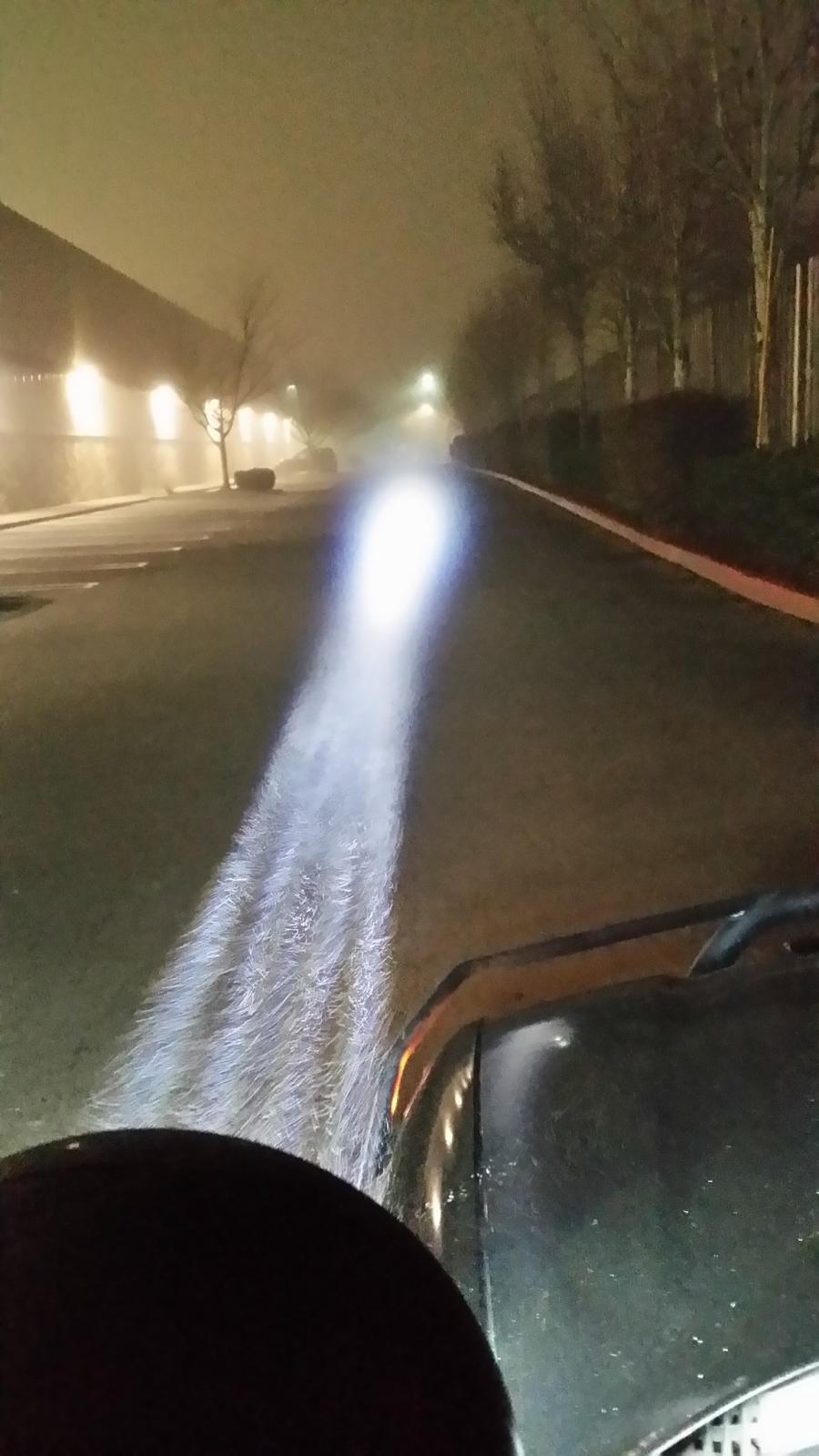
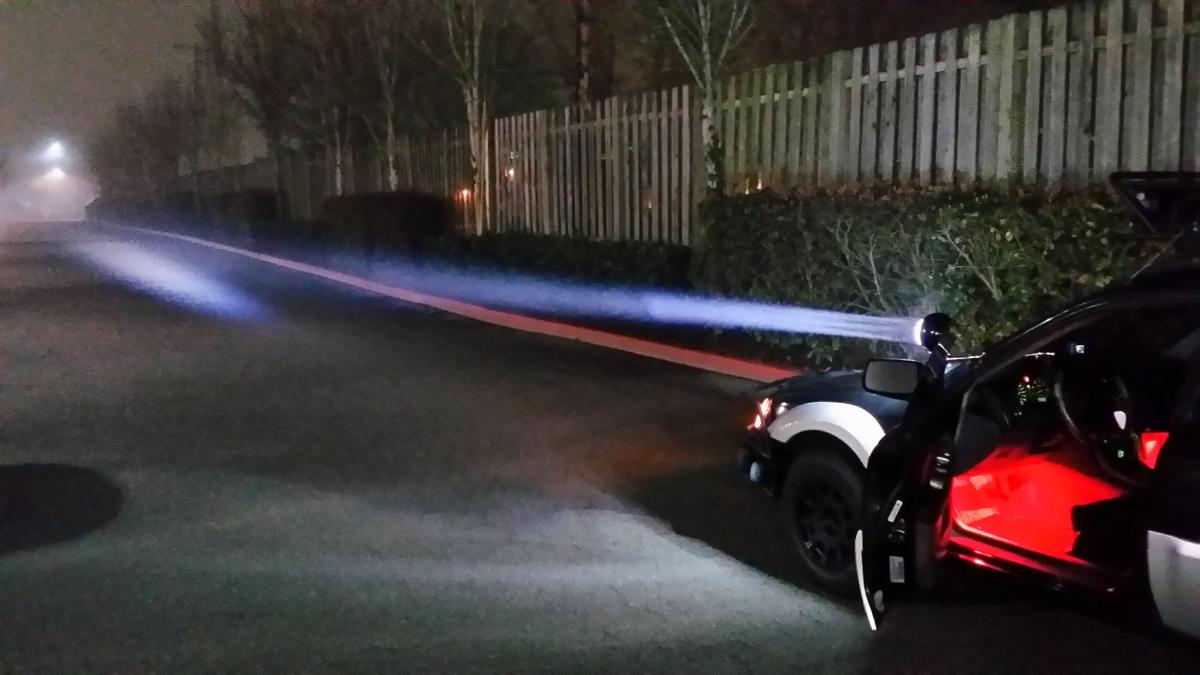
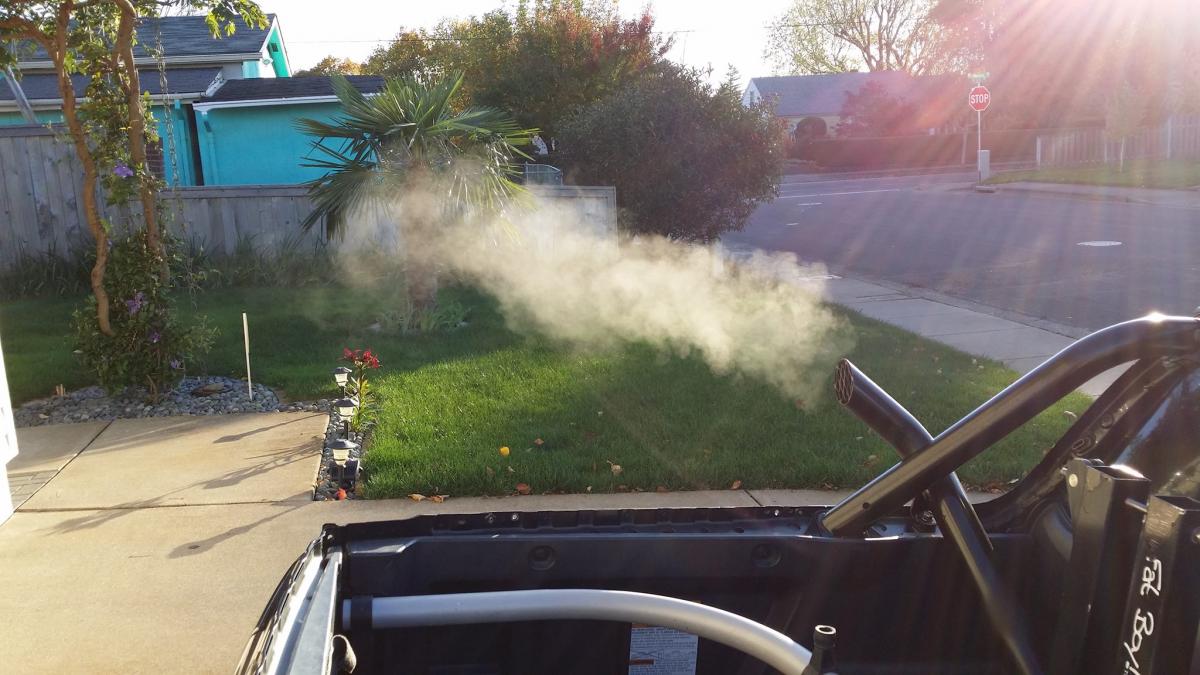
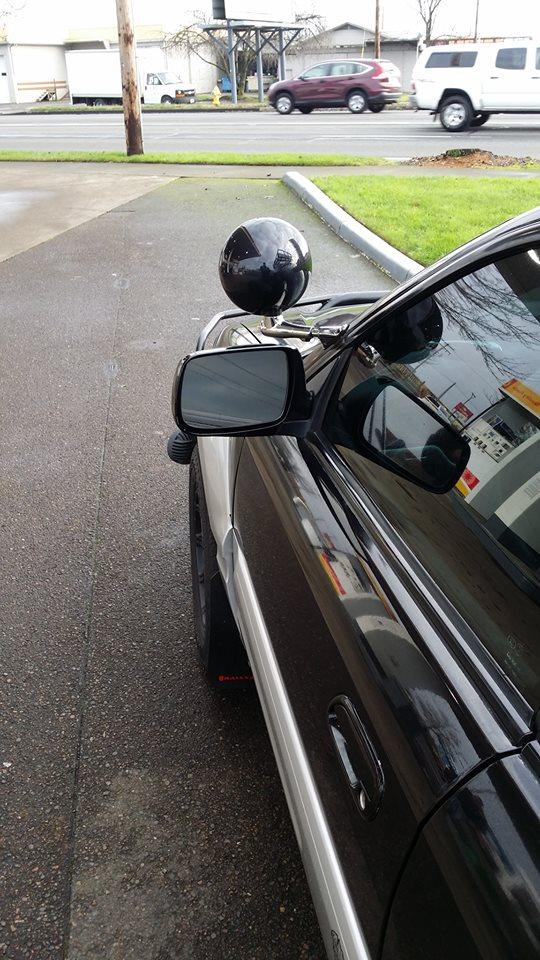
  1. Testing out my Police Led Spotlight in the Fog. . . . . I'm firing my LASER !!!
  2. Follow me on instagram if you like @RyanCallas
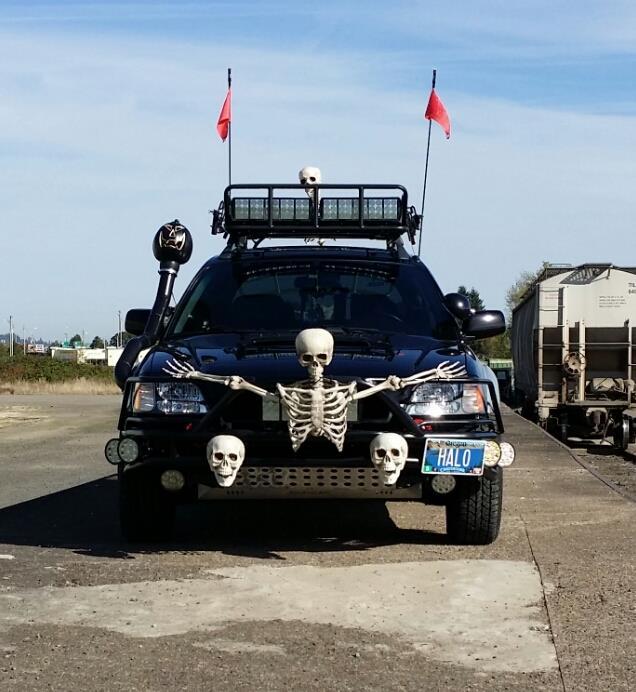
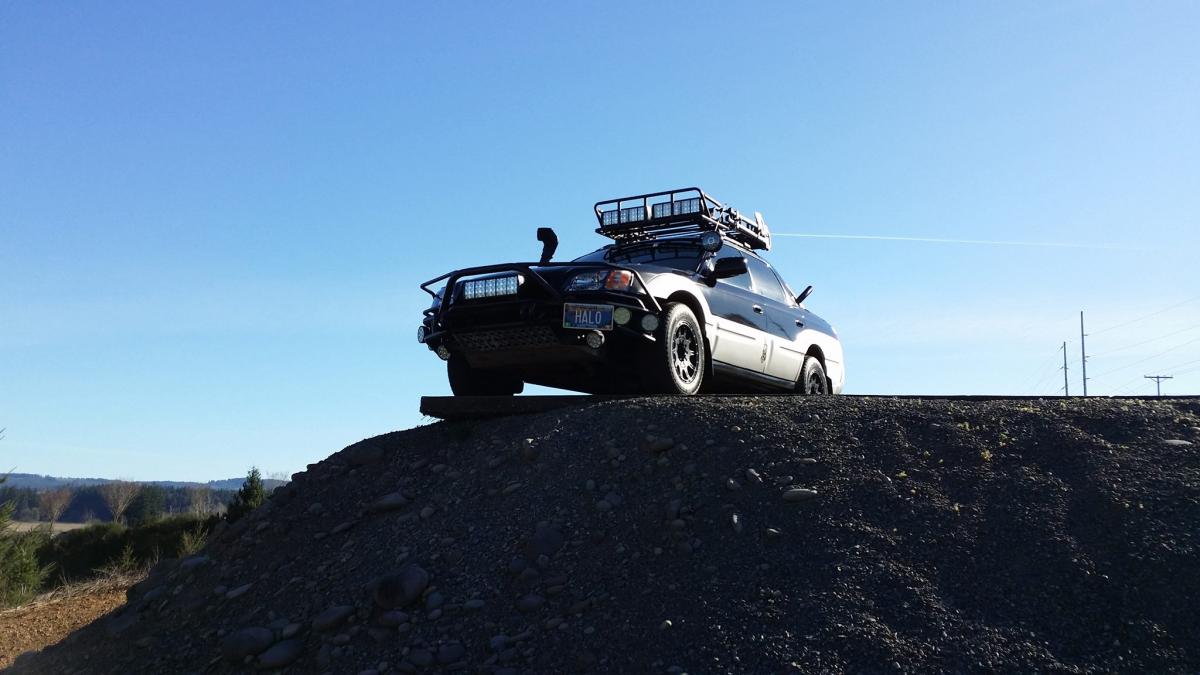
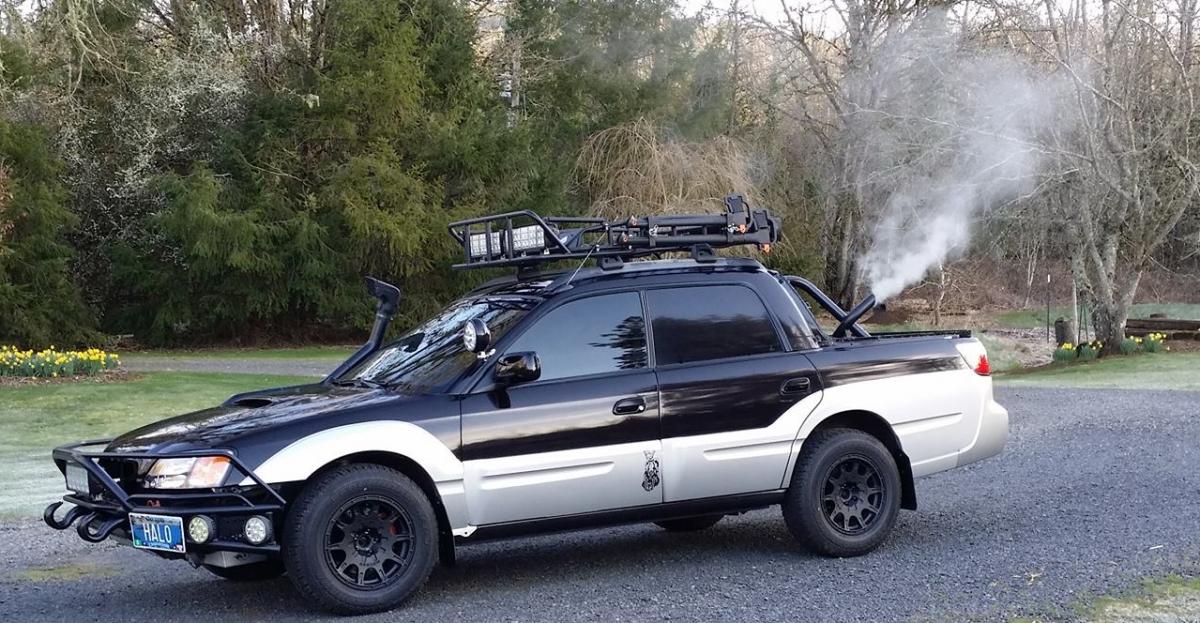
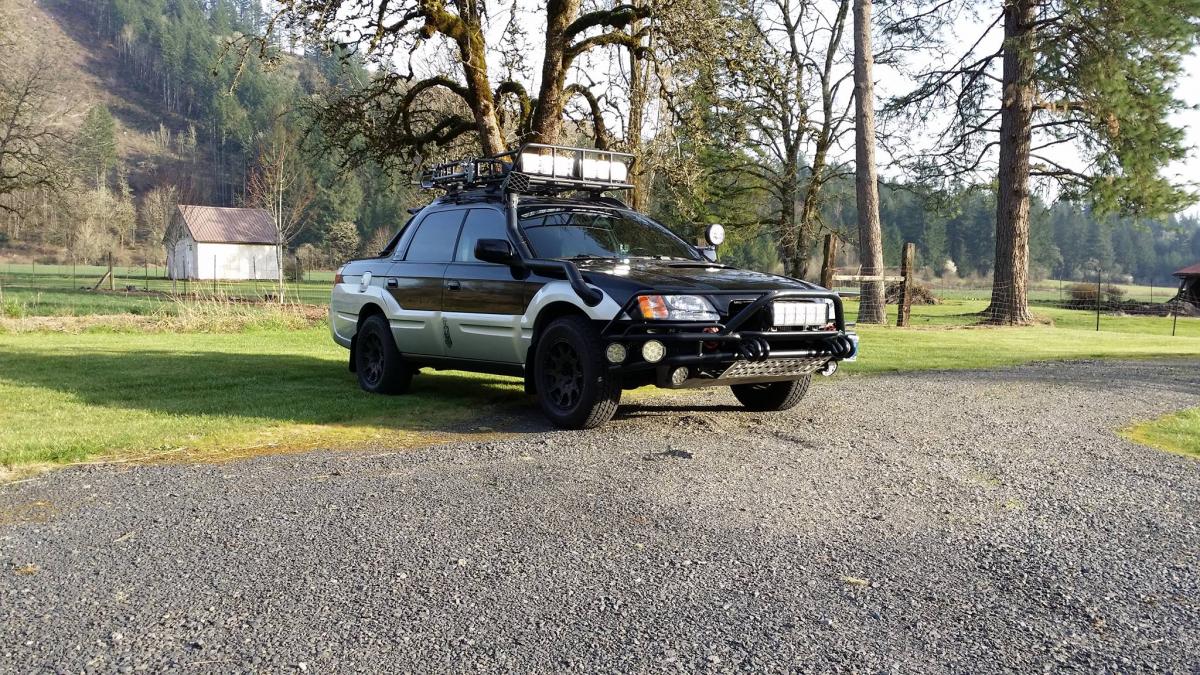
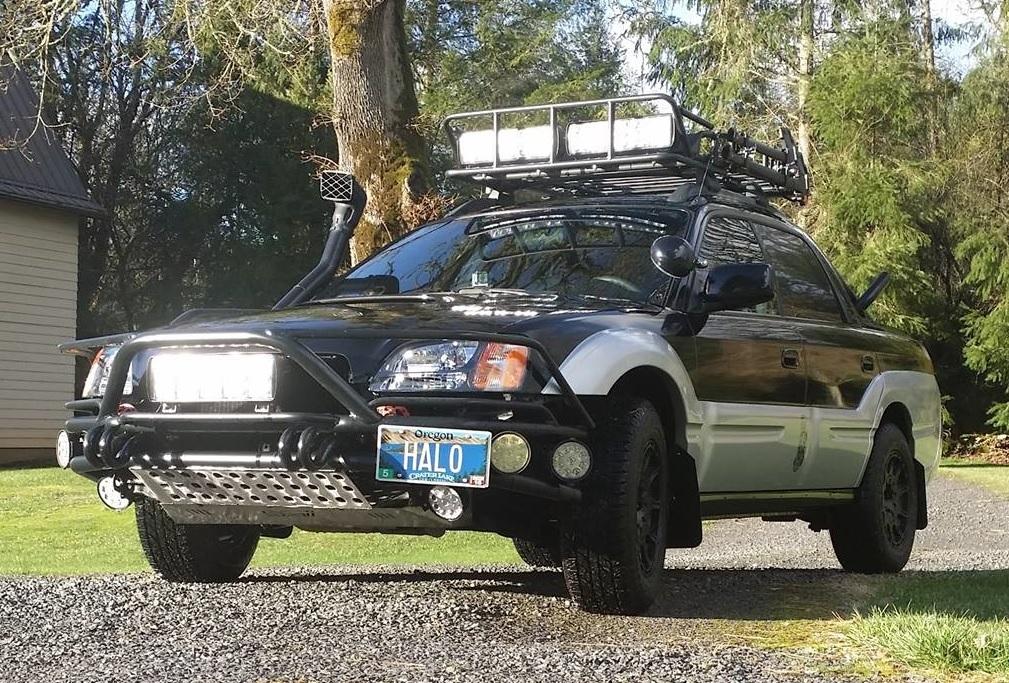
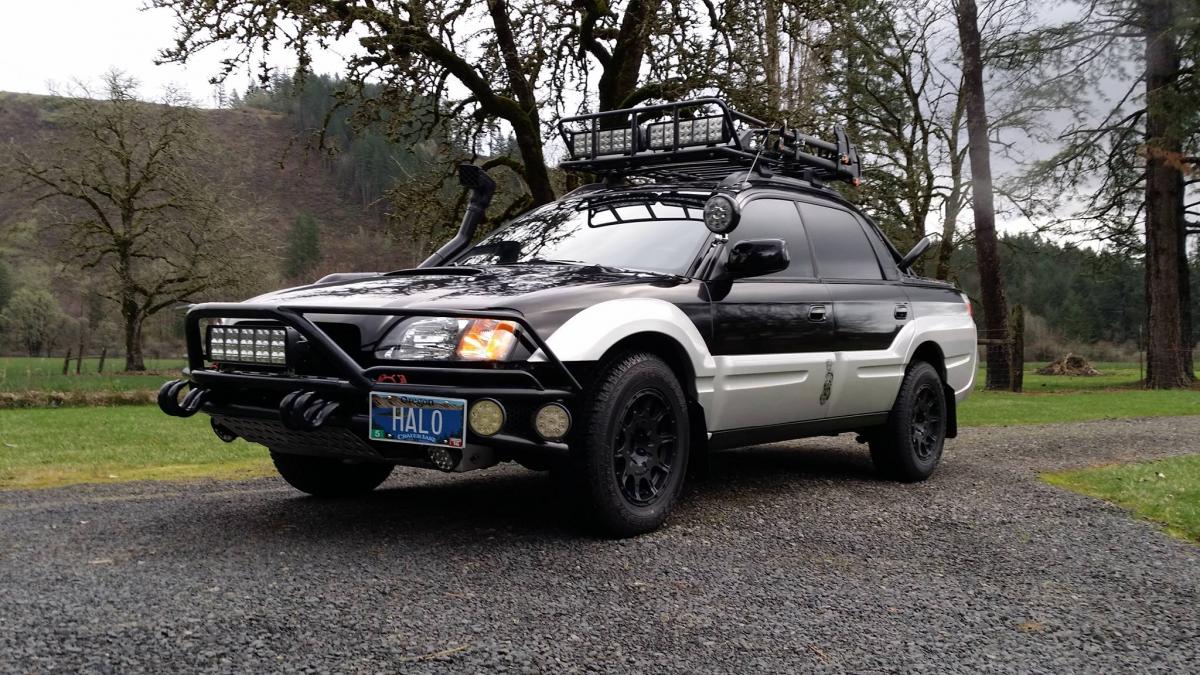
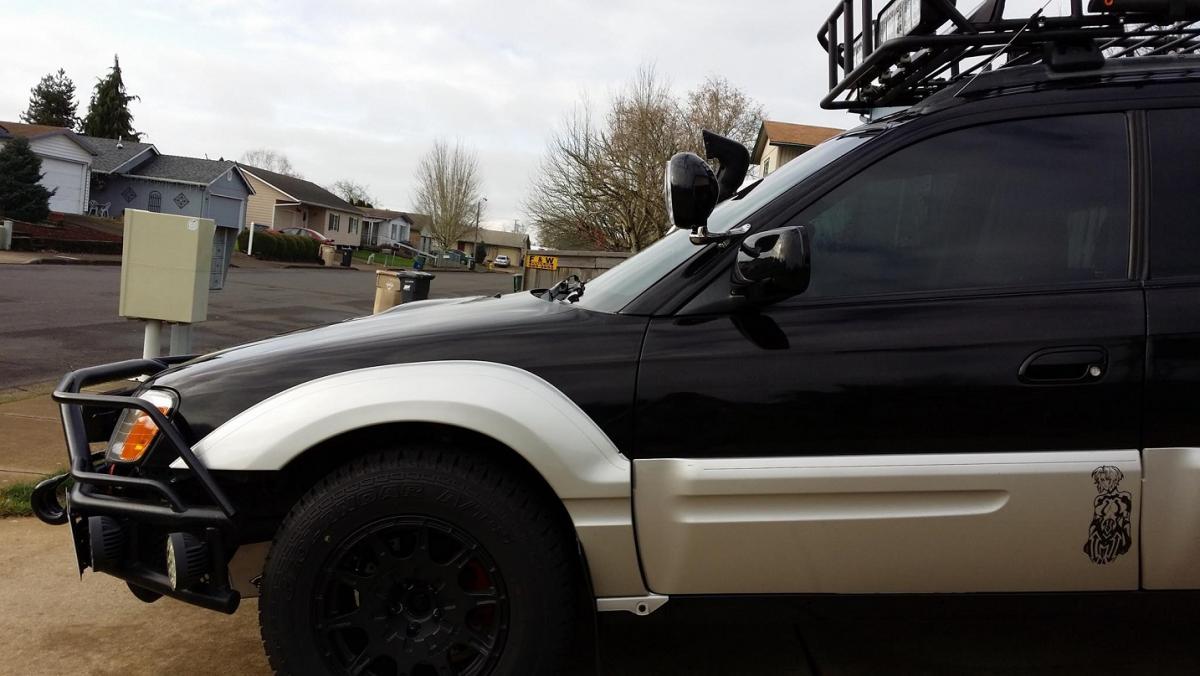
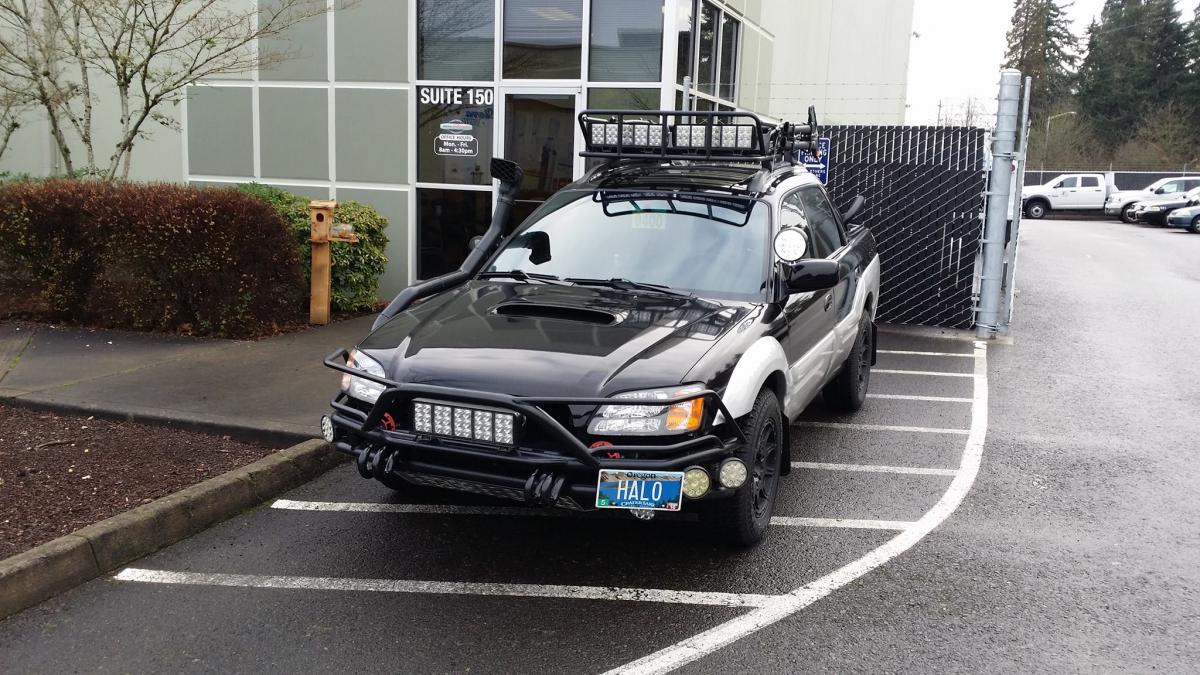
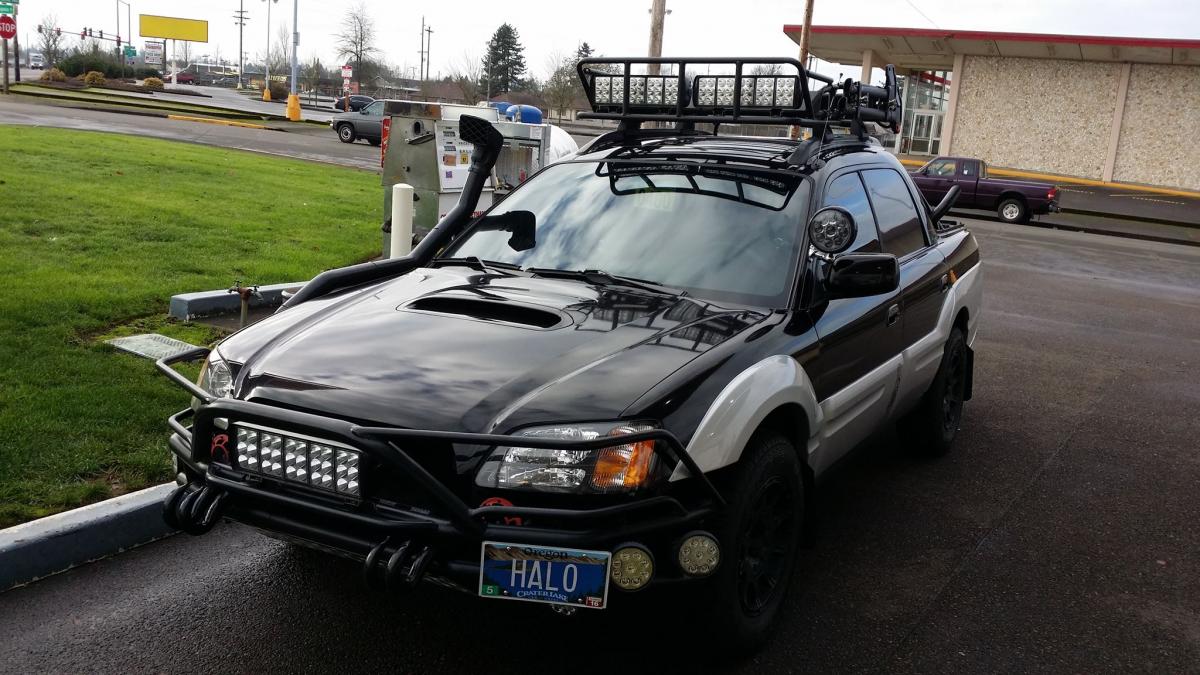
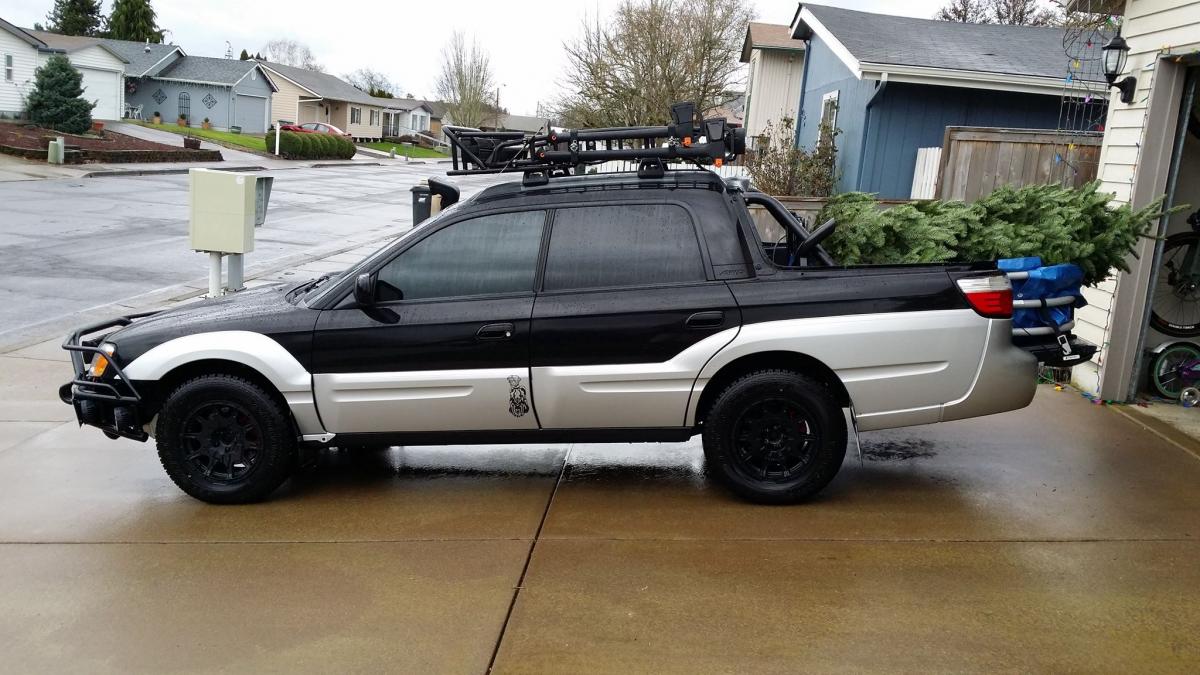
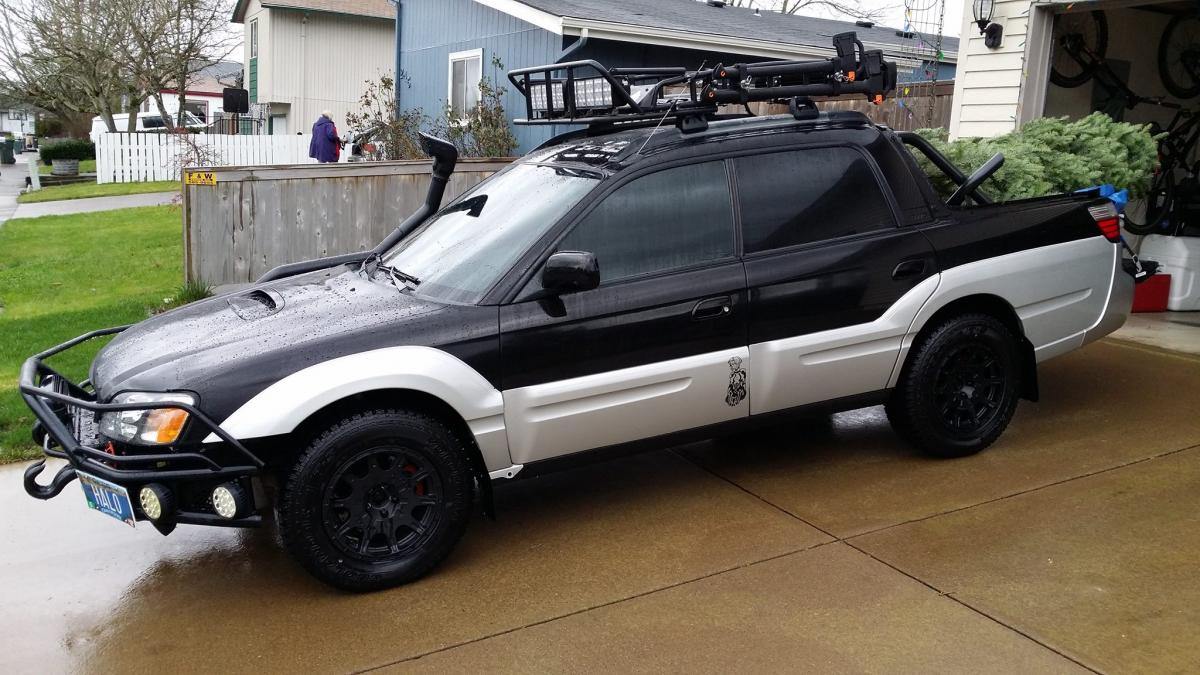
  3. The original skid plate was a custom build. The Snorkel was done by Rallitek out of Portland Oregon. The Safari Snorkel was originally for a 60 series Toyota Land Cruiser but was only able to use half the parts. But ! I have seen recently on Outbacks and Foresters the Mitsubishi Pajero Safari Snorkels. You should look into it. To late for me to change my snorkel lol
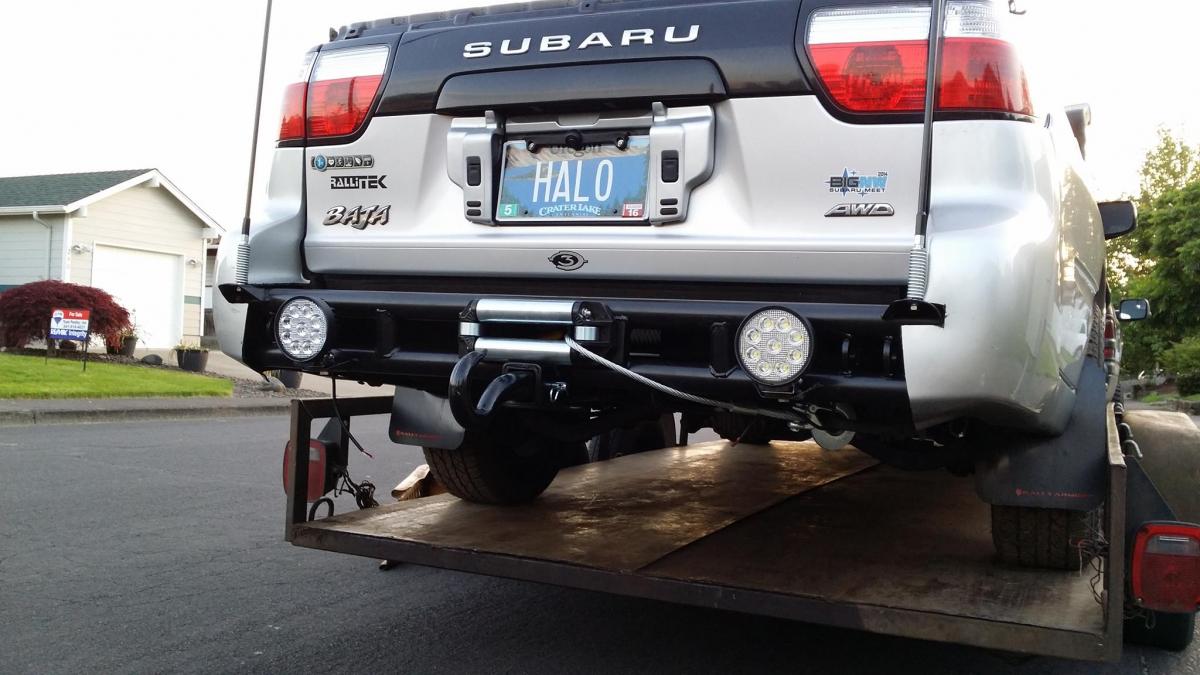
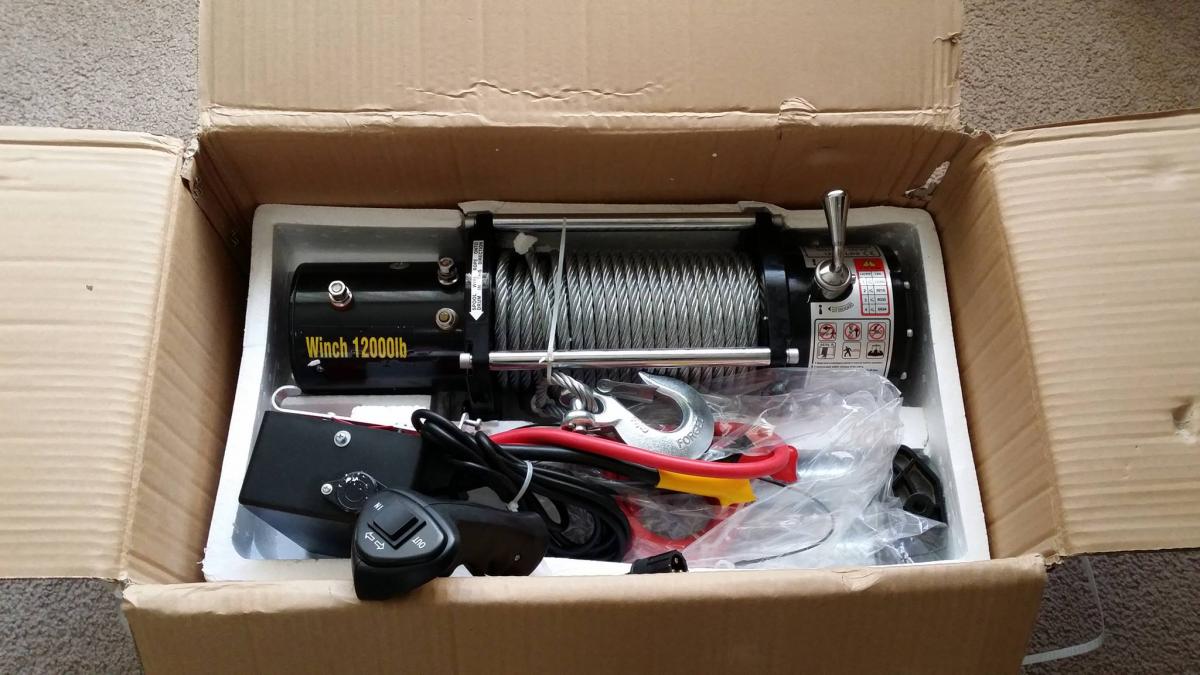
  4. Soon :-) Being installed under the truck. 12,000 LB winch !
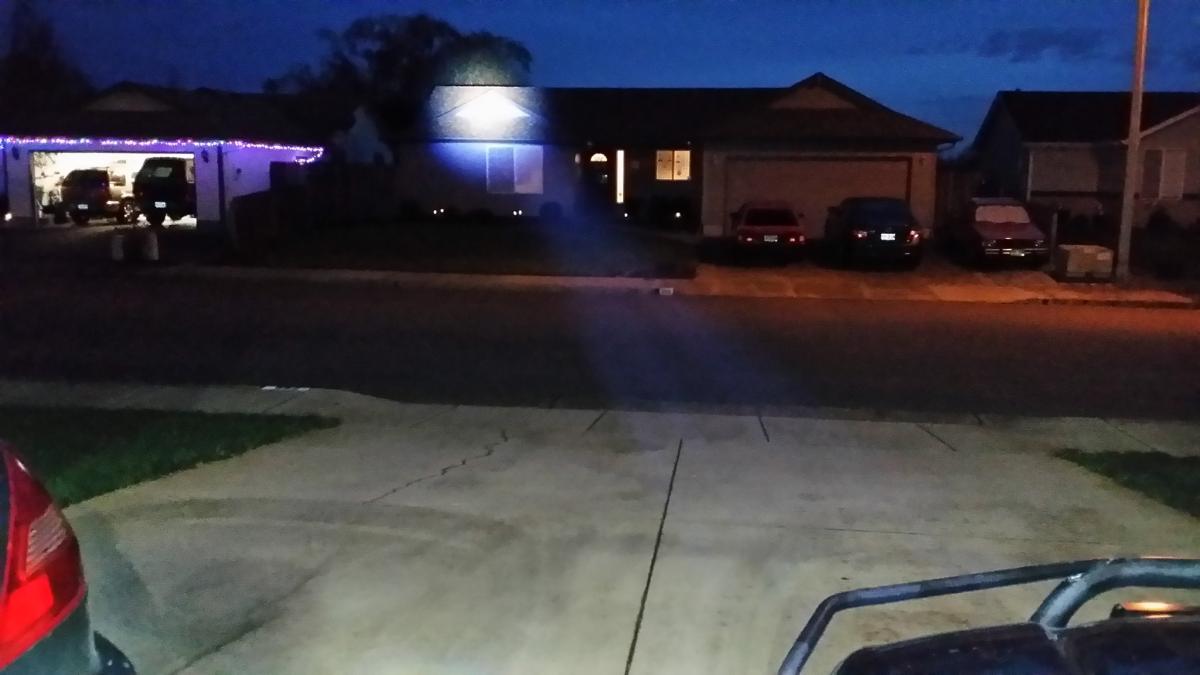
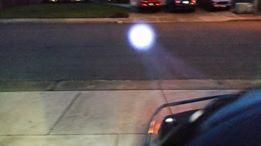
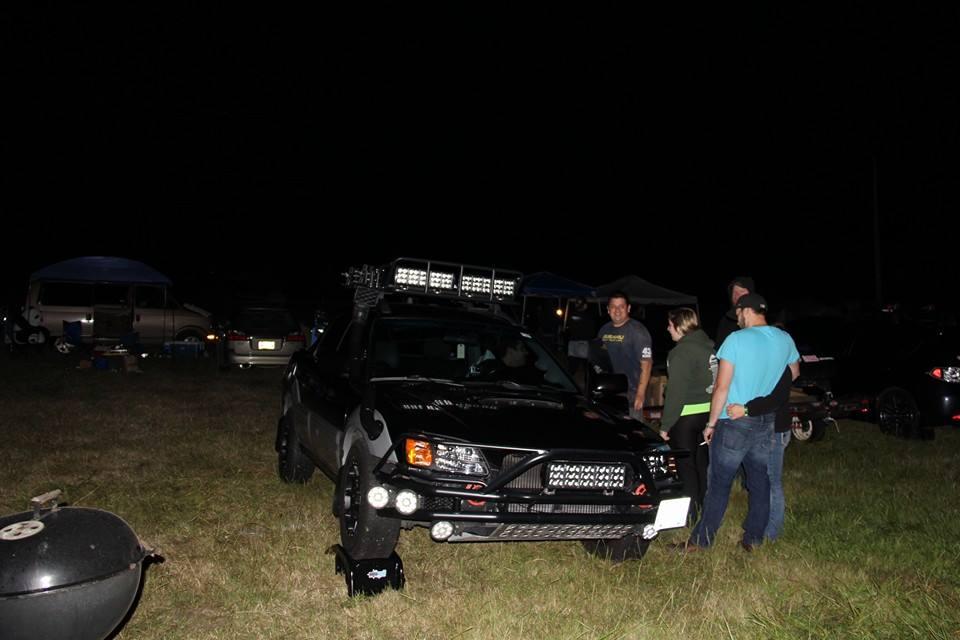
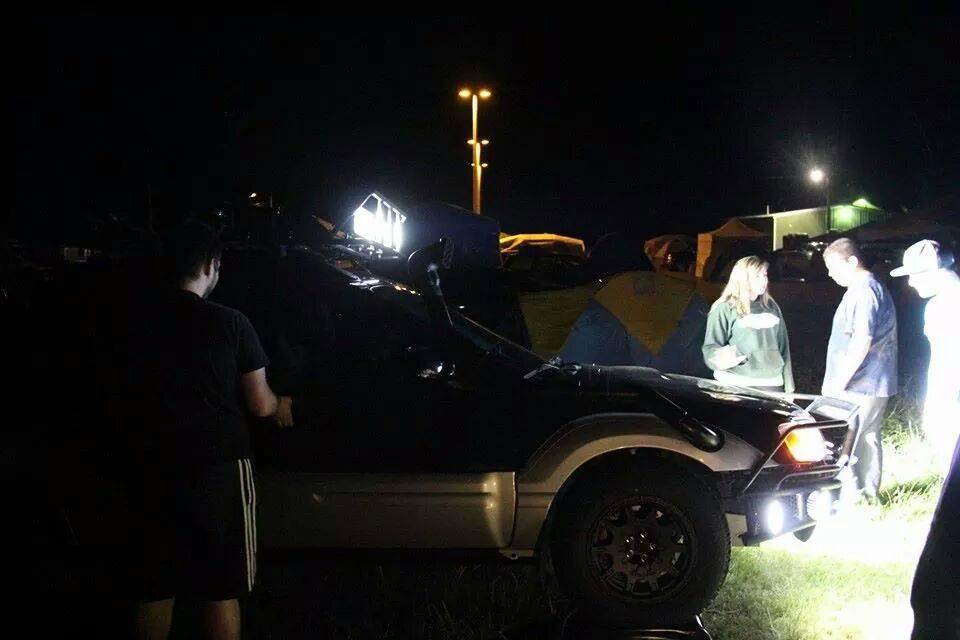
  5. Wish my camera could capture night pictures better ... But here ya go ! Led Spotlight pics !
  6. On a full tank of gas I can go 310 to 320 miles. My Baja is not a turbo.
  7. West Coast Subaru Show 16 Group of Subaru fans wanted to see the light :-)
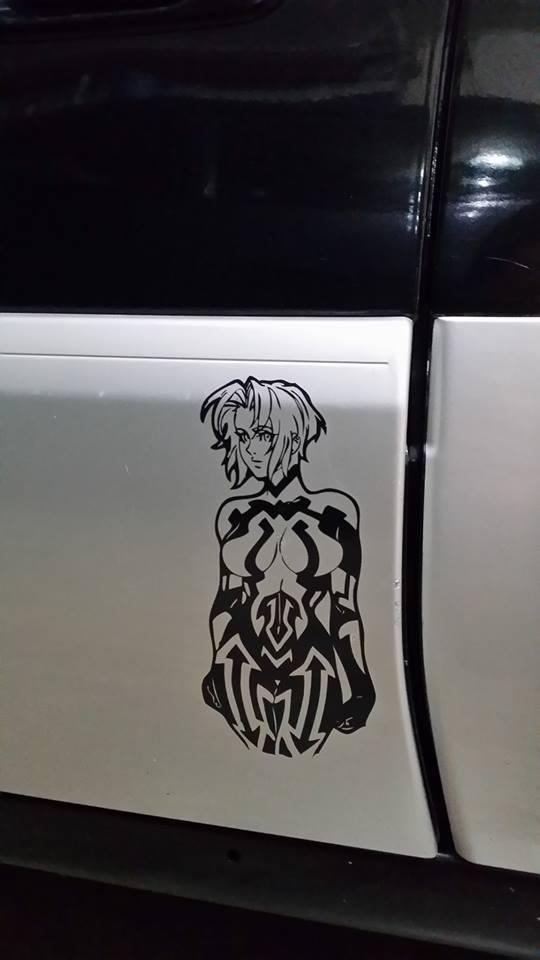
  8. Finally gave my Baja a name after 10 years. Cortana
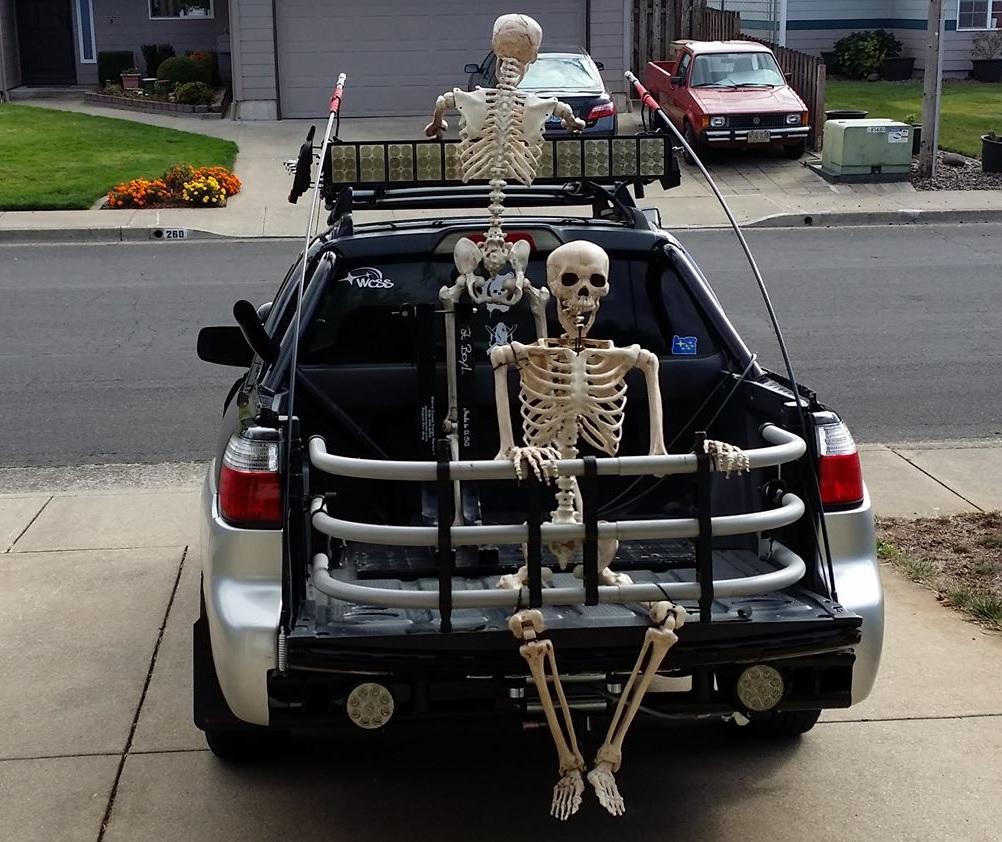
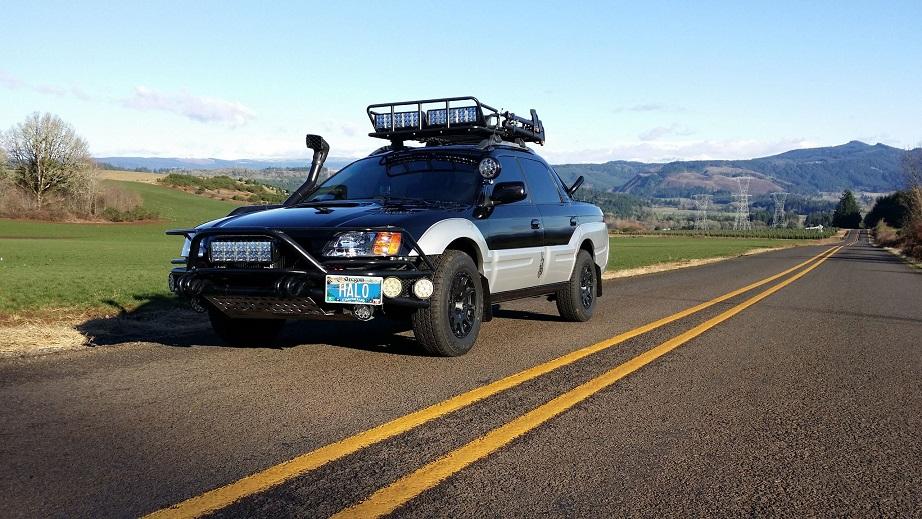
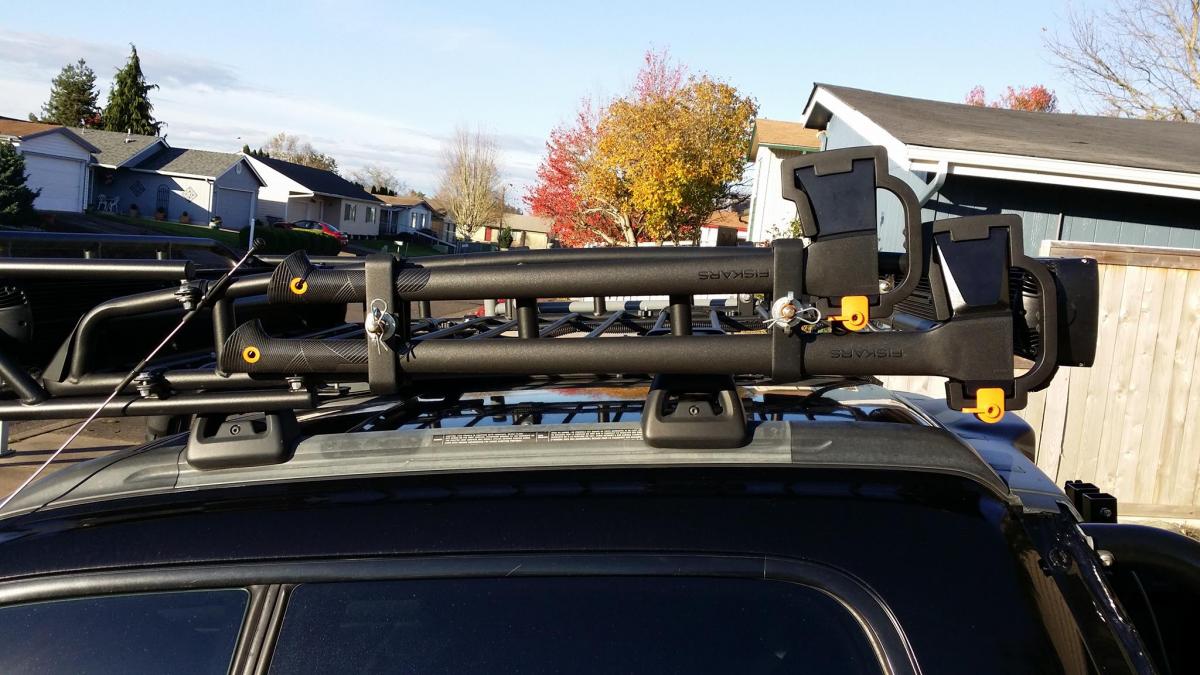
  9. The cargo rack is by Bajarack.com the exact rack is called ( The Mule ) Light bar is one of the accessories for the rack. The Mudrat bumper is built by John Bloom out of Eugene Oregon here is his # 1541-232-9958. The Snorkel is pretty much custom built using half the parts from a 60 series Toyota Land Cruiser Safari Snorkel. When it comes to missing parts for the Baja I go to a Car Body Shop and have them do the looking up for parts like that. I also use Amazon.com for headlights and other parts for the Baja sometimes.. Hope that helps :-)

Account

Navigation

Search

Search

Configure browser push notifications

Chrome (Android)
  1. Tap the lock icon next to the address bar.
  2. Tap Permissions → Notifications.
  3. Adjust your preference.
Chrome (Desktop)
  1. Click the padlock icon in the address bar.
  2. Select Site settings.
  3. Find Notifications and adjust your preference.