Skip to content
View in the app

A better way to browse. Learn more.

Ultimate Subaru Message Board

A full-screen app on your home screen with push notifications, badges and more.

To install this app on iOS and iPadOS
  1. Tap the Share icon in Safari
  2. Scroll the menu and tap Add to Home Screen.
  3. Tap Add in the top-right corner.
To install this app on Android
  1. Tap the 3-dot menu (⋮) in the top-right corner of the browser.
  2. Tap Add to Home screen or Install app.
  3. Confirm by tapping Install.

Ryan Callas

Members
  • Joined

  • Last visited

Everything posted by Ryan Callas

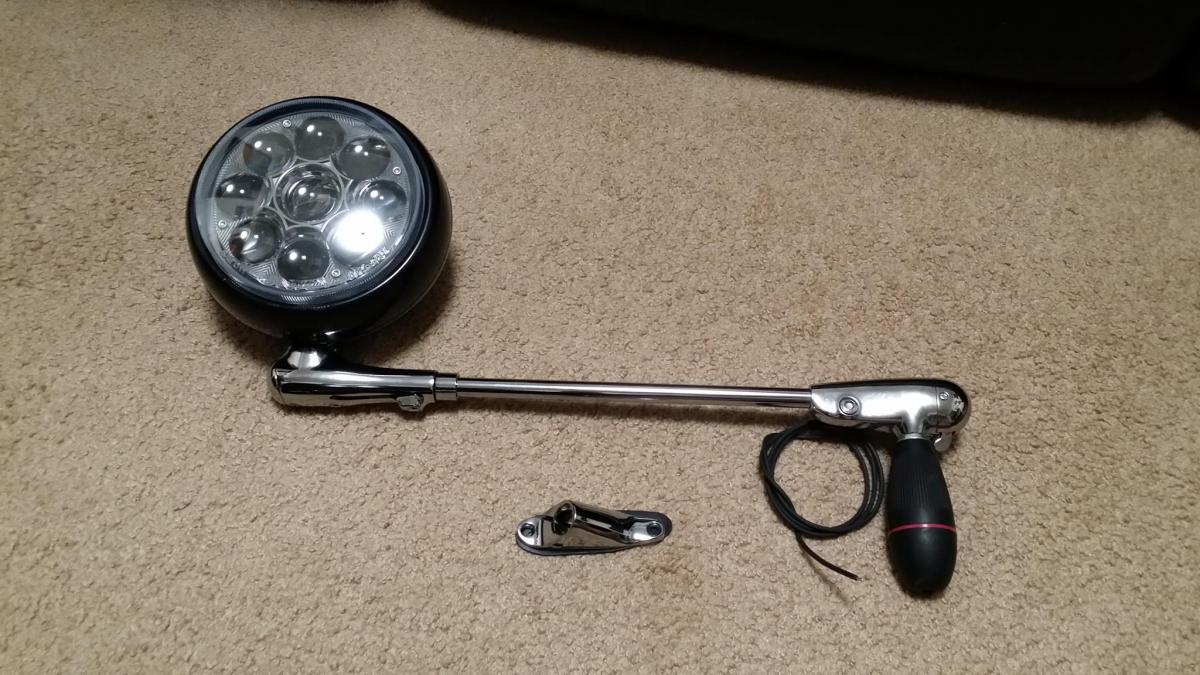
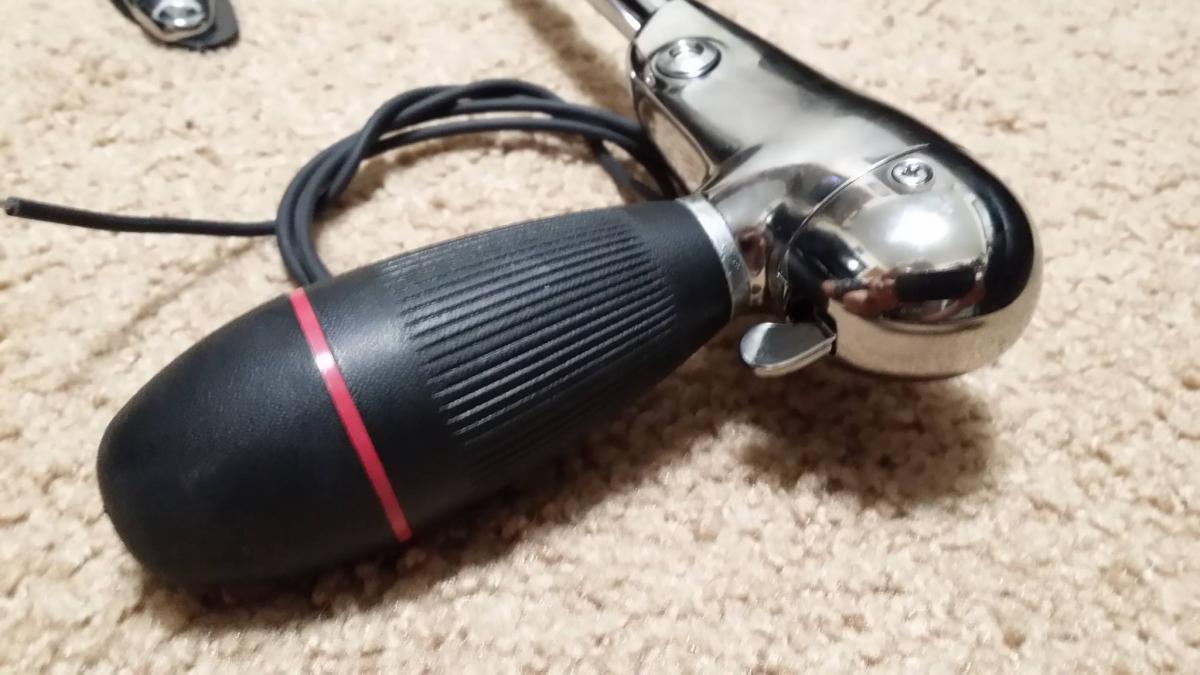
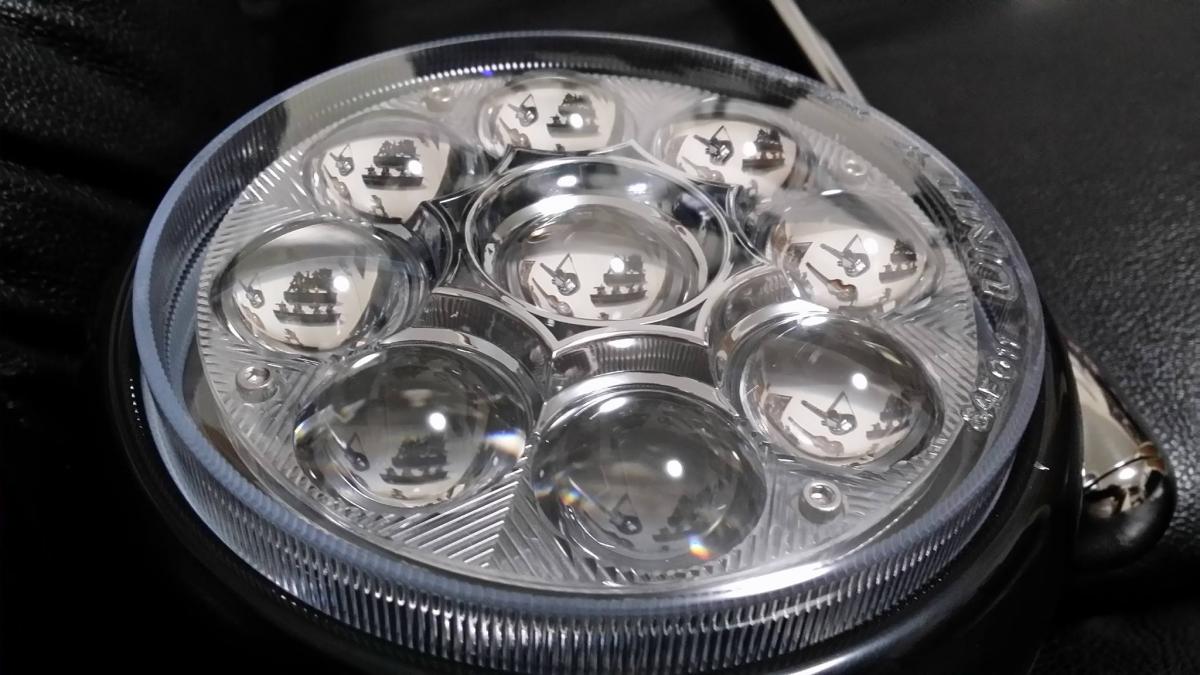
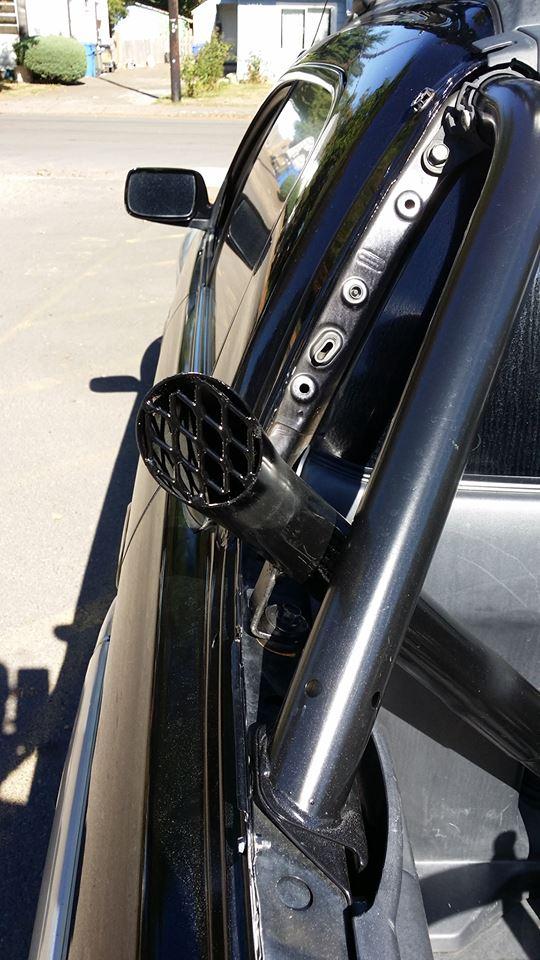
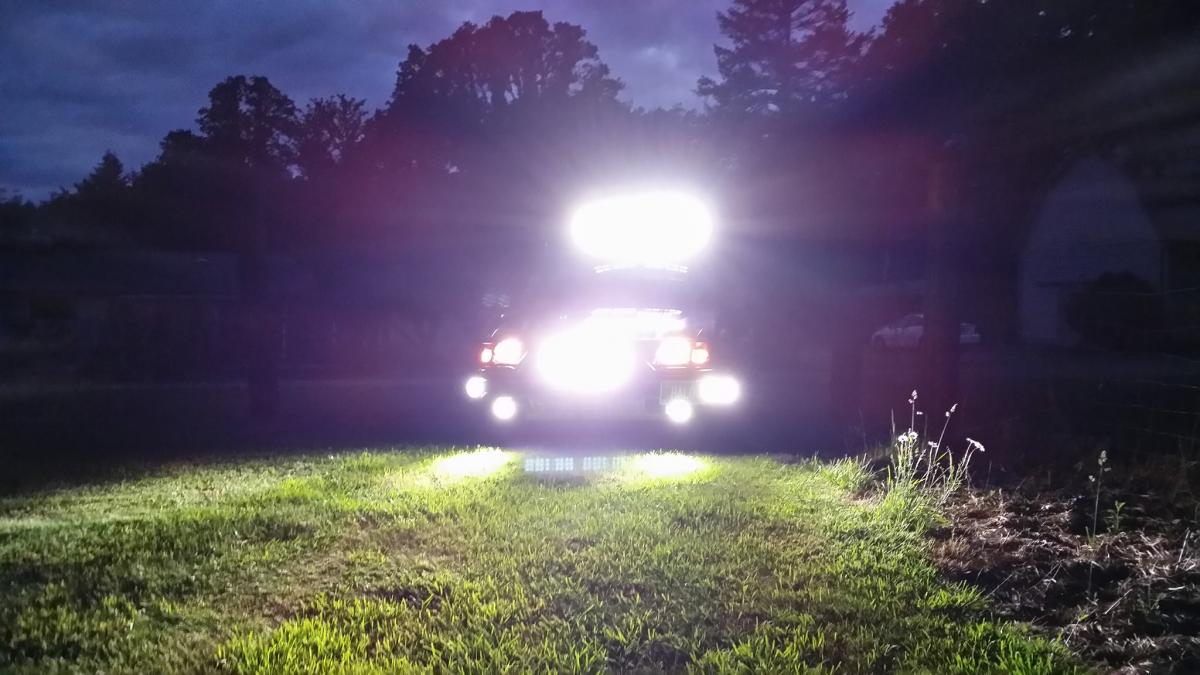
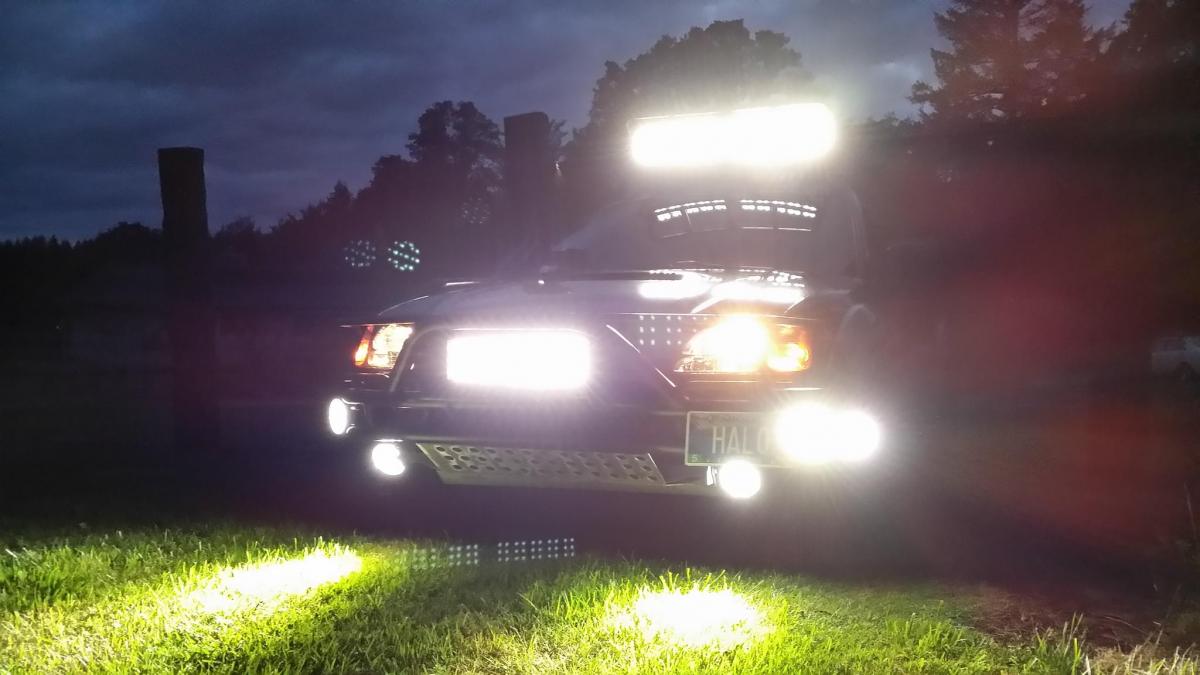
  1. The latest project is having a 2010 Subaru Impreza Outback Sport Post Mount Led Spotlight installed :-) ( Driver Side ) You can find that on Amazon.com
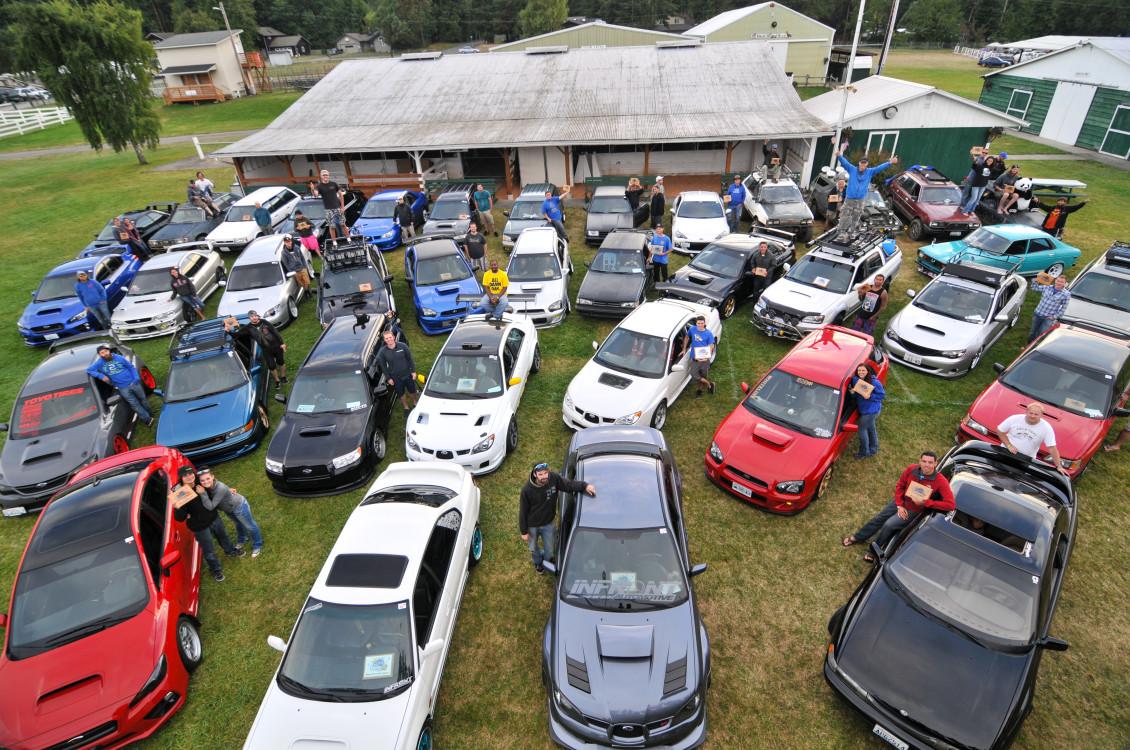
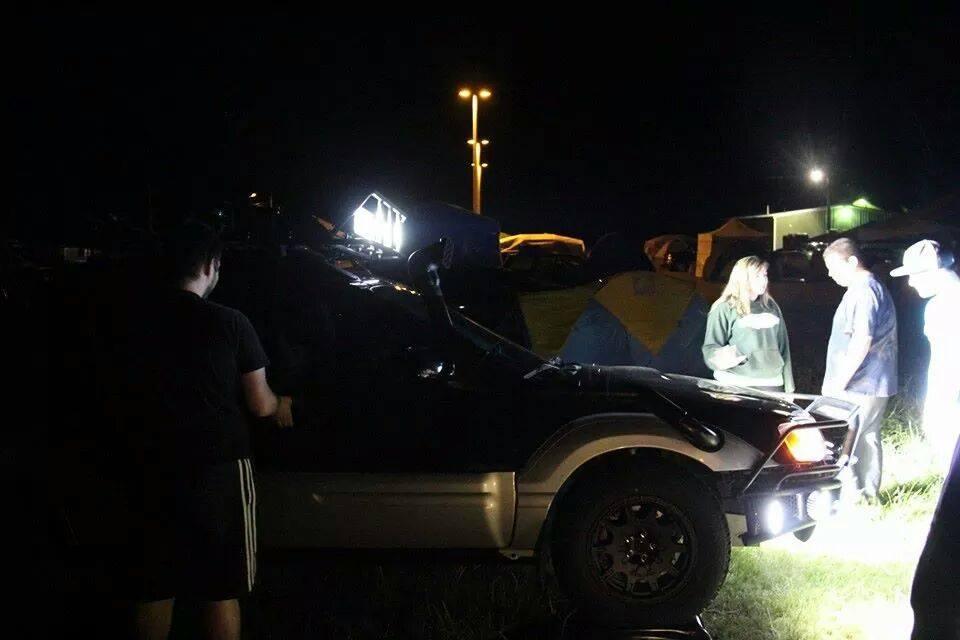
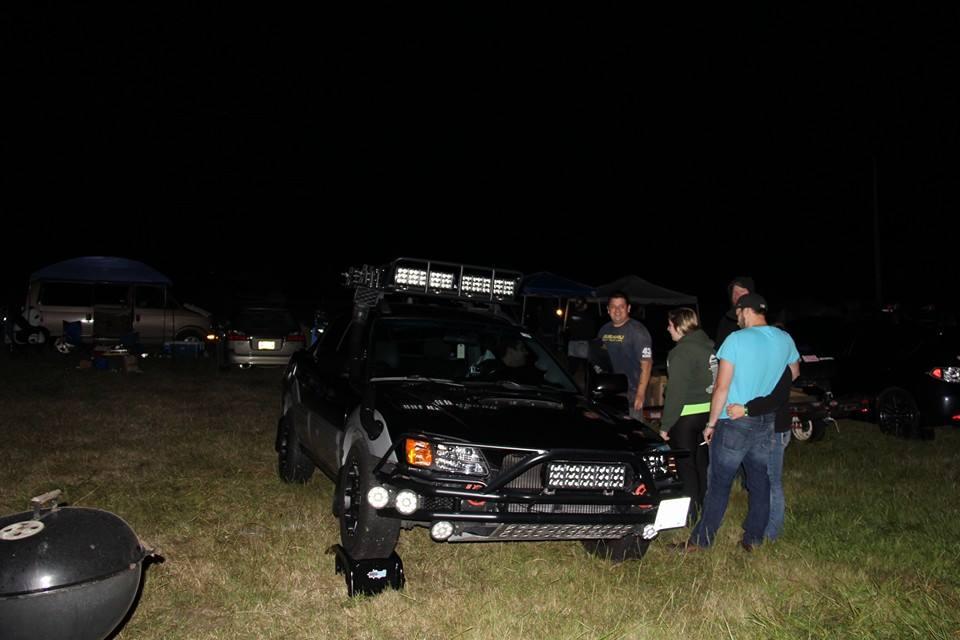
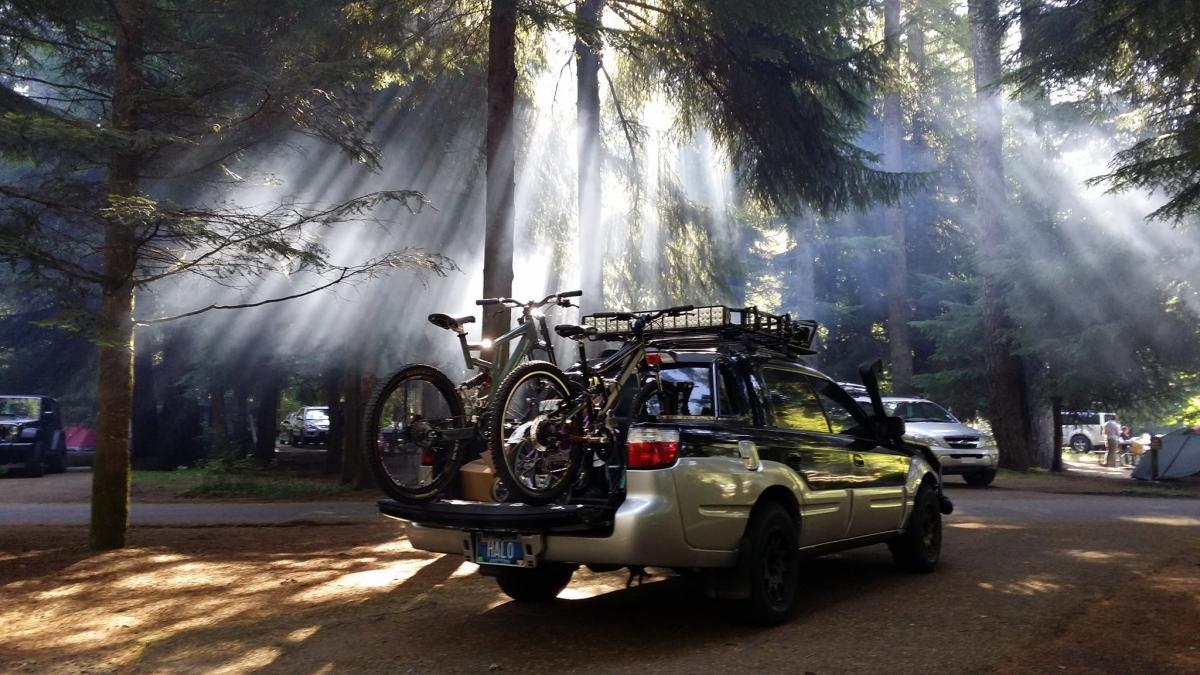
  2. ( WCSS 16 Best Baja ) + other pics from that show. Good Times !
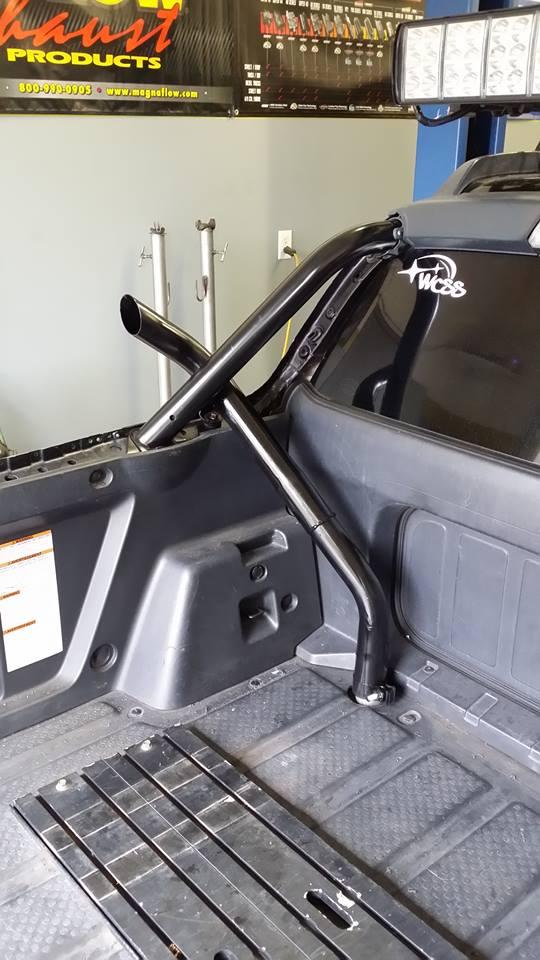
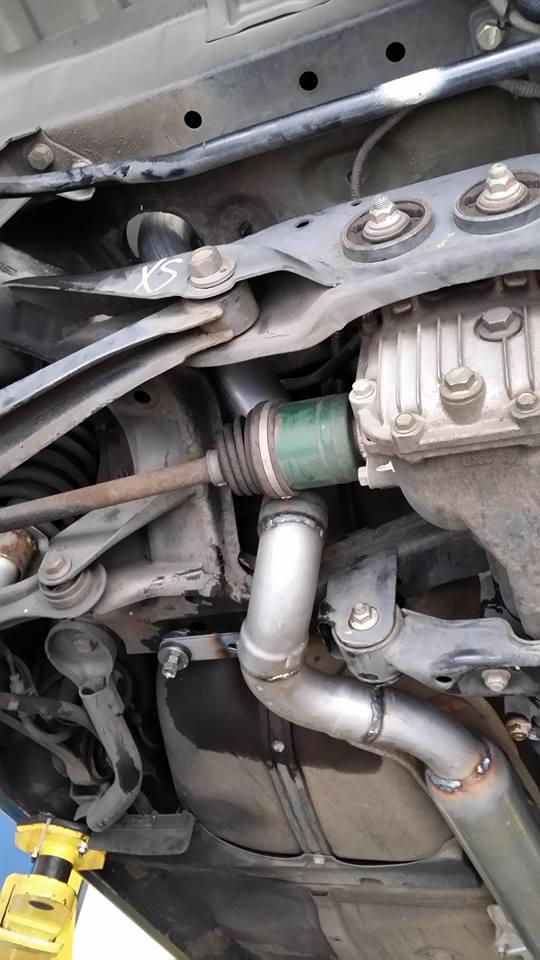
  3. Stack Exhaust sound test ... Well I cant seem to attach links or video... So if your curious on what it sounds like just look up on YOUTUBE ( Subaru Baja Stack Exhaust )
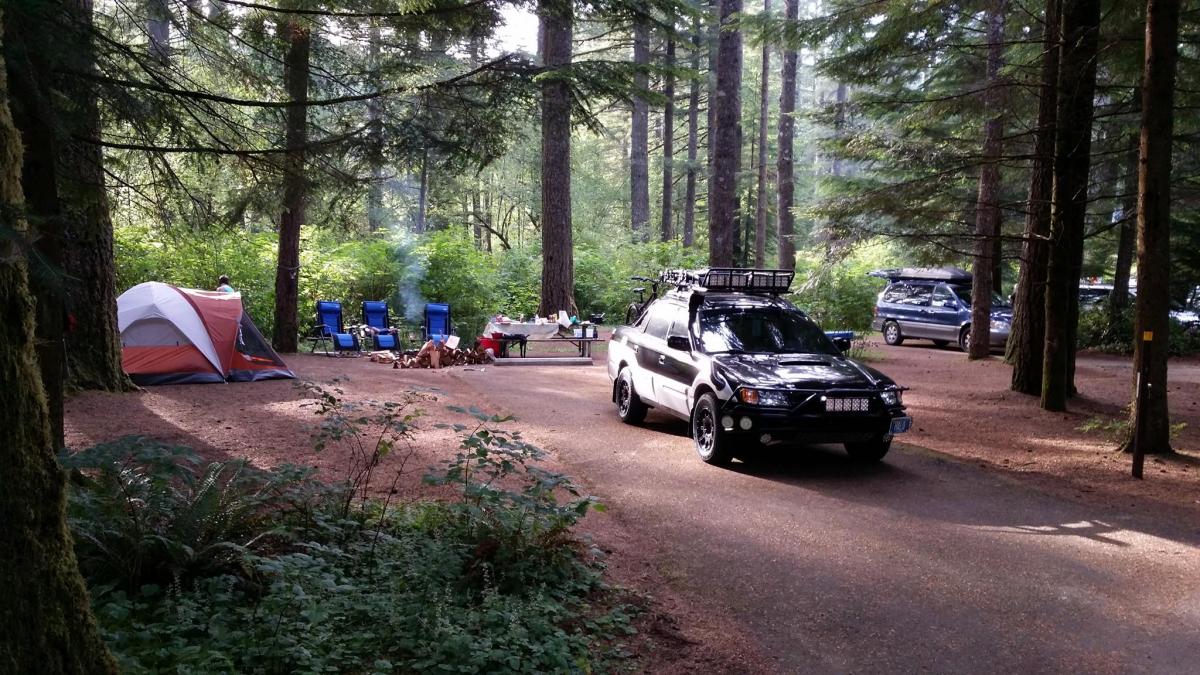
  4. I'm back ! Its been a while. I want to post recent pictures of my Baja but am having problems... Hopefully I can get them figured out soon.
  5. Took a pic under the Santiam River Bridge in Lyons Oregon today
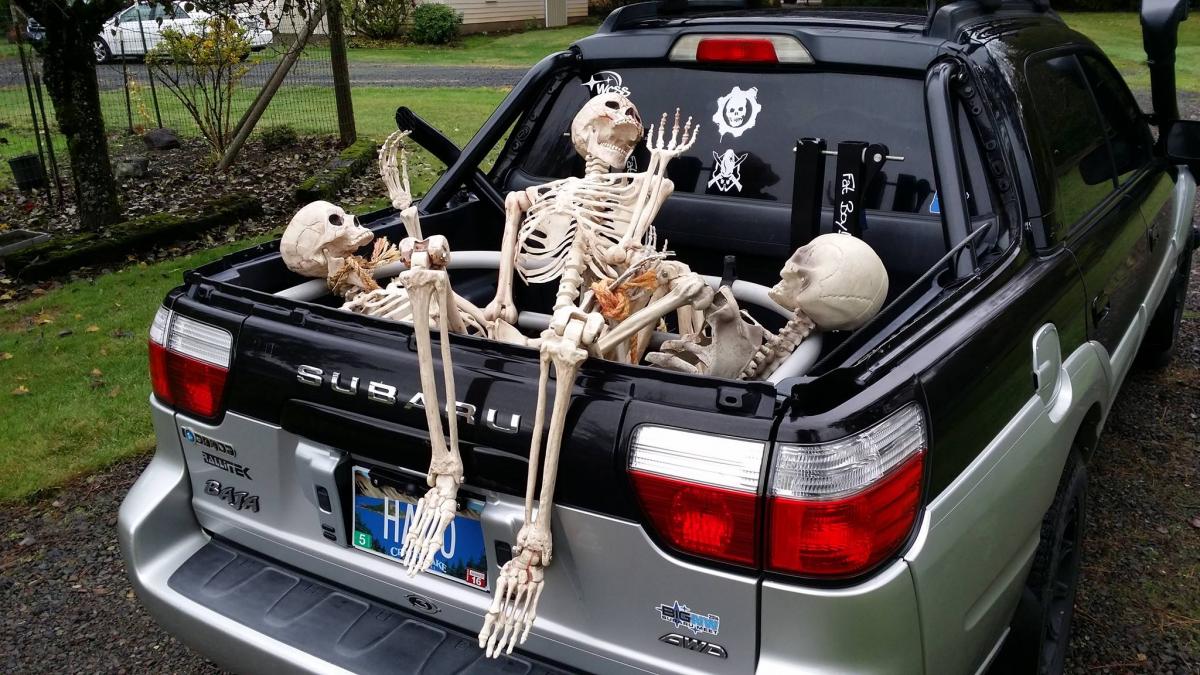
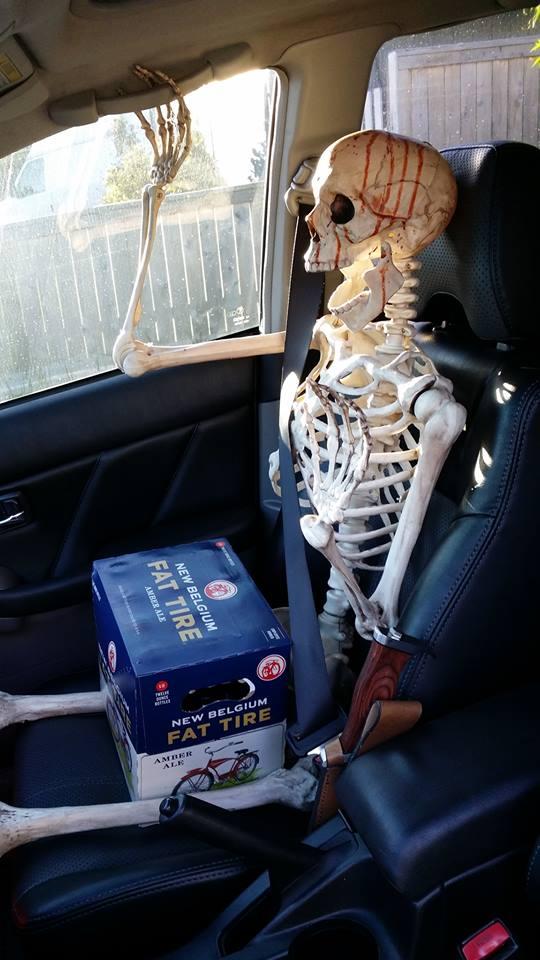
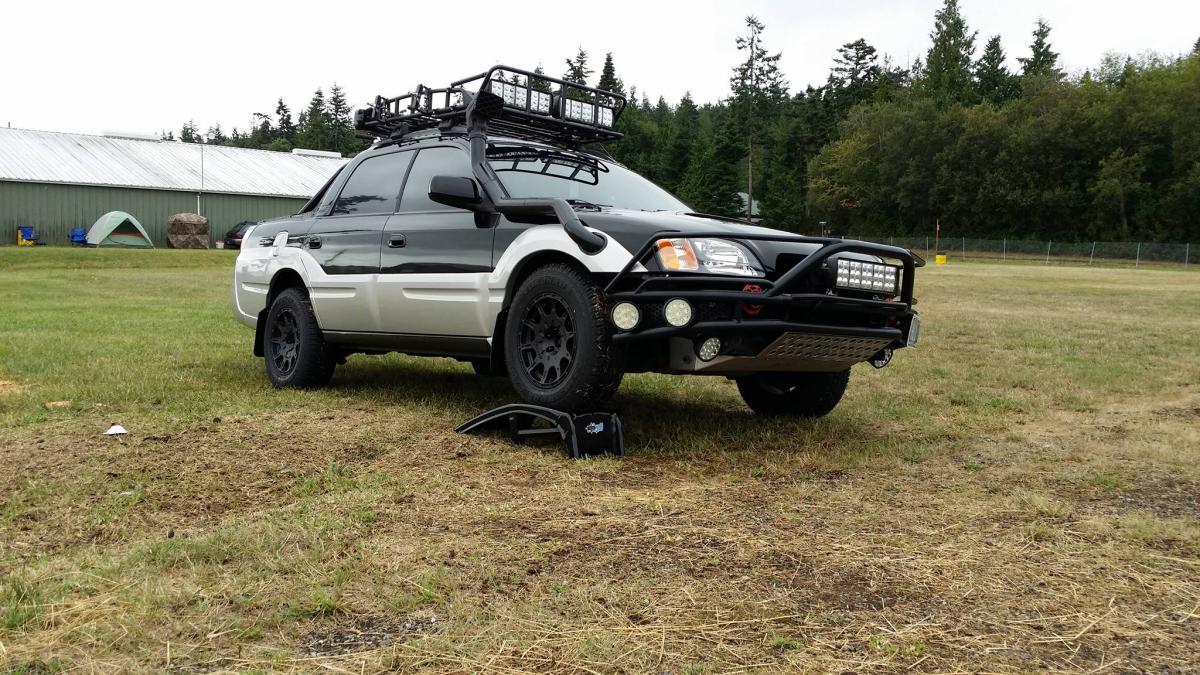
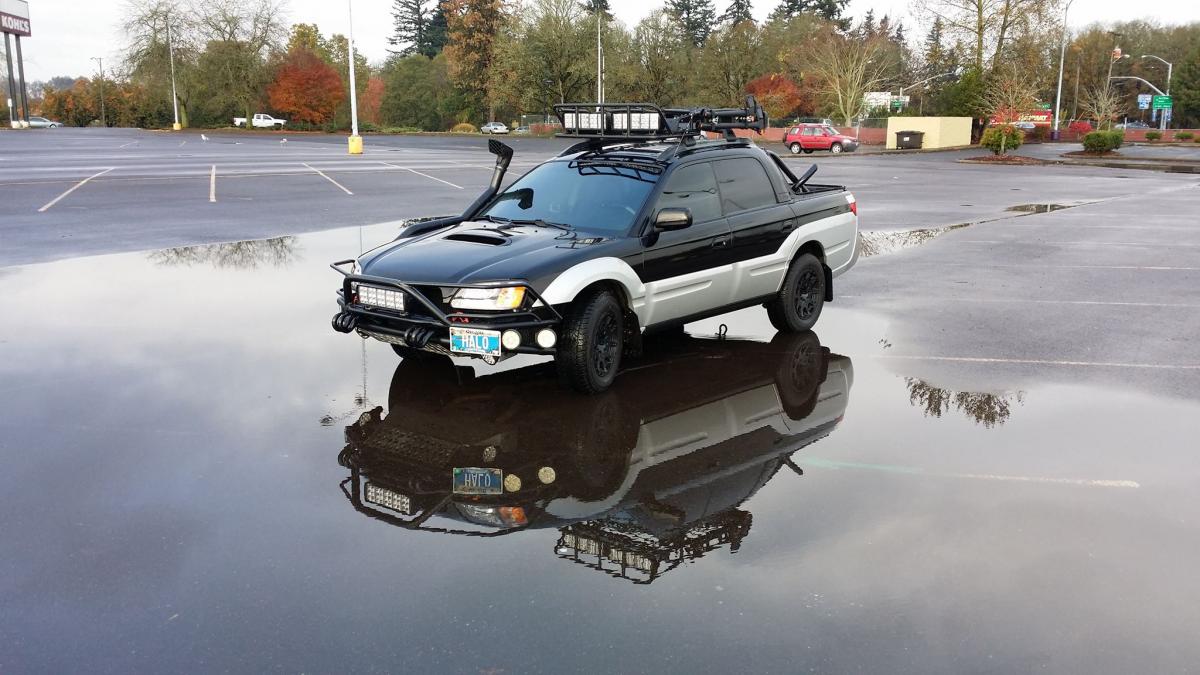
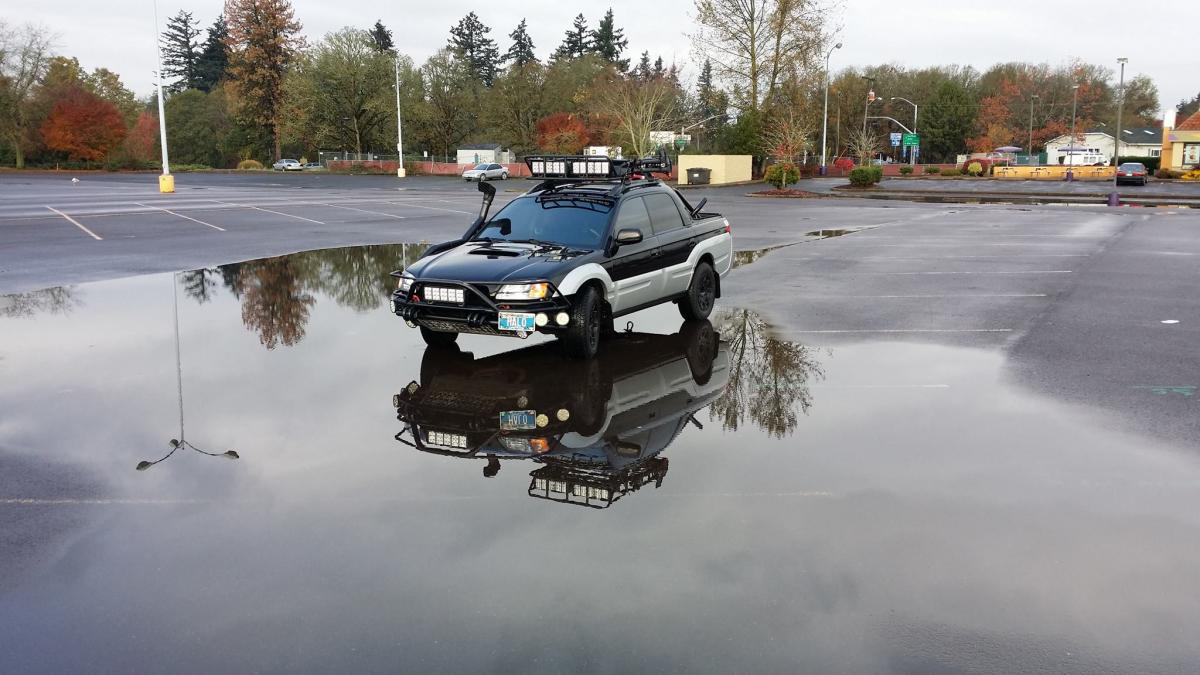
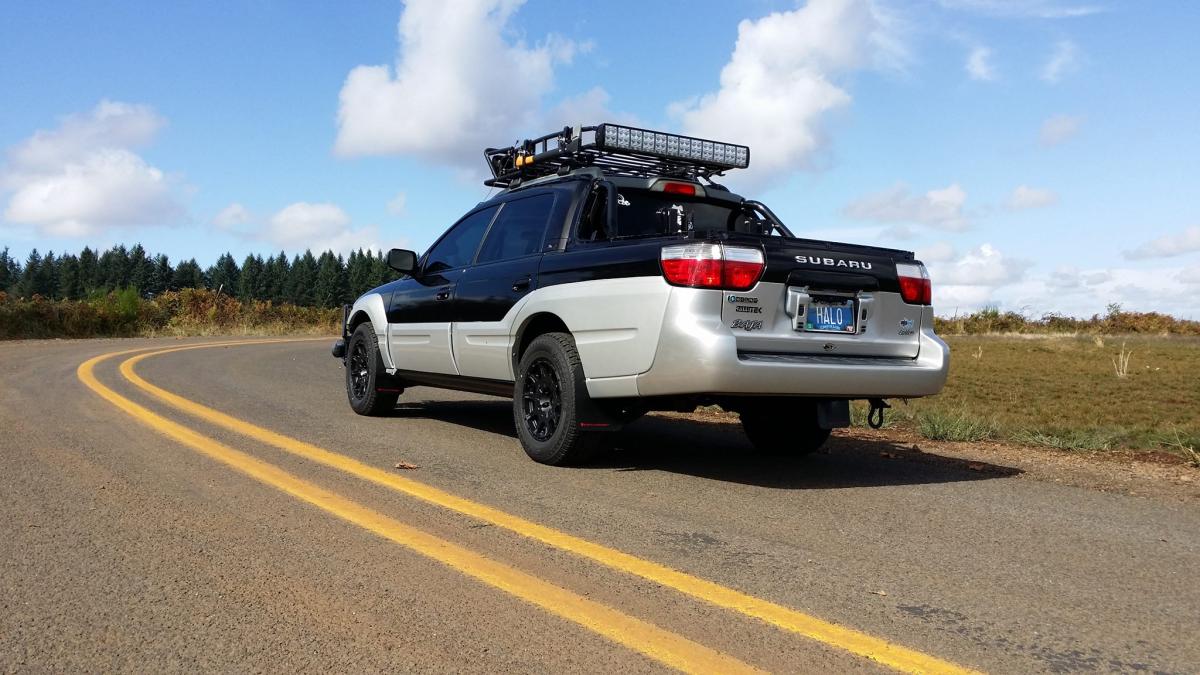
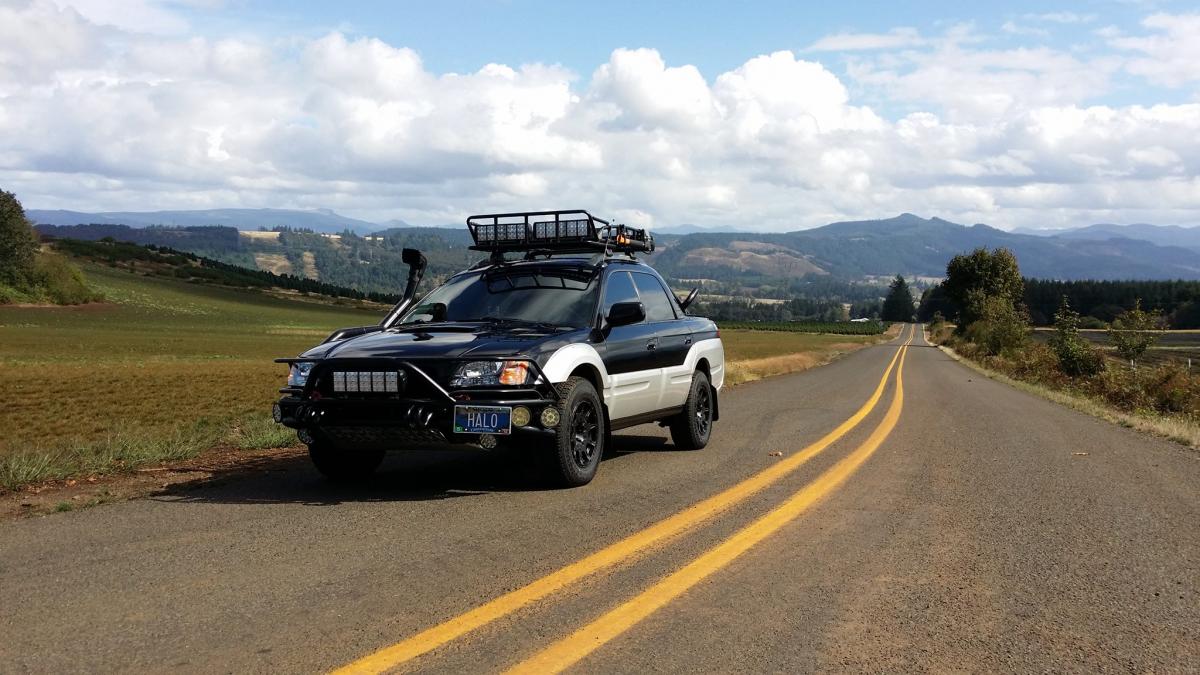
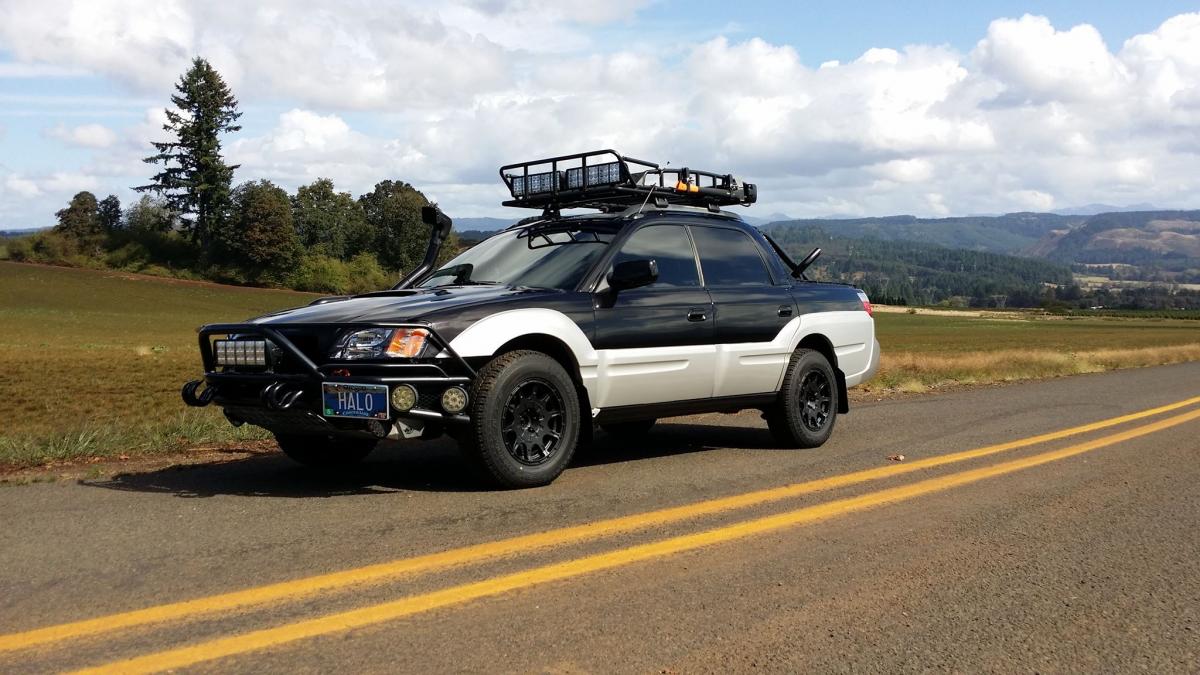
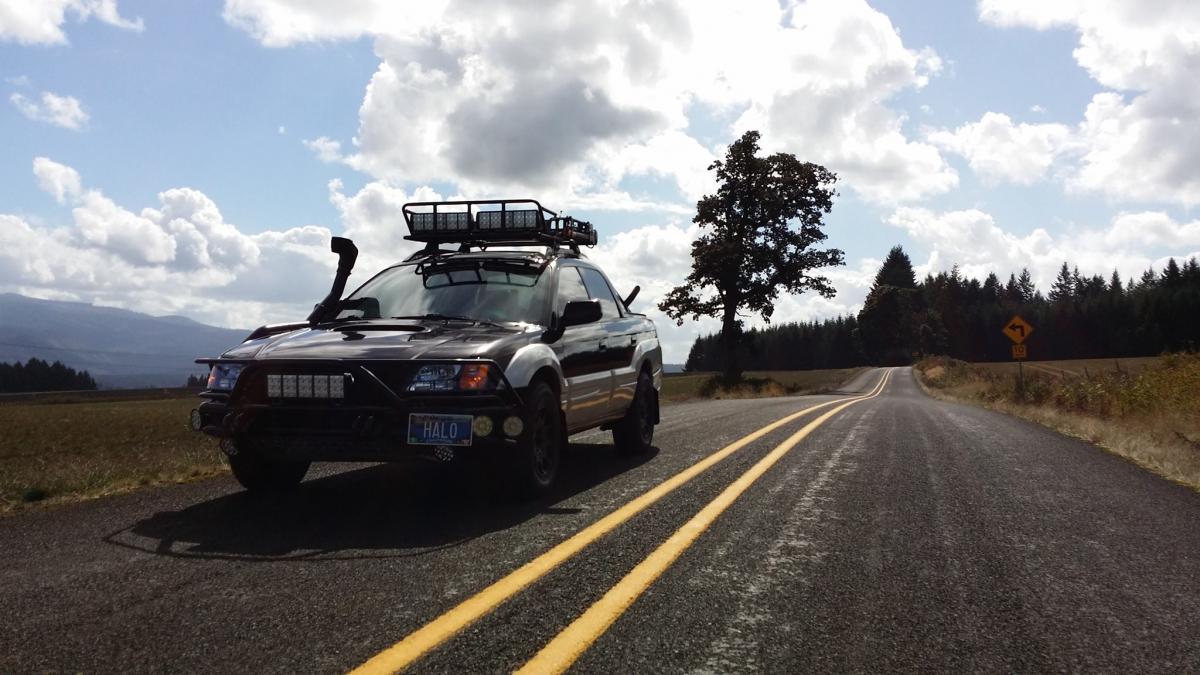
  6. I guess you can say I added a little "Character" to my Baja
  7. For those who want to compare videos, here is my old video from 5 years ago.
  8. I have a new video walk around and talk about my Baja. The first one I posted was 5 years ago. This one is 7 - 10 - 13
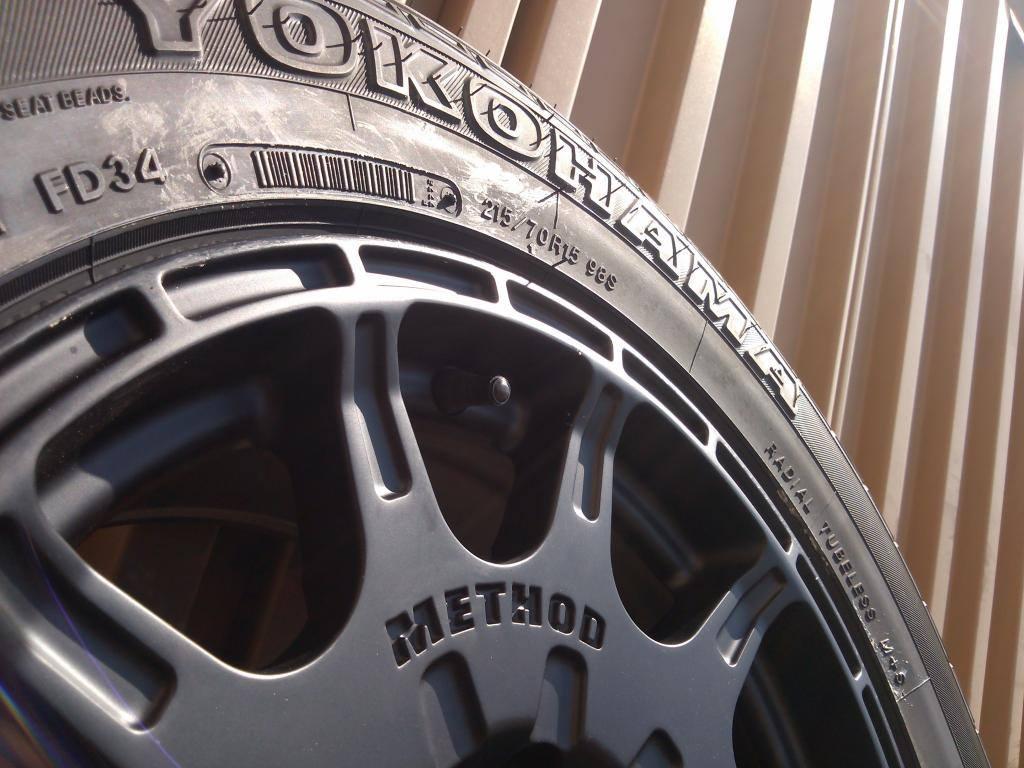
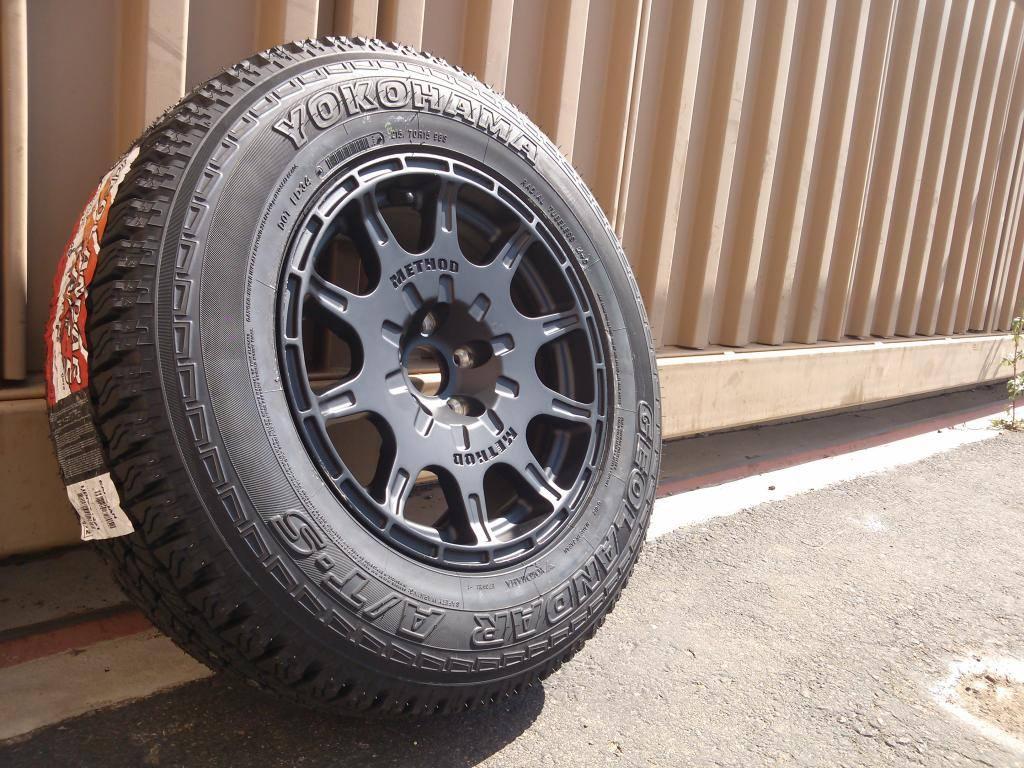
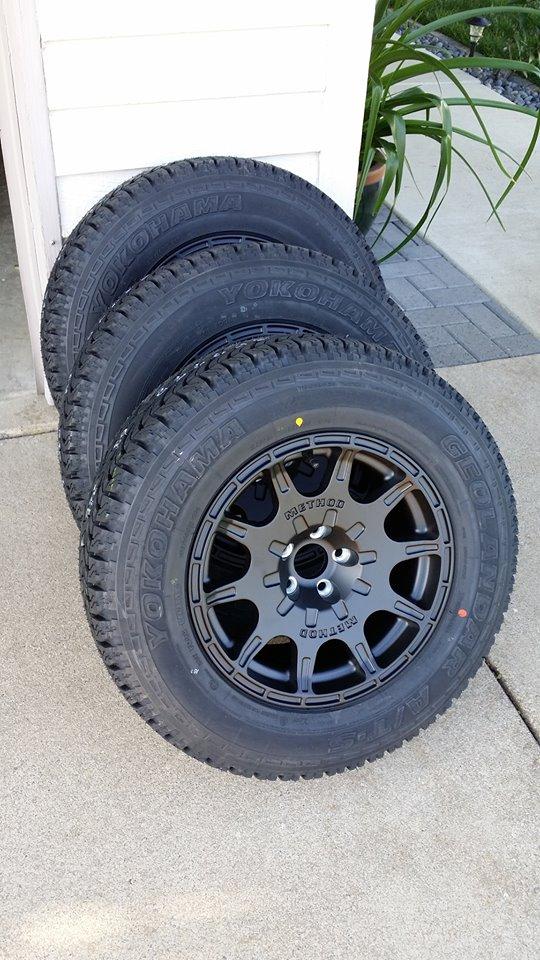
  9. the first 4 years of owning my Baja I used and abused it a lot. The last 3 years I have been building it up and treating it nice. I don't go off road like I used to otherwise I would have a completely different wheel setup... I agree with you
  10. Maybe its just me but I was thinking (( Subaru Baja ))
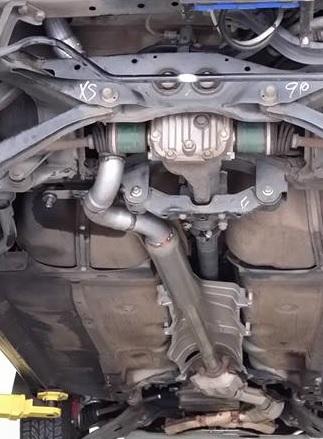
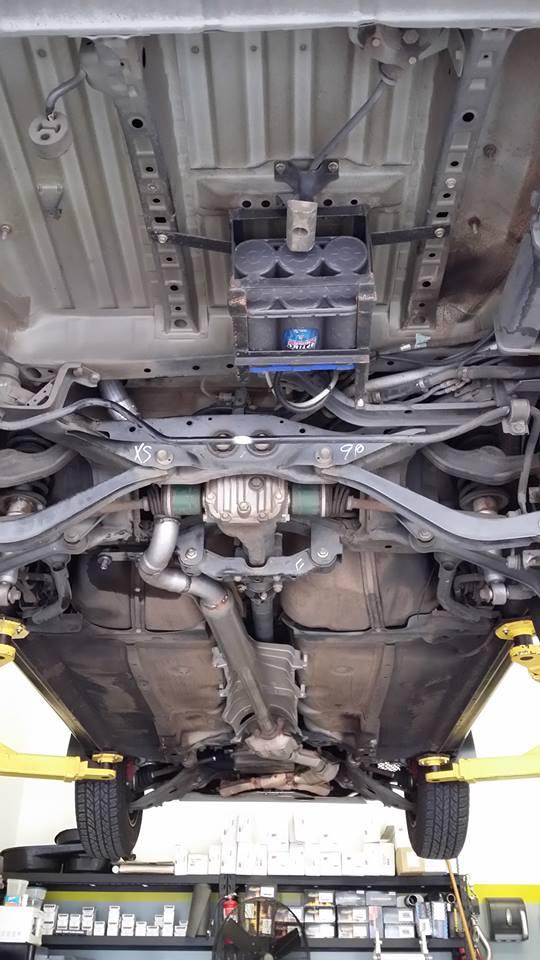
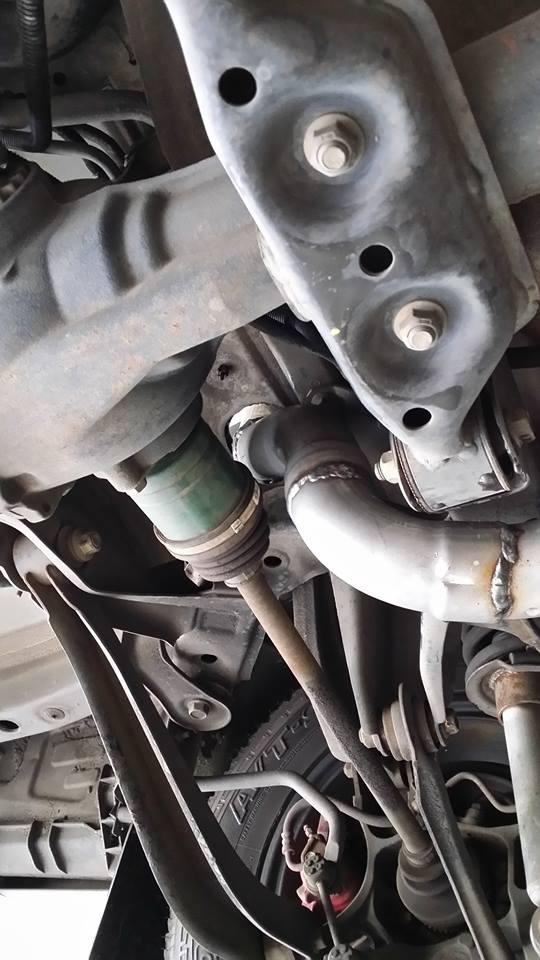
  11. Installed today is my Backup Blue Top Battery... Had it installed where the spare tire used to be. Its just something I have always wanted to do and now its done


Account

Navigation

Search

Search

Configure browser push notifications

Chrome (Android)
  1. Tap the lock icon next to the address bar.
  2. Tap Permissions → Notifications.
  3. Adjust your preference.
Chrome (Desktop)
  1. Click the padlock icon in the address bar.
  2. Select Site settings.
  3. Find Notifications and adjust your preference.